GMAIL NOT ALLOWING HTML
Status: Open · Asked by Doc Alvarez on · 0 views
WHEN I TRY TO SEND HMTL CODE IN THE GMAIL AUTOMATION , IT FREEZES AND DOES NOT SEND. SAME WITH OUTLOOK. HOWEVER, WHEN I SEND WITH PLAIN TEXT IT WORKS. PLEASE SEE AUTOMATION AND SCREENSHOT.
https://connect.pabbly.com/workflow/mapping/IjU3NjUwNTY1MDYzMDA0MzI1MjZiNTUzZDUxMzUi_pc
IN THE ATTACHMENT: Number 3 is plain text and it works. Number 4 does not and it has html
Hi @DocApply,
Both step 3 and step 4 of your workflow have 'Plain' as the email content type, and both are working correctly. Please add a Gmail action step with HTML content.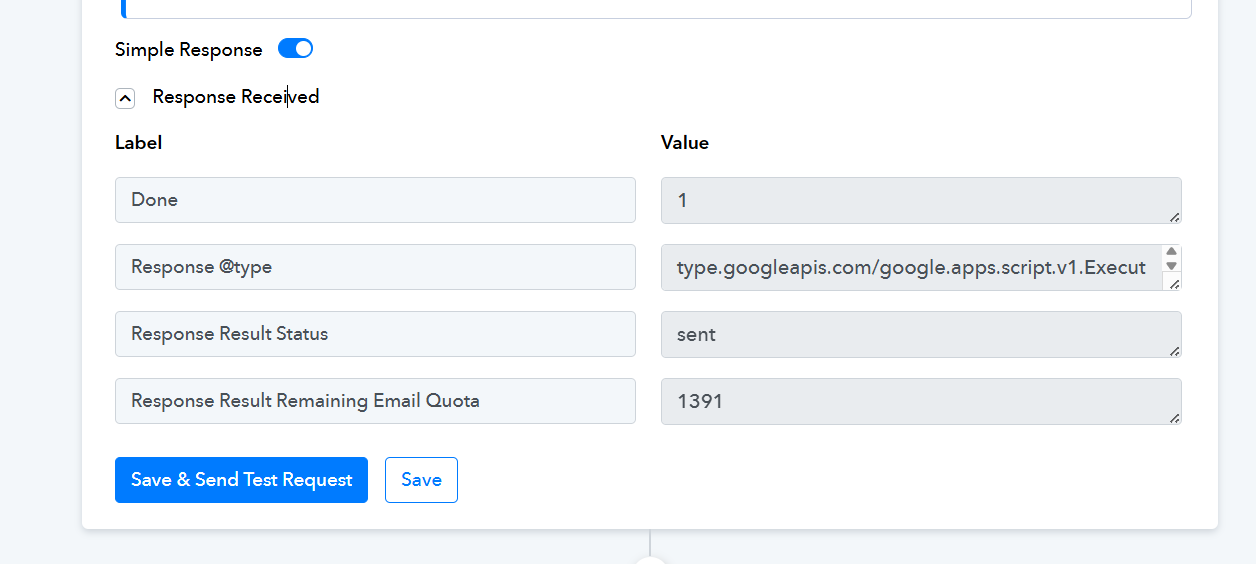
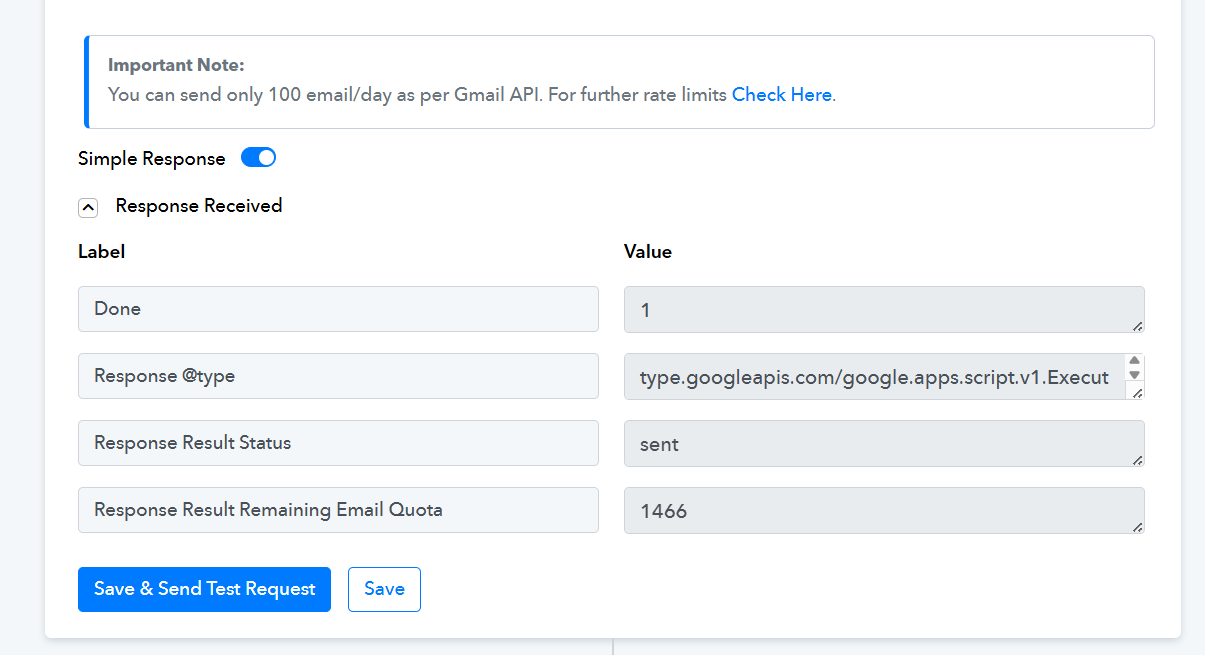
It is because when i put html to save it freezes and does not work - can you tey and add this code:
? Needs List for Your Mortgage
Dear Tuddy,
We hope you are doing well. We are writing to let you know that we still need a few items before we can finalize your mortgage application.
? NEEDS LIST
- Home Depot Bill
- Home Payoff Statement
- Drivers License
To ensure timely processing, please provide clear, legible copies of the documents listed above. Unfortunately, phone‑camera photos cannot be accepted; scanned or high‑quality digital copies are required.
Your dedicated agent and mortgage broker is Doc Alvarez with DocApply Mortgage Brokerage. You may submit your documents by fax to 858.266.9596 or by email to [email hidden].
This message was sent on July 17, 2025. If you have any questions or need assistance, we are here to help.
DocApply Mortgage Processing Team
https://media.publit.io/file/w_1024/DAMB/white-logo.png" srcset="https://media.publit.io/file/w_320/DAMB/white-logo.png 320w, https://media.publit.io/file/w_640/DAMB/white-logo.png 640w, https://media.publit.io/file/w_1024/DAMB/white-logo.png 1024w" sizes="100vw" alt="white logo" style="max-width: 100%; height: auto;">
We have added Gmail as step 5 of your workflow and successfully added the HTML content.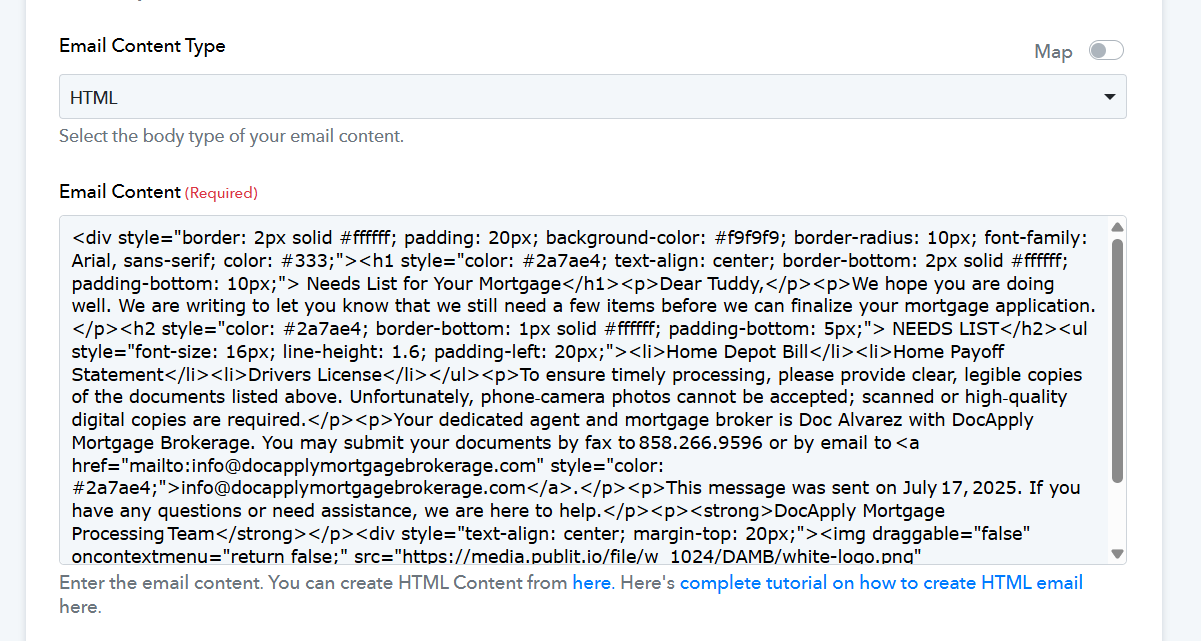
I would need you to please map the name. I tried it again and it froze. Why is this? Can you map and save for me?
I want to add more code like this why is this an issue? It never was before.
Hello @DocApply,
It appears that some changes have been made to the workflow.
Could you please confirm whether you would still like us to:
- Add the action step, and
- Insert the HTML with the name field mapped accordingly?
Once we receive your confirmation, we’ll proceed with the necessary updates.
Hello @DocApply,It appears that some changes have been made to the workflow.
Could you please confirm whether you would still like us to:
- Add the action step, and
- Insert the HTML with the name field mapped accordingly?
Once we receive your confirmation, we’ll proceed with the necessary updates.
Yes can you please map it and I will delete the others -
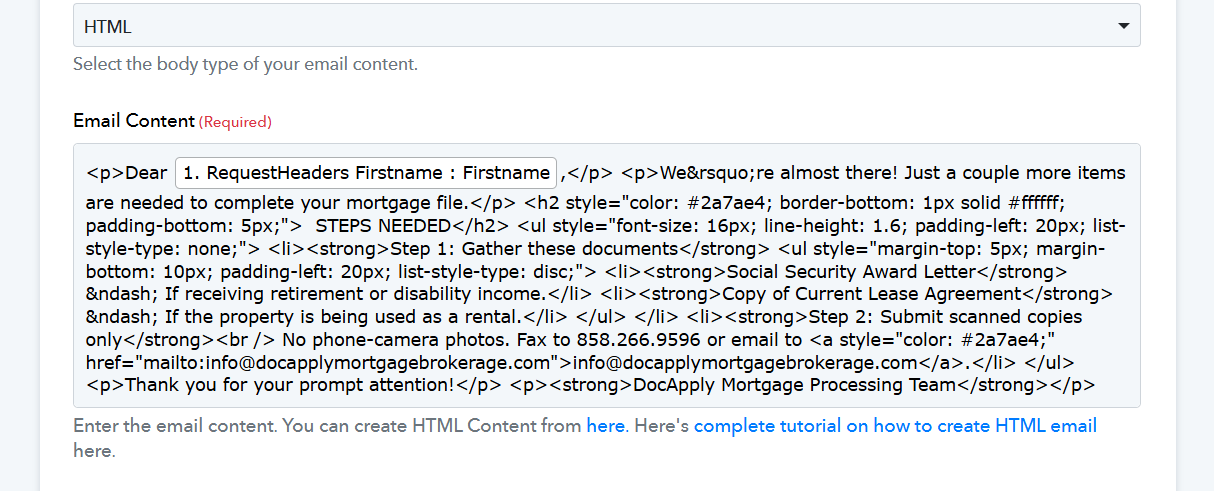
Dear Bobby,
We’re almost there! Just a couple more items are needed to complete your mortgage file.
? STEPS NEEDED
- Step 1: Gather these documents
- Social Security Award Letter – If receiving retirement or disability income.
- Copy of Current Lease Agreement – If the property is being used as a rental.
- Step 2: Submit scanned copies only
No phone-camera photos. Fax to 858.266.9596 or email to [email hidden].
Thank you for your prompt attention!
DocApply Mortgage Processing Team
We were able to map the data in the HTML content without any issues. Please check step 6 of your workflow.