Gmail trigger, no options
Status: Open · Asked by jtown1125 on · 0 views
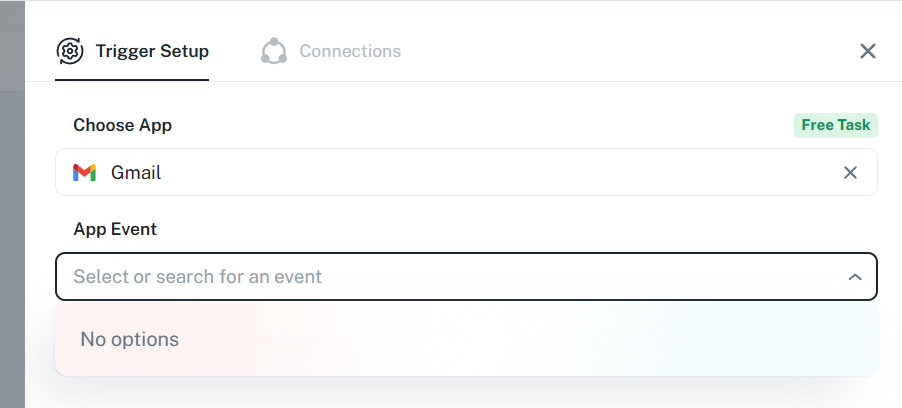
I'm trying to set up Gmail as my trigger, but under "App Event" there are no options.
Hey @jtown1125,
It seems this could be a cache-related issue. Please try clearing your browser cache or open the workflow in an incognito/private window, and then check if you’re able to access the trigger event.
If the issue still persists, please share a screenshot or short screen recording so we can review it further.

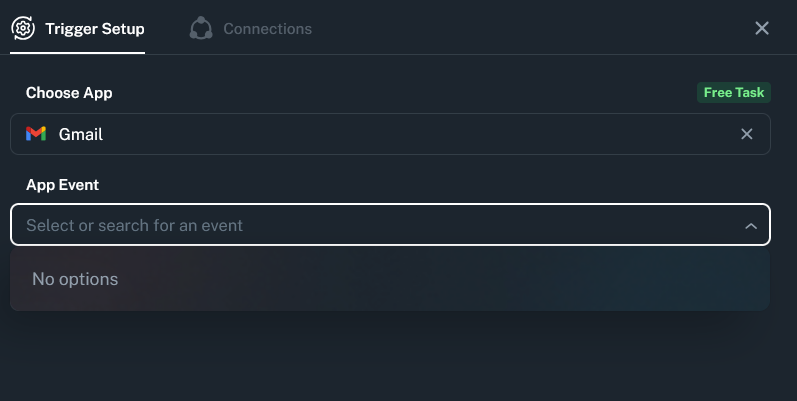
Same error, tried troubleshooting it as well.
- Cleared Cache
- Tried on 2 different browsers (Chrome and Firefox)
- Tried Incognito as well
Same issue
Hey @rojo_salas,
Thank you for your patience.
Please note that the Gmail “New Email” trigger is available exclusively for our paid users. Since you are currently on the free plan, this trigger event will not be visible or accessible in your account.
If you would like to use this trigger, you may consider upgrading to one of our paid plans. You can check the available plans here:
https://www.pabbly.com/connect/#pricing
Please let us know if you need any assistance with the upgrade.
Oops, my bad! Thank you @Preeti Paryani ?
No worries. Glad to be of help!