Google Ads Data
Status: Open · Asked by matthew.gillard on · 0 views
Hi everyone
I am trying to setup Google sheet to bring in data from Google ads each month.
I have setup and tested automation OK.
However it seems Pabbly does not pull in conversion values from google ads.
I get
no. of conversions
total cost
impressions
clicks
CPC
CTR
anyway of getting conversion values into the automation?
Hi @matthew.gillard,
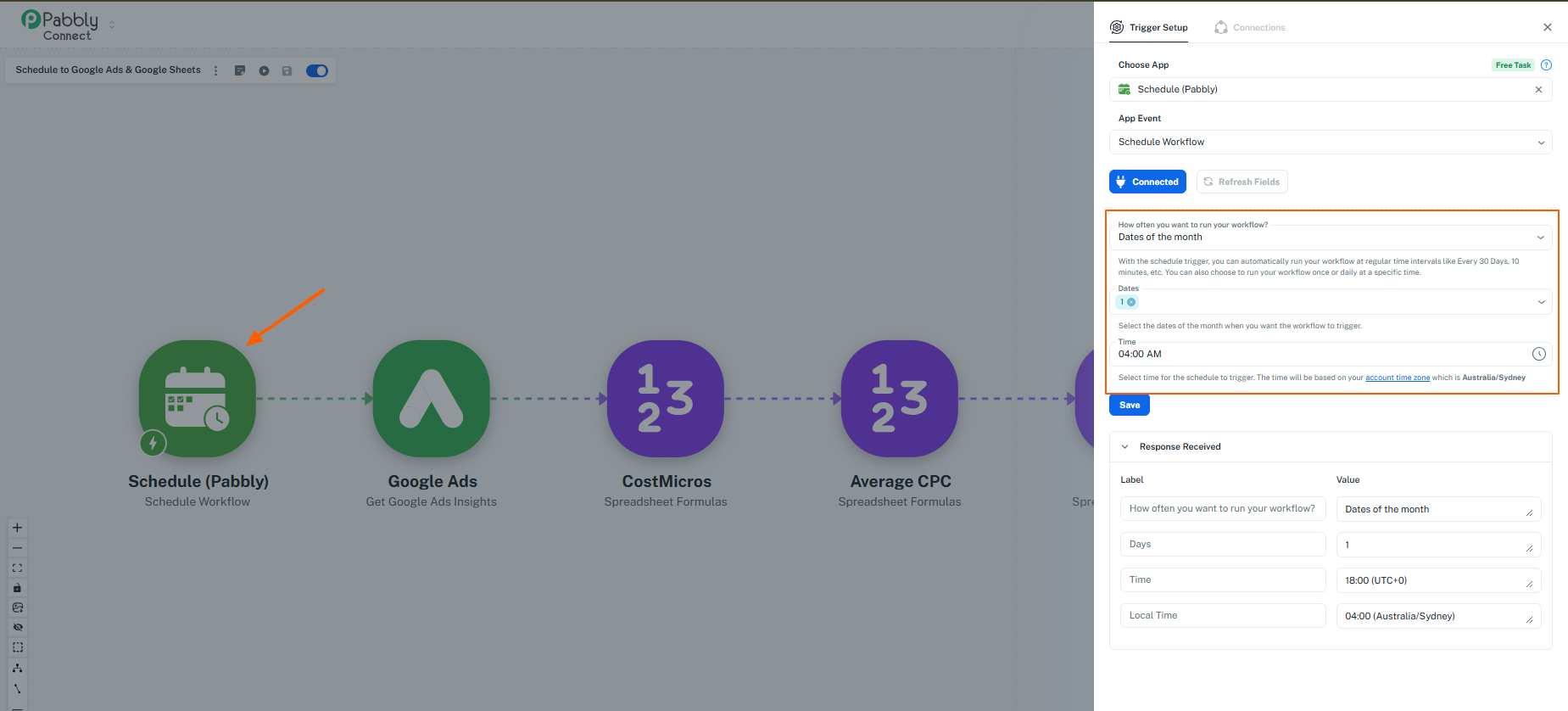
We’ve checked your workflow, and it appears that the trigger is set using a Schedule (Pabbly) module configured to run on the 1st of every month.
This is why the workflow is not triggering currently—it will only execute on the scheduled date and time.
Recommendation:
Please update the scheduler based on your requirement (e.g., daily or a different date/time) so the workflow triggers as expected.
Once updated, the workflow will run accordingly and fetch the data.
Let us know if you need help adjusting the schedule.
I think you missed the point of my issue.
Triggering is not the issue. This is setup as required. Once per month.
The issue is the data pulled from google ads does not include coversion values.
This is what it retieves:
no. of conversions
total cost
impressions
clicks
CPC
CTR
I would really like the value of conversions so I can get an acruate ROAS.
Hi @matthew.gillard,
Thank you for clarifying your concern.
Currently, the Google Ads action in Pabbly Connect only retrieves the fields that are available in its predefined response, which is why you are seeing metrics like conversions, clicks, impressions, CPC, and CTR—but not conversion value.
To fetch additional metrics such as conversion value, you can use the Custom Query action instead.
- This allows you to call the Google Ads API directly
- You can include additional fields like conversion value (e.g., metrics.conversions_value) in your request