Google Calendar Event start, is no longer functioning
Status: Open · Asked by Landon Hairston on · 0 views
The Google Calendar event start trigger no longer works properly. The old trigger says it's deprecated, and when I set up the new trigger it still does not function and capture the most recent event properly.
It seems like probably no longer captures the last event that was created that corresponds to the next event starting. Before when you would create a calendar event and prior to creating the event click on sending capture in five way, it would add the events and capture it in Pablo so you knew what event was coming up period now it doesn't even seem to capture or function to capture the last have been created it's just capturing some random birthday that has passed two months ago so I can't even capture the most recent events. My workflows are now no longer working
Hello @lannmann1,
To assist you better with this issue, we request you to schedule a Google Meet with us. During the session, we will help you set up the trigger, after which you can add the specific steps you would like in the workflow. This should allow the workflow to function as expected.
You can book a convenient time slot using the link provided below:
https://calendly.com/d/cwc5-m79-9pm/pabbly-support-with-preeti
Hello, my apologies I slept through my alarm. We are in different time zones and it was late over here. I'd like to know if I may still reschedule for a different time?
Hello @lannmann1,
You may book another one using the following link - https://calendly.com/d/ctb2-6qx-3fs/pabbly-support-with-preeti
Thank you
Looking forward to connecting with you.
Preeti please I need a call to set-up my google calendar's triggers
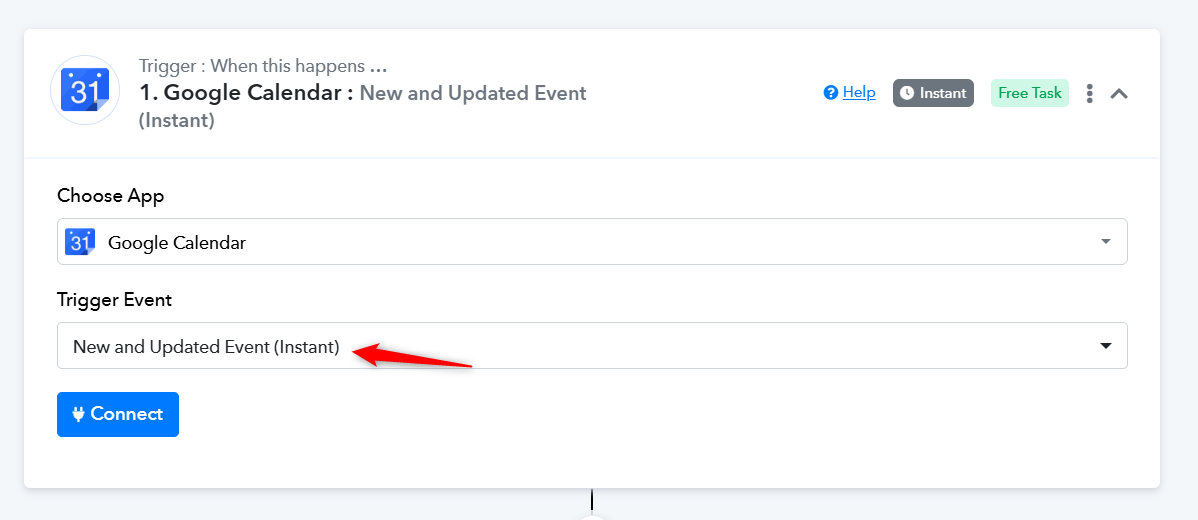
Are you encountering an issue with the 'Google Calendar: New and Updated Event (Instant)' trigger step not capturing new events?
If so, please note that this trigger event does not work with events created on already existing calendars. You’ll need to create a new calendar in your Google Calendar account, set up the 'Google Calendar: New and Updated Event (Instant)' trigger step, and then create an event in that new calendar. Only then will the event be captured in the trigger step.