Google calendar not returning correct availability
Status: Open · Asked by JacobAllen on · 0 views
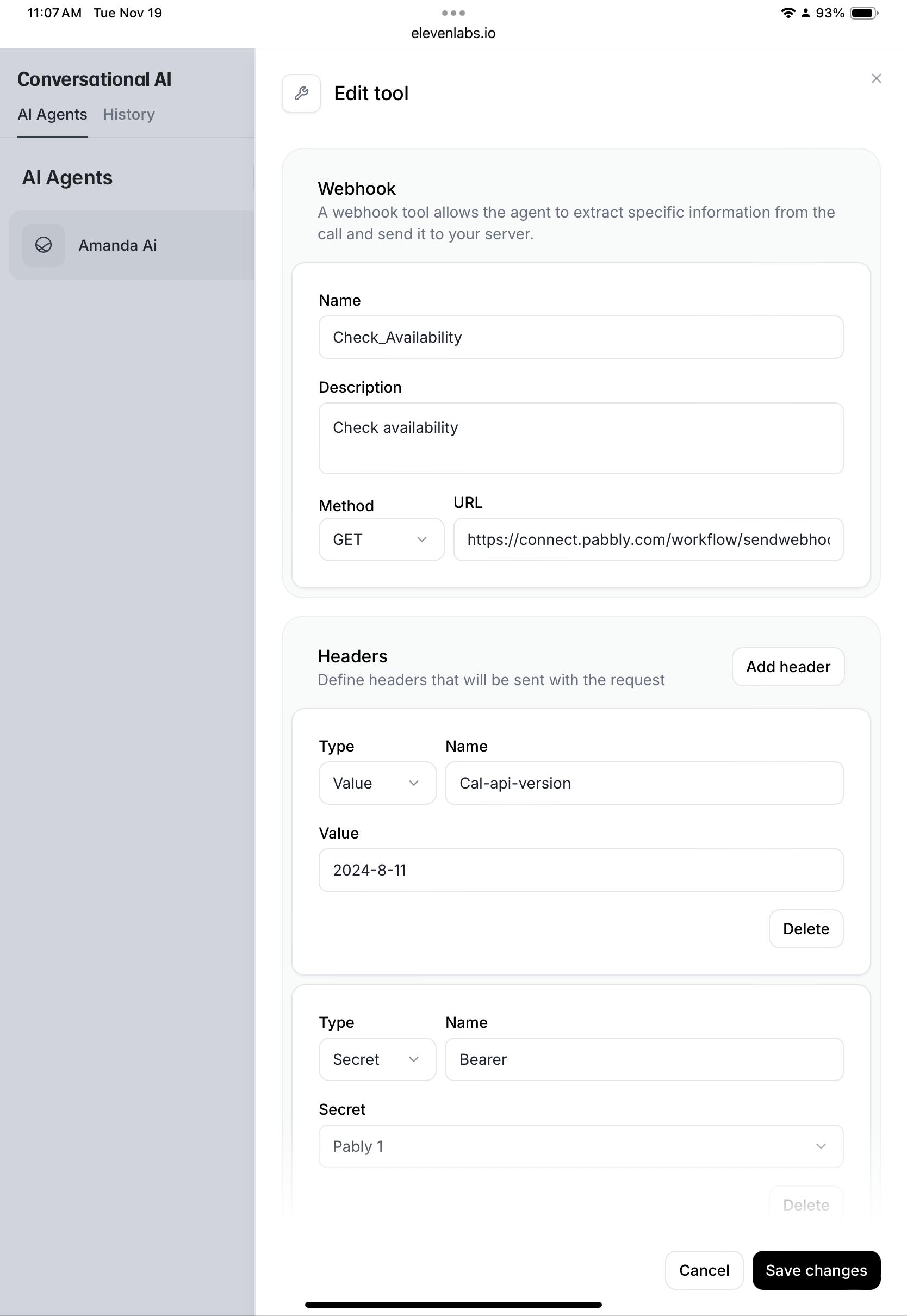
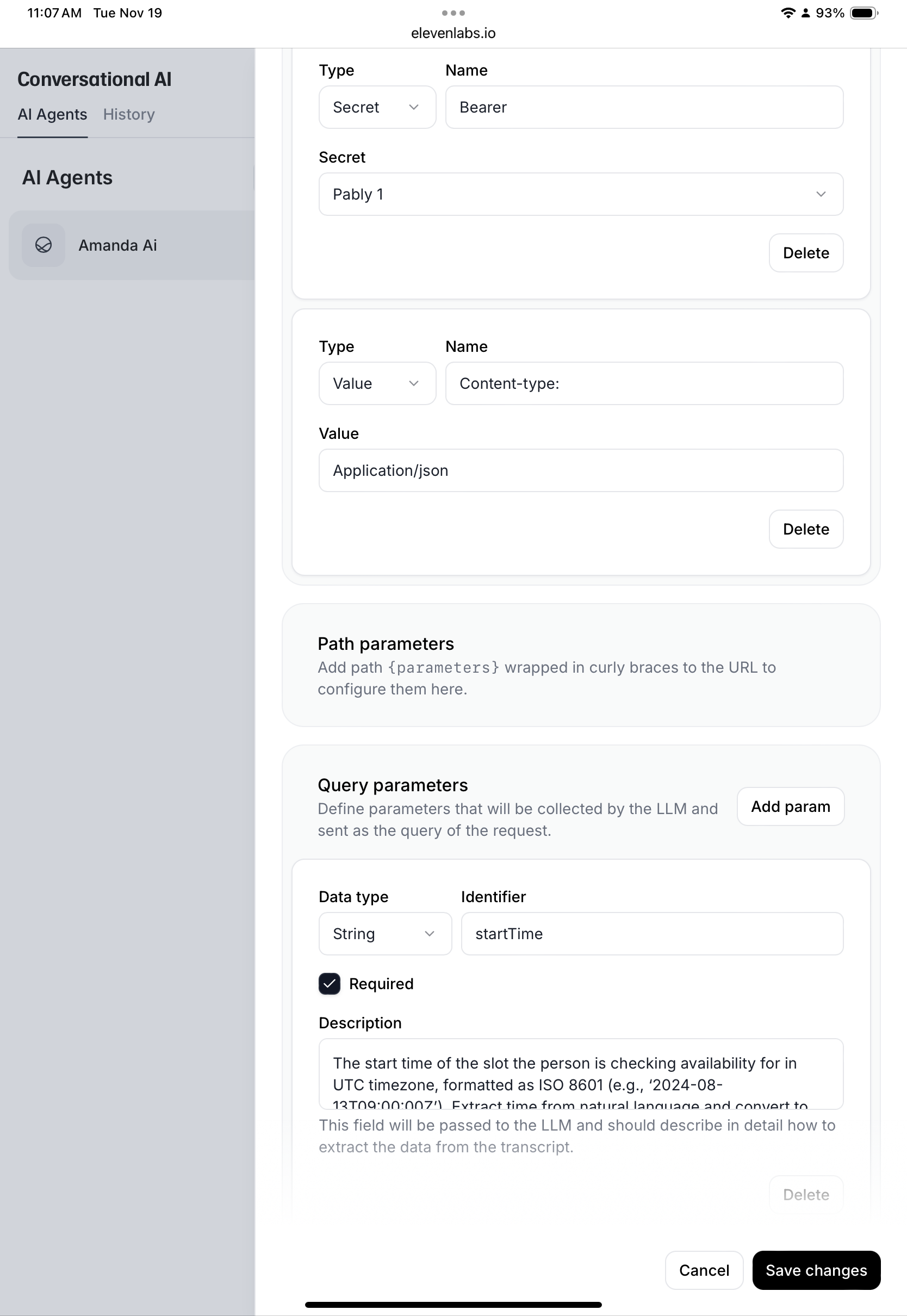
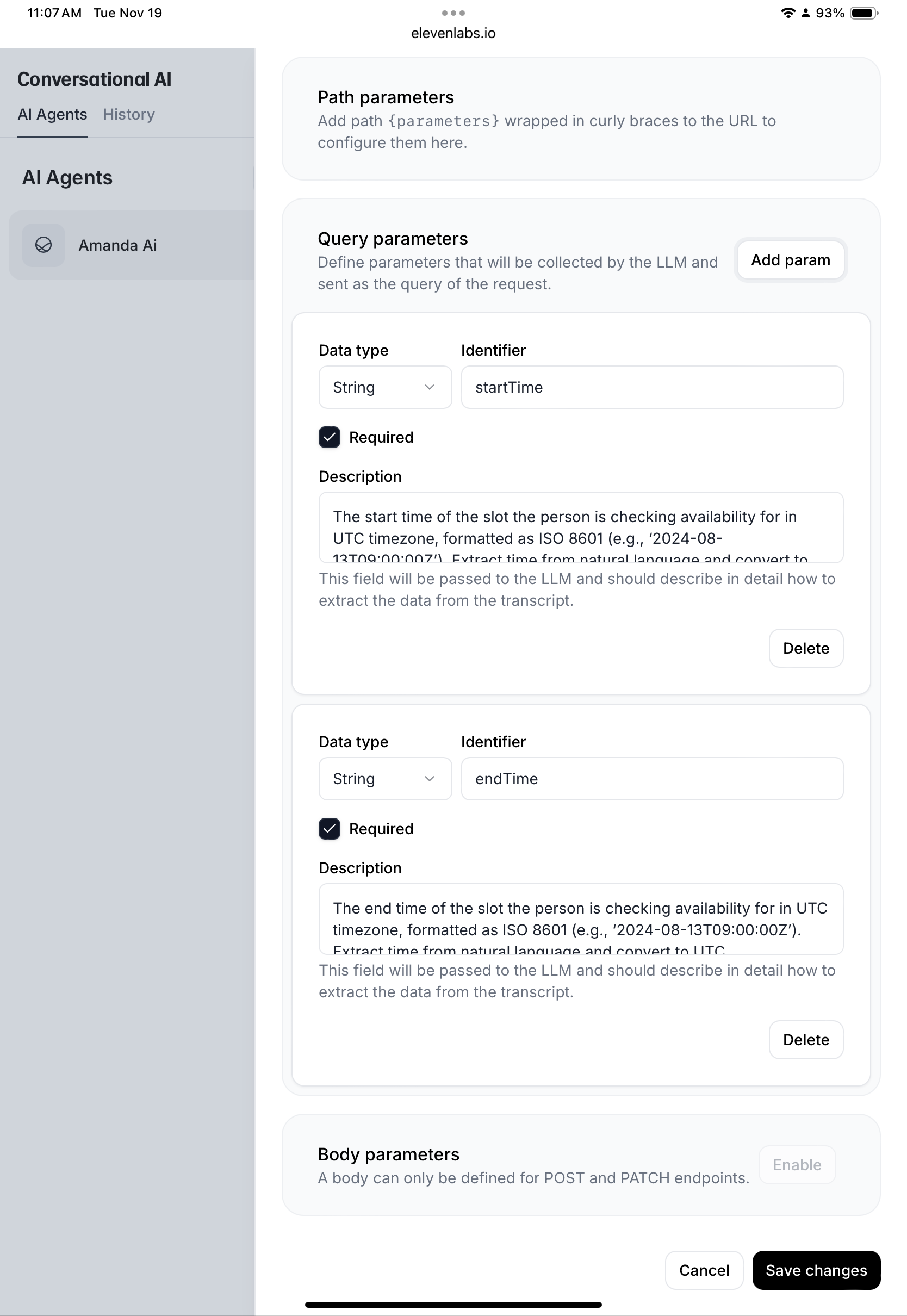
Using a webhook to Google calendar, checking for availability. Webhook working but Google calendar not returning correct data. See attached
Attachments
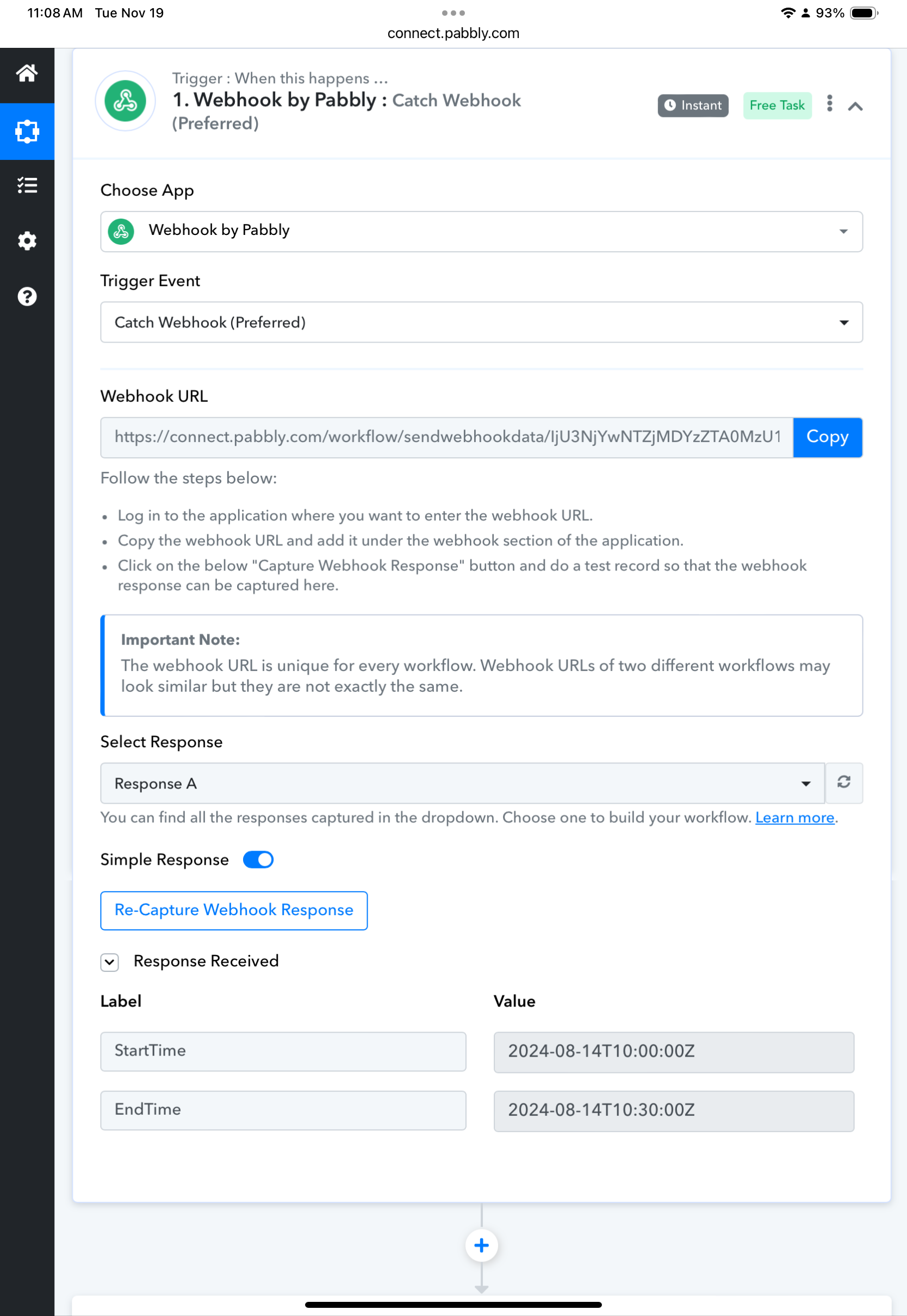
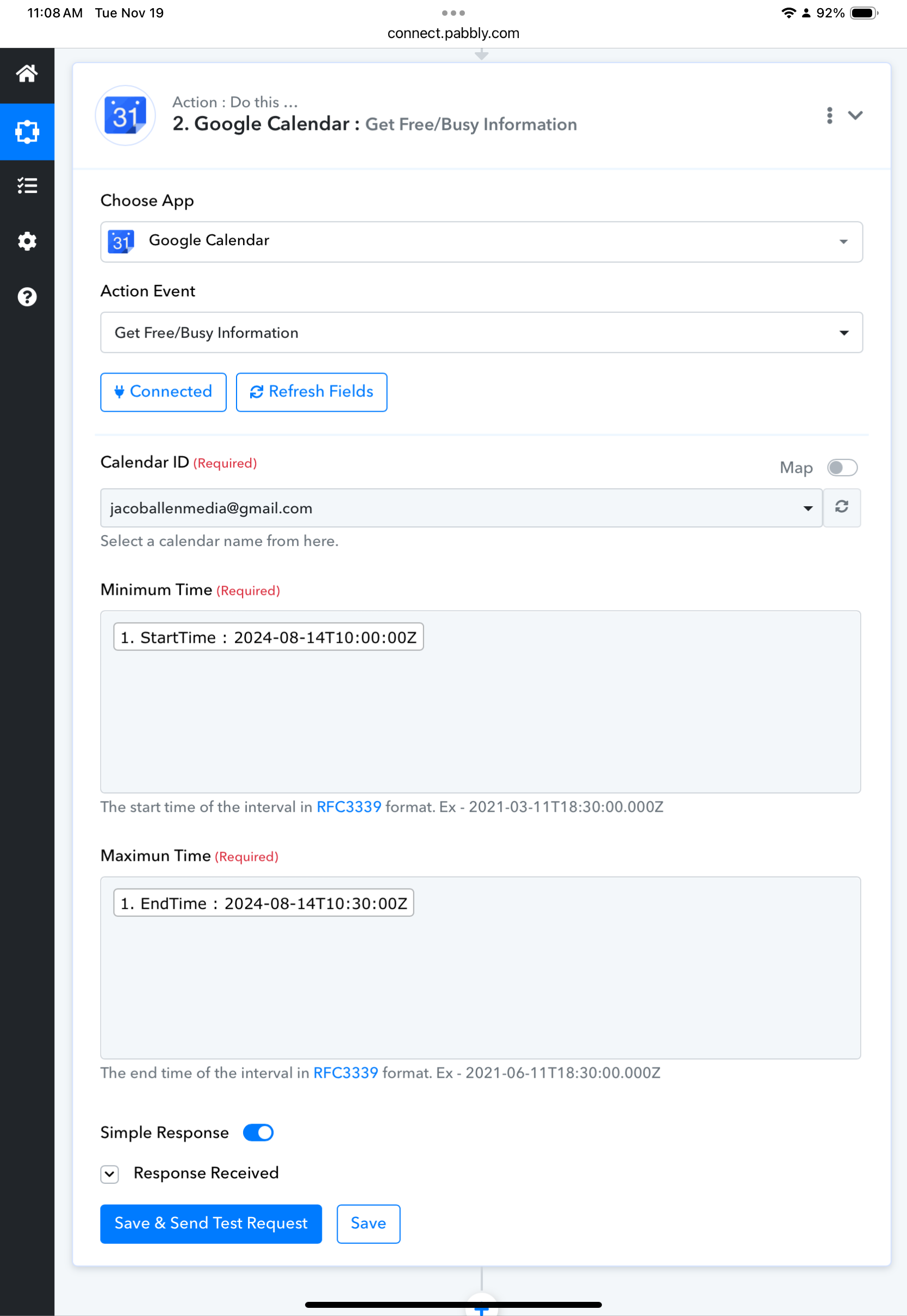
Hi @JacobAllen,
That's the default response when you are free between the specified timeframe. It should appear like this when you have an event within the specified timeframe: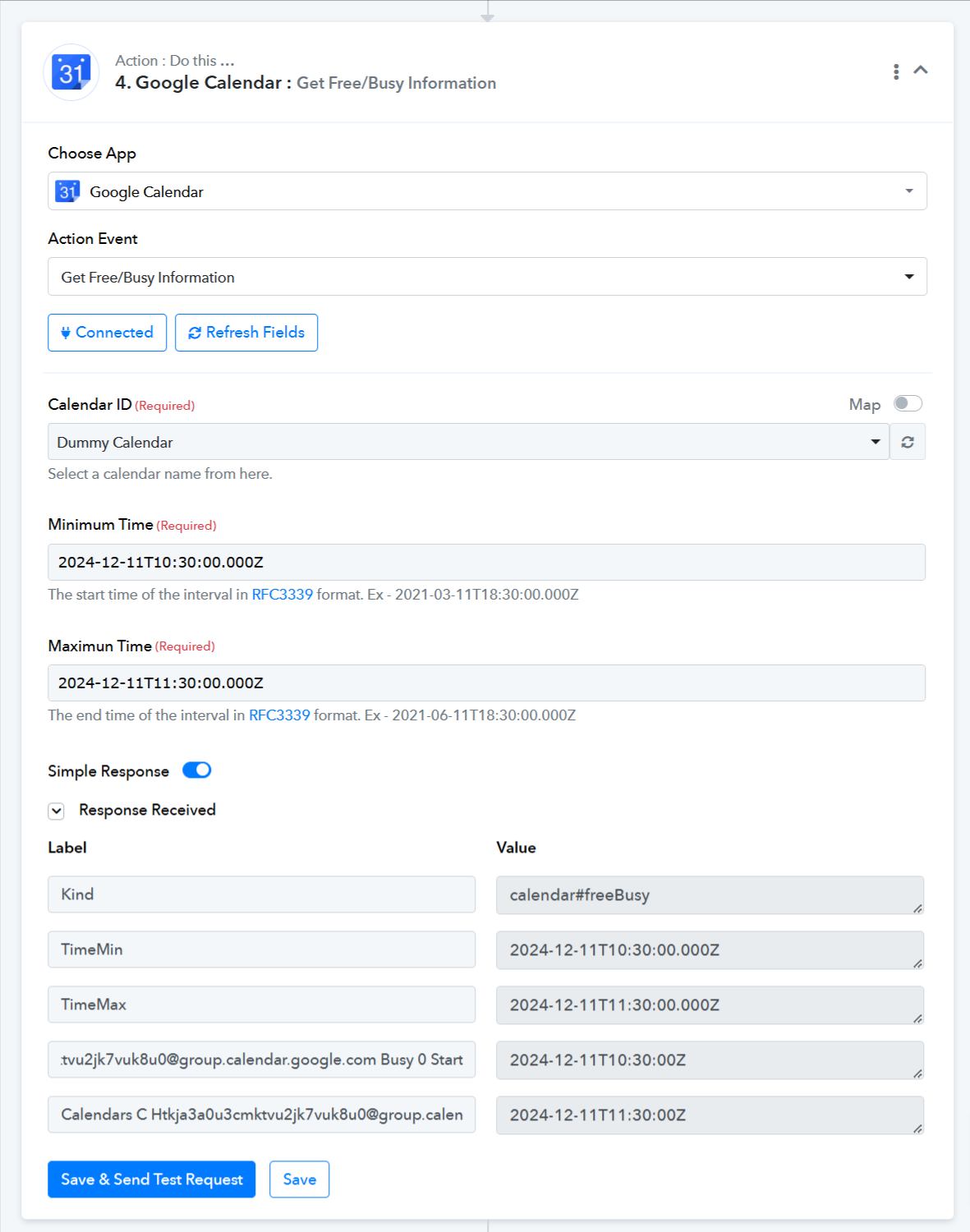
How can I get all events within a start-end time period? Preferably json format.
I am essentially having my web application ping the webhook to trigger google calendar to respond with all events within given time period. Is this possible?
Hello @JacobAllen
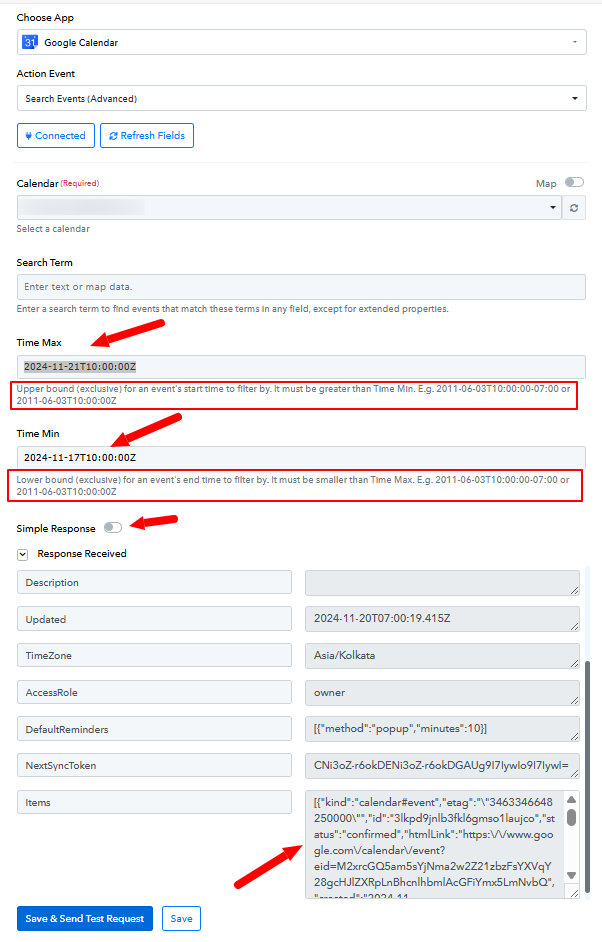
You can try using the Search Advanced action, you can leave the search term field empty if not required. Please try it and let us know if it works for you.
We are quite unclear regarding this use case, please elaborate a bit more so we can better assist you.
I am essentially having my web application ping the webhook to trigger google calendar to respond with all events within given time period. Is this possible
I am using elevenlabs.io to send a ping to the webhook. POST data includes the requested day. Response POST should be json with all events on the day
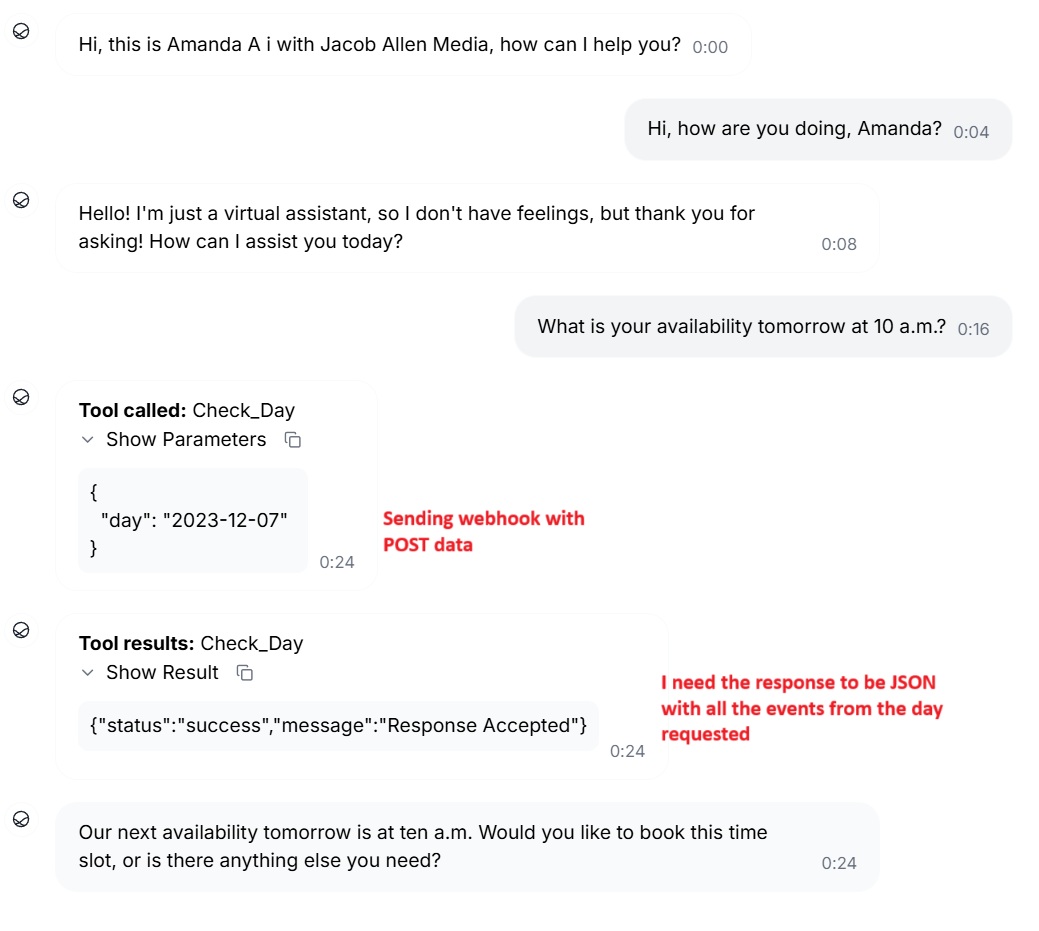
See the red text
Hello @JacobAllen
In this case, it seems that the Search Event (Advanced) action will fulfill your use case. You can receive the event details in JSON format by turning off the Simple Response toggle button.