Google Contacts Search Contact Resulted in Odd "Response Received"
Status: Closed · Asked by VFW 4893 on · 0 views
I followed the YouTube tutorial (
youtube.com/watch?v=WjOcmm7Z97U
) on how to sync Google Sheets to Google Contacts.Scenario
1. Trigger Event: Google Sheets
a. Set up properly
b. Correct "Response Received"
c. Functions as it should
2. Action: Google Contacts , Search Contact
a. App = Google Conacts
b. Action Event = Search Contact
c. Search Value = "Email" ... yes, every Google Contact has a unique value inside the "Email" field
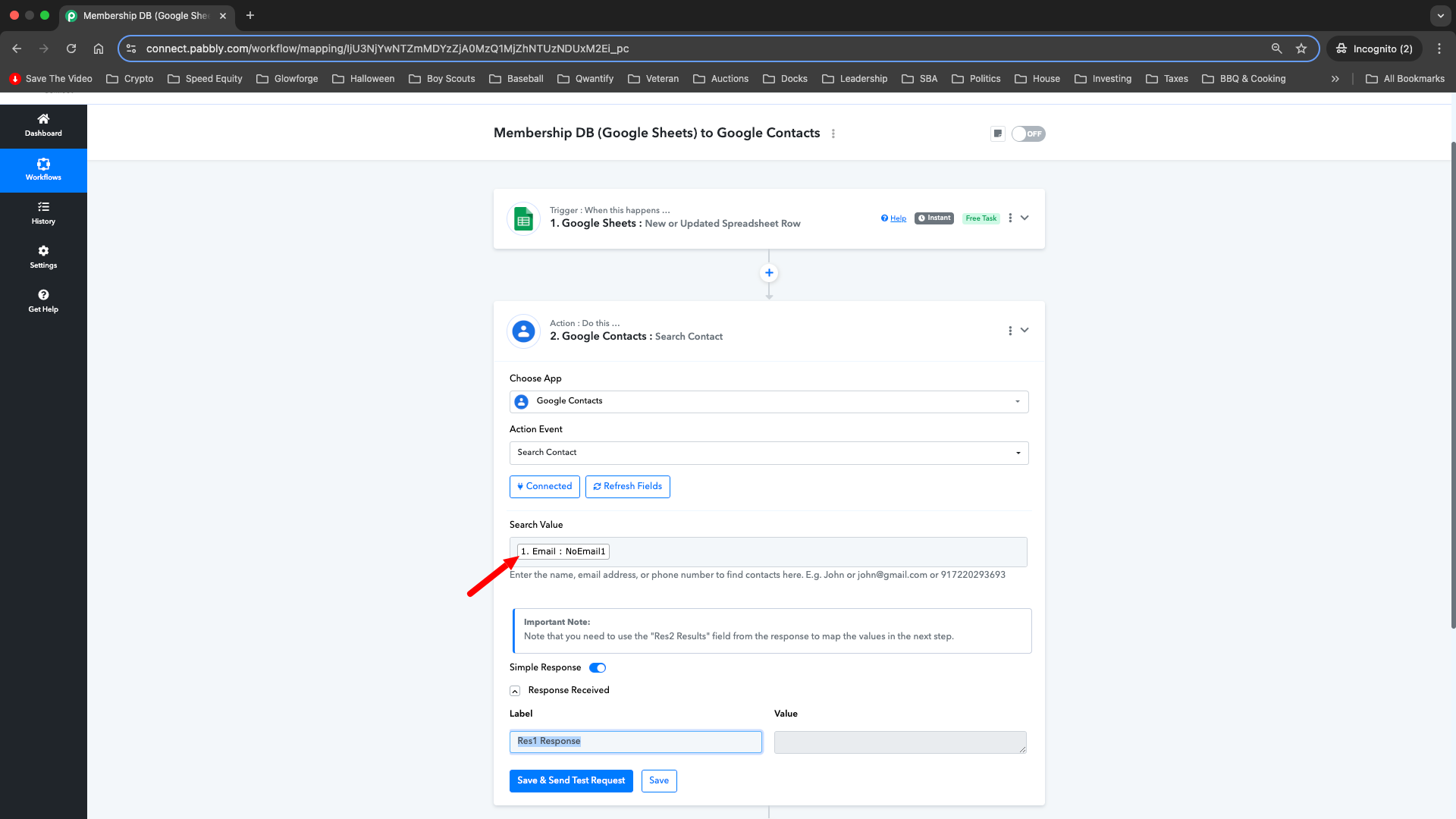
d. Odd Behavior is in the "Response Received". One one field is returned, "Res1 Response" and it is blank.
e. See attached Screenshot
Please advise on how to correct.
Hello @VFW 4893,
Could you please confirm if any contact with that email exists in your Google Contacts account? If the email doesn't match an existing contact, the response might return blank.
Let us know if you need further assistance!
Yes, all 623 contacts have a unique email address. The very first contact has the email address "NoEmail1", the same what I'm using as the search value from Google Sheets. See screenshot.
Please log in to your Google Contacts and Pabbly Connect accounts in an Incognito Tab, establish a new connection with your Google Contacts account, and see if that fixes your issue.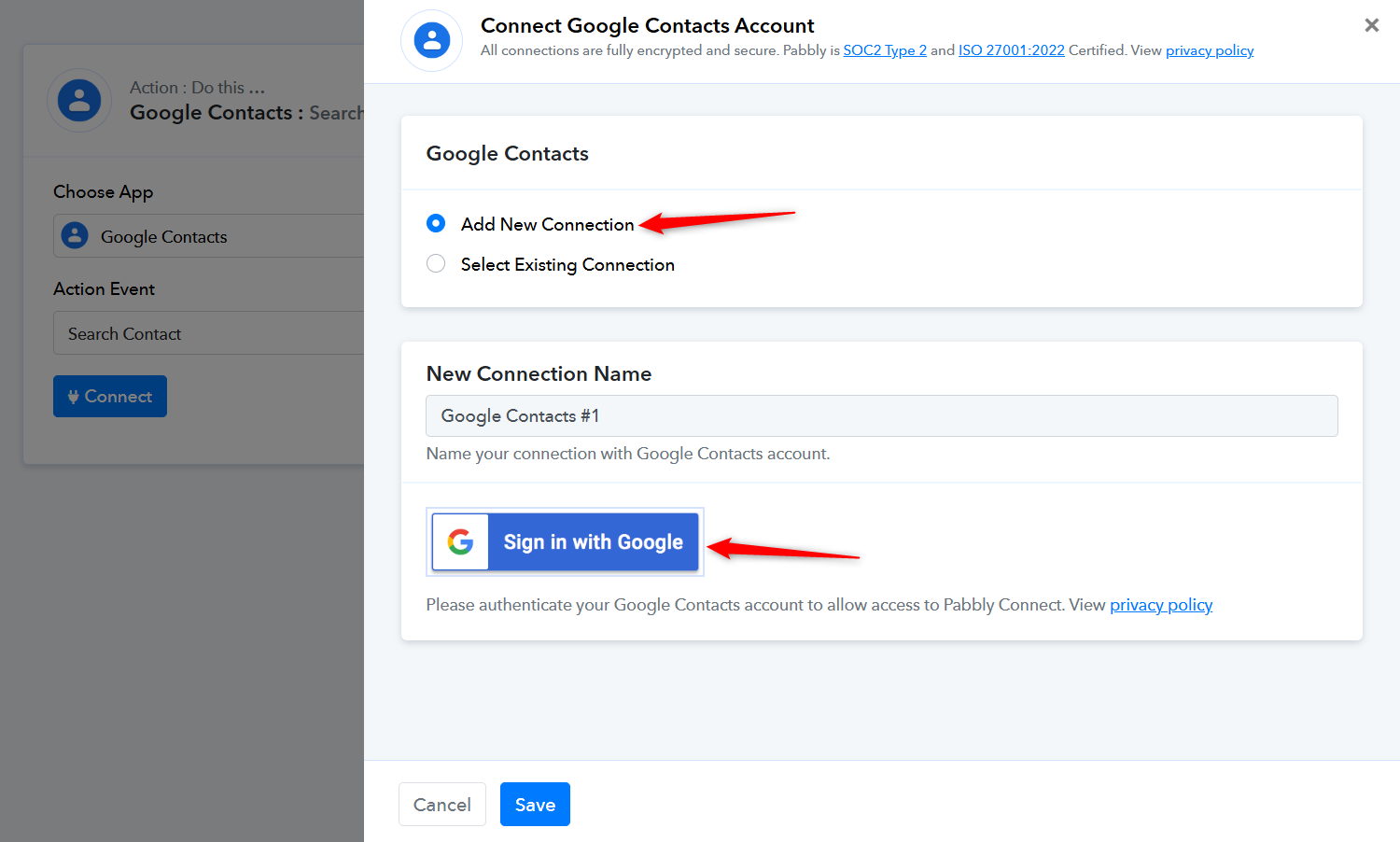
Completed, same end result.
Steps taken
1. Navigated to existing connections (screenshot 1)
2. Deleted all exisiting connections (screenshot 2)
3. Added new connection to Google Contacts (screenshot 3)
4. Verifcation of new connectin to Google Contacts (screenshot 4)
5. Re-completed step 2a-2d listed in my original post. Same result as original post (screenshot 5)
The issue appears to be related to 'NoEmail1' not being a valid email address. We tried searching for the contact using their name, and it seems to have worked. Please try adding a valid email address to your contact and see if that resolves the issue.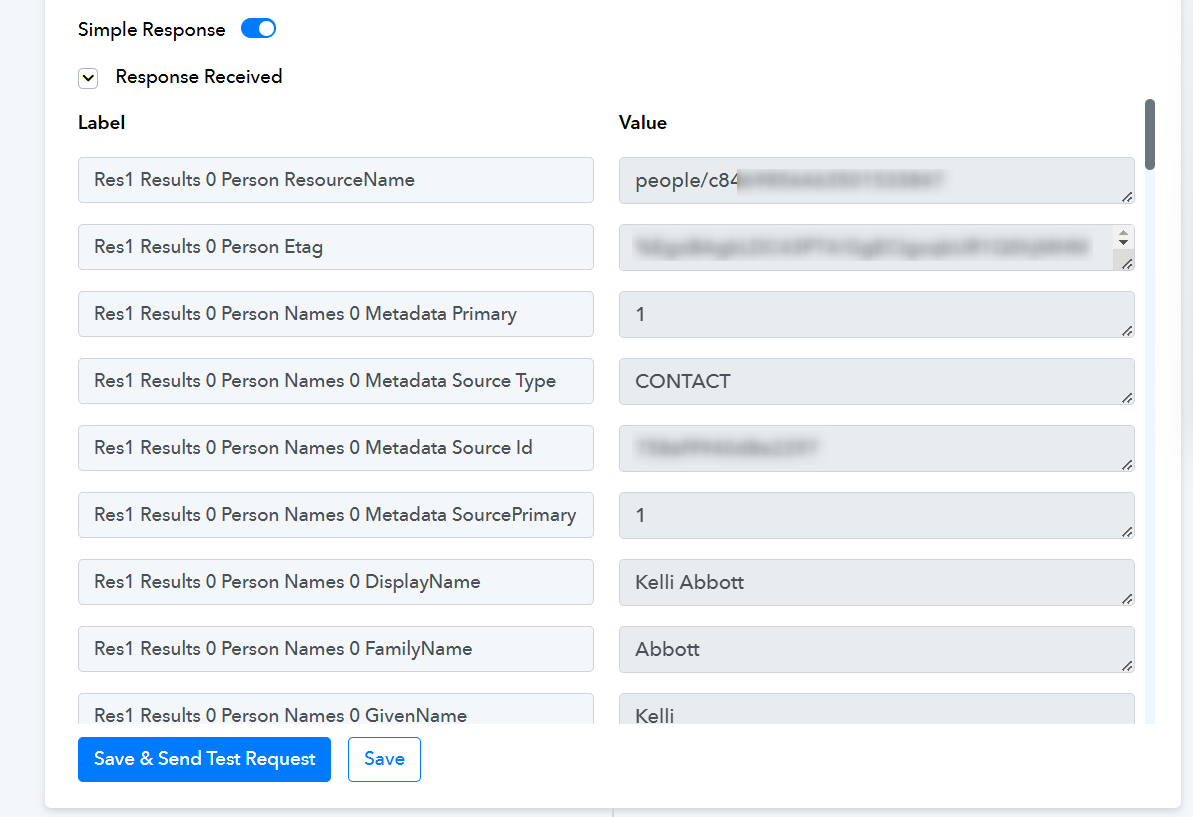
I completed the following, but I am still having issues:
1. Deleted Action #2 (Google Contacts)
2. Added full email addresses to the Google Sheets
3. Downloaded the Google Sheets as a CSV and imported into Google Contacts
3. Re-Captured the Webhook Response for Google Sheets (see Screenshot 1)
4. Re-Added Action: Google Contacts , Search Contact
a. App = Google Conacts
b. Action Event = Search Contact
c. Search Value = "Email" ... yes, every Google Contact has a unique value inside the "Email" field
I'm still receiving the odd behavior is in the "Response Received". One one field is returned, "Res1 Response" and it is blank. (see Screenshot 2)
Hello @VFW 4893,
The action seems to be working fine, refer to the attached image for more info.
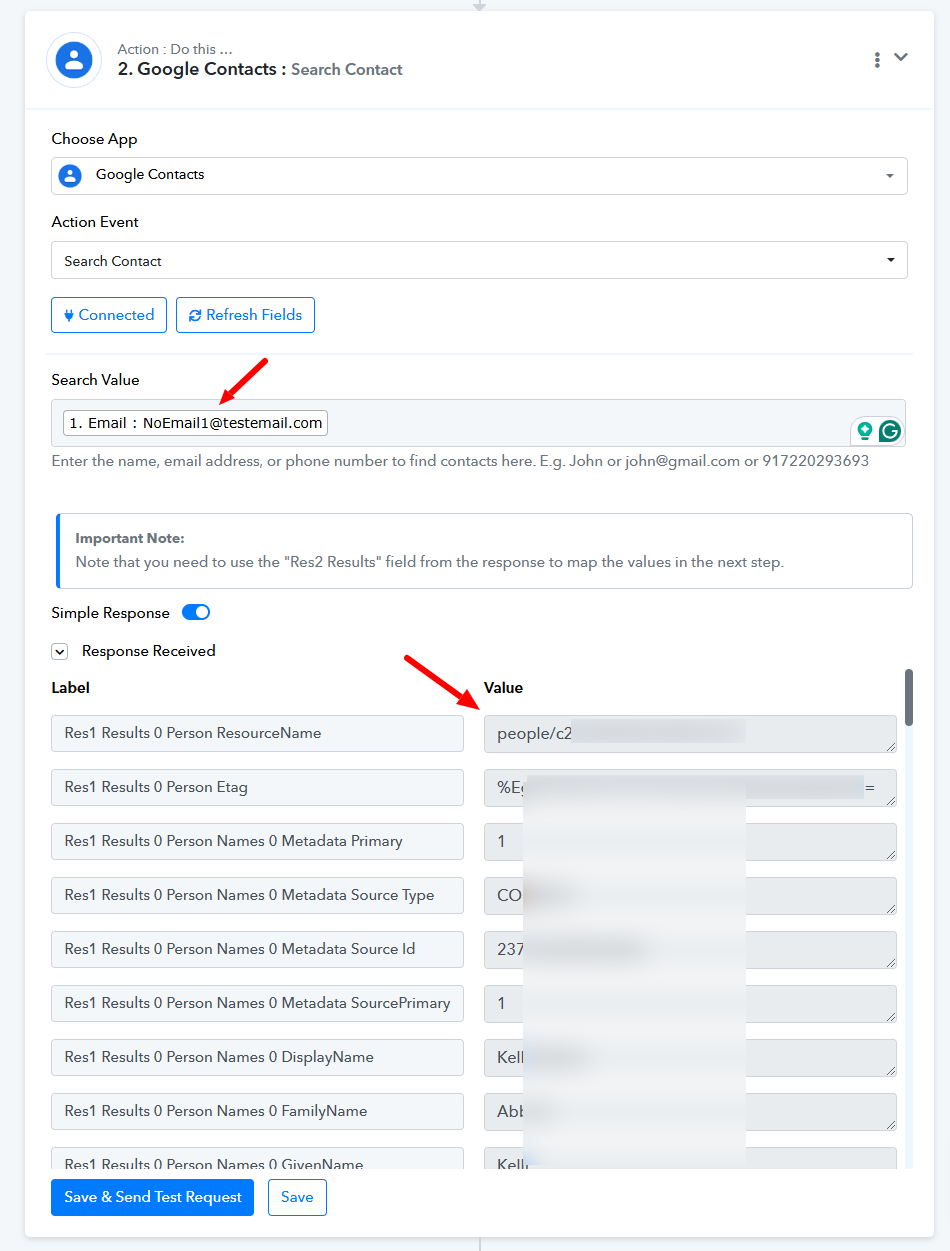
I logged out of everything, logged back in, and retested. I received the same result you did, it works.
Thank you!