Google Drive - Copy file
Status: Open · Asked by Philippe Burki on · 0 views
Hello,
I am trying to copy a file from Google Drive to Google Drive, but I am facing an issue. The system tells me that I need to enter the folder location:
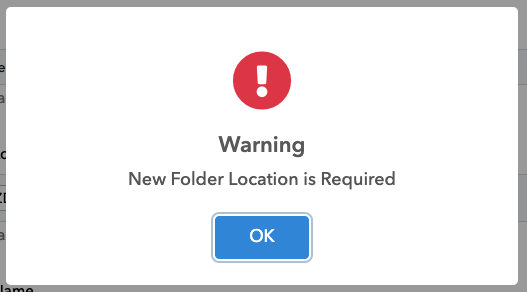
However, I have already entered this info:

Thanks for your help.
Philippe
Hi @pburki,
If you are using Windows, please press CTRL + Shift + R to hard refresh your browser and see if that fixes your issue. If you are using a Mac, press Command + Shift + R to hard refresh the browser.
Also, try using a different browser or device to see if that resolves your issue.
Hello,
Thank you. Refreshing worked. However, I have a question: I do not see the list of Shared Drive. Is it not possible to copy the file in a shared drive?
Thanks
Philippe
Please try using Shared Drive related action events.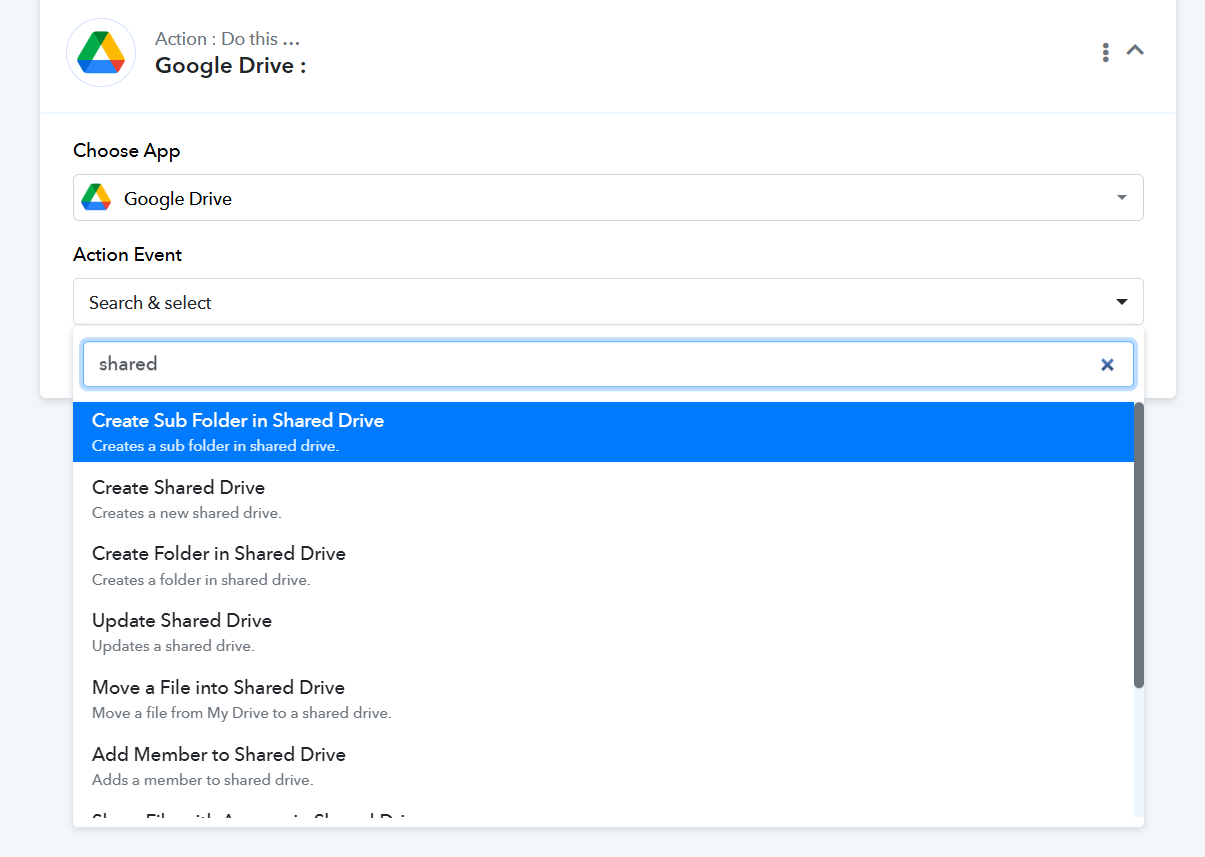
Unfortunately, there no option to copy the file. There is an option to move it, but this is not what I am looking for. I solved my need by using the custom API, but it may be worth adding this as an option in the drop-down.
Thank you for the update. Glad you were able to find a solution.
If you would like an action event to be added to Google Drive, you can submit your request on our dedicated platform: https://pabbly.featureos.app/b/Update-Existing-Application.
Our integrations team will review your request and, if possible, add the desired action event to the Google Drive application.