Google Drive - New File Trigger - not triggering the flow since 23rd Oct
Status: Closed · Asked by Tanya Saxena on · 0 views
Hi @Supreme
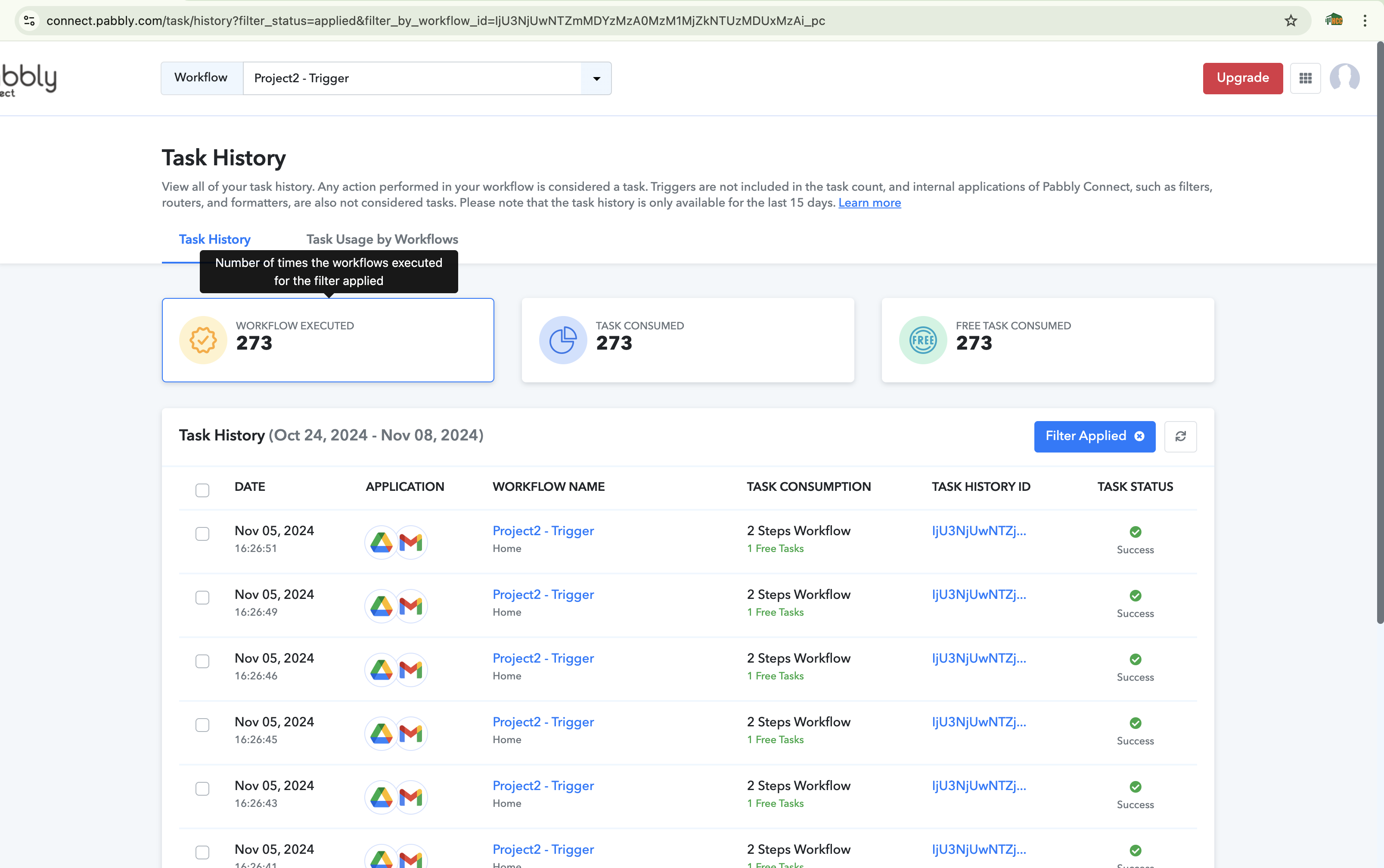
I've this workflow set in Pabbly since 2023 and this has never happened! Since 23 Oct 2024 (as you can see in the screenshot 2 attached, of workflow history) that since 23rd Oct 2024 the workflow did not RUN/got triggered on any NEW FILE upload (even if so many new file uploads are taking place everyday).
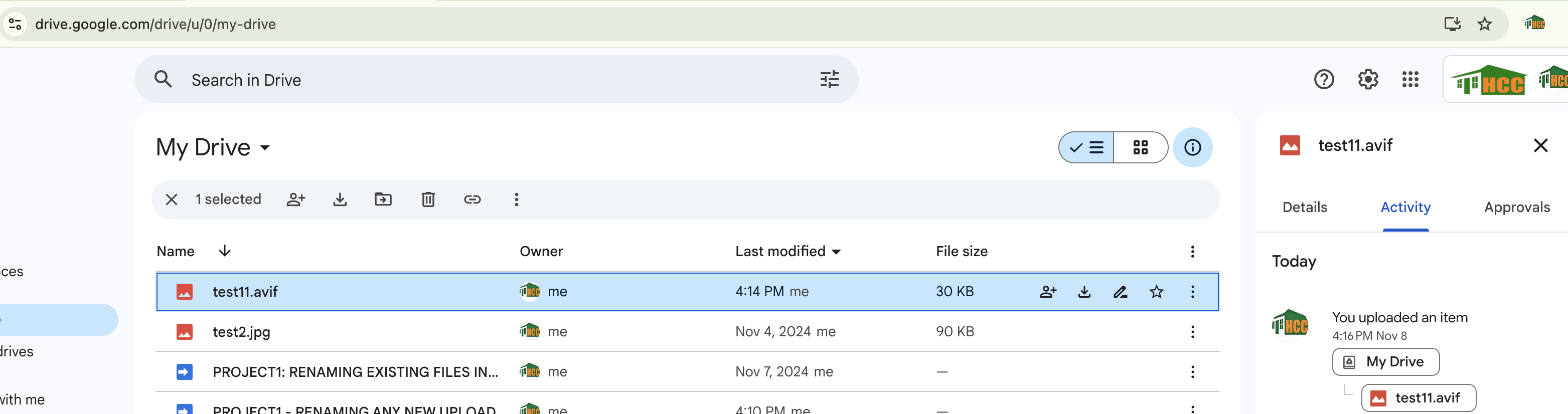
As you can see in Screenshot 1 that THE NEW FILES uploaded (on 1 Nov) are being captured by doing a simple Save and Test. They are being captured in test then why are the NOT automatically being triggered and run, since 23rd Oct?
Background / FYI: This trigger is really important for me and this needs to be fixed asap, as this workflow is large, the gmail it is sending is later captured by another 2 automations in Google Appscript and further a complex automation takes place. ITS BEEN RELIED on this particular trigger since an year. There are 100 of files which are uploaded and renamed automatically based on some naming convention and audit reports and also created every day. SO EVERYTHING IS RELIED ON THIS TRIGGER, ITS THE START OF A BIG FLOW. I need to fix this asap. Every day of it not working is a big loss.
Screenshot 1 >>>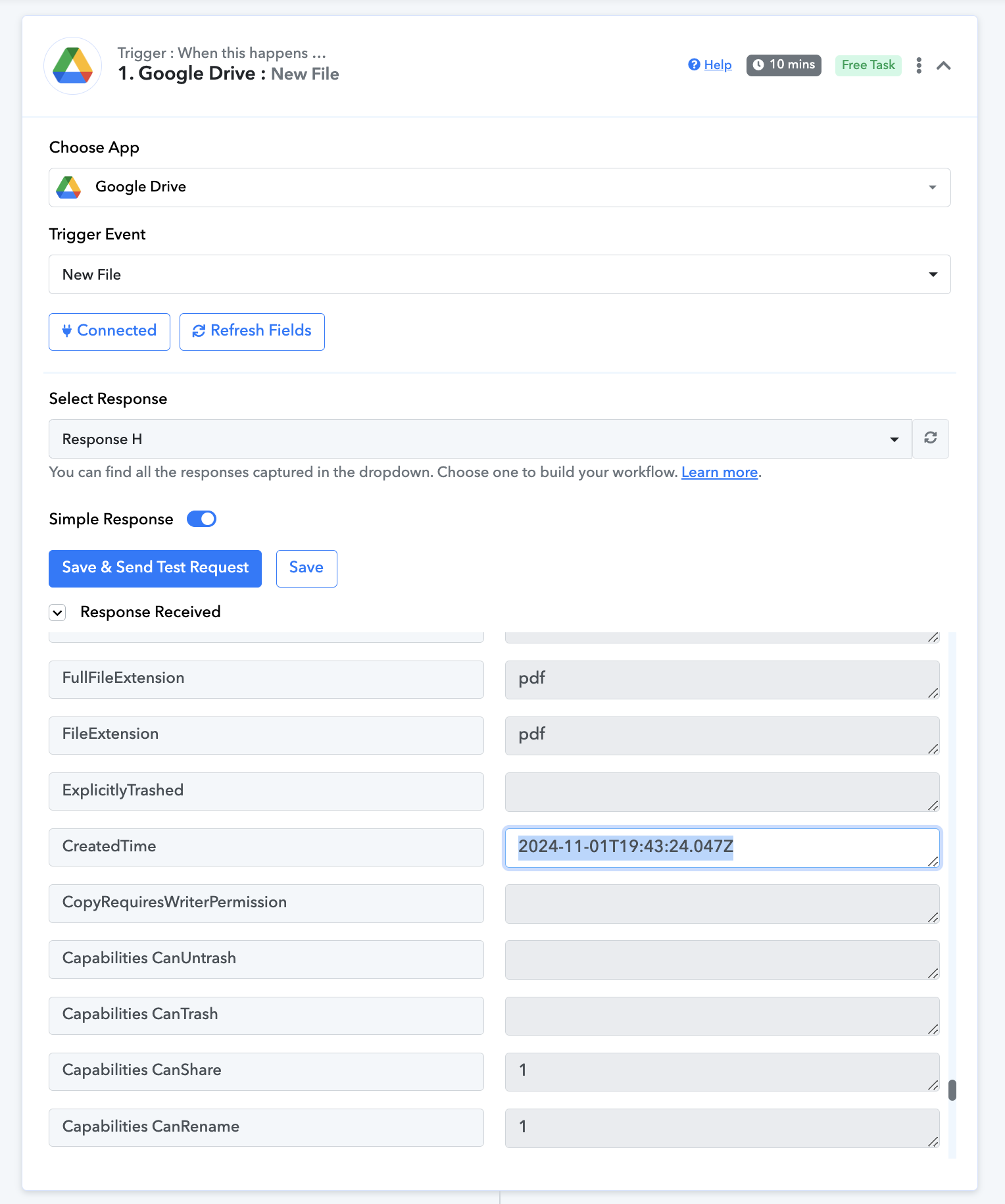
Screenshot 2>>>>>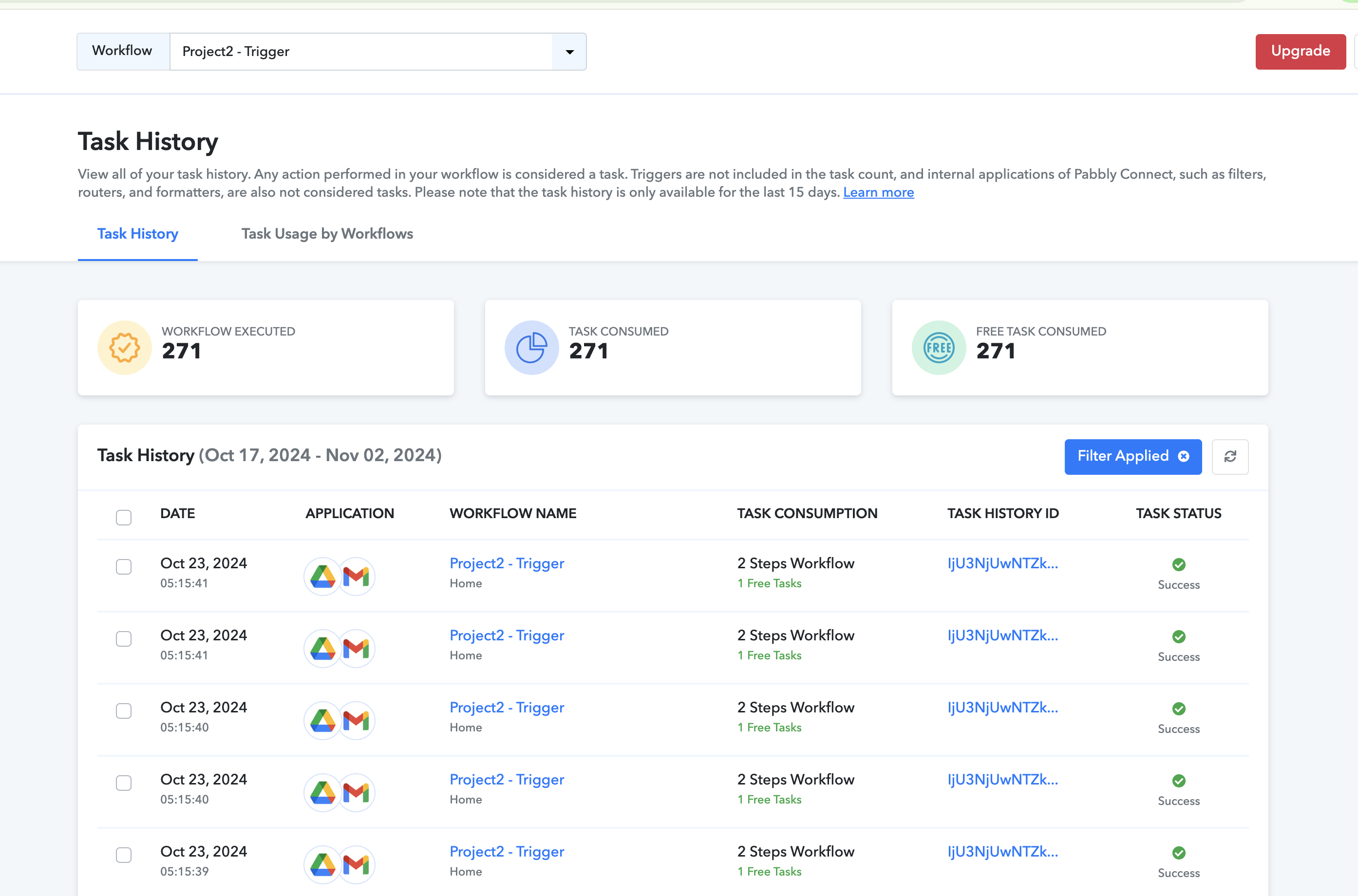
Hi @Tanya Saxena,
Could you please upload a new file to your Google Drive now and check if it triggers your workflow?
Hi @ArshilAhmad , As you have suggested
I UPLOADED THESE 2 FILES AND WAITED. FOR 10 MINS
AFTER WAITING FOR 10 + MINUTES I CANNOT SEE ANY WORKFLOW IN THE 'TASK HISTORY'
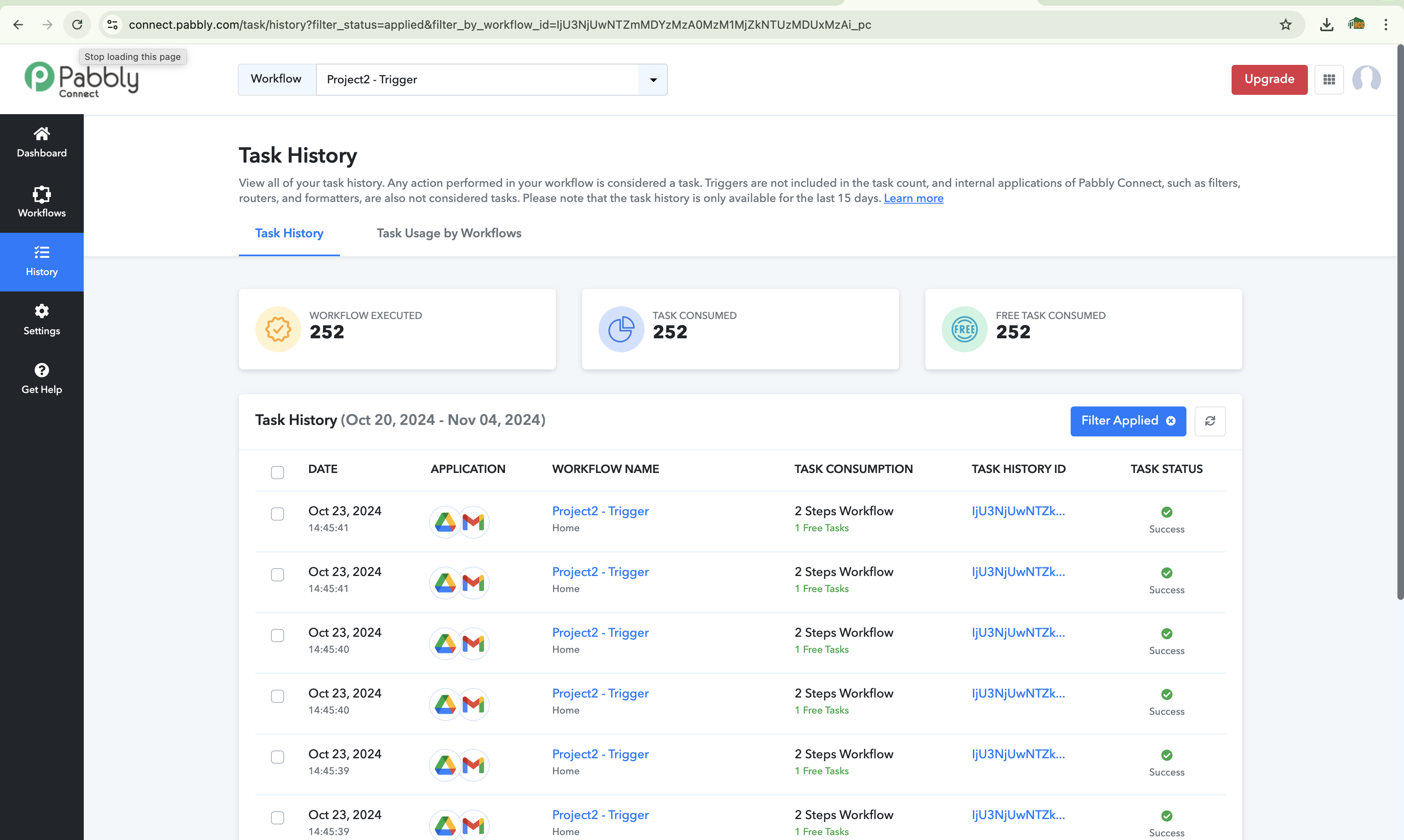
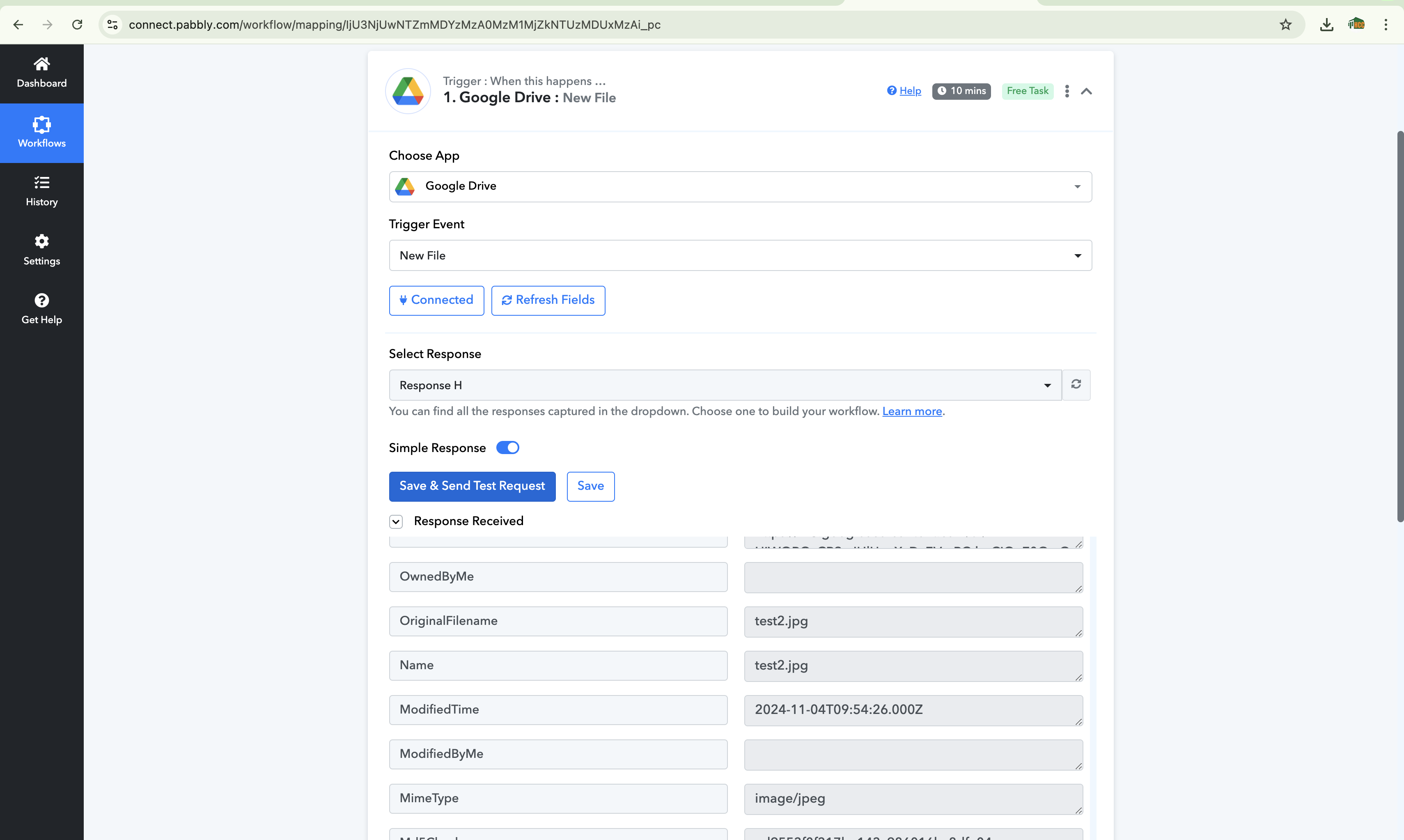
AFTER GOING TO THE WORKFLOW AND DOING A 'SAVE AND SEND TEST' , THE WORKFLOW IS SUCCESSFULLY CAPTURING THE RESPONSE IN TEST. CAN YOU PLEASE FIX THE GLITCH AS SOON AS POSSIBLE, THIS IS REALLY IMPORTANT.
Hey @Tanya Saxena
Kindly make sure that you are adding the New File in the same Google Drive account by which you have made the connection. We would recommend making a new connection altogether in order to rectify this issue.
It is in the same Google Drive and I tried the above uploads after making a new connection.
If Connection or uploading the same drive would have been that problem then it wouldn't have been captured in test too BUT it is SUCCESSFULLY CAPTURED IN TEST BUT NOT RUNNING AUTOMATICALLY (See the screenshots attached above).
Hello @Tanya Saxena
We have escalated the issue to our technical team. Kindly allow us some time to look into the issue and we will provide you with the updates as we have some.
Hi, Any update?
Hello @Tanya SaxenaWe have escalated the issue to our technical team. Kindly allow us some time to look into the issue and we will provide you with the updates as we have some.
I am facing the same issue. Pabbly google drive trigger is not working for new file in specific folder. It stopped working from 29th oct for us.
Hello @Tanya Saxena
Sorry for your inconvenience it seems that due to some error, the new files in Google Drive are not captured in the workflow history.
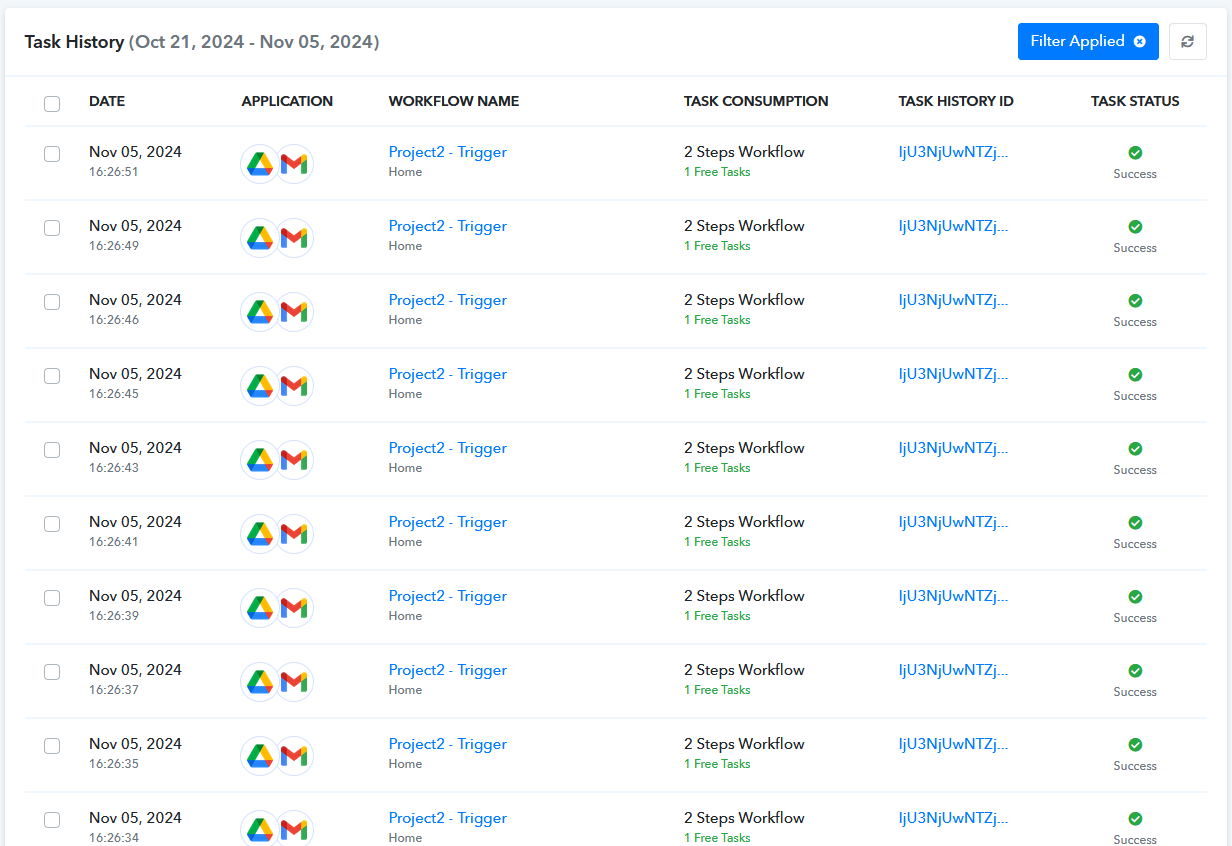
However, all the new files that have not been fetched are now being captured. Can you please add a few new tests and let us know if it's working as expected.
I've NEVER FACED this kinda GLITCH, THIS WORKFLOW HAS BEEN RUNNING FROM AN YEAR.
As per your suggestions, Did the test AGAIN IT's STILL THE SAME (it is capturing responses on a new file upload on a test (Save and send test) BUT No task history captured/ No automatic run) :-
GIVE ME YOUR EMAIL, I'LL CREATE A TEST FOLDER AND I'LL SHARE IT WITH YOU SO YOU MAY TRY UPLOADING A NEW FILE AND TEST ON YOUR OWN.
(FYI:
> I made 1 more similar new workflow flow in the same account:- SAME issues.
> Also, I've 1 more Pabbly Account, NO such issues there.
> Which means the glitch is in this specific account, and that too in only 'AUTOMATICALLY TRIGGERING/ Getting in task history'
> Seems like the workflow and connection has no issues as the tests are capturing the new files but no automatic run.)
1.) I UPLOADED 2 FILES:-

2.) I WAITED FOR MORE THAN 10 MINUTES, NO AUTOMATIC RUN:-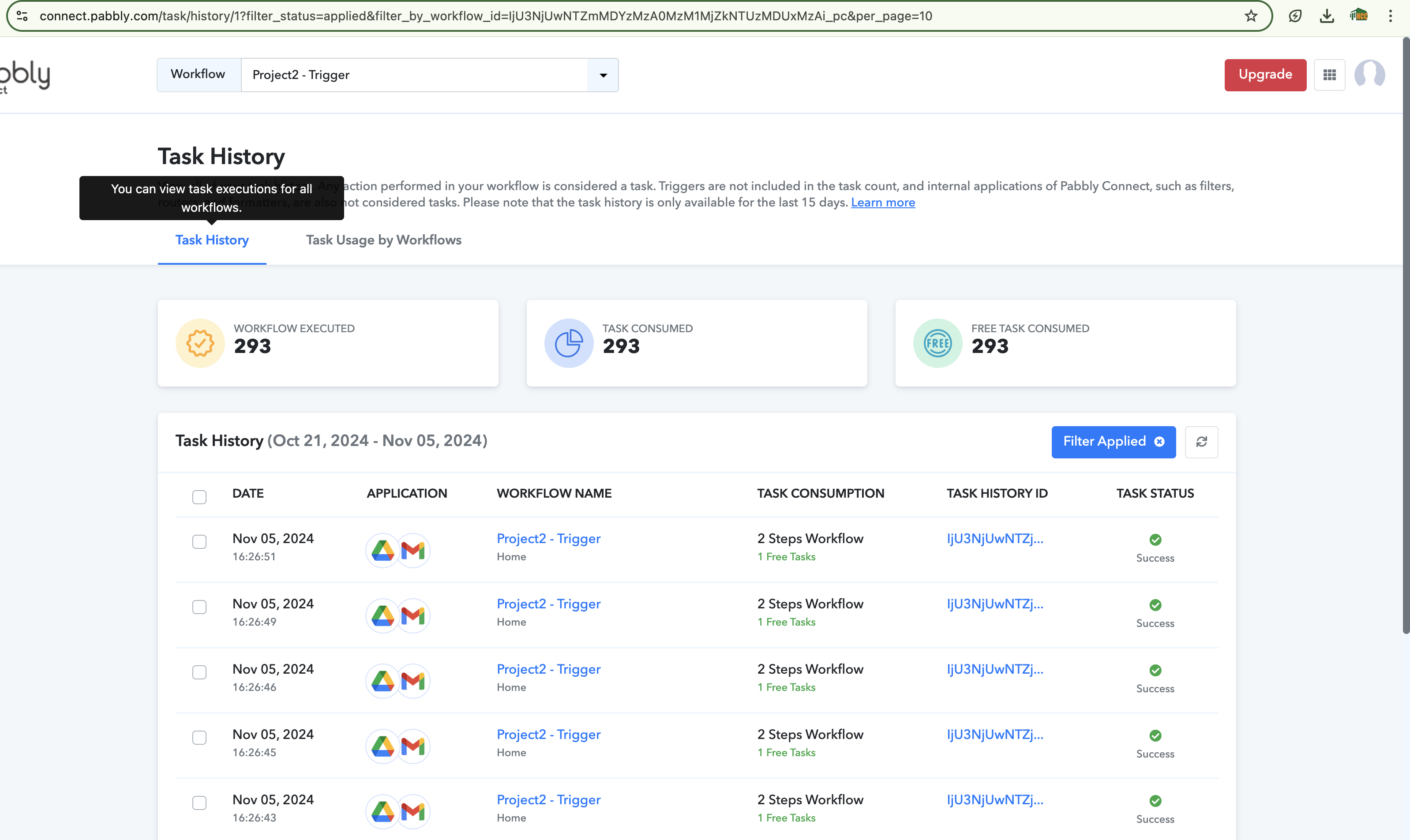
3.) THEN I DID A SAVE AND SEND TEST, AND IT DID CAPTURE THE NEW FILES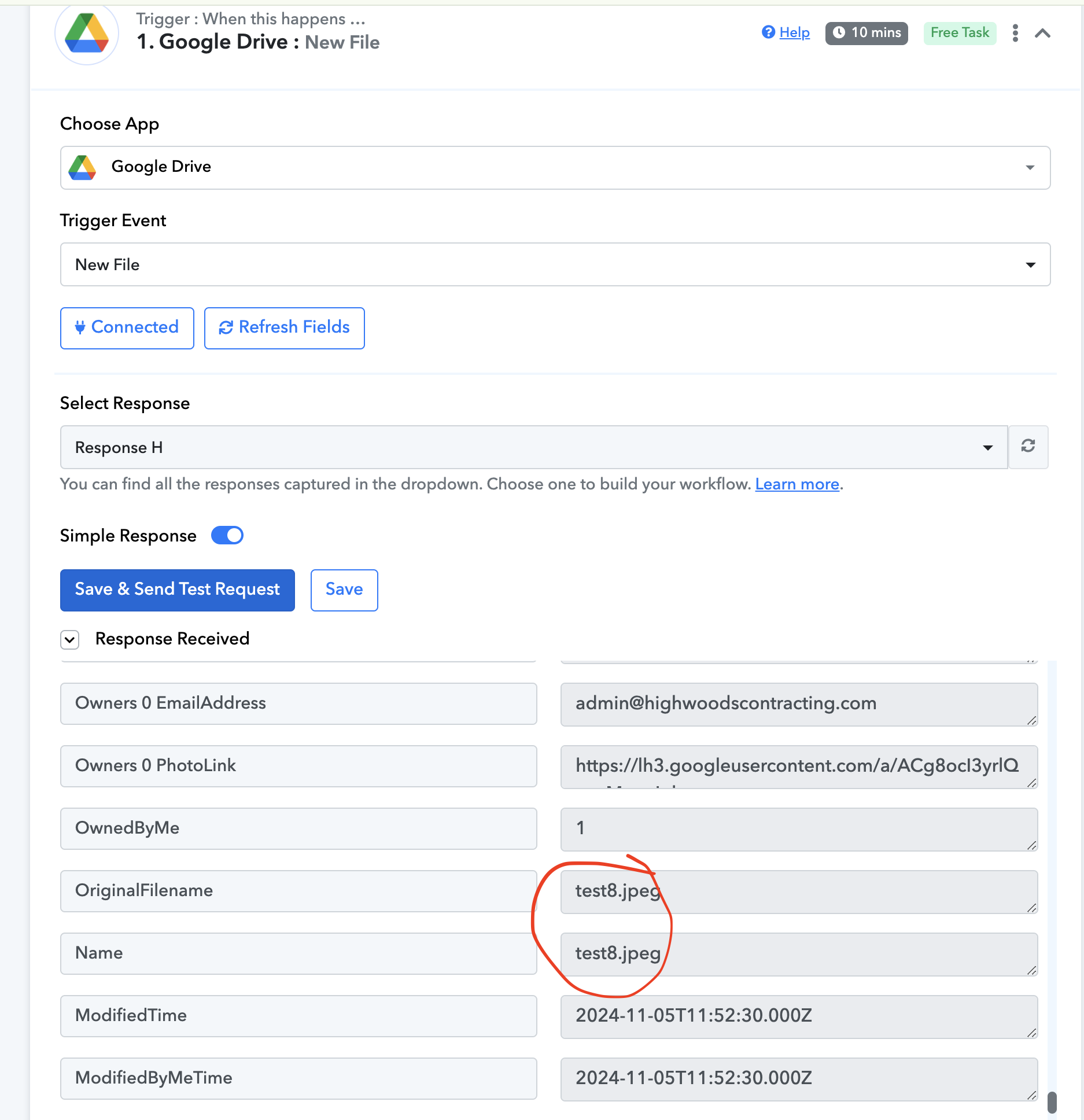
Hello @Tanya Saxena
Can you please provide us with the new file details that have not been captured in the task history Also please mention the task history in which on renaming the file workflow gets triggered.
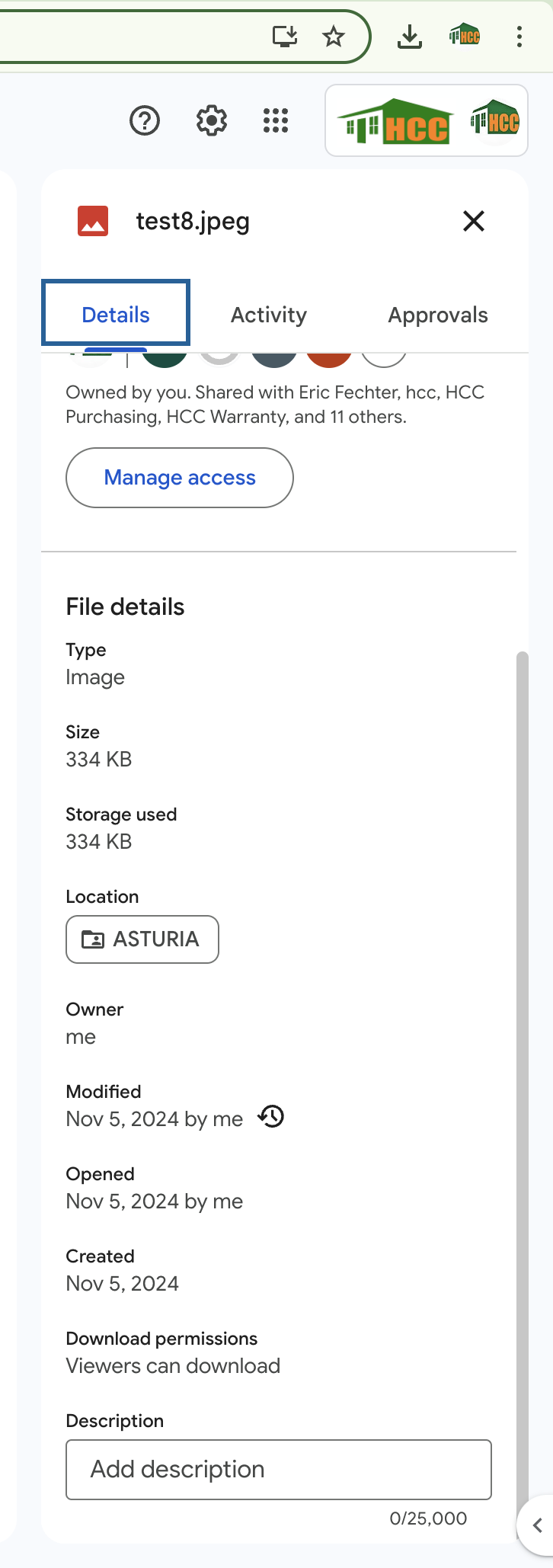
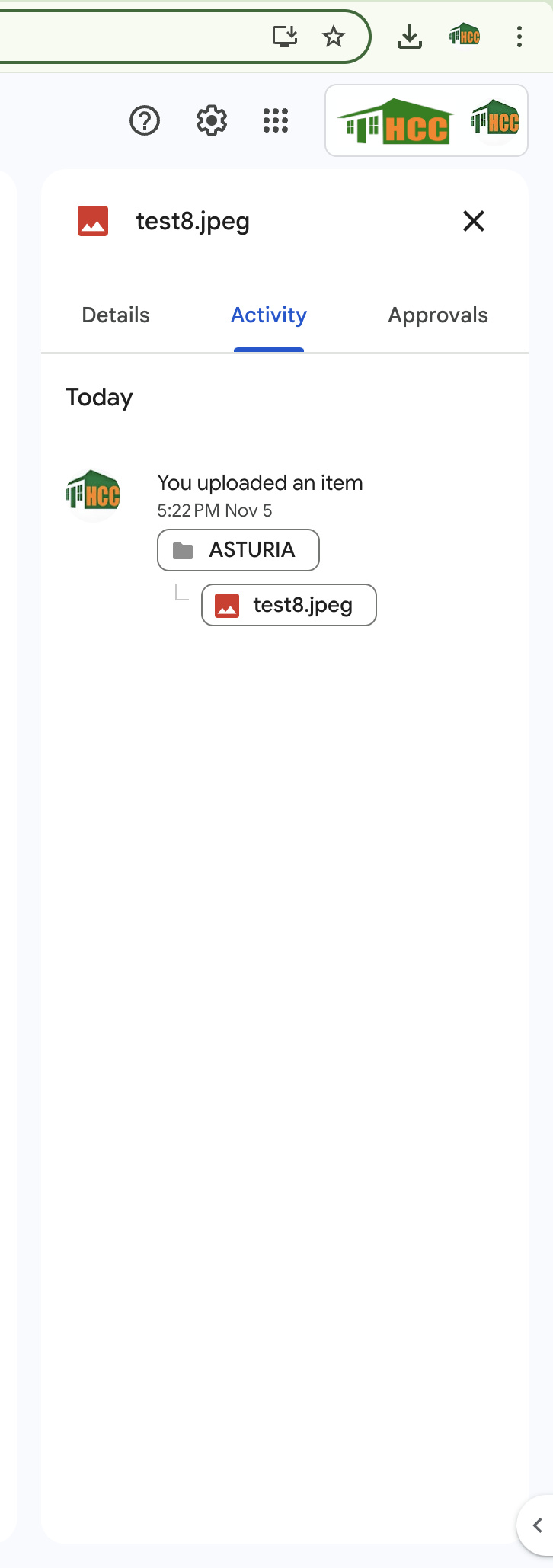
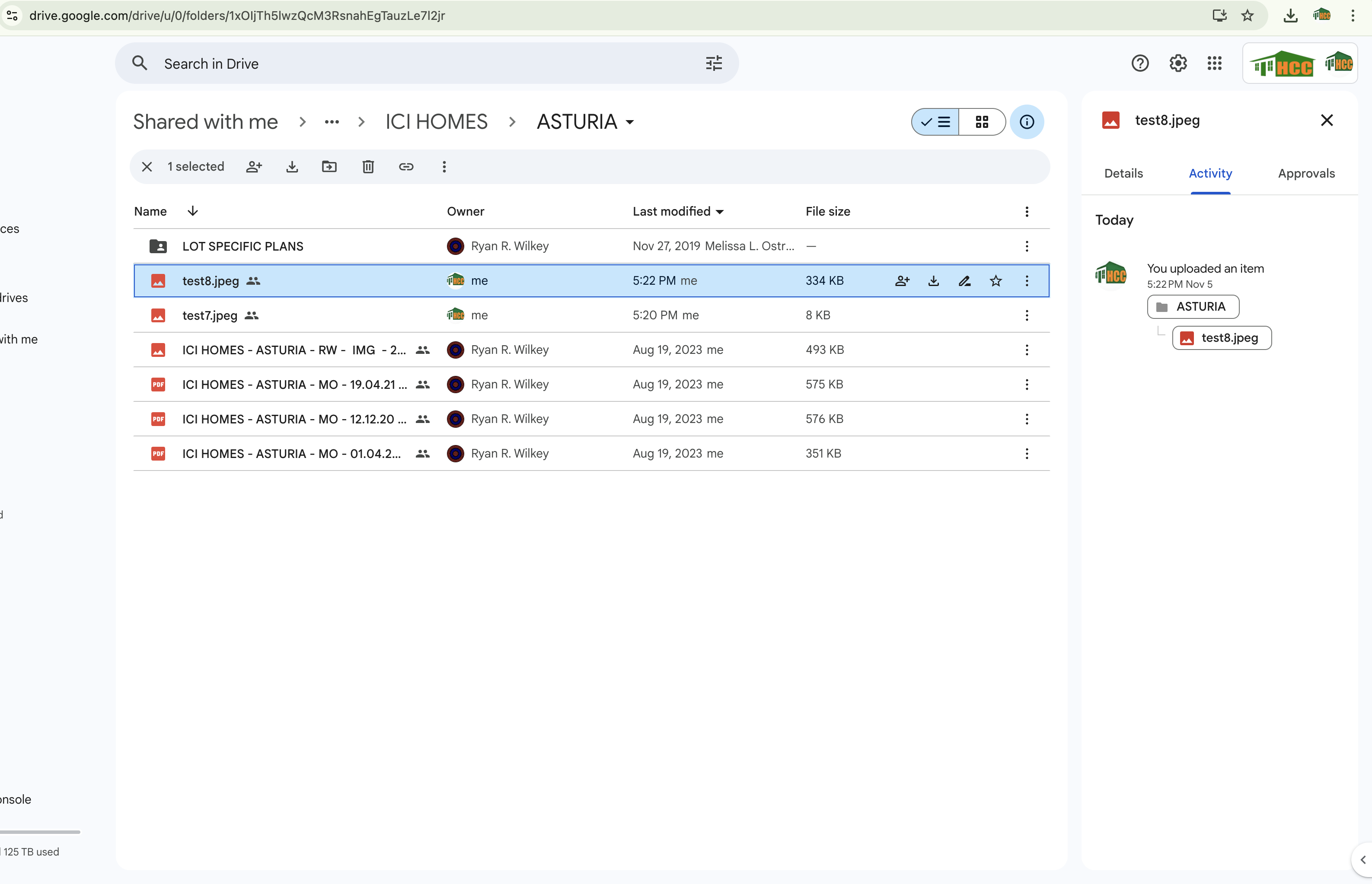
2.) DETAILS OF THE IMAGES THAT I RENAMED AND THEY GOT CAPTURED INSIDE TASK HISTORY (THESE FILES WERE ACTUALLY UPLOADED yesterday 4 Nov 11 pm, but renaming them triggered the flow)
All the files in the task history on 5 Nov are a result of renaming. (And they are the responses captured after 23rd Oct, in the time period between 23rd Oct and 5 Nov, not even renaming triggered the flow )
[FYI: - The root folder for both the files (1 and 2) is same 'ICI Homes']
EXAMPLE: (Task History ID: IjU3NjUwNTZjMDYzNjA0MzY1MjY0NTUzNzUxM2E1MTY0NTQzMTBmMzgi_pc )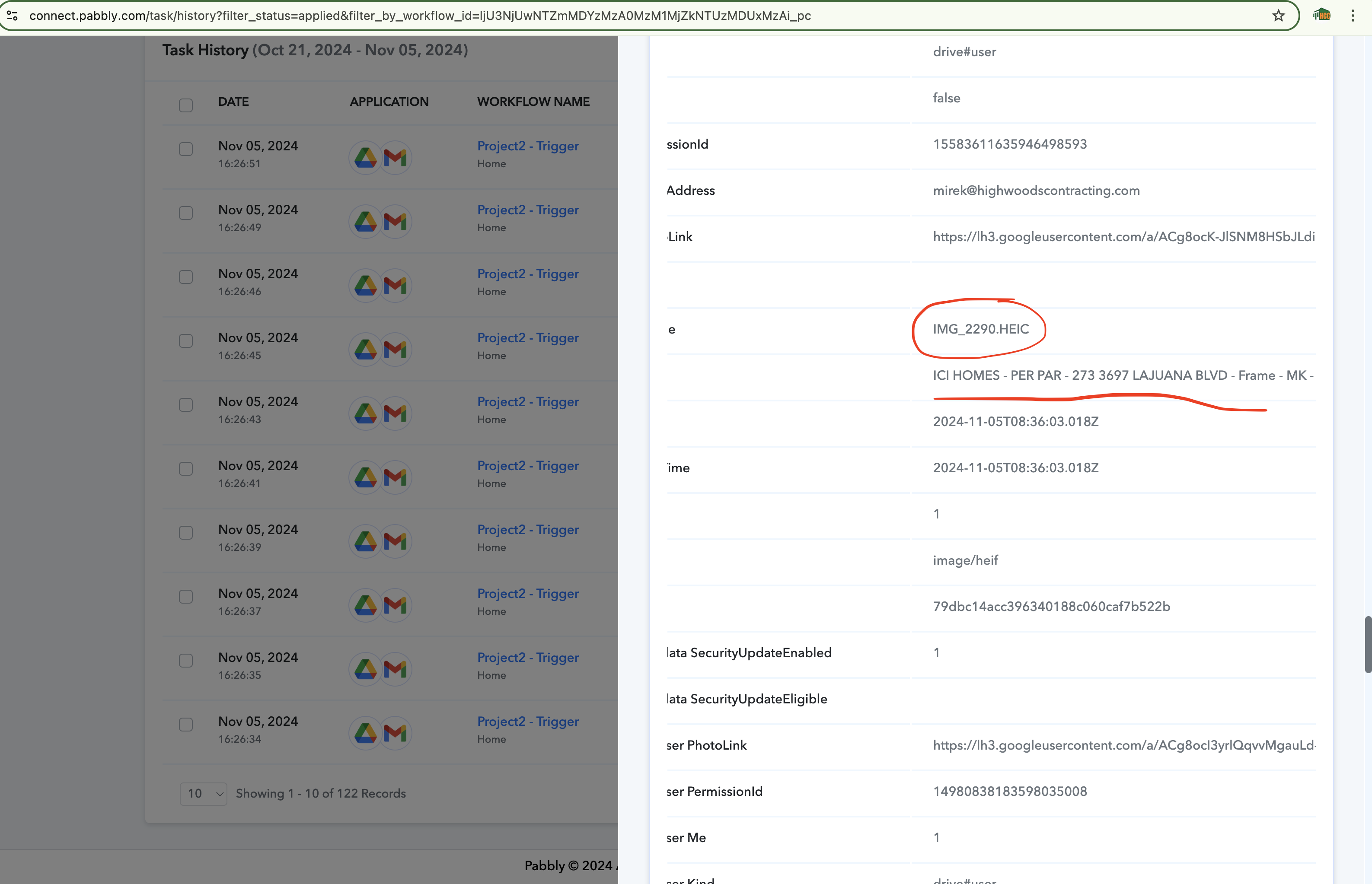
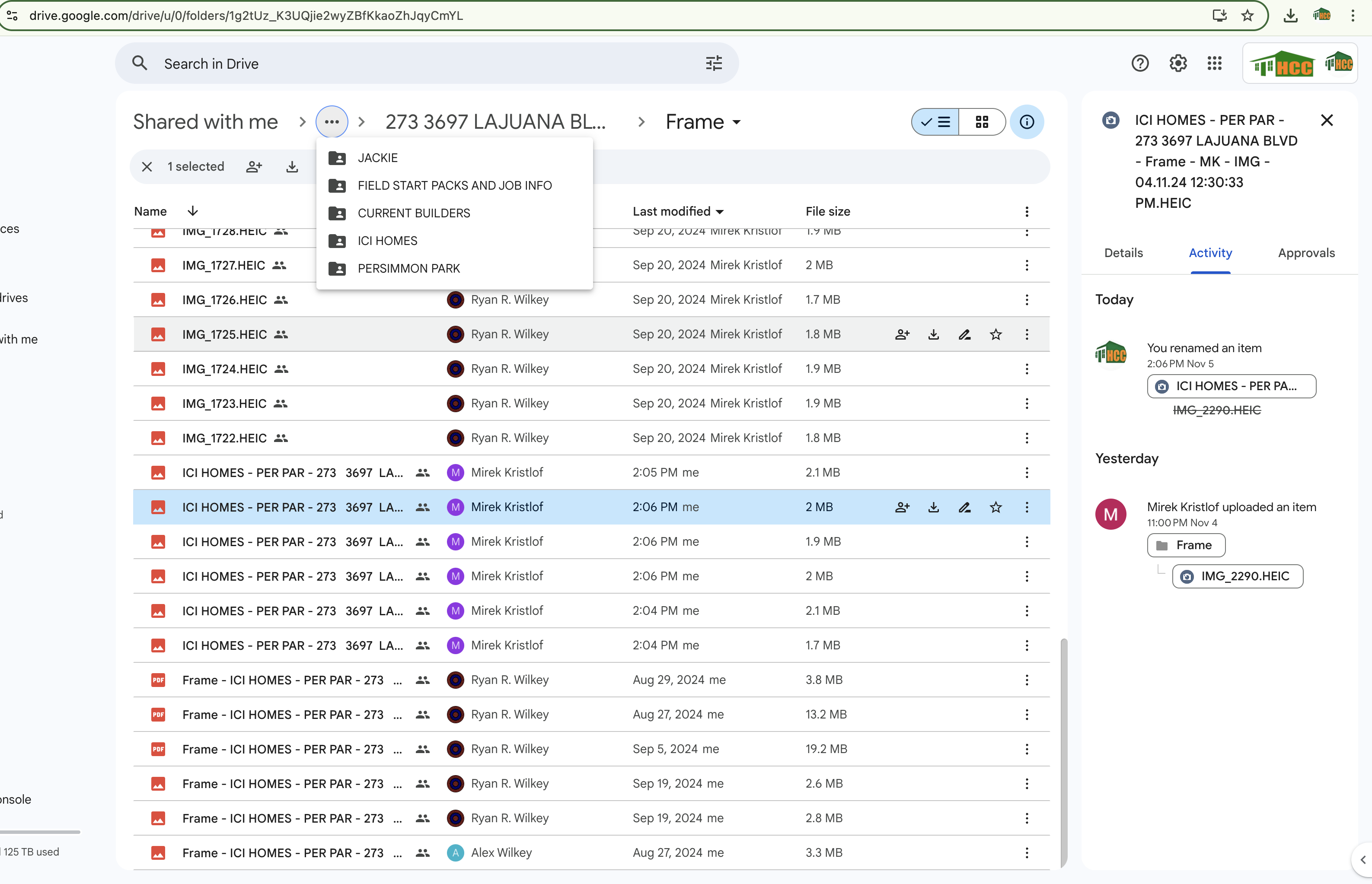
What's the update?
Hello @Tanya Saxena
We have escalated the issue to our technical team, they're looking into it. Kindly allow us some time and we will get back to you with the updates as we have some.
Hello @Tanya Saxena
Our team has made some updates and the issue seems to be resolved. Kindly add some tests and let us know if the workflow gets triggered as expected.
Hello @Tanya Saxena
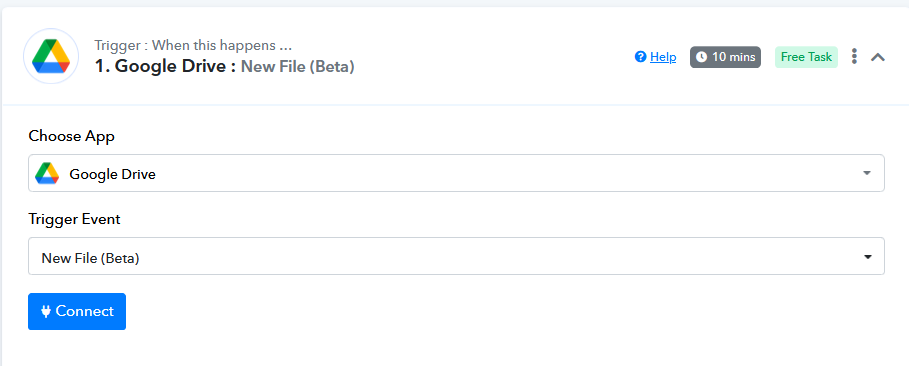
Our team is trying to fix this issue and has also added a new trigger named "New File (Beta)". Kindly try using it at your end and let us know if it works for you.
Hello Tanya,
Do use the new Trigger that we created after checking the issue deeply.
After thorough checking we realised there was a issue at our end.
The new Trigger that we created will work for you.
Please check.
Please note, the way the data comes in this newly created trigger is slightly different so you will be required to remap the values in your next actions steps.
If possible, better thing will be to create a new workflow once which will sort your issue.
You guys are awesome! Thank you so much @Preeti Paryani @Neeraj ! It's working fine now! I really appreciate your efforts in finding out the real cause and fixing it. I'm your regular user and I love Pabbly.
Now I'm really impressed by your support too! Thanks again, have a great day! :)
Hello @Tanya Saxena
Thanks for the update, we'd love to hear your thoughts! If you have a moment, please rate us on Google. Your feedback helps us improve.