Google Drive "New Folder in Specific Folder" Trigger is not working
Status: Closed · Asked by Aris Ventures Leaders on · 0 views
Hello,
Thank you for reaching out.
To investigate this issue further, could you please share the workflow URL of the affected workflow?
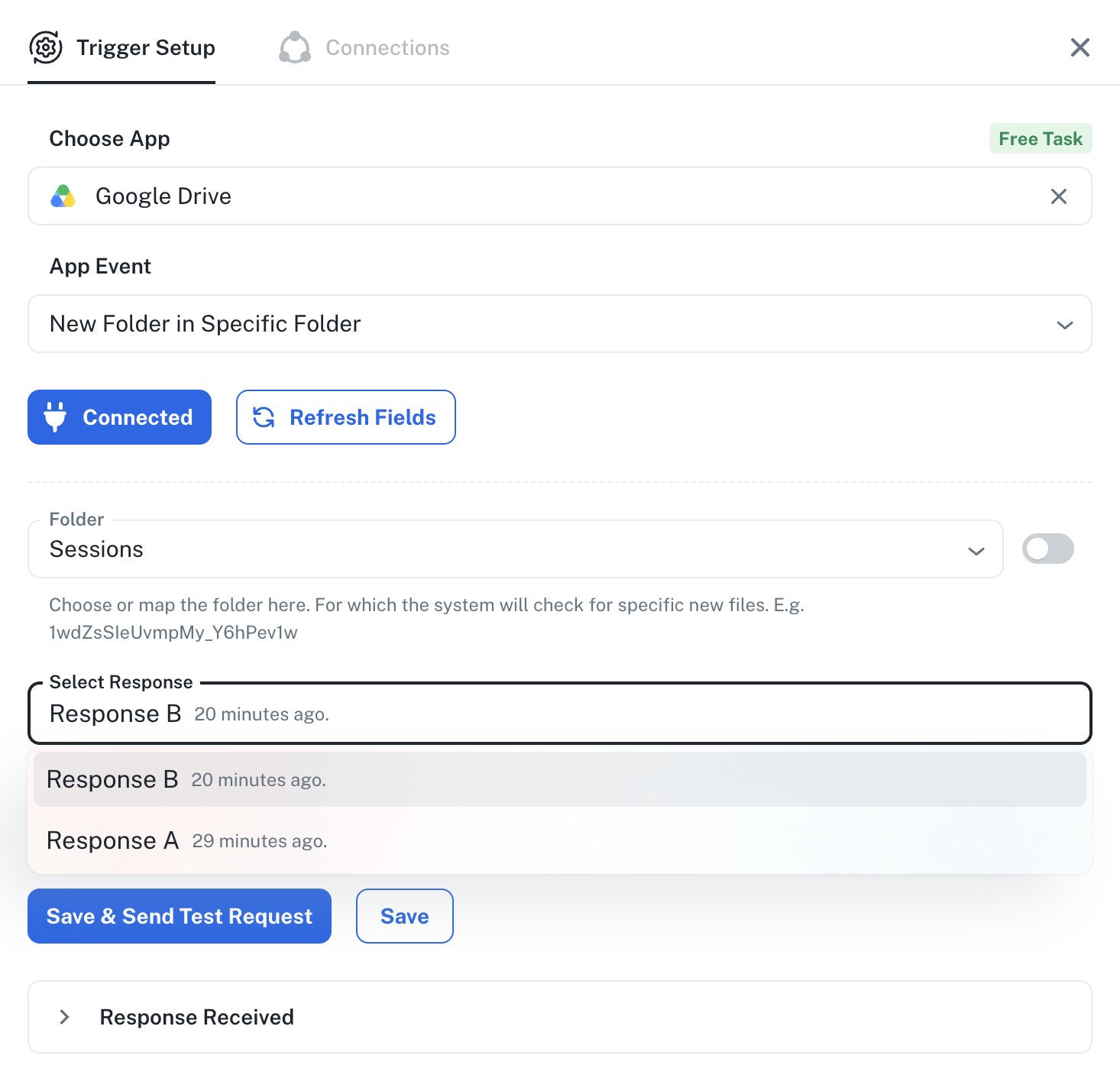
Additionally, please share a screenshot of the folder selected in the trigger configuration showing the newly added folders.
Once we have these details, we'll review the setup and assist you accordingly.
Thanks and Regards,Preeti Paryani
Customer Success Associate,
Pabbly.com
Workflow URL is
The screenshot of the Google Drive folder is attached.
Thanks
Hello,
Thank you for reaching out.
To investigate this issue further, could you please share the workflow URL of the affected workflow?
Additionally, please share a screenshot of the folder selected in the trigger configuration showing the newly added folders.
Once we have these details, we'll review the setup and assist you accordingly.
Thanks and Regards,
Hello,
Thank you for sharing the workflow URL and screenshots.
Upon reviewing the screenshots, we can see that the latest folder you uploaded (2026-07-16T03-26-28Z) has already been captured successfully in the trigger response. Please refer to the attached screenshots for confirmation.
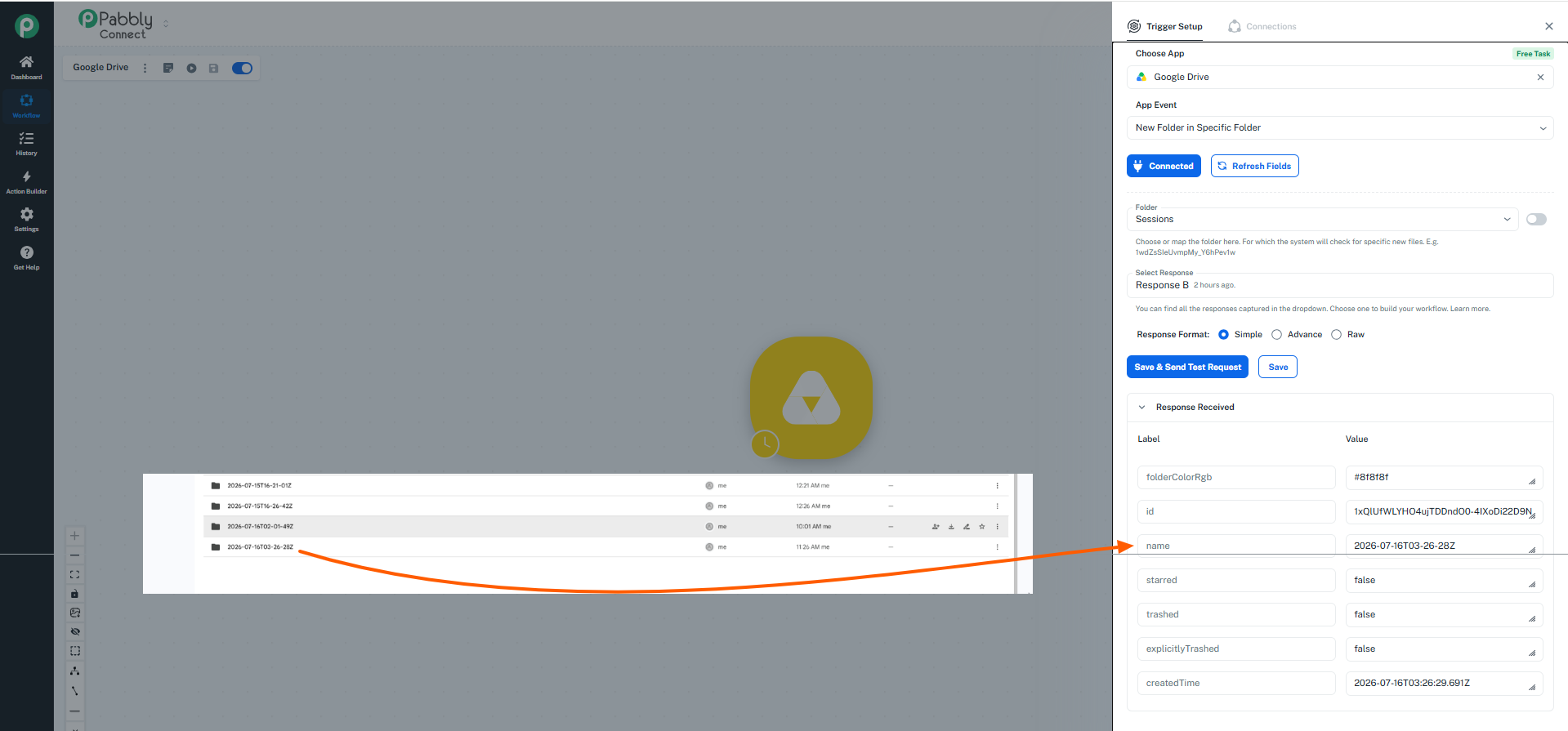
You can now try adding another new folder to the selected Google Drive folder and test the workflow again.
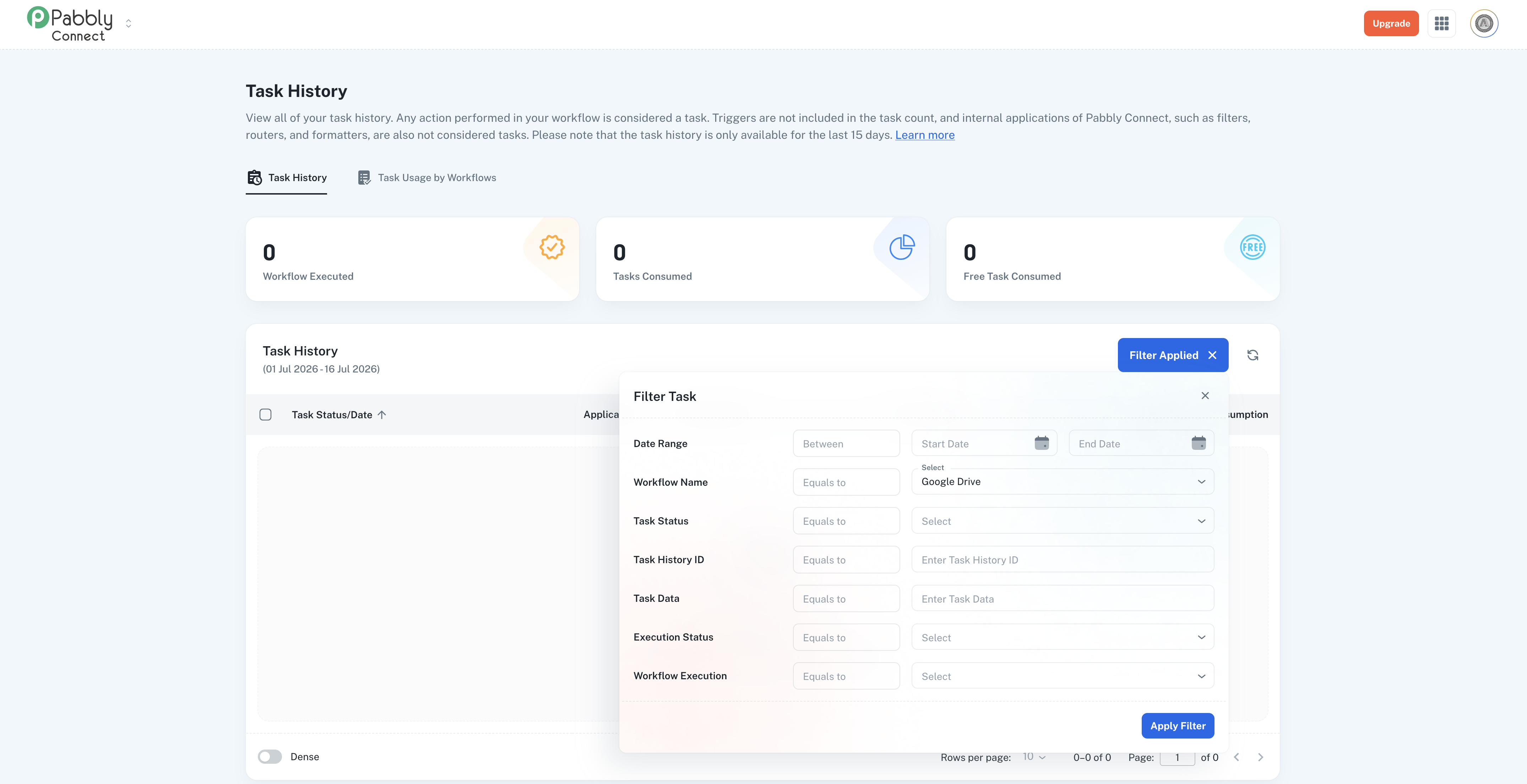
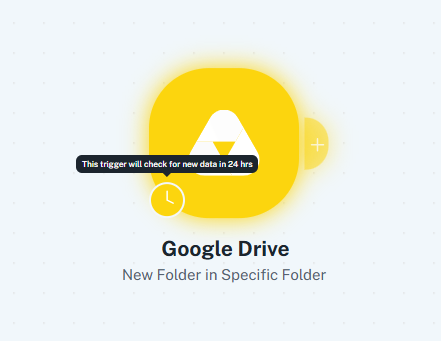
However, please note that you are currently using the Free Plan of Pabbly Connect, and the Google Drive - New Folder in Specific Folder trigger is a polling-based trigger. On the free plan, the polling interval is 24 hours, which means newly added folders will only be detected and processed within the next polling cycle (up to 24 hours after they are added)
 .
.
With our paid plans, the polling time can be reduced to as low as 10 minutes.
For now, we recommend completing the remaining workflow steps, adding a new folder to your Google Drive, and then waiting until the next polling cycle for the workflow to execute.
If you'd like to upgrade and reduce the polling time, you can review our plans here:
https://www.pabbly.com/connect/#pricing
Please let us know if you have any further questions.
Hi,
Workflow URL is
The screenshot of the Google Drive folder is attached.
ThanksOn Thu, 16 Jul 2026 at 1:47 PM, Pabbly Support <[email protected]> wrote:Hello,
Thank you for reaching out.
To investigate this issue further, could you please share the workflow URL of the affected workflow?
Additionally, please share a screenshot of the folder selected in the trigger configuration showing the newly added folders.
Once we have these details, we'll review the setup and assist you accordingly.
Thanks and Regards,
Preeti Paryani
Customer Success Associate,
Pabbly.com
Thanks and Regards,
Preeti Paryani
Customer Success Associate,
Pabbly.com