Google Drive Sub Folder not working
Status: Closed · Asked by 405Doc on · 0 views
Hello this automation seems to work when I am in the testing phase building out the recipe in zap. The problem in the issue is coming in to play when it is live. I want to have one folder created in Google Drive as a main folder, and then three sub folders, lead logo, picture and video for example. When I am building this out, it works 100% and I can see the subfolders exactly how I want it. However, in a live setting, it does not work. It creates the main folder, but it does not create the folders or label them as requested. Can you please provide me some suggestions on how to get this fixed? I would need you to run a full live test so you can actually see what I'm doing as opposed to working in the testing phase of the set up.
Here is the pabbly recipe: https://connect.pabbly.com/workflow/share/DkZWZANUAWJUHgJoUg0NKl9LCg4BWAVhXEVTQVBfXCRRHFI5A0IKYAlFV3VQB1IzBUwCaA5RVjJaTlVRUAZSIVJcUkAAA1ErVhtSKQxZWmkOUFZ-A2I#
Hi @405Doc,
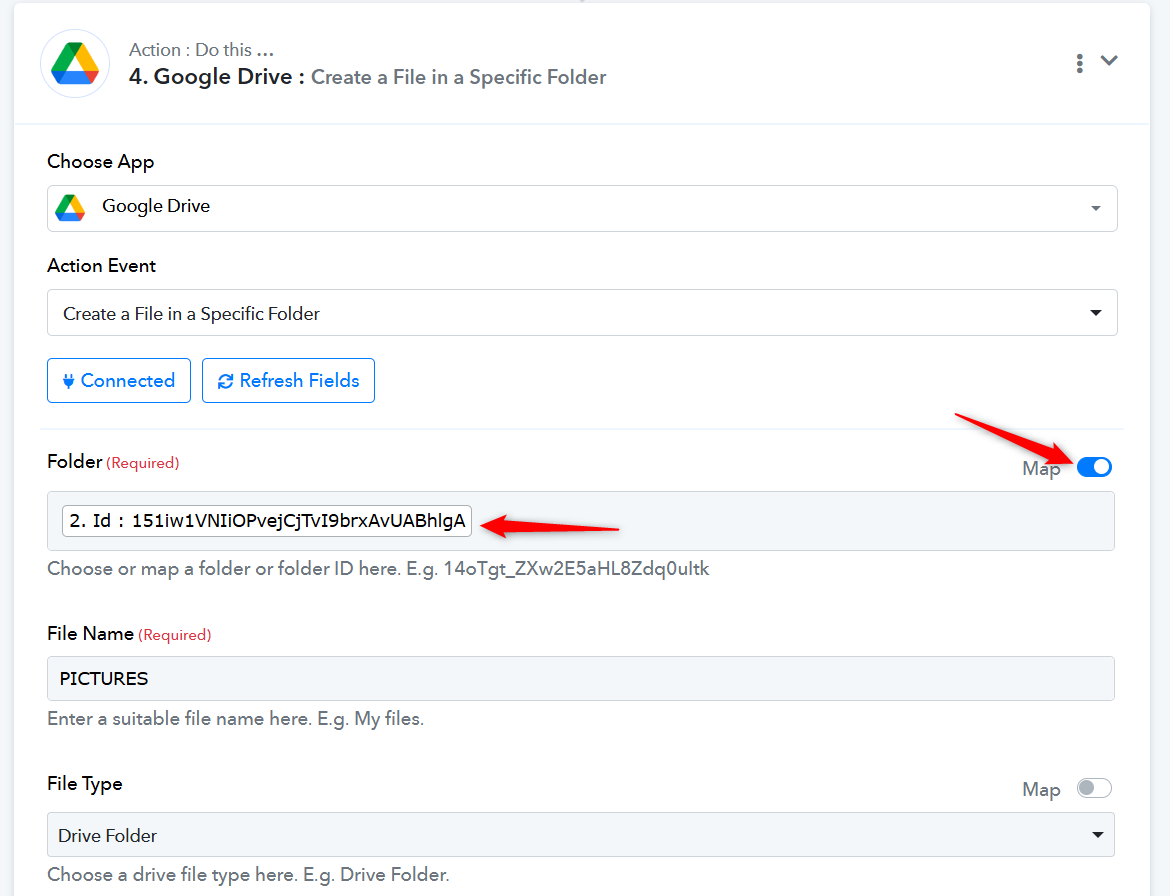
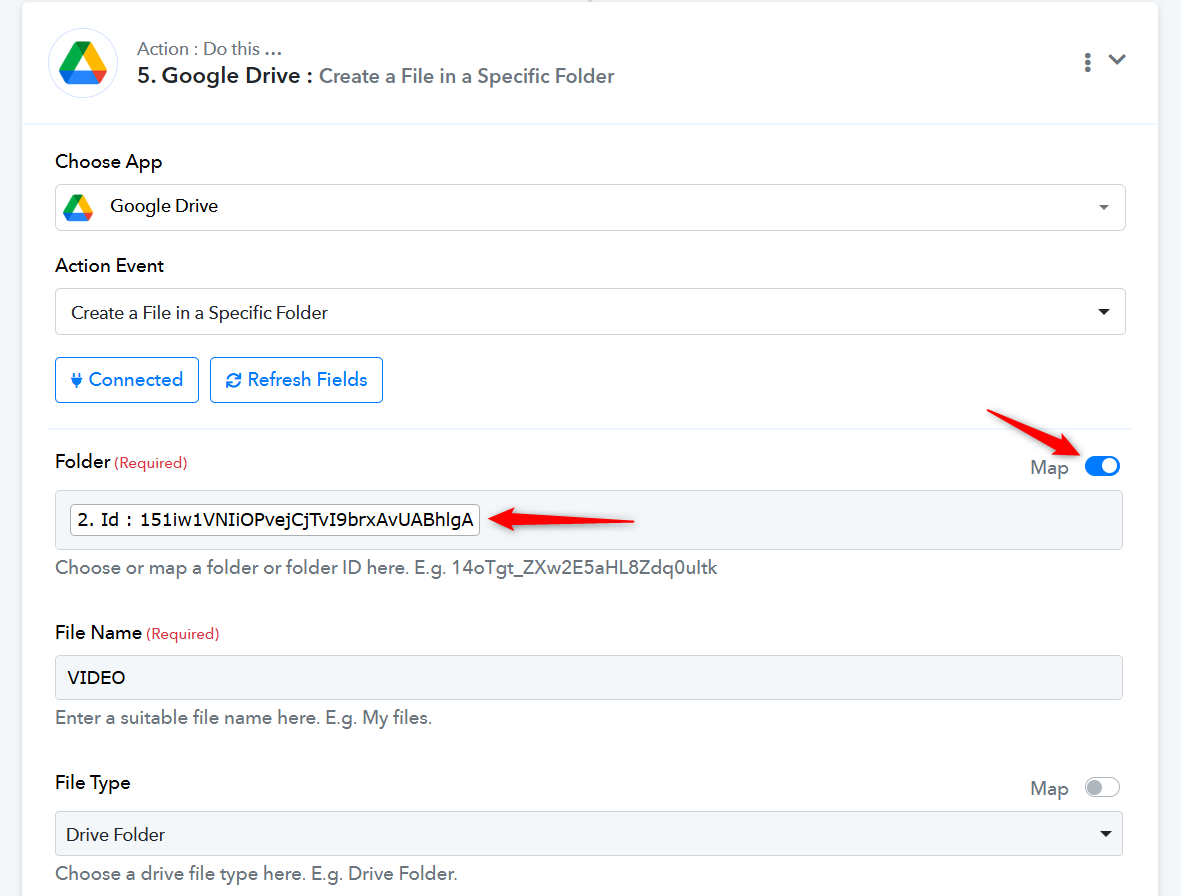
In all three 'Create a File in a Specific Folder' action steps, you were supposed to map the Folder ID from Step 2 of your workflow. We have made the necessary changes on your behalf. Please make a test submission and test the workflow on your end.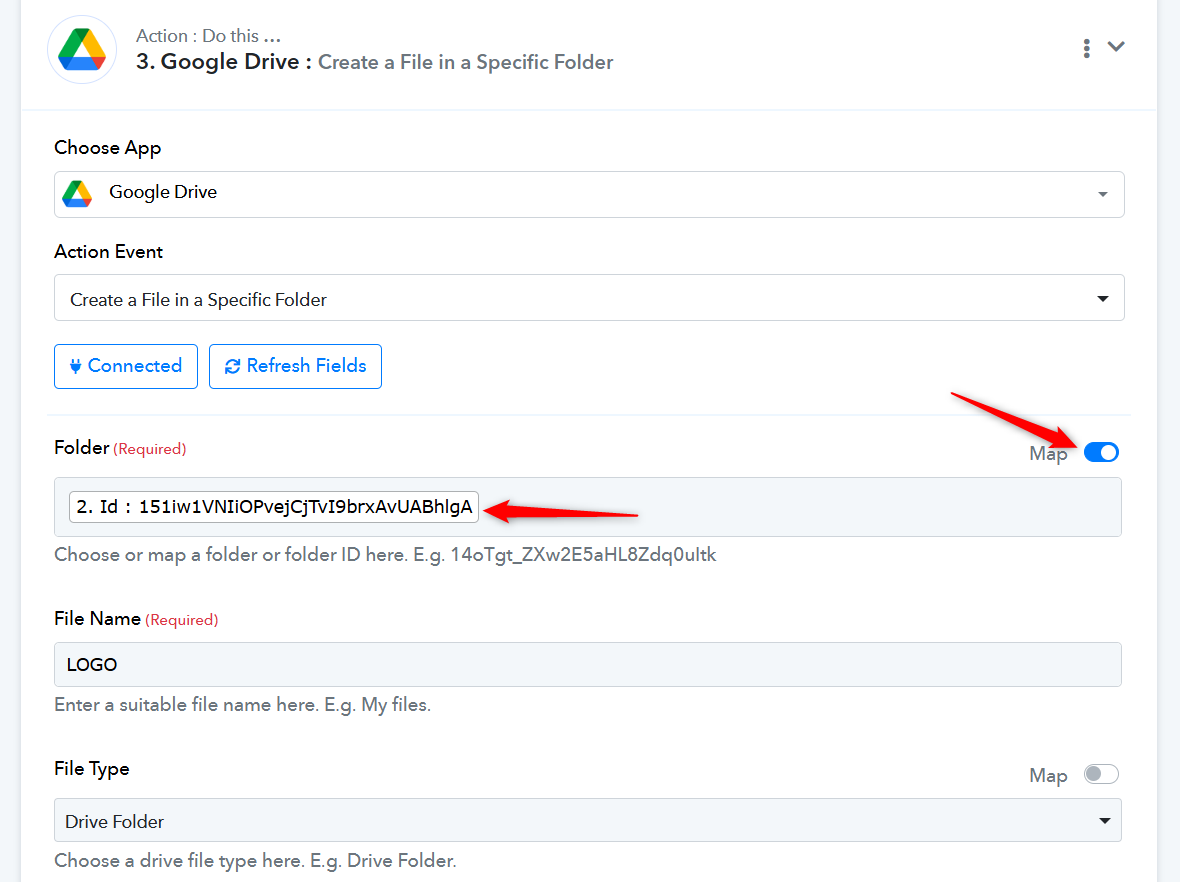
It worked thank you!