Google Drive Workflow Not Triggering , but works on manual trigger
Status: Open · Asked by kurt on · 0 views
hello,
I have a workflow that's main trigger "New File in Specific Folder" is a file being added to a Google Drive Folder. Everything is connected and the workflow will run fine when I'm testing the stages manually in the automation builder, but is not running when files are added to the folder to trigger it.
It is set to check ever 10 minutes, and we have no response after 24 hours.
I am sure there is something simple wrong, I would love some assistance thank you!
Hi @kurt,
Could you please add a new file to the specified folder in Google Drive and check if it triggers your workflow now?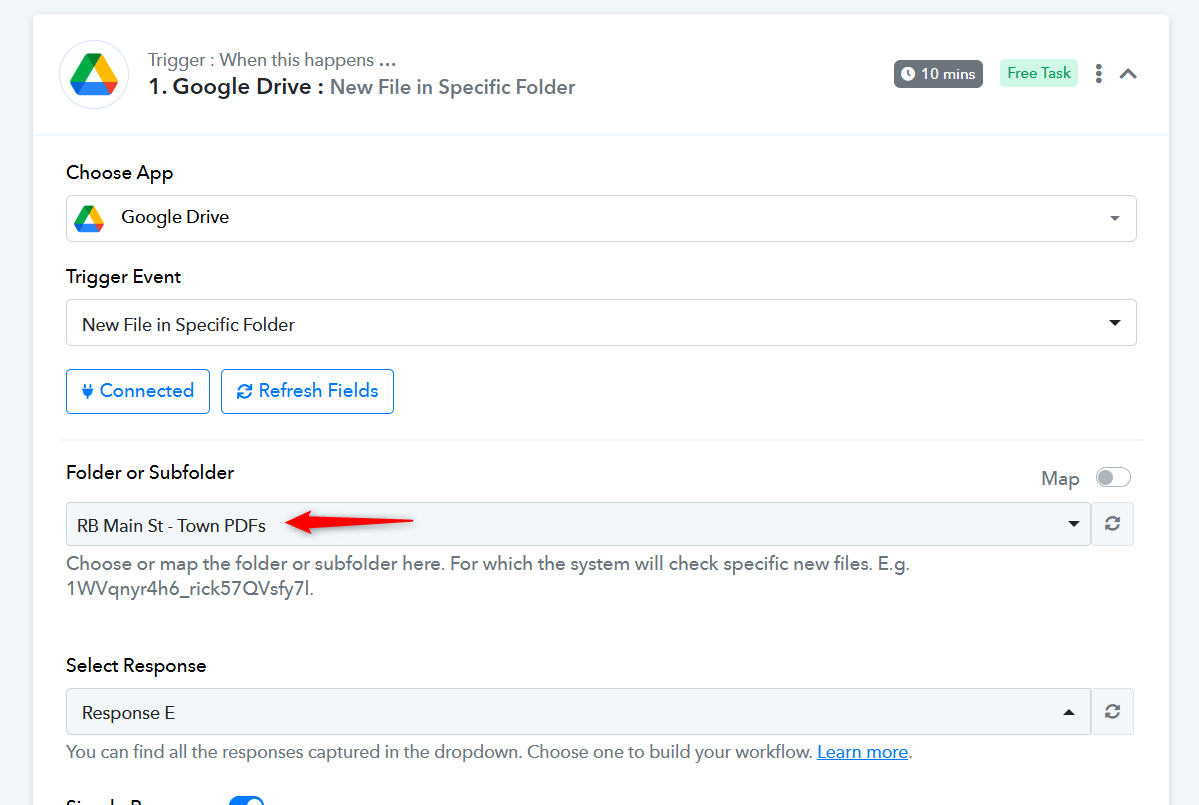
Also, could you please share a screenshot showing the file present in the 'RB Main St - Town PDFs' folder?
hello, yes I have confirmed the folder and added new files that do not tigger the workflow. here is a live example of adding a file and the workflow not triggering. https://d.pr/v/f8sVq5. and when manually done here is our output sheet with the correct outcomes. https://d.pr/i/LgVUMl
The file you uploaded appears to have triggered your workflow. Please try uploading a new file to the same folder, wait for about 10 minutes, and see if it triggers the workflow again.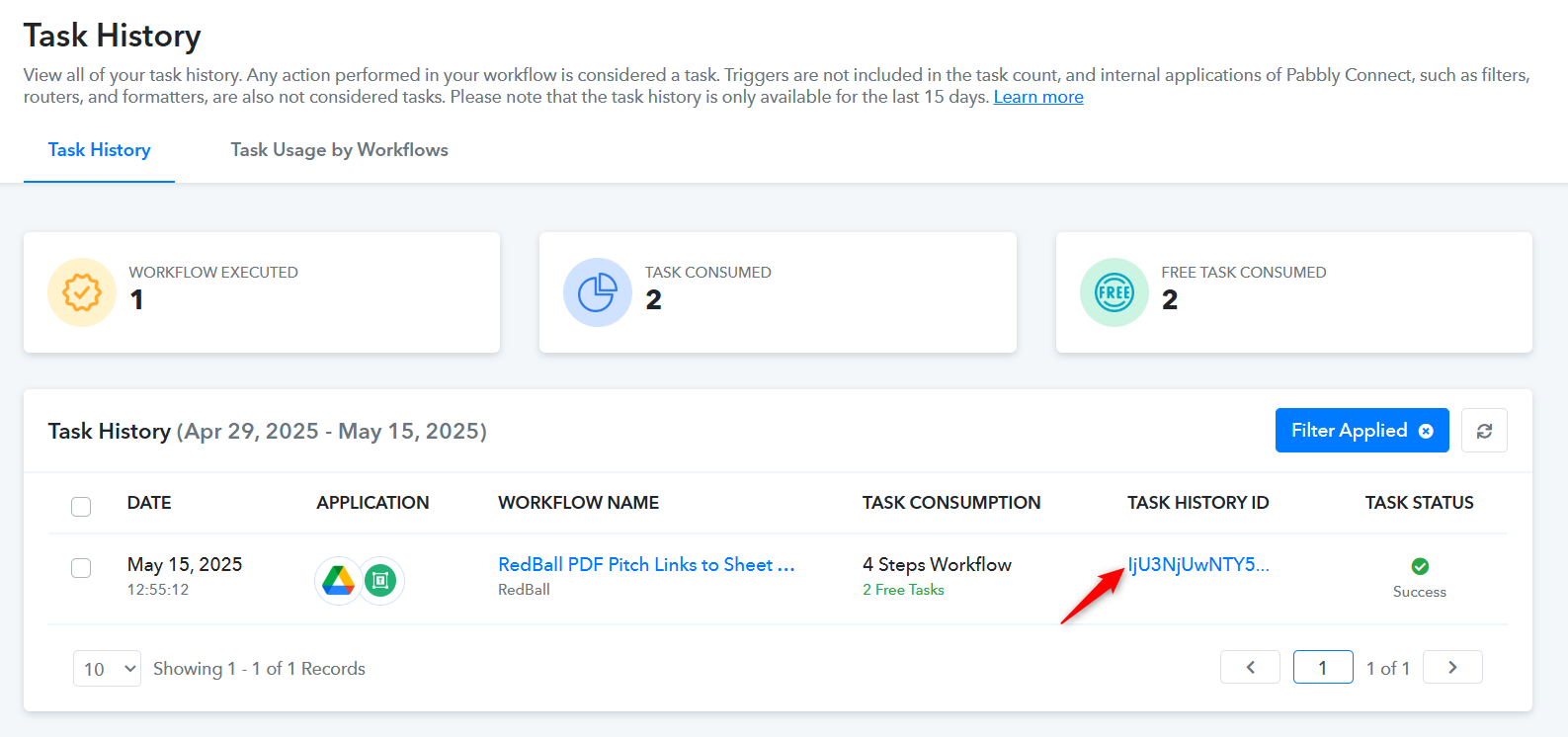
thank you yes I see it working now, and have tested it myself. so I understand if there was an issue with the workflow, did you edit it or change something so I can know what issue it might be.
No, we haven't made any changes to the Google Drive trigger step from our end. We reviewed your workflow after watching the video, and the task was present in your Task History.