Google Forms to Google Contacts Label
Status: Closed · Asked by pisapiag on · 0 views
Is there a way to use Pabbly Connect to input data from a Google Form to a particular Label in Google Contacts?
Hi @pisapiag,
You can follow the steps given in the video shared below to setup Google Contacts as your trigger step and capture new responses.
youtube.com/watch?v=uW7J1niwFDQ:204
You can then use 'Google Contacts: Update Group/Label' action step to update a label.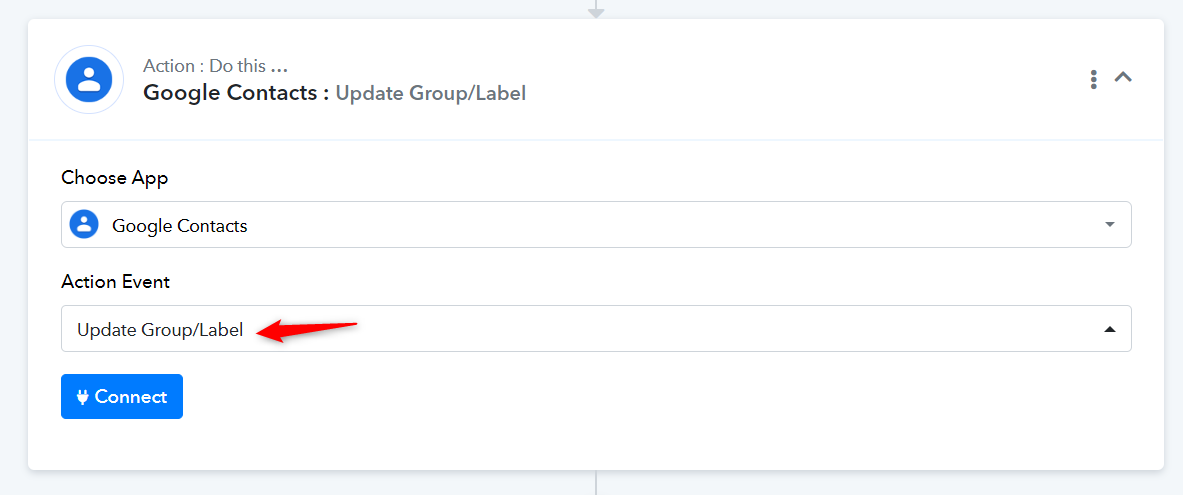
I already have a workflow that uses Create Contact as the Action Event and that works fine in order to add a new contact through Google Forms. Do I have to create another workflow to add that new contact to a particular label or do I just replace the existing workflow with that new Action Event?
Based on our limited understanding, it seems like you want to create a new contact and then add a particular label to that contact.
For this, you can simply add the "Google Contacts: Add Contact to Group/Label" action step as step 3 of your workflow.
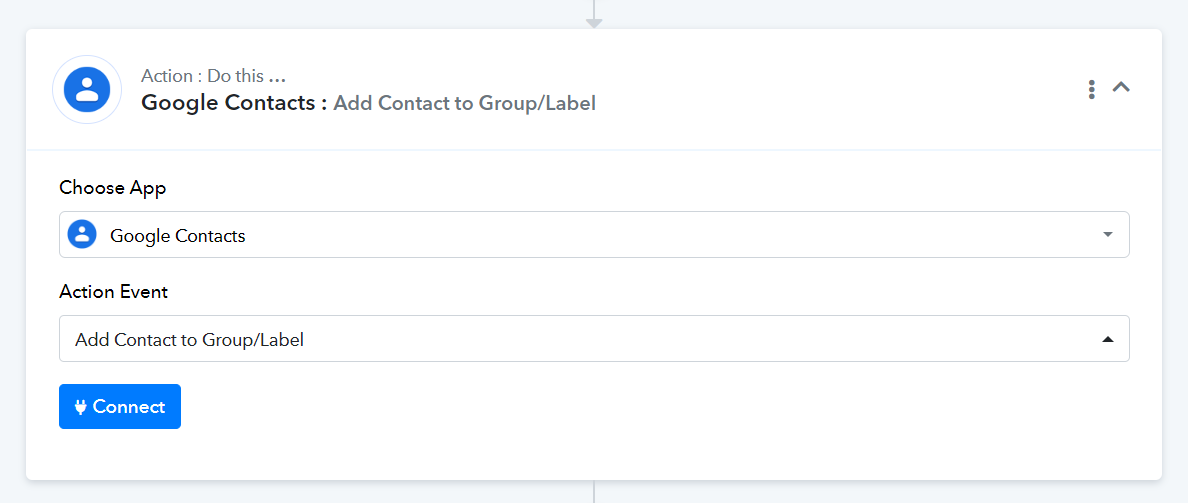
So, whenever you receive a new Google Forms submission, it will create a new contact and add a label to that contact.
Excellent! One more question:
There already is a name in the Contact box (Véronique Gagnon). What do I have to do to get the contact resource name from the "Create Contact"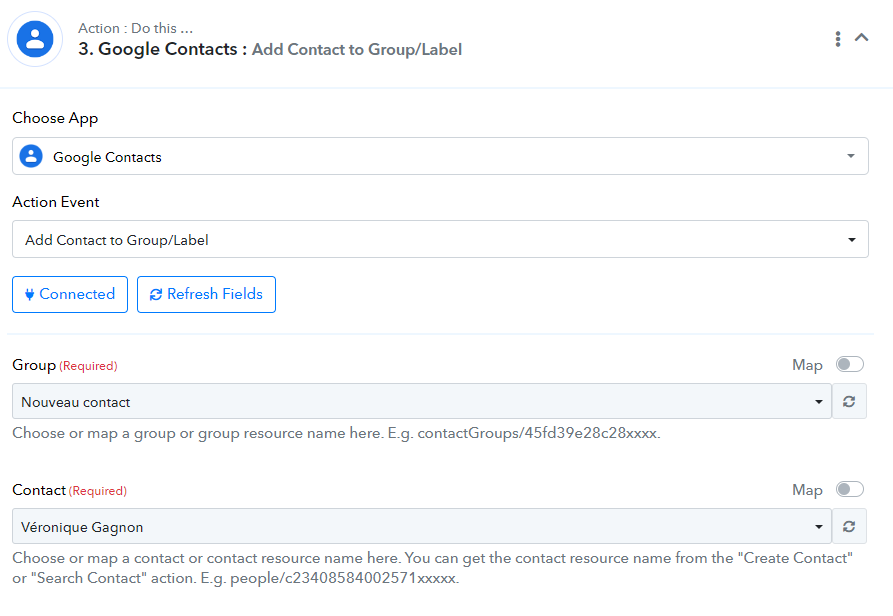
Could you please share the Workflow URL you have setup?
You need to enable mapping and then map the Resource Name from above. We have made the necessary changes on your behalf for now.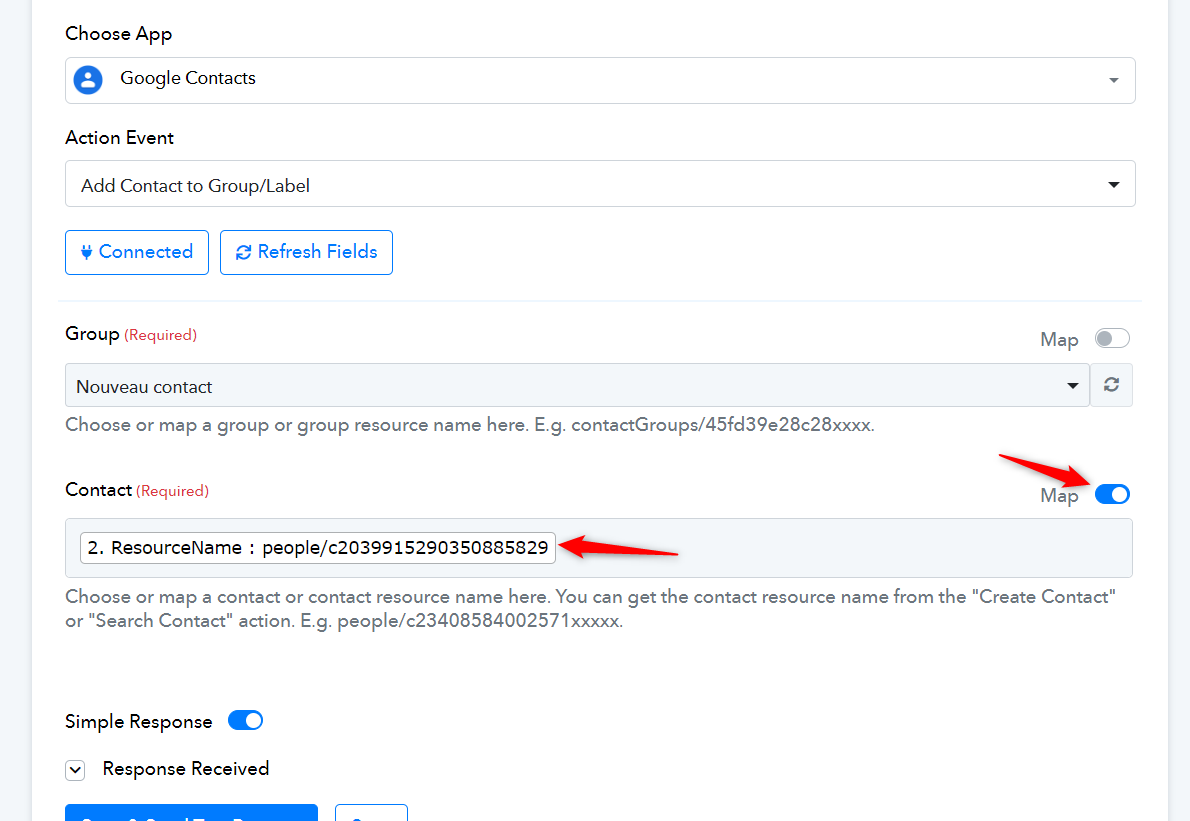
Excellent! Everything works fine now. Thank you very much.