Google Sheet not fetching
Status: Closed · Asked by Jigar Nagda on · 0 views
Hi
I am facing an issue where google sheet integration as my existing connection is not fetching the google sheets when i am using add new row option.
Regards,
Jigar
Hello @Jigar Nagda,
The issue you're facing, where your existing Google Sheets connection isn’t fetching the sheets while using the "Add New Row" option, might be caused by cached data as we can find the spreadsheets on our end refer to the attached screenshot.
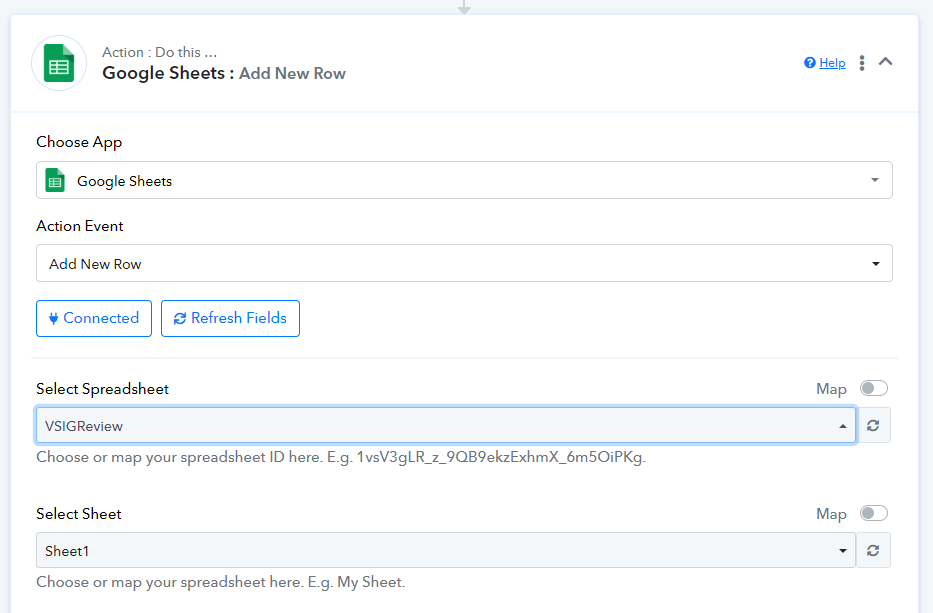
We recommend clearing your browser cache and trying again.
Hi @Preeti Paryani,
I already cleared my browser cache and updated the google connection, but then too not working, i have TestSheet.xlsx in my drive.
Hello @Jigar Nagda,
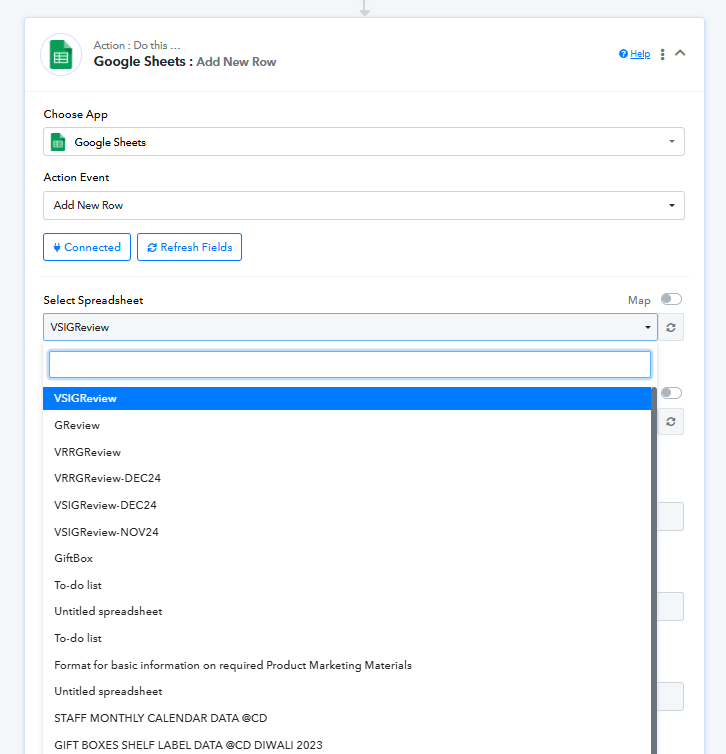
We are still able to get the Spreadsheets, refer to the attached screenshot. Please try accessing the spreadsheets in an incognito tab and let us know if it resolves the issue.
Hi @Preeti Paryani,
I am talking about TestSheet.xlsx which is still not showing.
Hello @Jigar Nagda,
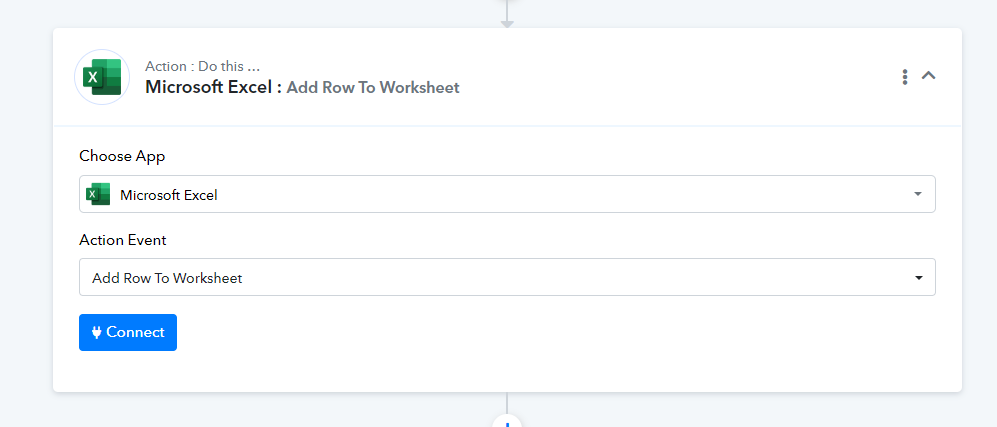
Upon reviewing, it seems that the file you are referring to, TestSheet.xlsx, is not a Google Sheet but rather an Excel file.
To work with this file:
- You would need to use the Microsoft Excel application instead of Google Sheets.
- If the file is stored in OneDrive, please ensure that your OneDrive account is open in another browser tab. This will allow you to access the file using the respective actions.
HI @Preeti Paryani,
Many thanks for pointing the issue. The issue was with the Excel file which i had created and uploaded on drive. After creating the google sheet, now i am able to fetch the file.
Thank you for the update! We're delighted to know it's working now. We’d love to hear your feedback, and it would mean a lot if you could leave us a quick review on Google.