Google Workspace Sheets Error Configuring Webhooks
Status: Open · Asked by grantandrew on · 0 views
Hello -
Longtime user - great system overall. Trying to use a different Google account and getting an error setting up webhook extension:
Current Triggers
Exception: No item with the given ID could be found. Possibly because you have not edited this item or you do not have permission to access it.
I believe all permissions are granted - I checked in Workspace and the app is enabled and access granted to users. What am I missing?
Thank you!!
Hello @grantandrew,
Could you please provide us with the Workflow URL where you are facing this issue? This will help us investigate the problem more effectively and assist you accordingly.
Please be aware that to assist you effectively, we may need to access your Pabbly Connect account. If you're comfortable with this, please grant us permission by stating in your next reply:
"You have my permission to log into my Pabbly Connect account and edit the workflow, if required. Here is the registered email address associated with it."
Looking forward to assisting you further.
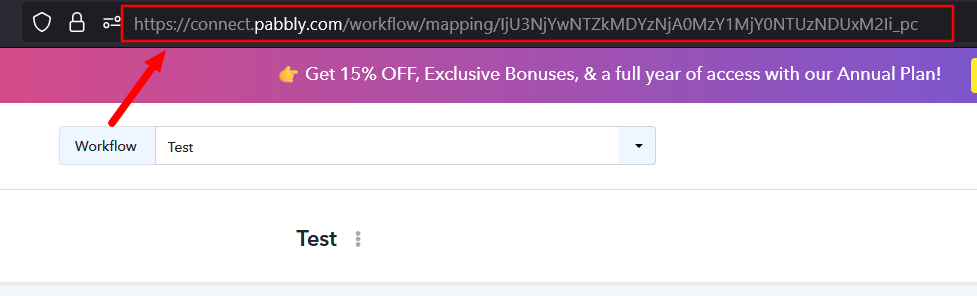
Here's the URL - I made another workflow just to check and both are showing the same behavior when I attempt 'Test' to send data to the webhook.
https://connect.pabbly.com/workflow/mapping/IjU3NjYwNTY0MDYzNzA0MzQ1MjZhNTUzMzUxM2Ii_pc
Access as necessary to troubleshoot and fix.
Thank you!
Hello @grantandrew,
Thank you for sharing the webhook URL. Upon checking, it appears that your webhook trigger is waiting for a response.
Could you please let us know where you have added the specific webhook? It would be even more helpful if you could share a short screen recording showing where the webhook URL has been added and the complete process. This will help us understand the issue more effectively and assist you better.
Here is the issue in video form: https://www.loom.com/share/f101924e6409412b96af5ec6f67e1fc3
Thank you for sharing the video. The issue is not related to the webhook you are trying to use in your spreadsheet. It appears to be related to the Pabbly Connect Webhooks extension. We suggest uninstalling the extension from your spreadsheet, then reinstalling it and trying again.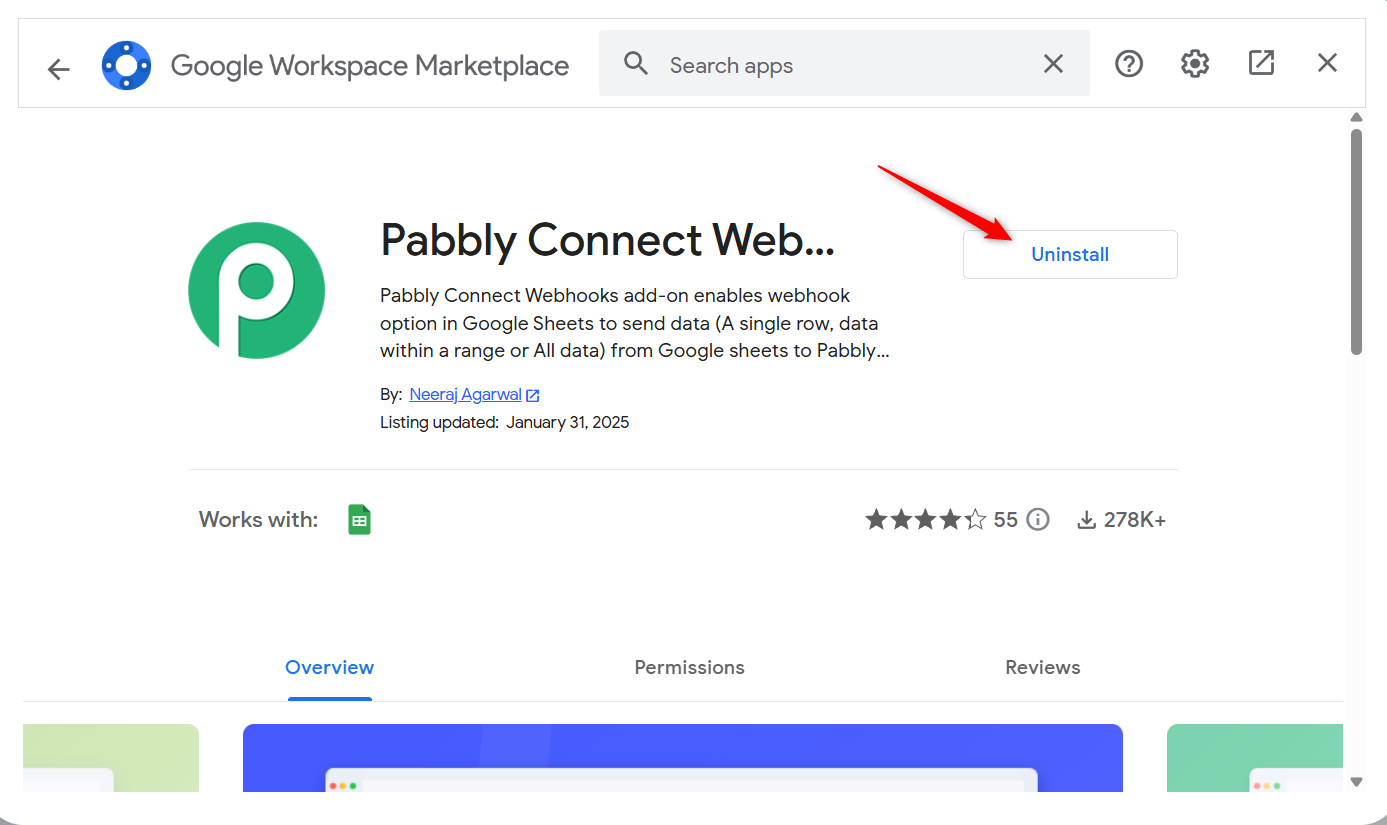
On Google Workspace accounts, it seems extensions need to be installed by an admin...I uninstalled the user account version and installed via admin.google.com and it worked. Thank you for helping me troubleshoot that!!
Hello @grantandrew,
Glad we could help you with the issue!
As your issue has been resolved, we’d appreciate it if you could share quick feedback on the support received:
https://forms.gle/GAjS4wdPYKuhnEYV9
Thank you for your time.