Heartbeat Email Name - not able to map it
Status: Open · Asked by Claudia Molina K on · 0 views
Hi, is there a possibility to change the way we call the email in the automation?
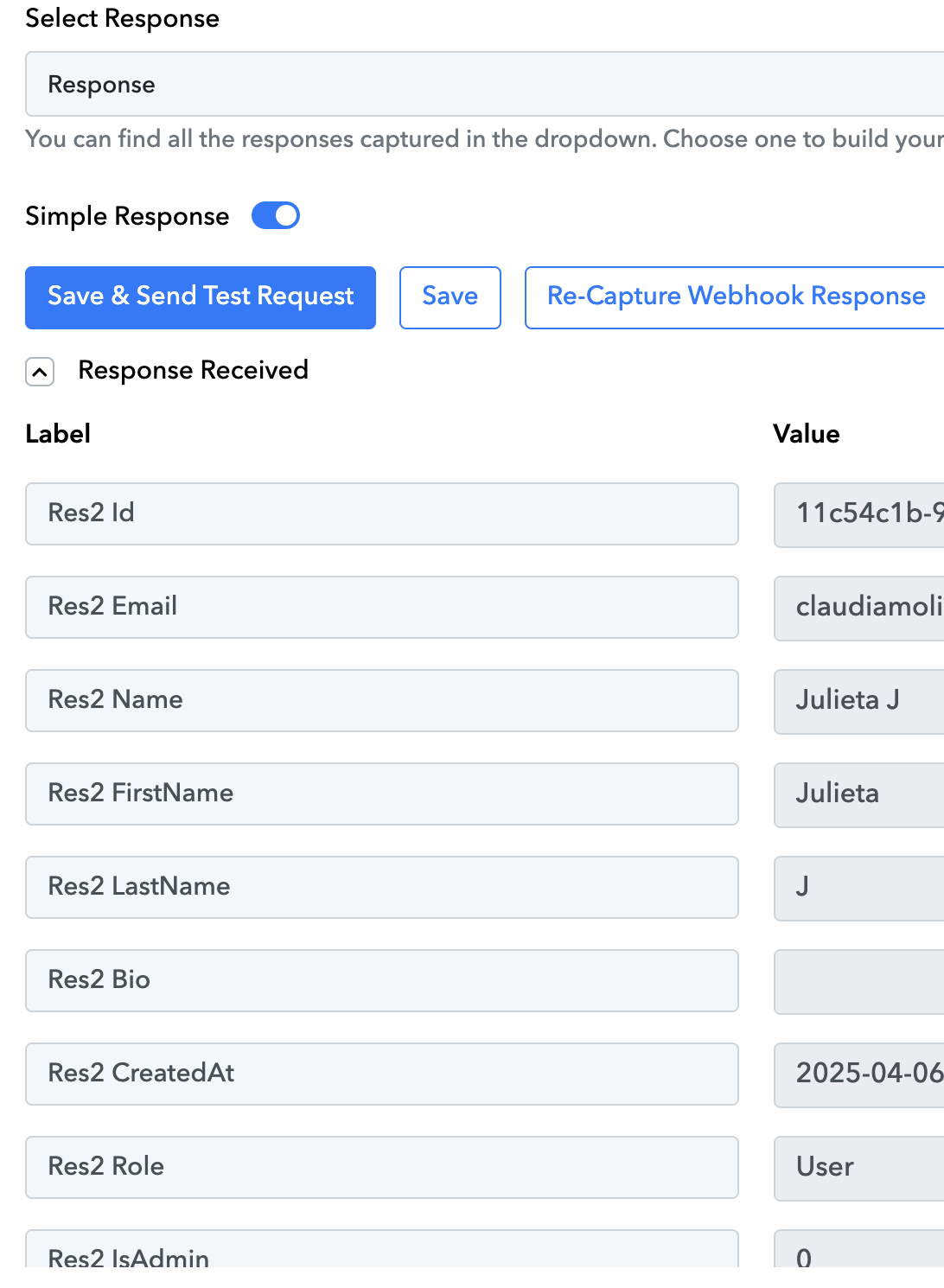
For my automation, I tried to take the Res2 Email, but when I test again, the name changes or the email is not found.
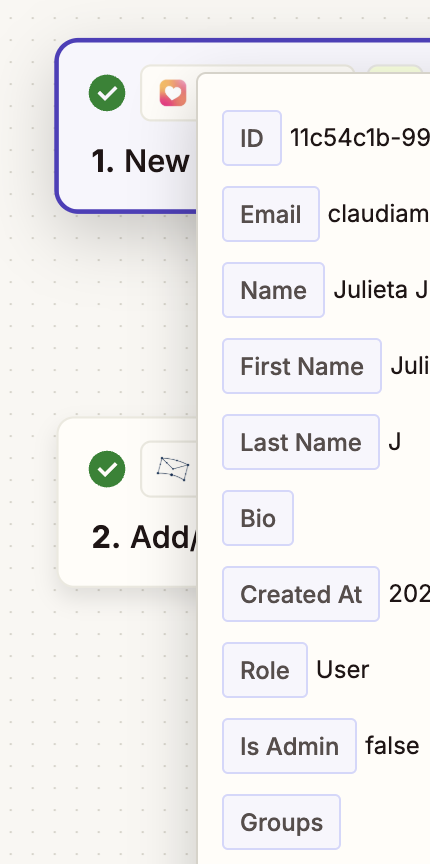
Is there a way to call it simply Email so we know exactly which label we need to map out? See how it is done in Zapier below. I am able to map the email without problem there. It would be nice to be able to do the same in Pabbly Connect.
Thank you!
Hi @Ckm,
Could you please share the Workflow URL where you have this concern?
Hi @Ckm,Could you please share the Workflow URL where you have this concern?
Sure, here it is:
https://connect.pabbly.com/workflow/mapping/IjU3NjYwNTZmMDYzNjA0M2M1MjY5NTUzMjUxM2Ii_pc
Hello @Ckm,
Please try capturing a latest response by clicking the "Recapture Webhook Response" button in your trigger step. Once captured, kindly map the correct email field to Step 2 and save the step again.
Kindly note that changing the response key from “Res2 Email” to “Email” is currently not possible.
Please test the workflow after following the above steps and let us know if the issue persists. We're happy to assist further.