Help connecting Pabbly to my MySQL
Status: Open · Asked by Carlos Melo on · 0 views
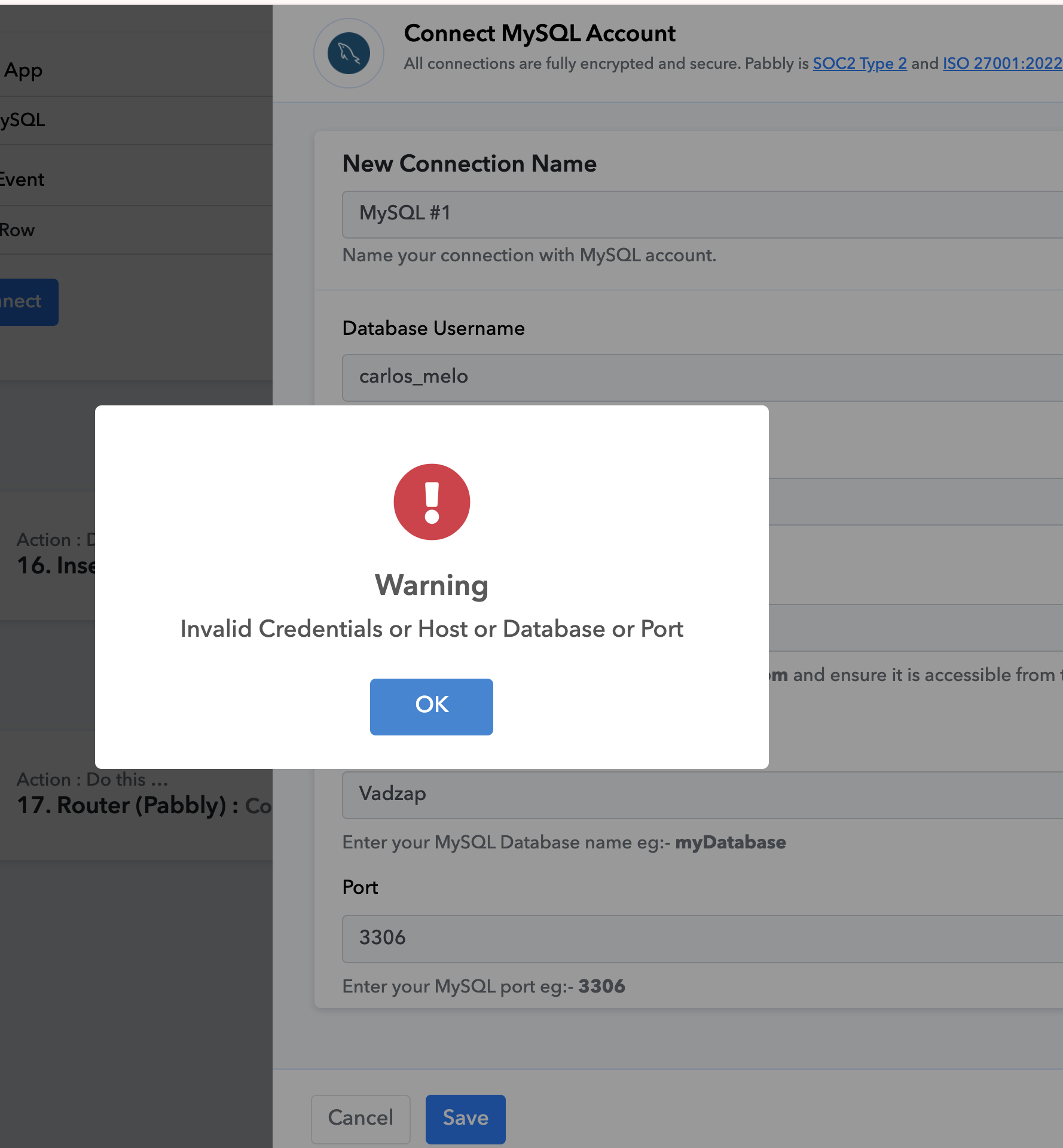
Hello, I'm not sure which 'MySQL host name' to use in the field that asks for that, as whatever I try to enter in that field I always get the error message in the image below.
I believe the other fields are correct, so I think the problem is in this specific field.
I need help with this.
Hello @Carlos Melo,
Please refer to the tutorial starting from 7:40 to learn how to retrieve the connection details:
.Ok, I have followed the video tutorial without success.
Please check images below so that you can see I have done everything right:
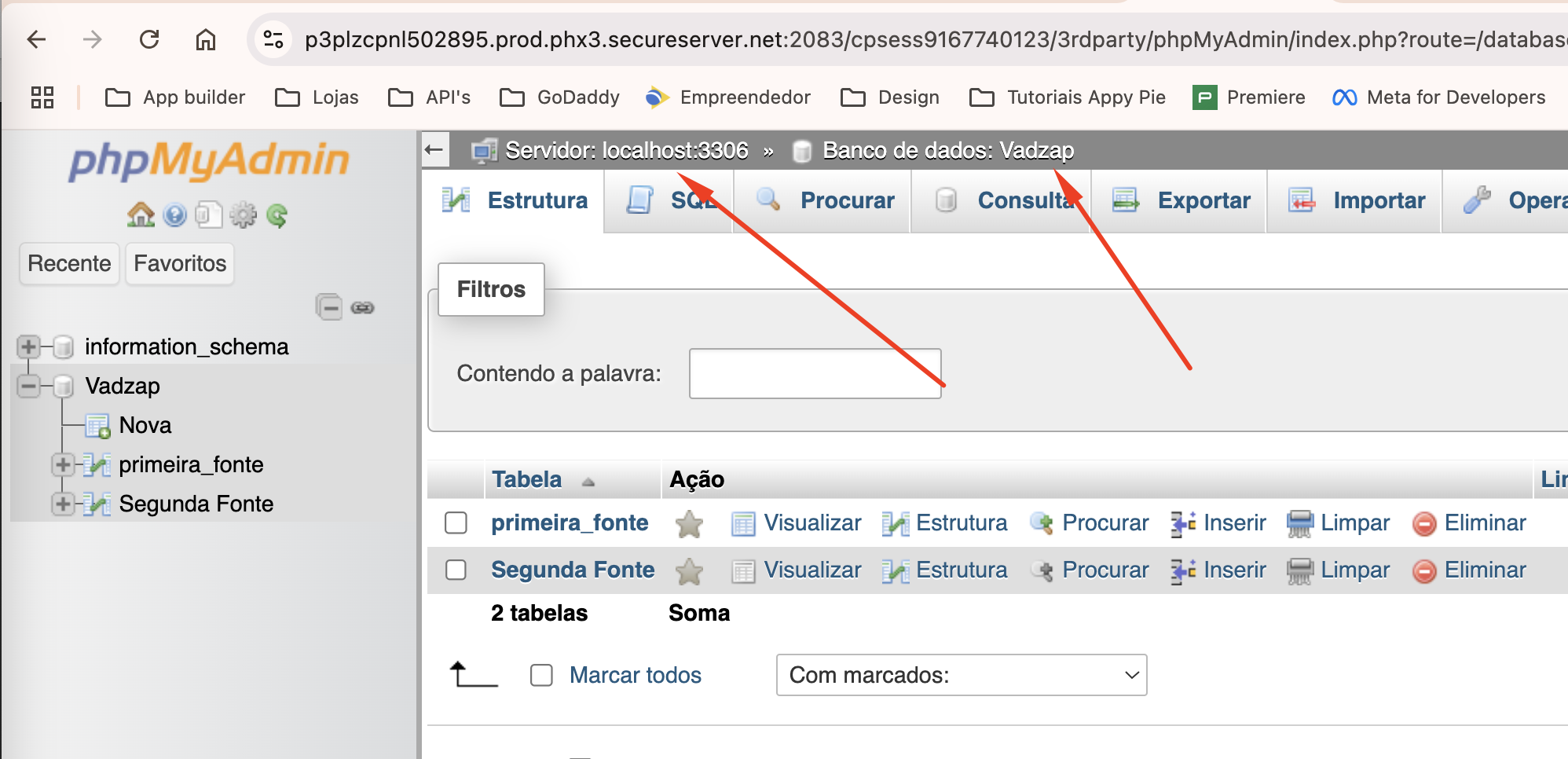
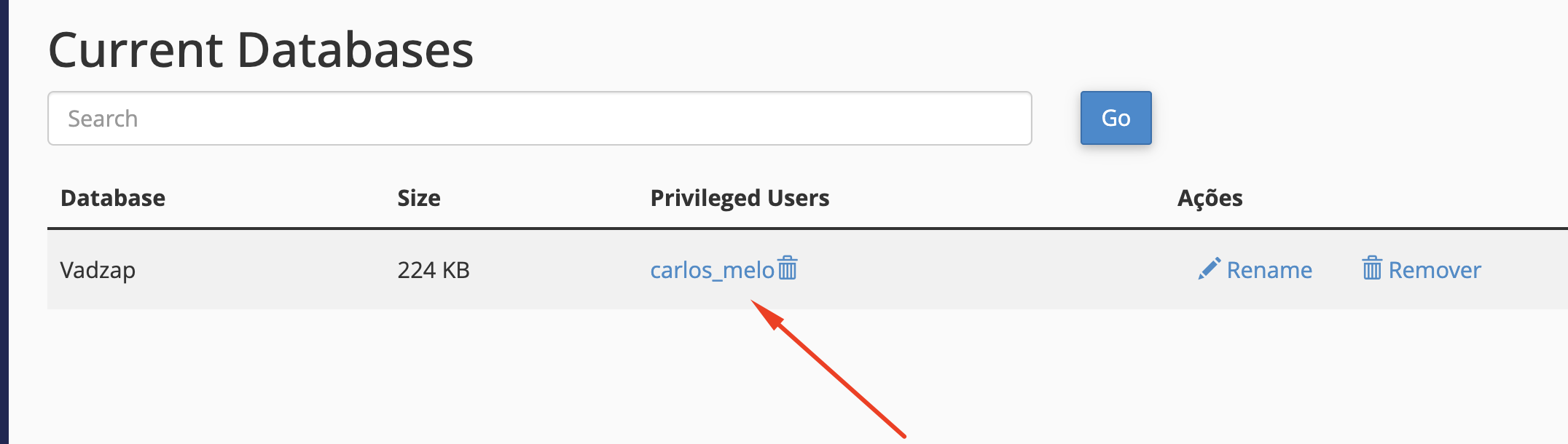
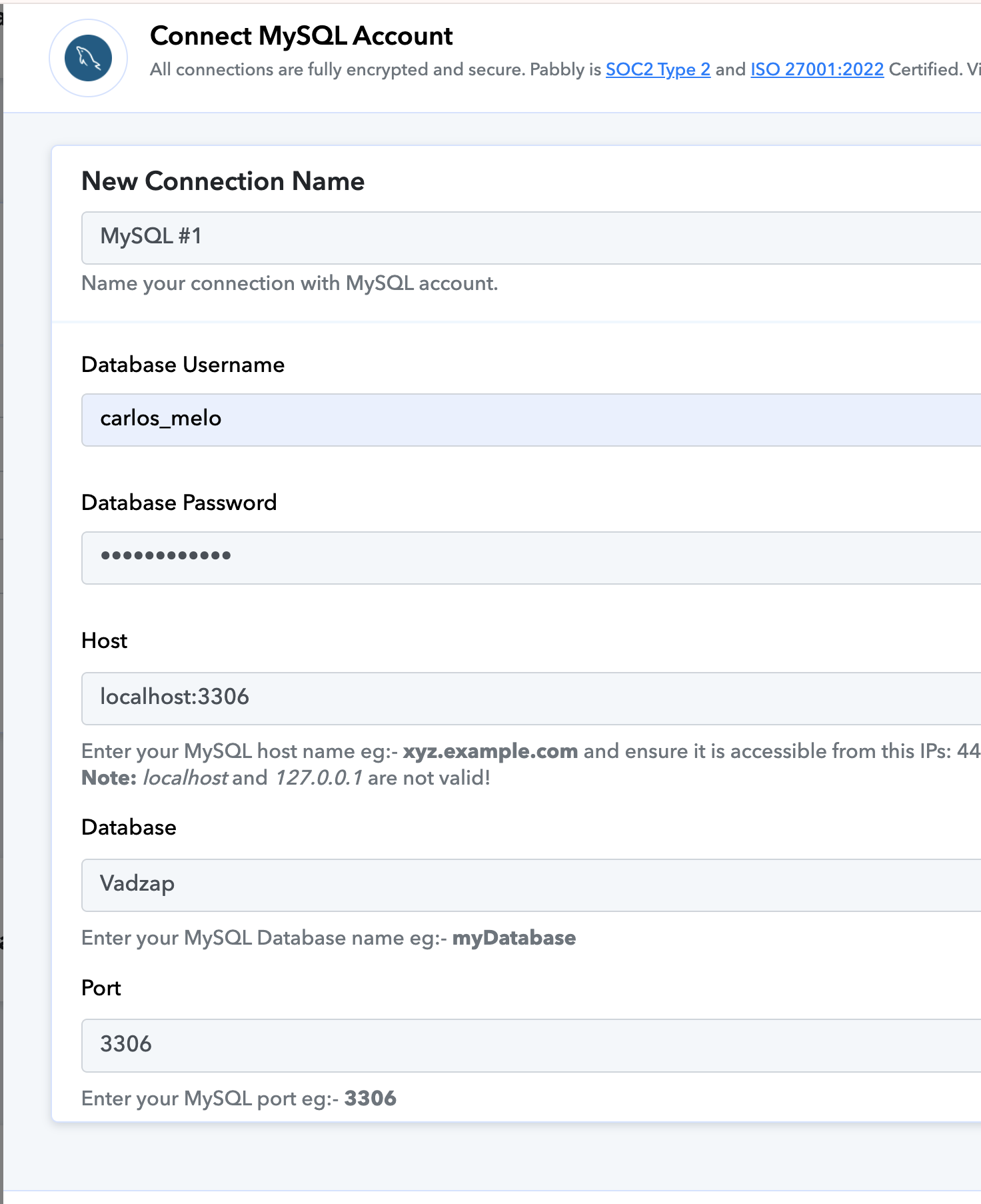
I have been re-entering the password several times to make sure I am typing it correctly.
Hello @Carlos Melo,
Thank you for providing the screenshots. Based on the details shared, it seems you're currently using localhost, which is likely causing the connection issue. To successfully connect to MySQL, you'll need to have a domain (e.g., xyz.example.com) rather than localhost.
Please set up a domain and try the connection again. Let us know if you encounter any further issues.
Ok, thank you.
Hey @Preeti Paryani, I got it using API (Pabbly) step.
It's working fine with that app.
Could you please confirm if the issue is fixed now?
Yes, I was able to send data to my MySQL using the API app (PAbbly), POST method.
To use the MySQL specific app extra configurations are required, especially regarding the 'MySQL host name', which is difficult to do if the MySQL host name is originally set to 'localhost'.
Thank you for the confirmation. We’re glad you are able to add data to your MySQL database now.