How can I post multiple photos on a blog post? I want to write more pictures.
Status: Open · Asked by stevenphan on · 0 views
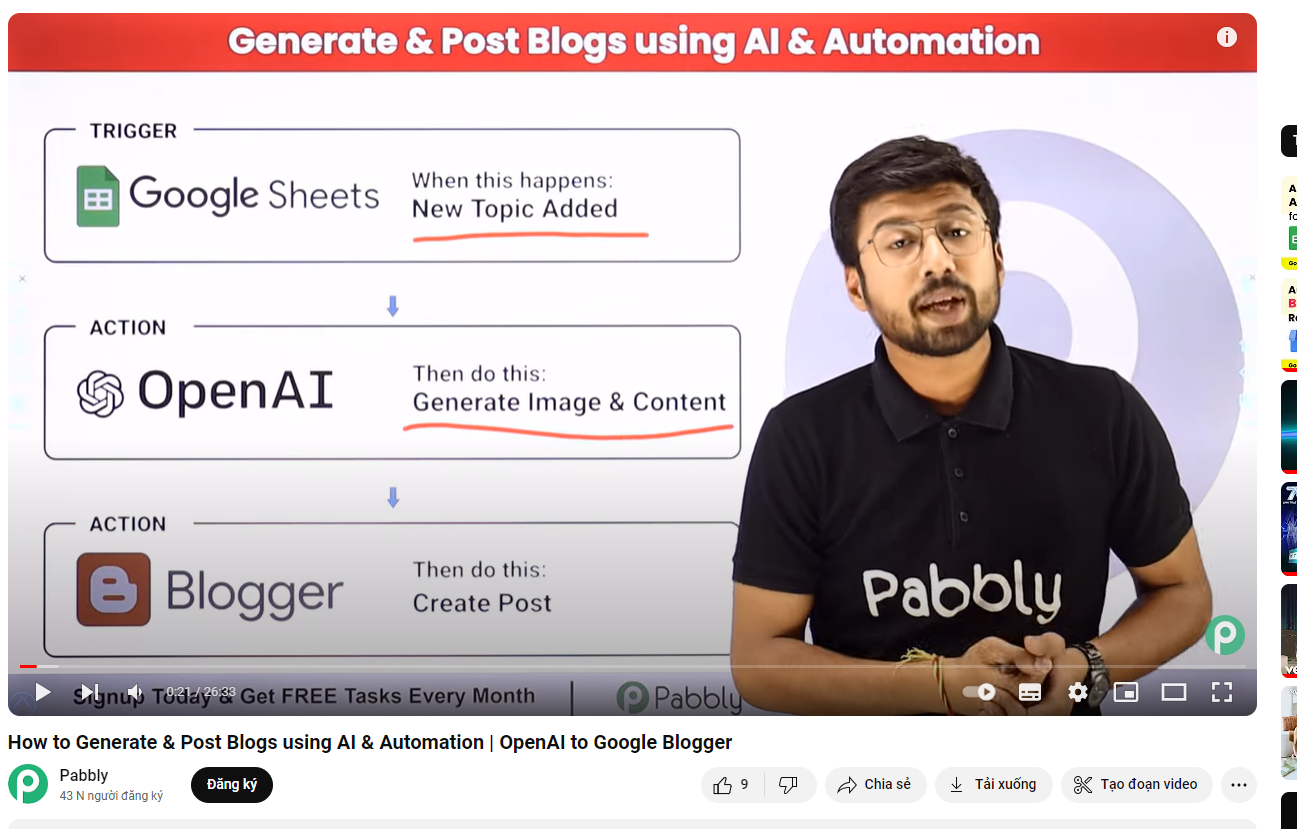
Hello @stevephan
You can add multiple images to your Blog post.
In the specific case of the mentioned video tutorial:
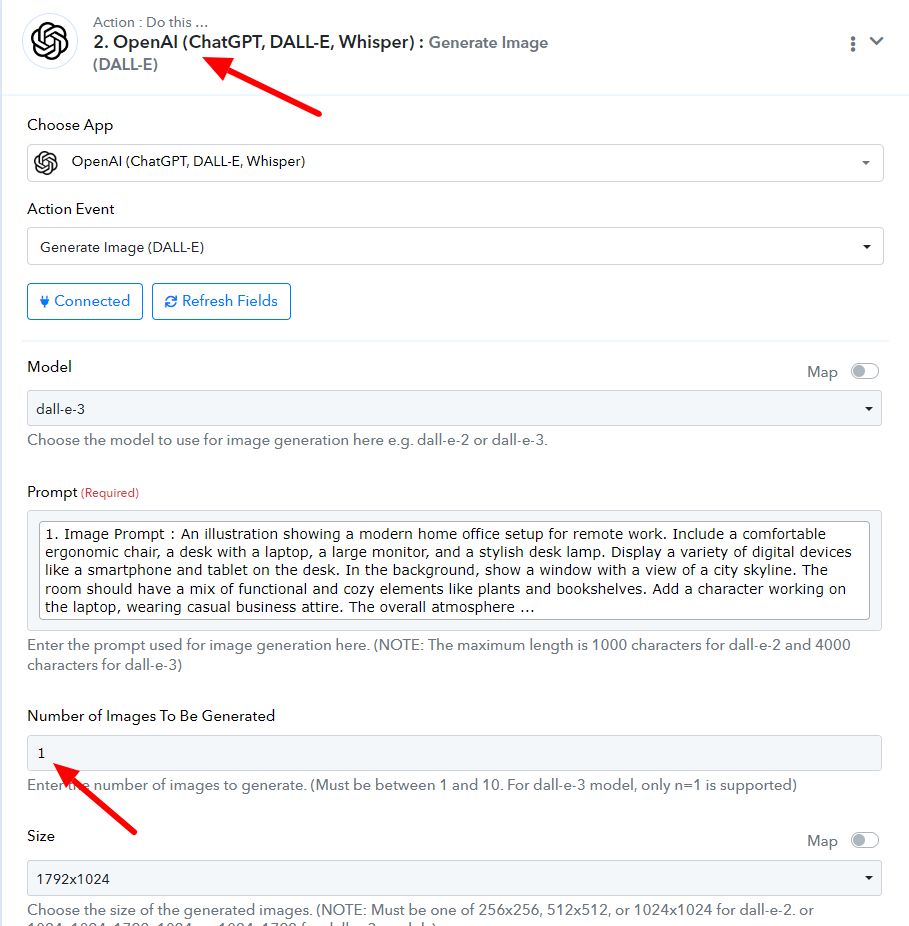
1. In step 2 while generating the image with Dall-e, you can change the number of images to be generated as per your requirement. Please refer to the attached image for more info.
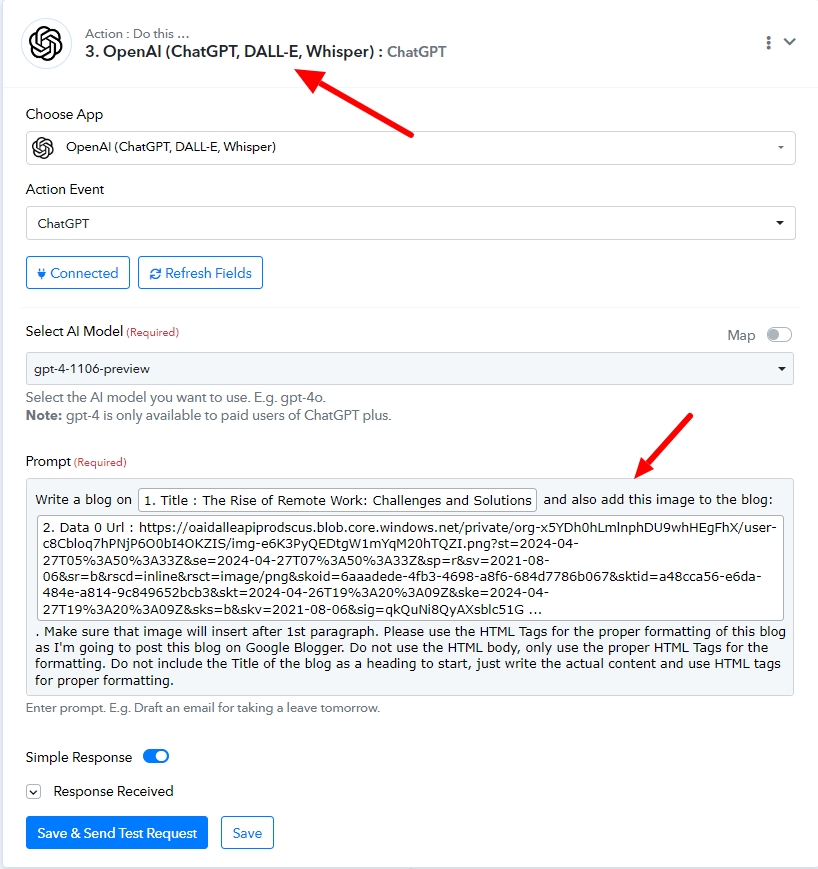
2. Then in step 3 while using ChatGPT to generate embedded HTML code for the blog post, you can add the image URLs created by Chatgpt in the previous step in the prompt provided and it will generate the code with the required number of images.
In case the workflow is different:
While adding the HTML code to the "Google Blogger: Create a post" step you can add a code having multiple public image URLs.
Chat Gpt cannot be used to create images. I want to add my photo with a link. I use Gemini AI to create content. Because Chat GPT costs money.
Hello @stevenphan
In that case, you can add the public image URL directly in the Embedded HTML, using the image tag or you can provide the Public image URL to Gemini to add it in the content HTML to be created.