How can I update google sheets with new users details?
Status: Open · Asked by DriveDollars on · 0 views
As title states, I would like to find a way to use Pabbly and integrate google sheets with sendpulse. Whenever a new user finishes a questionnaire on my chatbot, I would like it to trigger the Pabbly webhook and update that user's information onto a NEW row.
Have been playing around for a bit and cant seem to find a way to map google sheet columns with variables of sendpulse. It only allows me to map it with user specific variables.
(meaning if say user 1 and 2 have data under variable "age", with my current workflow I can only update data of user 1 on a new row instead of a new row being created for both user 1 and 2)
Hello @DriveDollars,
Please complete your profile setup by filling in the details, so I can proceed with checking the reported issue.
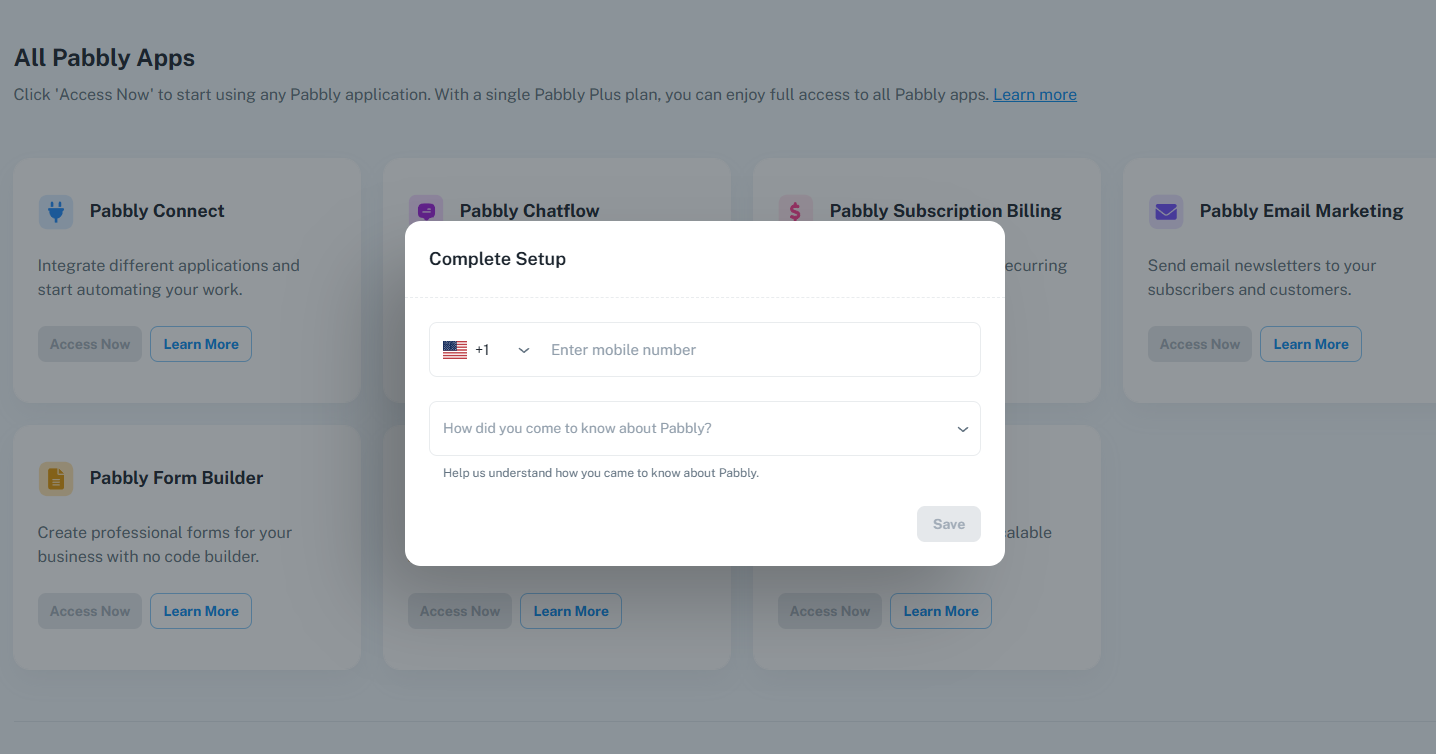
Hello @DriveDollars,Please complete your profile setup by filling in the details, so I can proceed with checking the reported issue.
Should be done. Apologies for not doing so earlier
Once you have setup your profile, do let us know.
Thanks & Regards,
Arshil Ahmad
Customer Support Associate
? Pabbly.com
?Rate your support
Once you have setup your profile, do let us know.Thanks & Regards,
Arshil Ahmad
Customer Support Associate
? Pabbly.com
?Rate your support
Hello, it should be fine now
if not https://connect.pabbly.com/v2/app/workflow/share/AUlYal8IAGNQGlA6D1AMKwAUUlYIUggxVk8IGlVaAXlVGwdSAEEPZQ5CWHpfCFIzUBlQOlMMUTALH1JWBFIIewMaVXlcXwd9B0oHfAJDWGsBX1hwXz4#
is the link to my work flow
Thank you
Hello @DriveDollars,
Thanks for making the adjustments and sharing the workflow URL.
For your use case, you can solve this by adding a Google Sheets → Lookup Row step after the trigger. This will check whether the user already exists in the sheet.
After the lookup, add a Router with two routes:
- Route 1: Lookup contains data → use Update Row
- Route 2: Lookup does not contain data → use Add New Row
This way, if the user is found, the row will be updated, and if not, a new row will be created automatically.