How to add whatsapp group link in template
Status: Open · Asked by LCR Pay on · 0 views
guide me how to create whatsapp template with cta join whatsapp group by clicking cta button
Hello @LCRPAY,
To create a WhatsApp template with a CTA button that allows users to join a WhatsApp group, please follow these steps in Pabbly Chatflow:
- Go to the Templates section and click Create Template.
- Select the appropriate category and language for your template.
- Add your Header, Body, and Footer content as required.
- Scroll down to the Buttons section and choose CTA Buttons.
- Select Static Link as the button type.
- Enter your WhatsApp group’s join link (for example: https://chat.whatsapp.com/xxxxxxxxxxx) as the URL.
- Save and submit the template for approval.
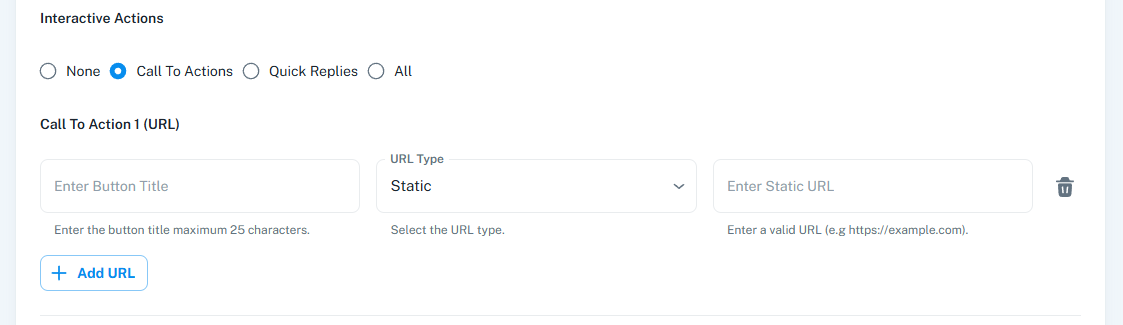
Hi , this action is not allowed - PFA screen shot , how do i add - contact to WhatsApp group ?
Direct link to whatsapp arent alowed , Alternate i can use Bitly URL
Yes, direct links to WhatsApp aren’t allowed as buttons—this is a restriction from Meta’s end. It looks like you’re now using a different link that redirects users to a website where they can find the WhatsApp group URL, which is the correct approach.
Thanks & Regards,
Arshil Ahmad
Customer Support Associate
? Pabbly.com
?Rate your support