how to create workflow from facebook post to instagram post
Status: Closed · Asked by PavanDhananjaya on · 0 views
i am try to connenct my facebook page to instagram post but its not having media file to post a reel is there any option to post from facebook to instagram
Hey @PavanDhananjaya !
Kindly provide us with the workflow URL in which you have tried the setup and is not working?
So we can check on it and guide you further.
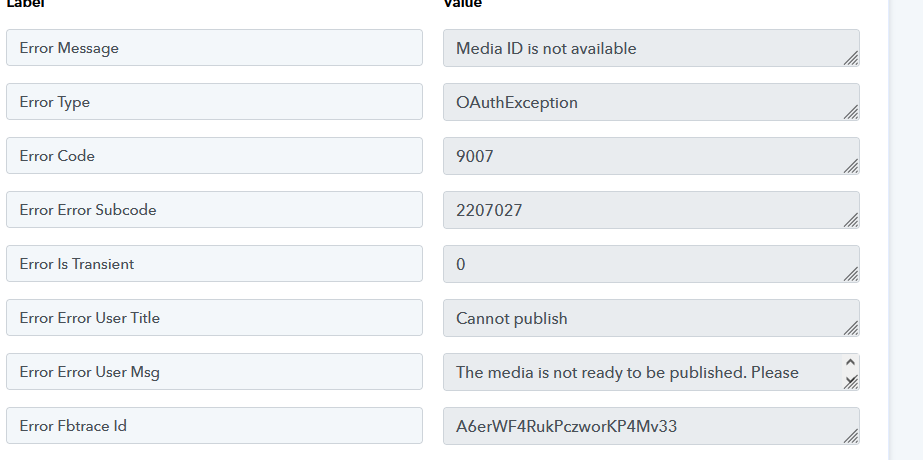
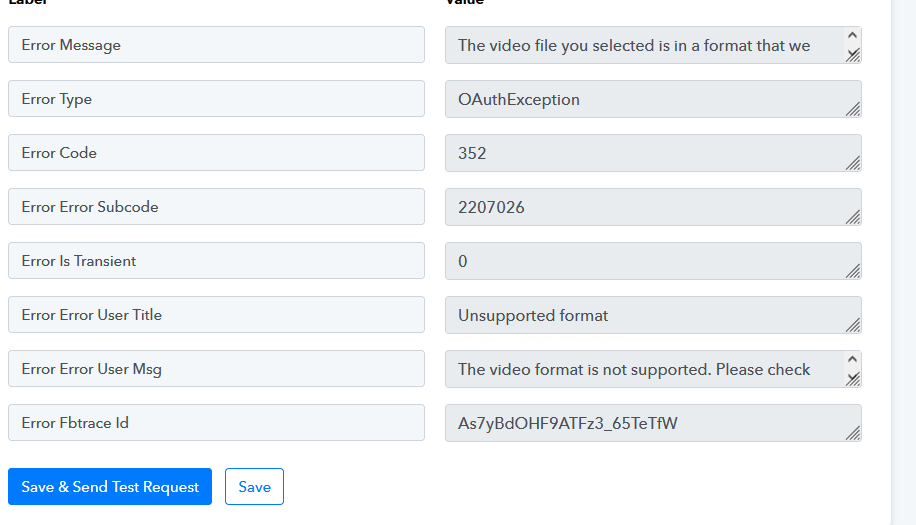
Hey @PavanDhananjaya !
The video which you are trying to pass is not supported by Instagram API-
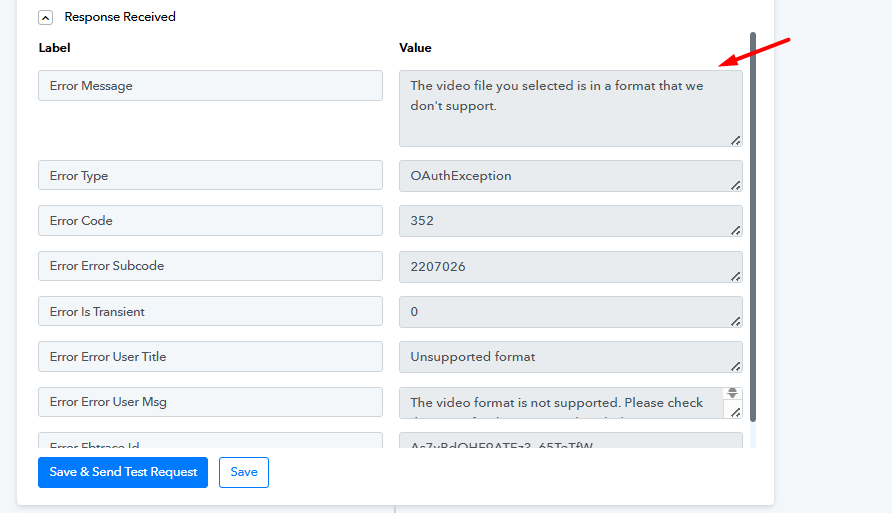
Having same issue through an image i am trying to post. I have got the export link from Canva and posted the media to Facebook page, but the same link is not working for Instagram. But by the time you check it the link of Canva would have expired. I tried using it through GDrive also but got the same error messages as below. Would appreciate some help. Link to the workflow is here:https://connect.pabbly.com/workflow/mapping/IjU3NjYwNTZlMDYzMDA0M2Q1MjY1NTUzMTUxMzIi_pc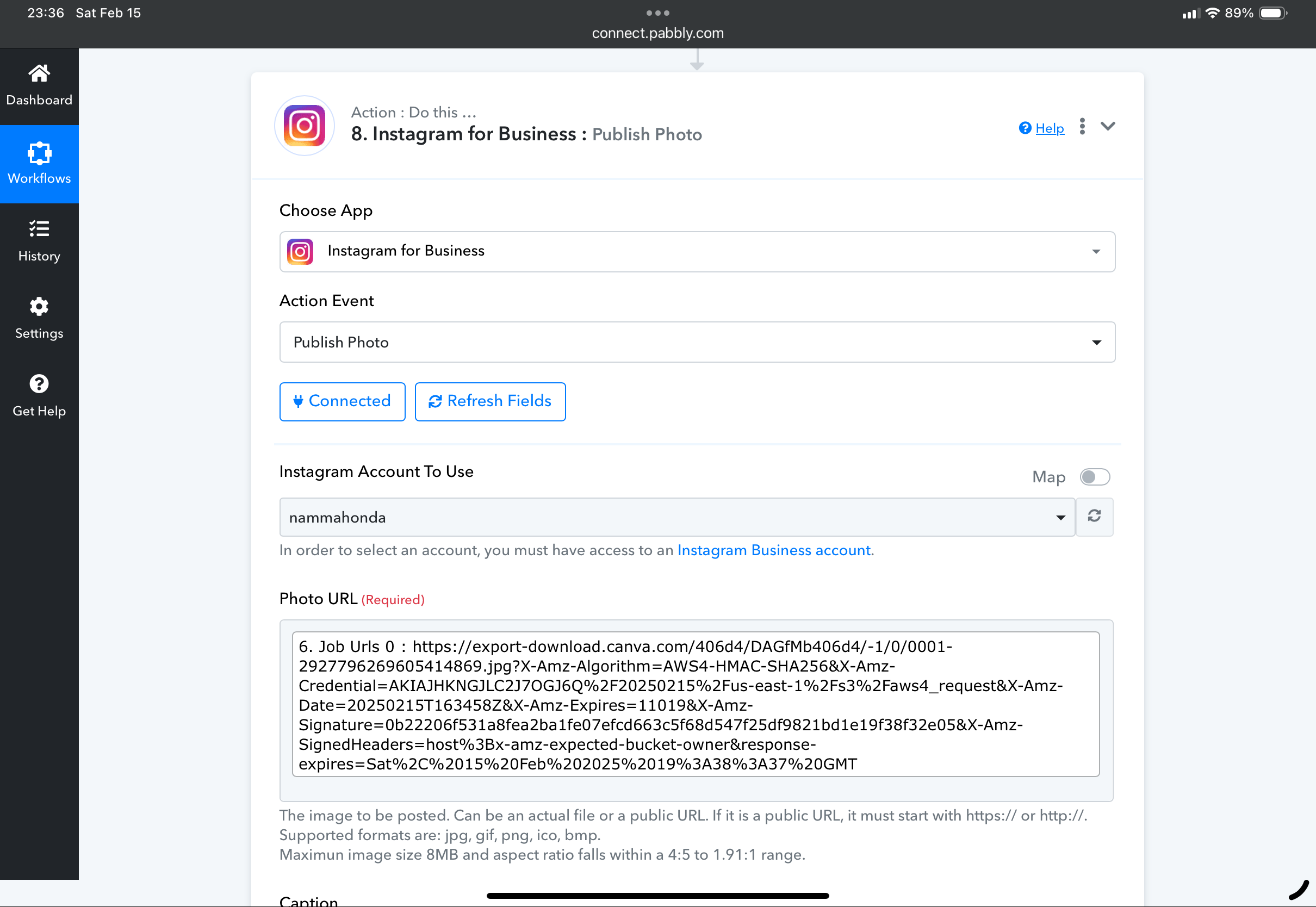
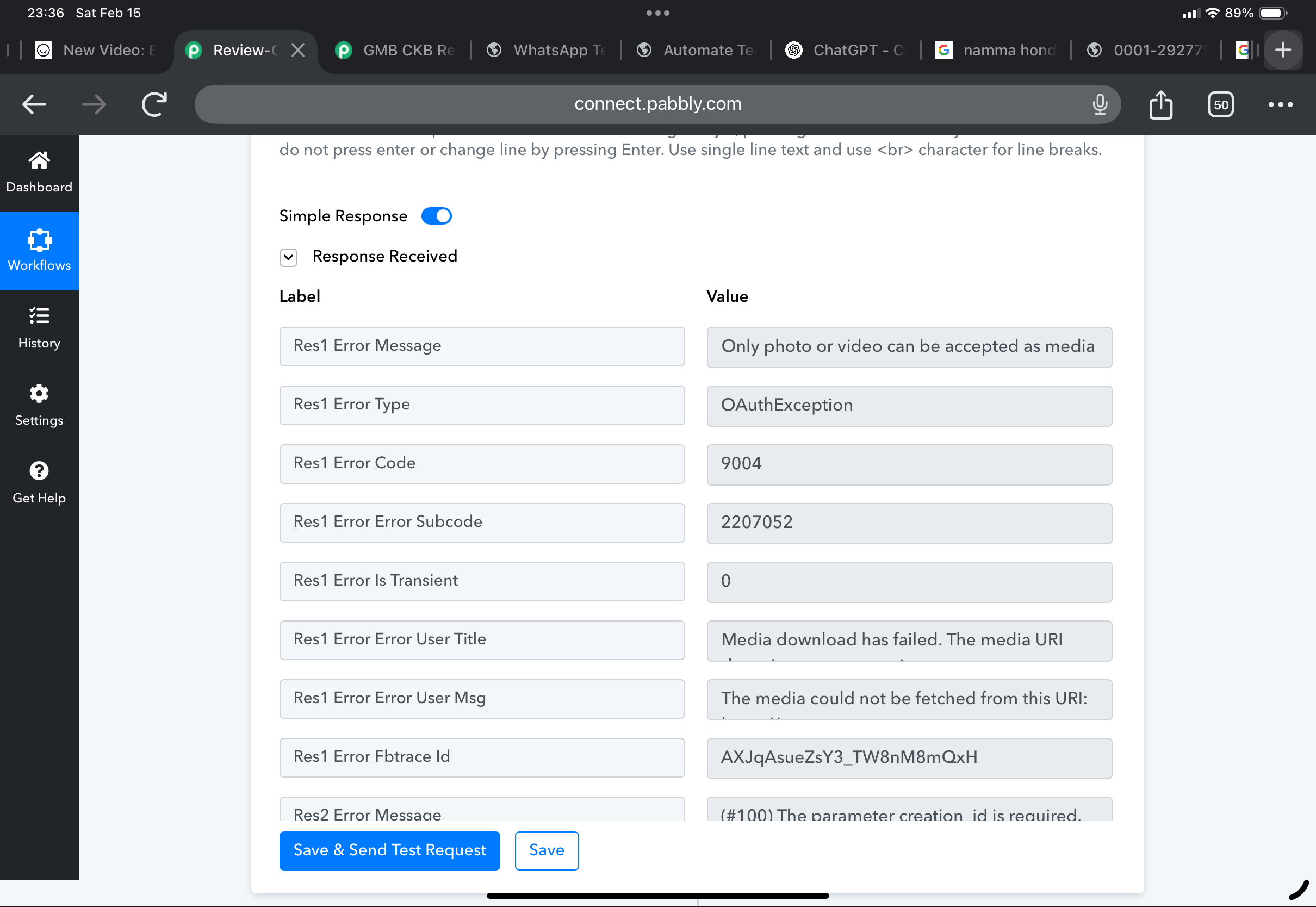
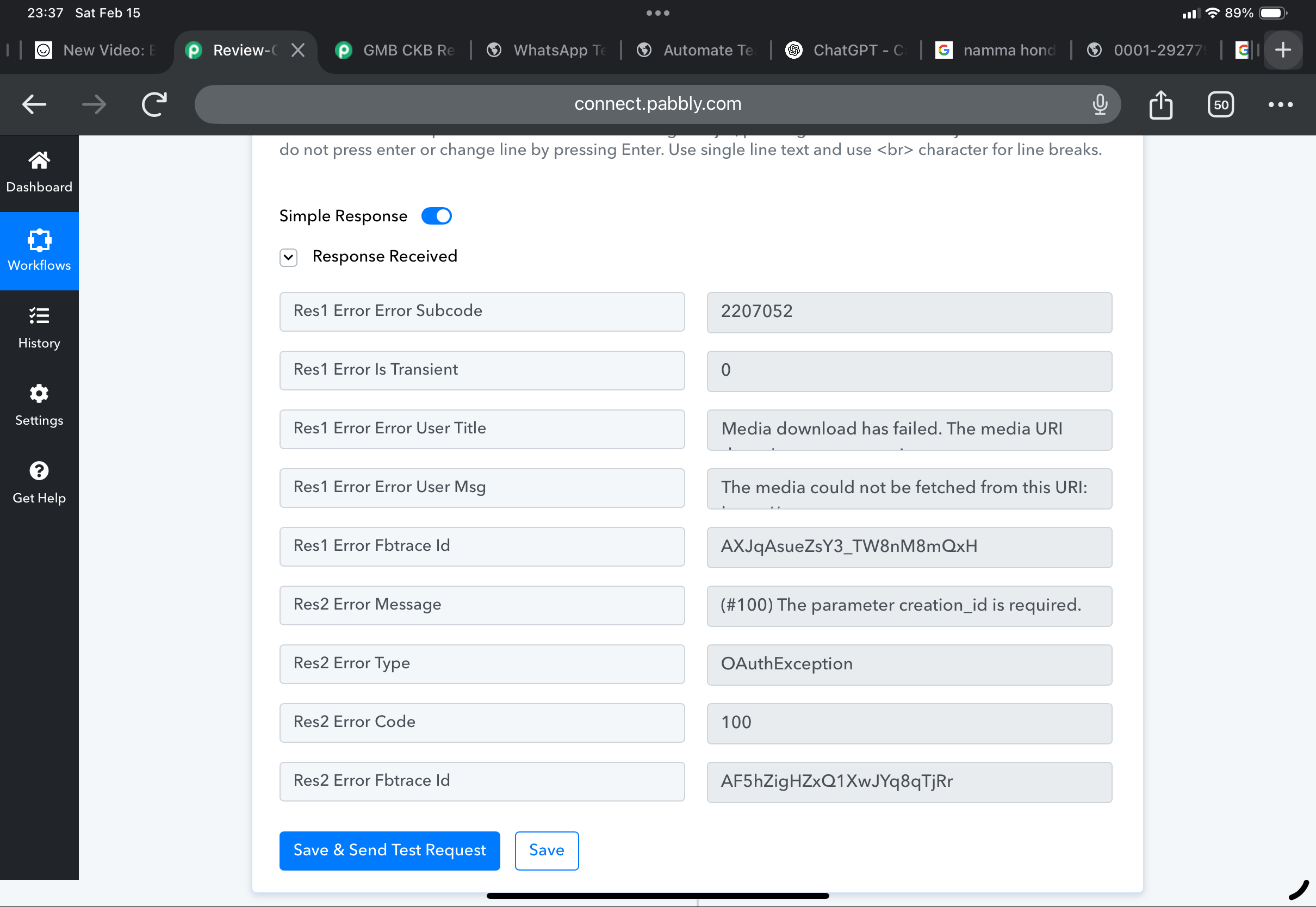
Having same issue through an image i am trying to post. I have got the export link from Canva and posted the media to Facebook page, but the same link is not working for Instagram. But by the time you check it the link of Canva would have expired. I tried using it through GDrive also but got the same error messages as below. Would appreciate some help. Link to the workflow is here:https://connect.pabbly.com/workflow/mapping/IjU3NjYwNTZlMDYzMDA0M2Q1MjY1NTUzMTUxMzIi_pc
Please try uploading the file to Imgur, which will provide you with a shorter URL. Then, pass this shortened URL to the Instagram action step and see if that resolves your issue.
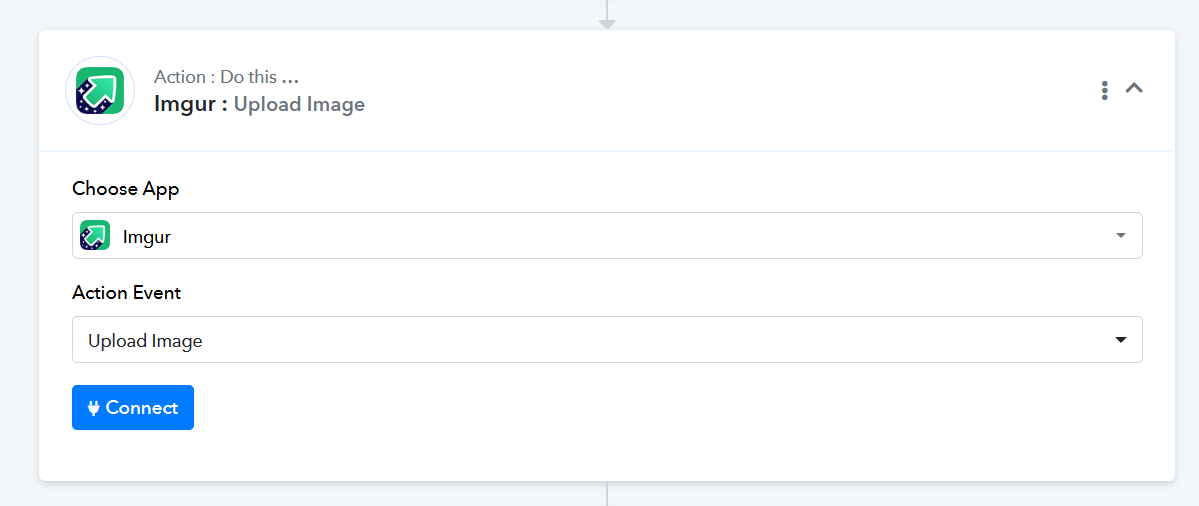
Is there no other way? Don’t want to pay and use another app just for storing images.
Upload the file to Google Drive, make it publicly accessible, and use the downloadable link to upload it to your Instagram account. We uploaded the file to our Google Drive for testing, then used the same link in your workflow, and it seems to have fixed the issue.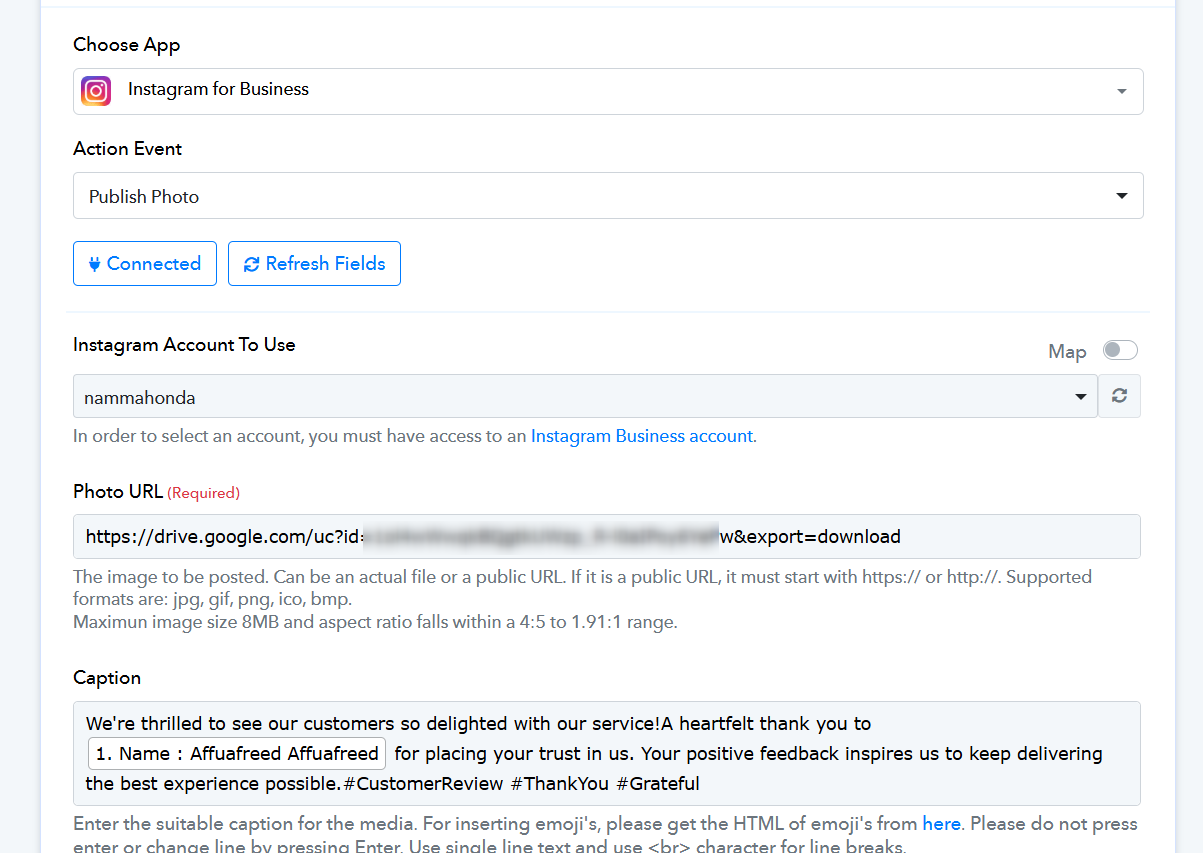
fantastic. it worked. i had forgotten to share the folder publicly in google drive so the link was not accessible. sorry for the inconvenience for this beginner error.
Thank you for the update. Glad we were able to help.