How to directly upload to WordPress main image?
Status: Open · Asked by Hoom07 on · 0 views
I created a workflow:
https://connect.pabbly.com/v2/app/workflow/share/XRVZawJVBWZRGwBqUg0HIAsfV1NUDVIzVE1URgEOAXkDTQFEBEUNZwlFUHICRQdmUhtSOAdbDDYIHFdTBVMDcFxRBChWVVMpVhtTKFYbATJdA1lxAmM#
Now the only thing I need help with this make sure the image being generated from OpenAI is going directly to main image on WordPress and not directly in the blog.
Hi @Hoom07,
Please make a short screen recording and elaborate a bit more on what you mean by "main image on WordPress and not in blog".
Also, check out the video shared below:
so by main image i mean the thumbnail
https://drive.google.com/file/d/1dYCizMWOT222ElqzMpWP4zVA-9YmXzZL/view?usp=sharing
I have recorded this to show what i mean
@ArshilAhmad I dont have a woocommerce store but i still tried creating a store and putting a product in draft, then followed the steps. however, when i am mapping the image from GPT response. It says error.
You no longer appear to be getting any errors in the 'WordPress: Create a Post' action step, and based on the response the Featured Image is also being posted successfully.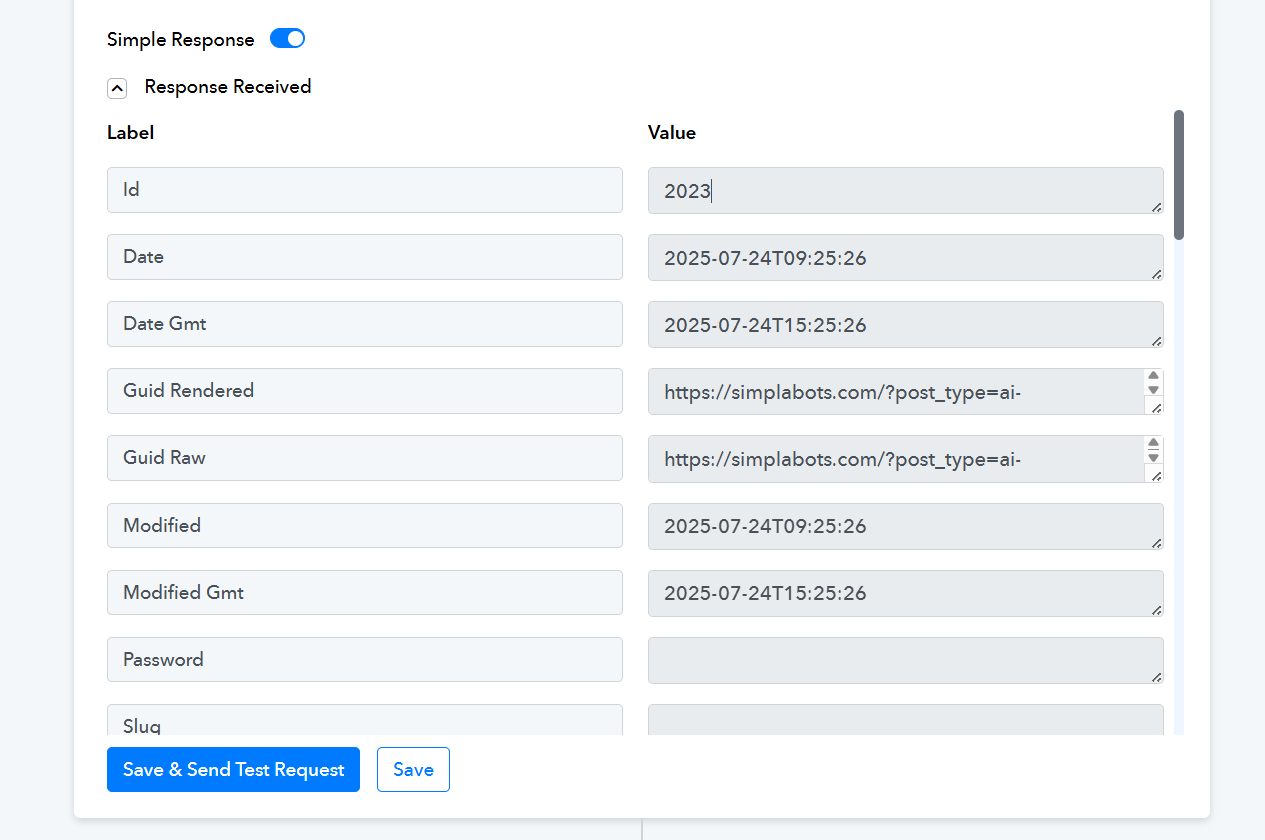
Yes i figured that out using the woocommerce way around. But now my website is going down because i installed woocommerce. Is there any other way around please?
I'm afraid there's no other workaround to add the Featured Image at the moment.