how to dynamically change the date Webinar Presentation Date, ISO 8601 format for webinar in webinarkit?
Status: Open · Asked by Krishnakant on · 0 views
how to dynamically change the date Webinar Presentation Date, ISO 8601 format for webinar in webinarkit?
Hello @Krishnakant,
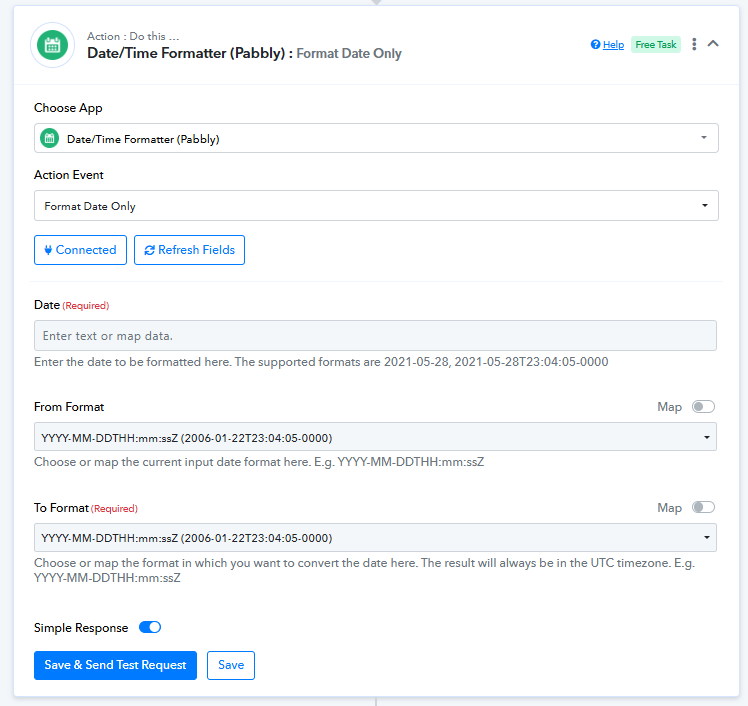
You can use the Date/Time Formatter to format the date as required. However, please share the workflow URL so that we can review it and assist you more effectively.
https://connect.pabbly.com/workflow/mapping/IjU3NjUwNTZkMDYzNzA0MzI1MjZhNTUzNTUxMzMi_pc
this is my workflow url
I want to select the today's date for my webinarkit webinar registration for a lead. I want to use today's date by default and time 8pm as fixed.
Hello @Krishnakant,
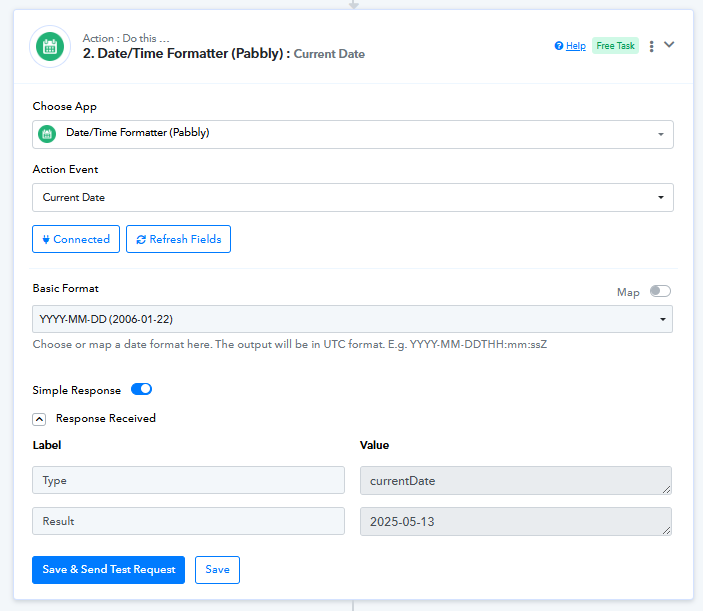
We’ve made some updates to your workflow. You can now retrieve the current date using the Date Formatter and map it accordingly in the WebinarKit: New Webinar Registration step, as shown in the attached image.
Please run a test at your end and let us know how it goes.