How to generate permanent access token for FB Ad Insights data? Share documentation link
Status: Closed · Asked by Fagun Shah on · 0 views
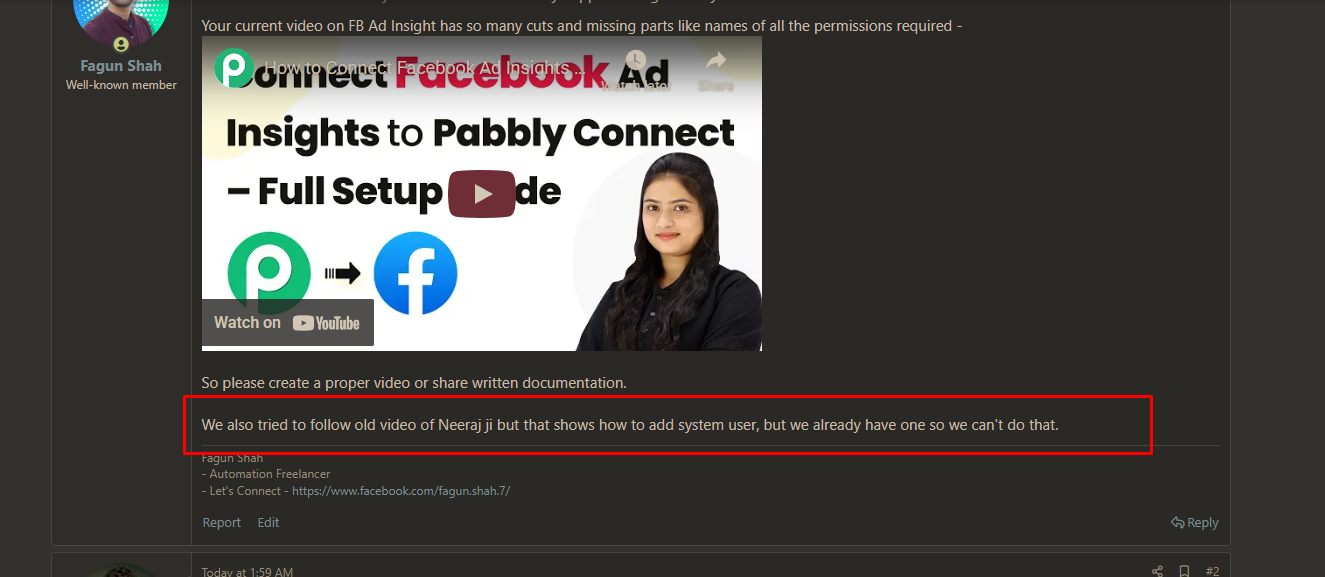
Your current video on FB Ad Insight has so many cuts and missing parts like names of all the permissions required -
youtube.com/watch?v=evUbgRw9JBk
So please create a proper video or share written documentation.
We also tried to follow old video of Neeraj ji but that shows how to add system user, but we already have one so we can't do that.
Hi @Fagun Shah,
At the 10:56 mark of the video, we show the exact permissions you need to select. Are there any other permissions you’re looking for?
youtube.com/watch?v=evUbgRw9JBk:656
Thanks & Regards,
Arshil Ahmad
Customer Support Associate
? Pabbly.com
?Rate your support
She doesn't scroll through all permissions.
Also token generated this way has expiry date of 3-monthd
Hi @Fagun Shah,
Understood. In this case, we request you to please refer to the below video and try generating the access token by following the steps shown there, as it covers the required permissions more clearly:
youtube.com/watch?v=22u1cMLxylU
Additionally, you can verify whether an access token is expiring (and check its validity, scopes, and expiry date) using Facebook’s Access Token Debugger here:
https://developers.facebook.com/tools/debug/accesstoken/
This should help you confirm whether the generated token is truly permanent or time-limited.
Please try this and let us know if you face any issues after following the above steps.
Hi @Fagun Shah,
Thank you for sharing the screenshot.
Please recheck the same video starting from the 7:30-minute timestamp. From that point onward, it is clearly explained that you do not need to create a new System User if one already exists. The steps shown there are specifically for assigning the required permissions to an existing System User, not for adding a new one.
We request you to please follow the process from that timestamp and proceed by granting the necessary permissions to your already-created System User, then generate the access token accordingly.
Once done, please let us know if you are able to proceed successfully or if you face any issues while following those steps. We’ll be happy to assist further.
Hi @Fagun Shah,Thank you for sharing the screenshot.
Please recheck the same video starting from the 7:30-minute timestamp. From that point onward, it is clearly explained that you do not need to create a new System User if one already exists. The steps shown there are specifically for assigning the required permissions to an existing System User, not for adding a new one.
We request you to please follow the process from that timestamp and proceed by granting the necessary permissions to your already-created System User, then generate the access token accordingly.
Once done, please let us know if you are able to proceed successfully or if you face any issues while following those steps. We’ll be happy to assist further.
If I add new permission then do I need to generate new token compulsory or if I have old token saved somewhere then I can still use that?
Asking this because old token is already being used in several places so generating a new token will break things.
Hi @Fagun Shah,
To clarify, when you update the permissions of an existing System User, a new access token does need to be generated for those updated permissions to take effect.
That said, generating a new token does not automatically expire the previously generated token. The old token may continue to work fine for actions that rely only on the permissions it originally had.
We recommend testing your existing setup first after the permission update. If everything continues to work as expected with the old token, no immediate action is required.
However, if you notice any issues or permission-related errors, the only feasible solution would be to replace the old token with the newly generated one in all places where it was previously used.
Old video is better and works, shouldn't new video be private becoz it gives wrong information?
Hi @Fagun Shah,
Thanks for the feedback. We will share this with the team. Could you please confirm if the older one has helped you resolve the issue?
Yes, older video helped.
But it uses different (old) action.
So basically we need a new video which follows access token generation process of old video but action setup of new video.
Hi @Fagun Shah,
Thank you for the confirmation and feedback. We have shared this with our team, and they will create a new video soon.
We are closing this thread as your issue has now been resolved. We would appreciate it if you could share your feedback on the support received using the link below. Please feel free to reach out if you need any assistance in the future.