Hunter.io and Salesforce
Status: Open · Asked by kamblerohit724 on · 0 views
Hi, I am trying to use Hunter.io to enrich my Salesforce CRM leads and then send an email via Active Campaign.
Here is the issue i am facing: https://vimeo.com/1074370112/a1d3406060?share=copy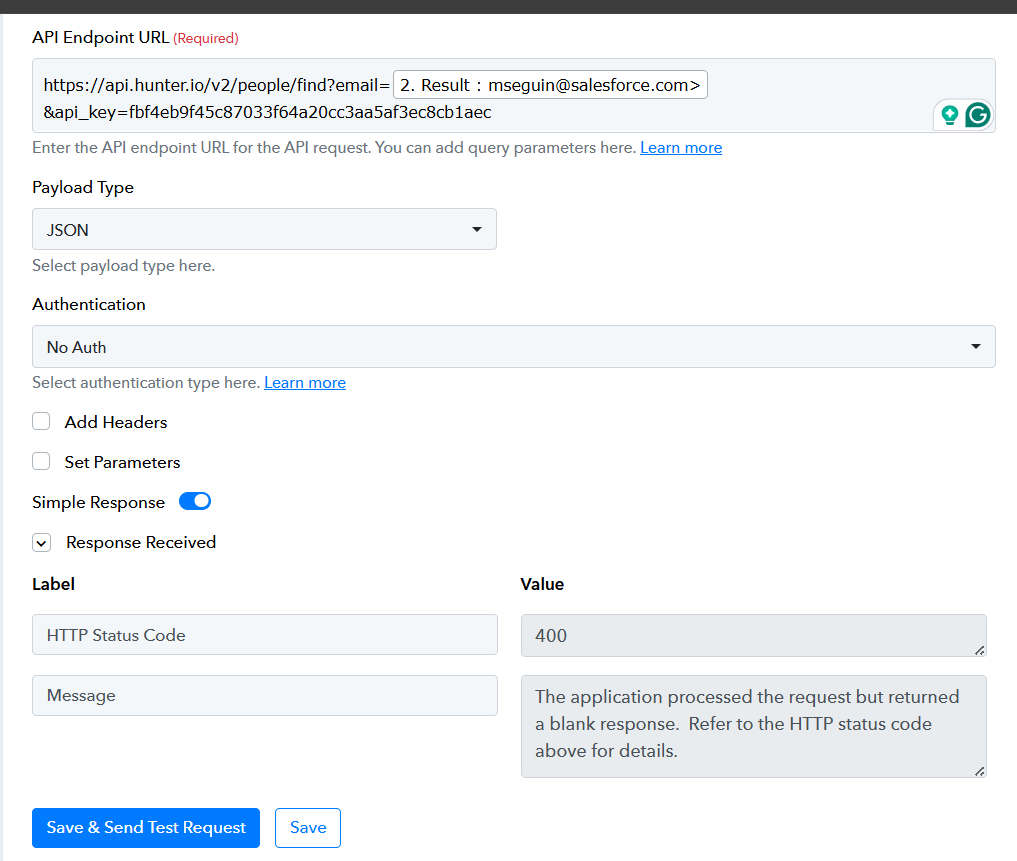
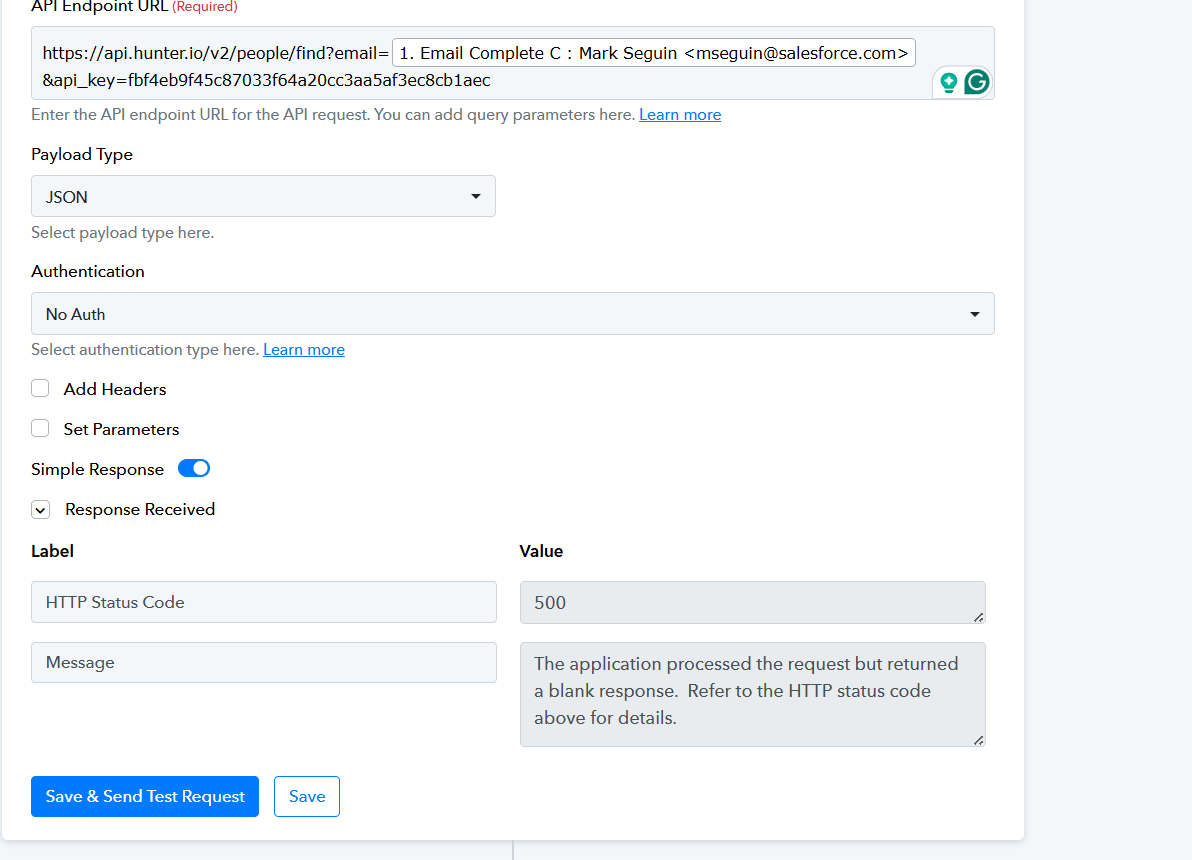
Hi @kamblerohit724,
Could you please share the Workflow URL where you have this concern?
Sure, here is the URL: https://connect.pabbly.com/workflow/mapping/IjU3NjYwNTY4MDYzNjA0MzA1MjZiNTUzZDUxMzQi_pc
Hello @kamblerohit724,
We have made some changes to your workflow to your workflow:
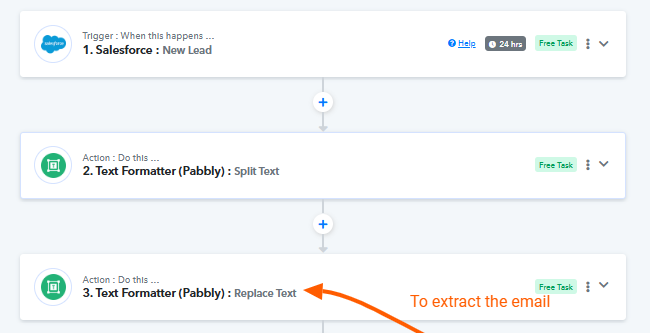
- Text Formatter (Pabbly): Replace Text – added this step to extract the email address
- API – made some changes to it.
The API by Pabbly returned a 400 error code since the email doesn't exist in your hunter database, please try testing with an existing email and it should return the correct response.
Also upon testing the Pabbly Email Verification action it seems you do not have enough credits to perform this action. You would require to purchase Pabbly Email verification in order to use it.
Kindly test the workflow at your end and let us know if everything is working as expected.
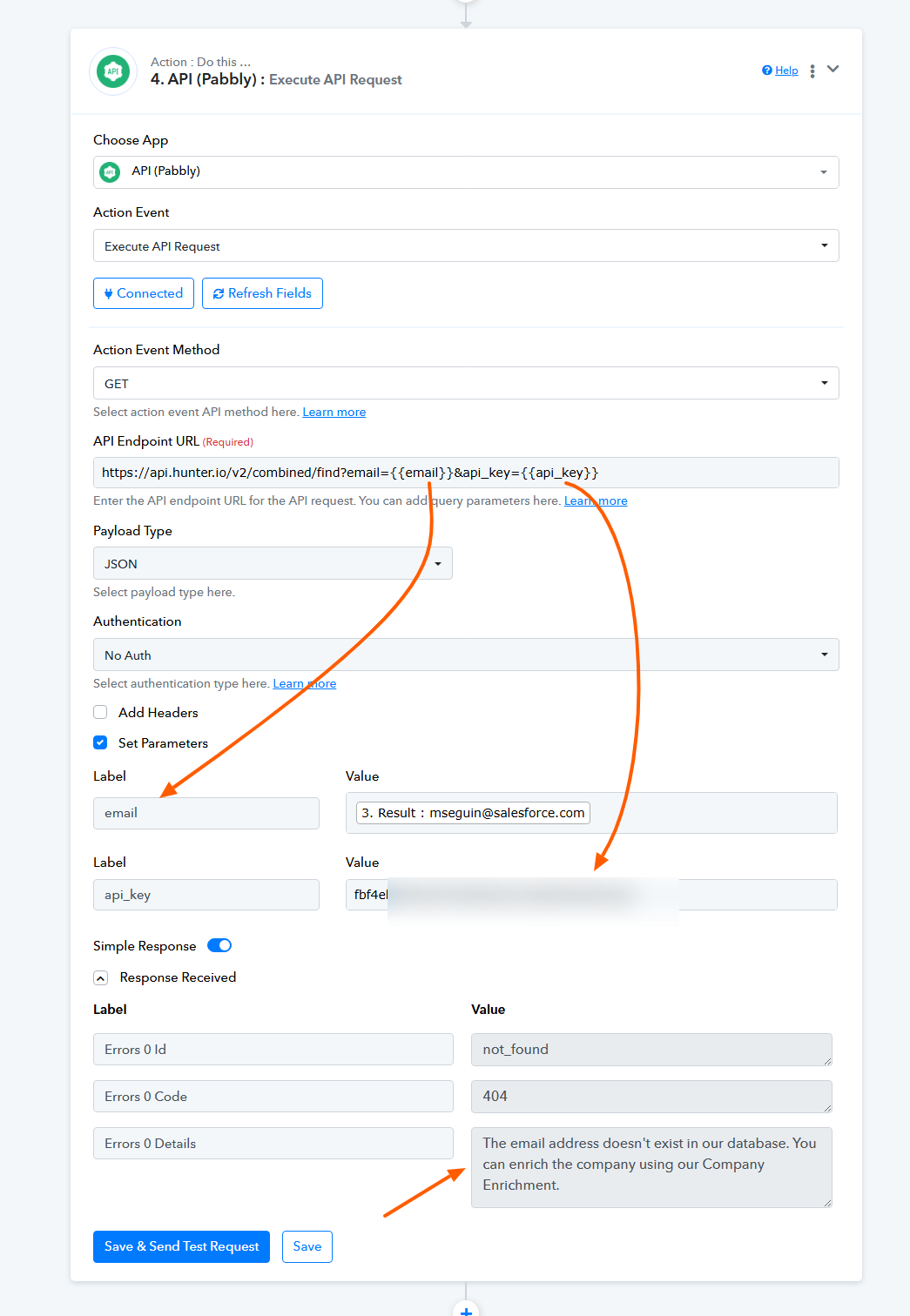
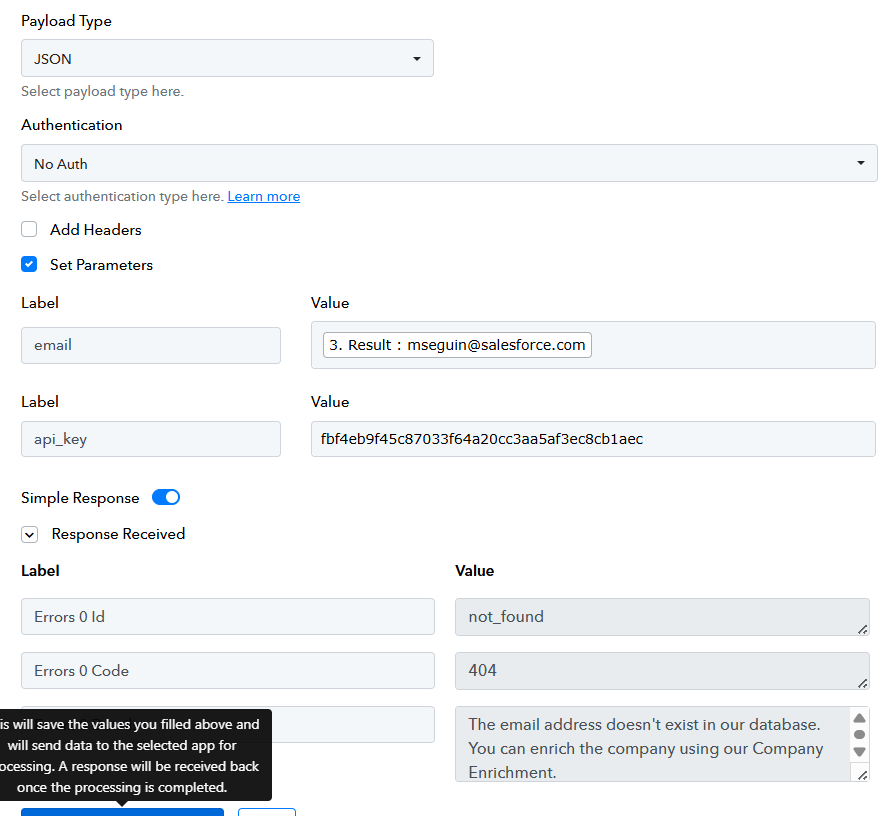
Hi, I am getting this response
So, I have created a network flow using Hunter and Salesforce.
For Mark Senguin, the lead was converted, and it was showing me an error. Since the lead is converted, it cannot be updated.
So, I tried to hardcode it with a different email ID, and it is still showing me the same error.
Workflow: https://connect.pabbly.com/workflow/mapping/IjU3NjYwNTY4MDYzNjA0MzE1MjY1NTUzNzUxMzMi_pc
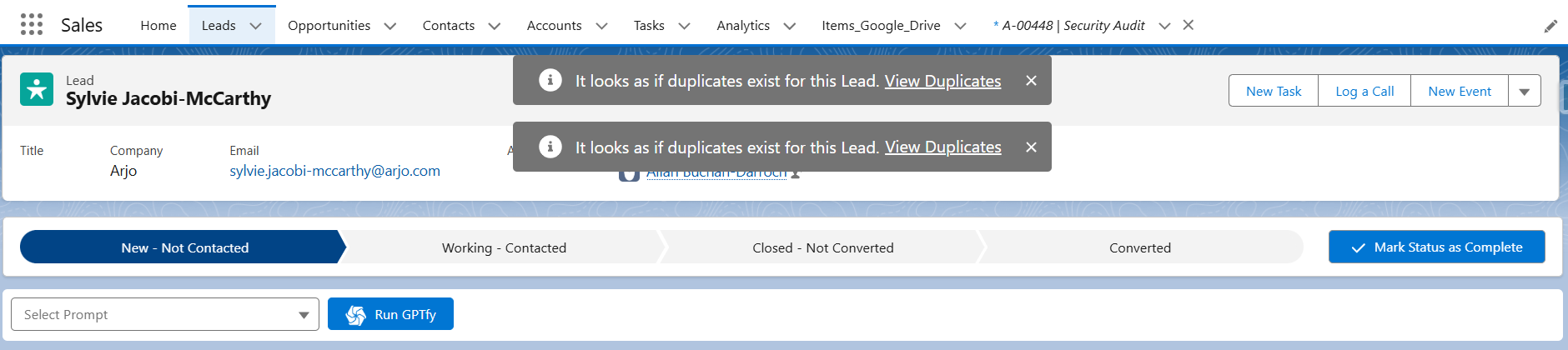
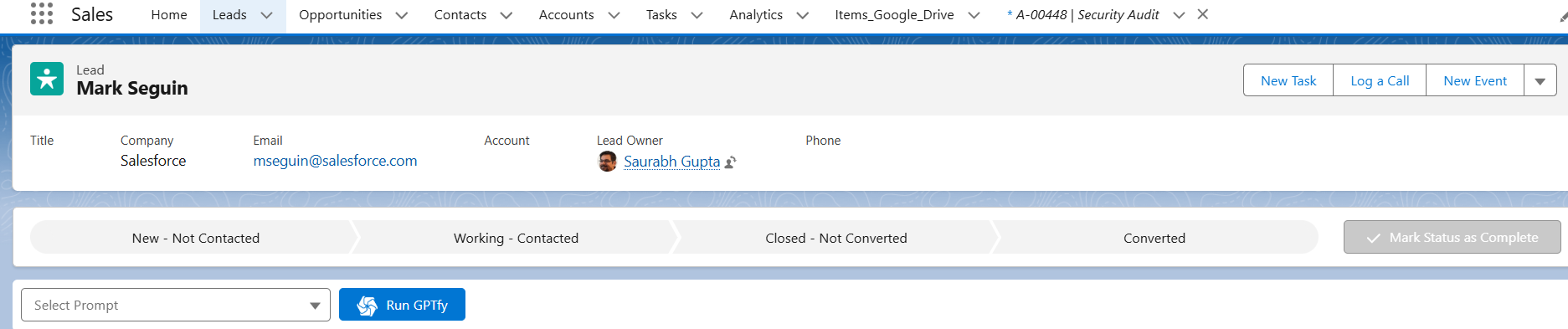
Hello @kamblerohit724,
Thank you for sharing the workflow link.
Could you please elaborate on the exact use case you're trying to achieve using this workflow? This will help us understand your objective better and suggest the most appropriate solution.
Looking forward to your response.
Hi Preeti,
The use case is: I want to use Hunter.io to enrich my leads in Salesforce with official emails, the person's location, title, industry, etc.
Then, I want to update the lead in Salesforce CRM and use that data to create a personalized email.
We can do this on a call and fix this issue if possible.
Thanks
PS: It would be very helpful if you could recommend tools that would be useful for lead enrichment in Salesforce.
Hello @kamblerohit724,
Thanks for the update.
Just to clarify, the restriction on not being able to update a lead once it’s converted comes from Salesforce. Since you're now able to retrieve data from Hunter.io (which we’d have suggested), that part is good to go.
It looks like the Salesforce: Update Lead step is not configured correctly. Before updating, you can run a Custom API Request to check the IsConverted field in the lead’s response — and proceed only if it’s not converted.
If needed, feel free to submit this requirement on our integration request board.
Thanks for the update, @Preeti Paryani.
I want to buy Pabbly, but I am not sure if it will work for us because the refresh time is 24 hours, and it doesn't seem to provide that functionality. Can we get a free trial of Pabbly for a day or two and see if it works for us?
Hello @kamblerohit724,
Thank you for your interest in Pabbly!
The free/Trial plan includes 100 tasks which you can use to explore and test the platform.
Could you please clarify what you mean by “refresh time”? If you're referring to polling time (i.e., how often Pabbly checks for new data), please note that on a paid plan, the polling interval can be reduced to as low as 10 minutes.
If you need more tasks for testing, you may consider opting for a monthly plan. Once you're confident it fits your needs, you can upgrade to a higher plan as per your usage.
You can purchase our monthly plan. You can find all the monthly plans in the FAQs section on the bottom of our Pabbly Connect Website - https://www.pabbly.com/connect/#pricing
I am attaching an image here for your reference.
[IMG width="525px" height="333.247px" alt="1743749955439.png"]https://forum.pabbly.com/attachments/1743749955439-png.54935/[/IMG]
I am unable to add the custom API filter for the lead. Could you help me with that? Thank you!
Can we hop on a call to resolve this? I am trying to see if it is working, and if it works, then I will buy the monthly plan. Finally, if everything is functioning properly, I will consider purchasing the yearly or three-year plan.
Thanks!
Hello @kamblerohit724,
Sure, we can definitely connect over a Google Meet to get this resolved. Please let us know a time that works best for you between Monday to Friday, during either of these slots:
- 11:00 AM – 1:00 PM IST
- 4:00 PM – 5:00 PM IST
Once you share your preferred time, we’ll schedule the meeting accordingly and assist you better.