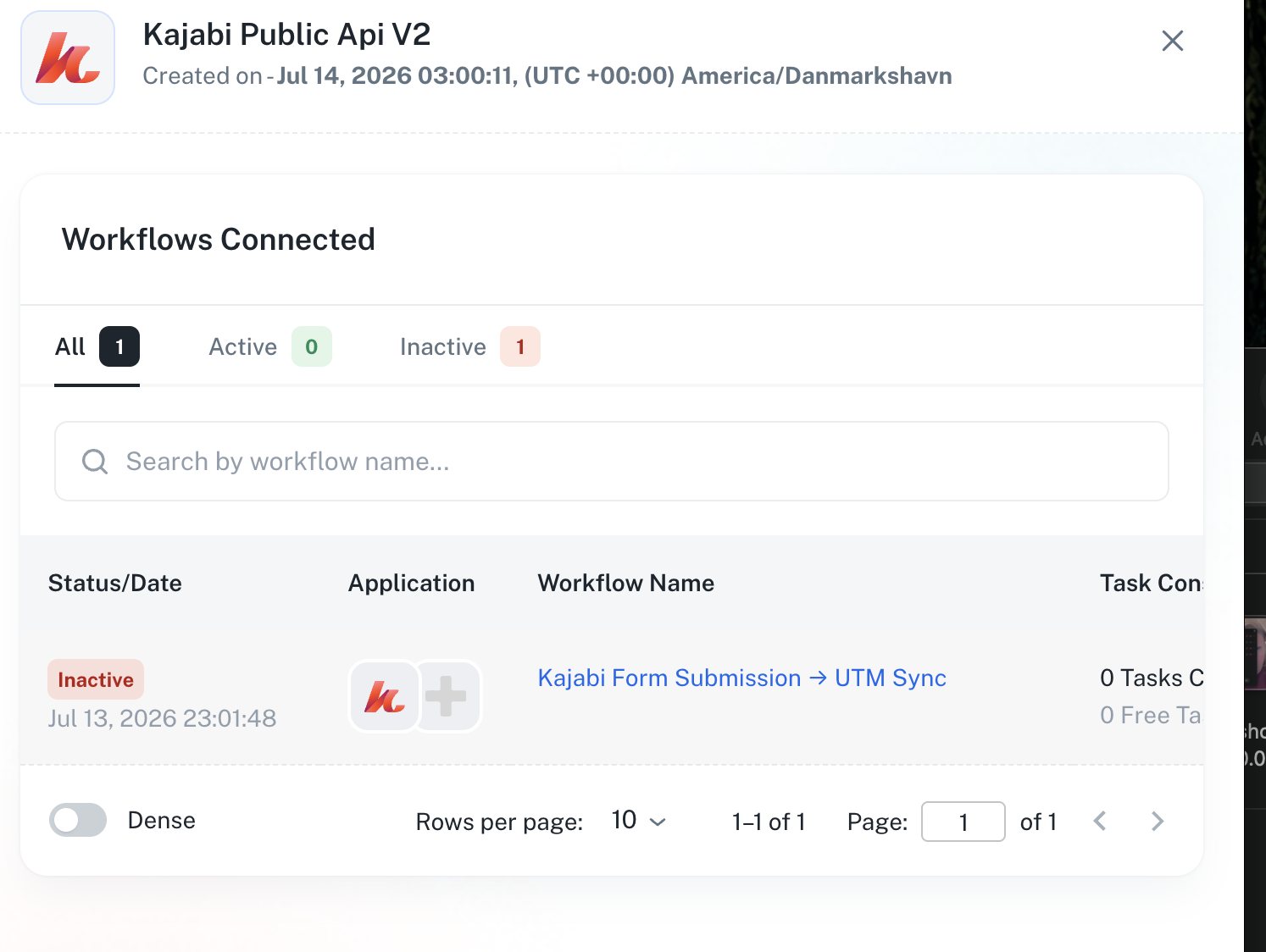
I have three Kajabi Connects to new public api and cannot delete them
Status: Closed · Asked by Jeffery Ingram on · 0 views

Hello Jeffery,
Thank you for reaching out and for sharing the detailed information.
As mentioned in your query, you were able to use the same Kajabi API credentials outside of Pabbly Connect and the request worked successfully. To help us better understand the difference in behavior, could you please share a screenshot of the successful API request and response from the external platform or tool where you tested it?
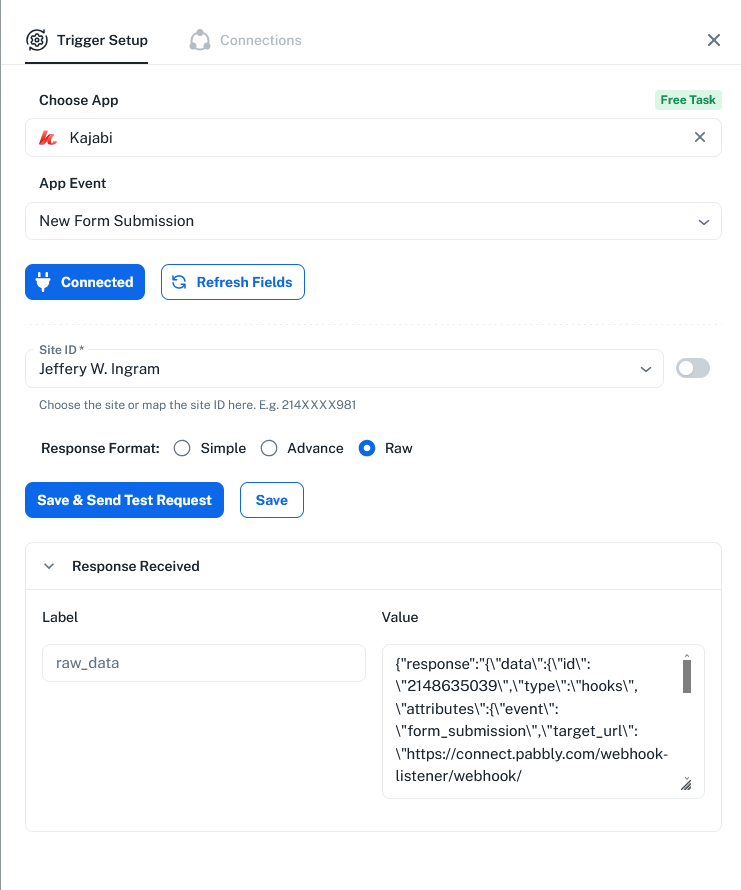
This will allow us to compare the request configuration and investigate what might be causing the 403 Forbidden error within Pabbly Connect.
Once we receive the screenshot, we'll review it and assist you further.
Thanks and Regards,Preeti Paryani
Customer Success Associate,
Pabbly.com
Hello Jeffery,
Thank you for reaching out and for sharing the detailed information.
As mentioned in your query, you were able to use the same Kajabi API credentials outside of Pabbly Connect and the request worked successfully. To help us better understand the difference in behavior, could you please share a screenshot of the successful API request and response from the external platform or tool where you tested it?
This will allow us to compare the request configuration and investigate what might be causing the 403 Forbidden error within Pabbly Connect.
Once we receive the screenshot, we'll review it and assist you further.
Thanks and Regards,
Hello Jeffery,
Thank you for the update.
We would like to confirm one detail regarding your Kajabi account. To use Kajabi with Pabbly Connect, the Kajabi account must be on a paid Kajabi plan, as API access is not available on all Kajabi plans.
Could you please let us know whether the Kajabi account that is returning the 403 error is currently on a paid Kajabi plan? If possible, please also share the specific Kajabi plan name.
This information will help us determine whether the issue is related to account-level API access restrictions or if further investigation is required.
We look forward to your response.
Thanks and Regards,Preeti Paryani
Customer Success Associate,
Pabbly.com
Hello Jeffery,
Thank you for the update.
We would like to confirm one detail regarding your Kajabi account. To use Kajabi with Pabbly Connect, the Kajabi account must be on a paid Kajabi plan, as API access is not available on all Kajabi plans.
Could you please let us know whether the Kajabi account that is returning the 403 error is currently on a paid Kajabi plan? If possible, please also share the specific Kajabi plan name.
This information will help us determine whether the issue is related to account-level API access restrictions or if further investigation is required.
We look forward to your response.
Thanks and Regards,
Hello Jeffery,
Thank you for the clarification.
Kajabi has recently changed its API requirements. Previously, some API functionality worked on non-paid plans, but API access is now restricted to eligible paid Kajabi plans.
Since the Kajabi app in Pabbly Connect relies on Kajabi's API, a qualifying paid Kajabi plan is required. If the account is not on a supported paid plan, Kajabi will return a 403 Forbidden error even if the connection is successfully established.
Please confirm the Kajabi plan associated with the account returning the 403 error so we can verify this further.
Thanks and Regards,Preeti Paryani
Customer Success Associate,
Pabbly.com