I haven't been able to connect to MySQL
Status: Closed · Asked by Nistel on · 0 views
Good morning,
I haven't been able to connect to MySQL for 2 hours now.
It worked correctly before. I also didn't change the Mysql access credentials.
I tried to reconnect again with no success.
Could you help me ?
Here is the workflow link : https://connect.pabbly.com/workflow/mapping/IjU3NjUwNTZhMDYzZjA0MzI1MjZjNTUzMjUxM2Ei_pc
Attached the error message
I've been with Pabbly for months and I know how to connect to Mysql with Pabbly
All my workflows that are connected to My Mysql databases stopped working today although the identifiers have been the same since.
For example, the workflow below had been working correctly for months. But today it no longer works because of the connection to Mysql. I have reconnected several times without success. I also changed the database but still nothing.
I had this problem before and the next day it started working without me doing anything.
Hey @Nistel
Based on the task history IDs in your workflows, it appears that you have successfully corrected the MYSQL connection, and your workflow is now operating correctly.
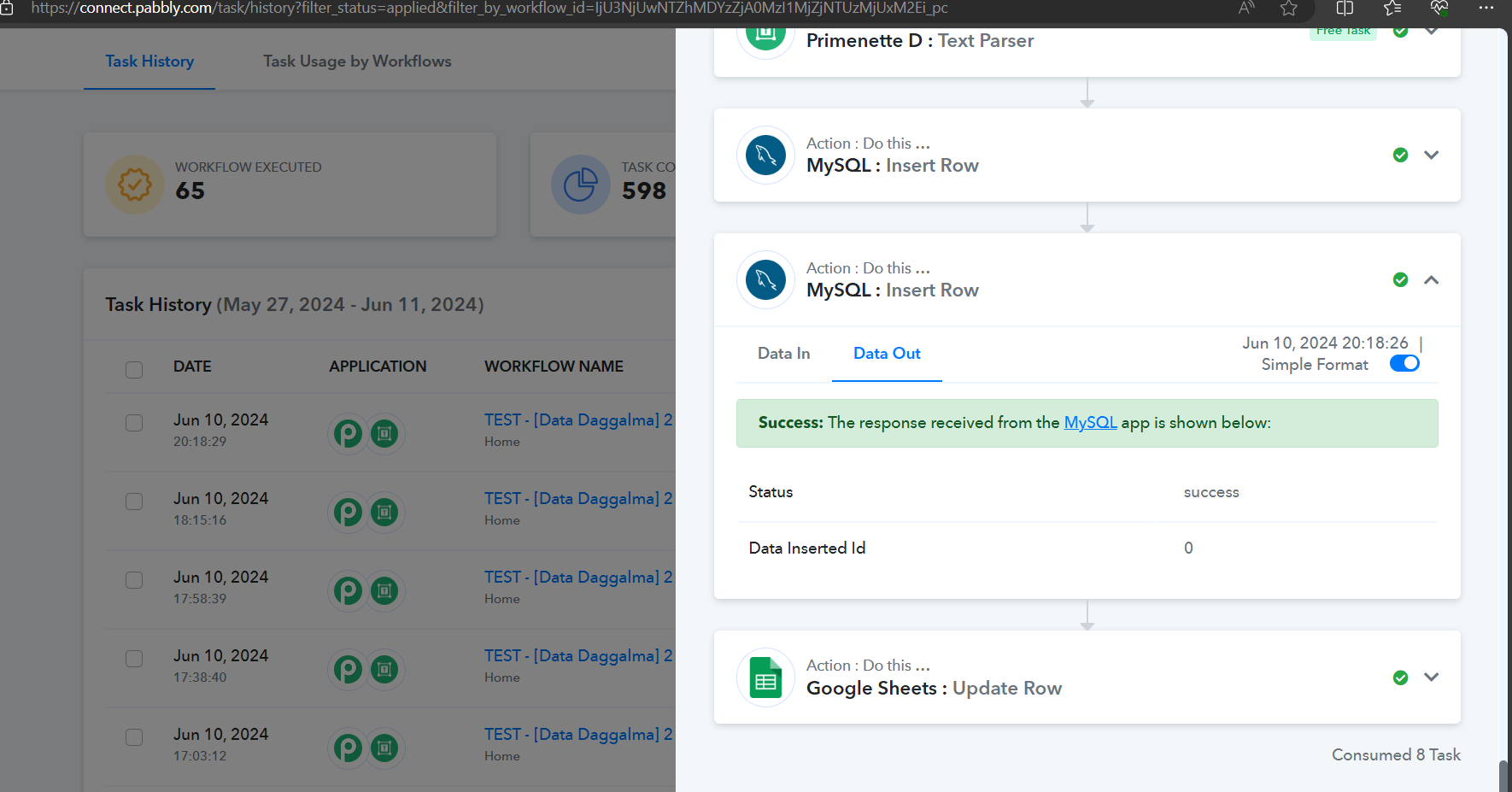
Hello Pabbly,
Yes it works now.
But I had this problem twice in two weeks. And my clients' activities stopped every time for a whole day.
Why does this happen so much? Is there anything that can be done to avoid this?
Hey @Nistel
Assuming Pabbly's end is operating correctly, the frequent downtime may be attributed to factors like server overloads, network issues, or software bugs. To prevent these disruptions:
- Regularly monitor server performance and address any resource limitations.
- Ensure network stability and consider backup connections or a more reliable network setup.
- Implement robust error handling and monitoring in your application to detect and resolve issues proactively.
- Consider optimizing your application's code and database queries for better performance and stability.
Seeking advice from your hosting provider or a technical specialist can offer customized insights and solutions tailored to your unique setup and challenges.
Hello,
Il still have this problem today. I do not change anything. And surprise ! Today it doen't works for no reason. C'est urgent !
Help please !
Any news please regarding this request? All activities of my 11 corporate clients are at a standstill! Help Papply Help
This bug concerns all my workflows.
For example : https://connect.pabbly.com/workflow/mapping/IjU3NjYwNTZjMDYzMjA0MzY1MjZiNTUzMjUxMzEi_pc
Your concern will be addressed here:
https://forum.pabbly.com/threads/urgent-urgent-urgent-invalid-credentials-or-host-or-database-or-port-again.26032/
The issue should be fixed. Please try re-executing failed execution at your end and let us know if they are working fine or not.
Make sure to clear your browser cache once.