I'm having trouble connecting Teachable to Flodesk
Status: Open · Asked by Tammy Rotzoll on · 0 views
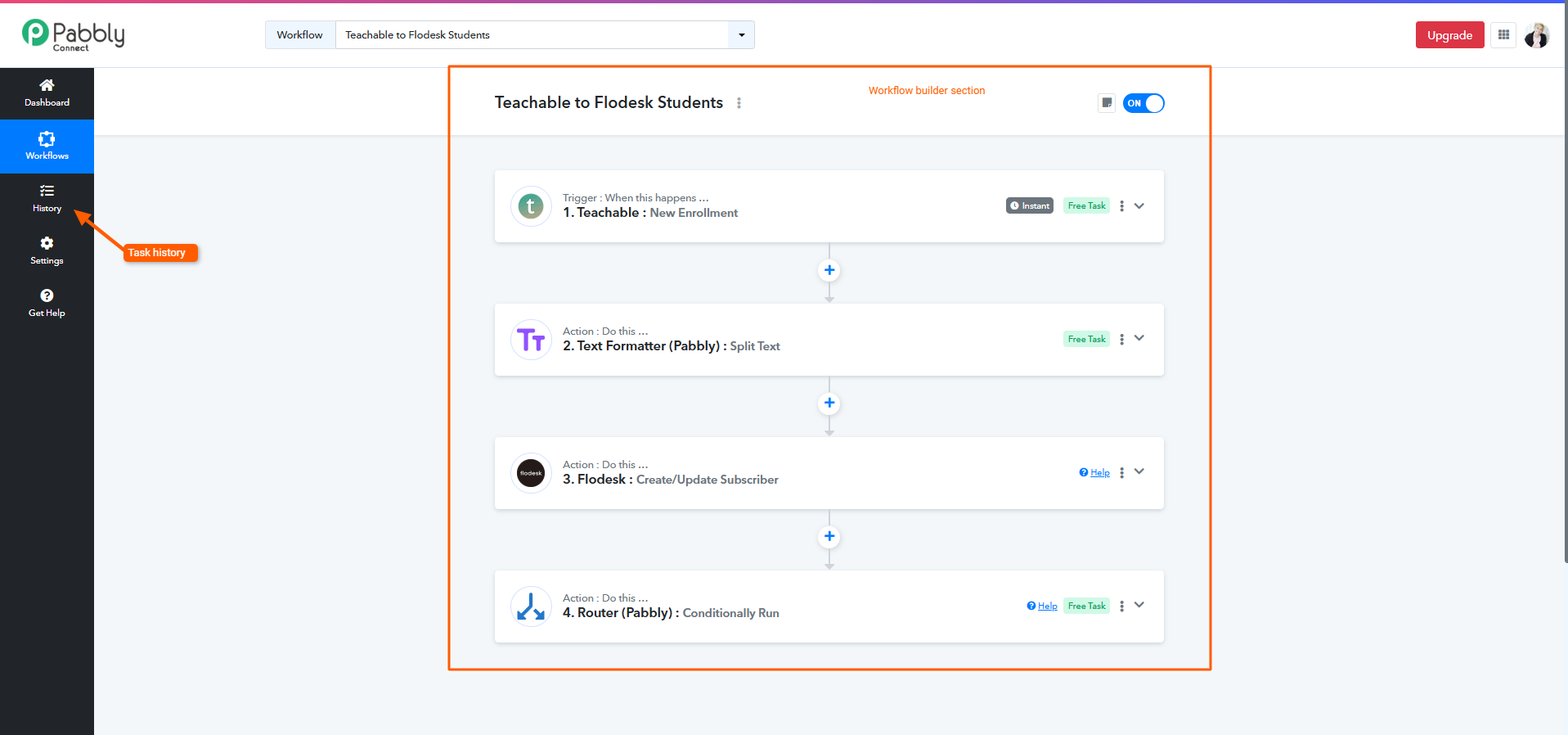
I went in to make sure my connection from Teachable to Flodesk was working since I'm getting ready to open the doors to one of my programs. I had set this up before, but for some reason, it doesn't seem to be working now. The workflow is Teachable to Flodesk students, and I'm wanting it to add my student to a specific segment inside Flodesk.
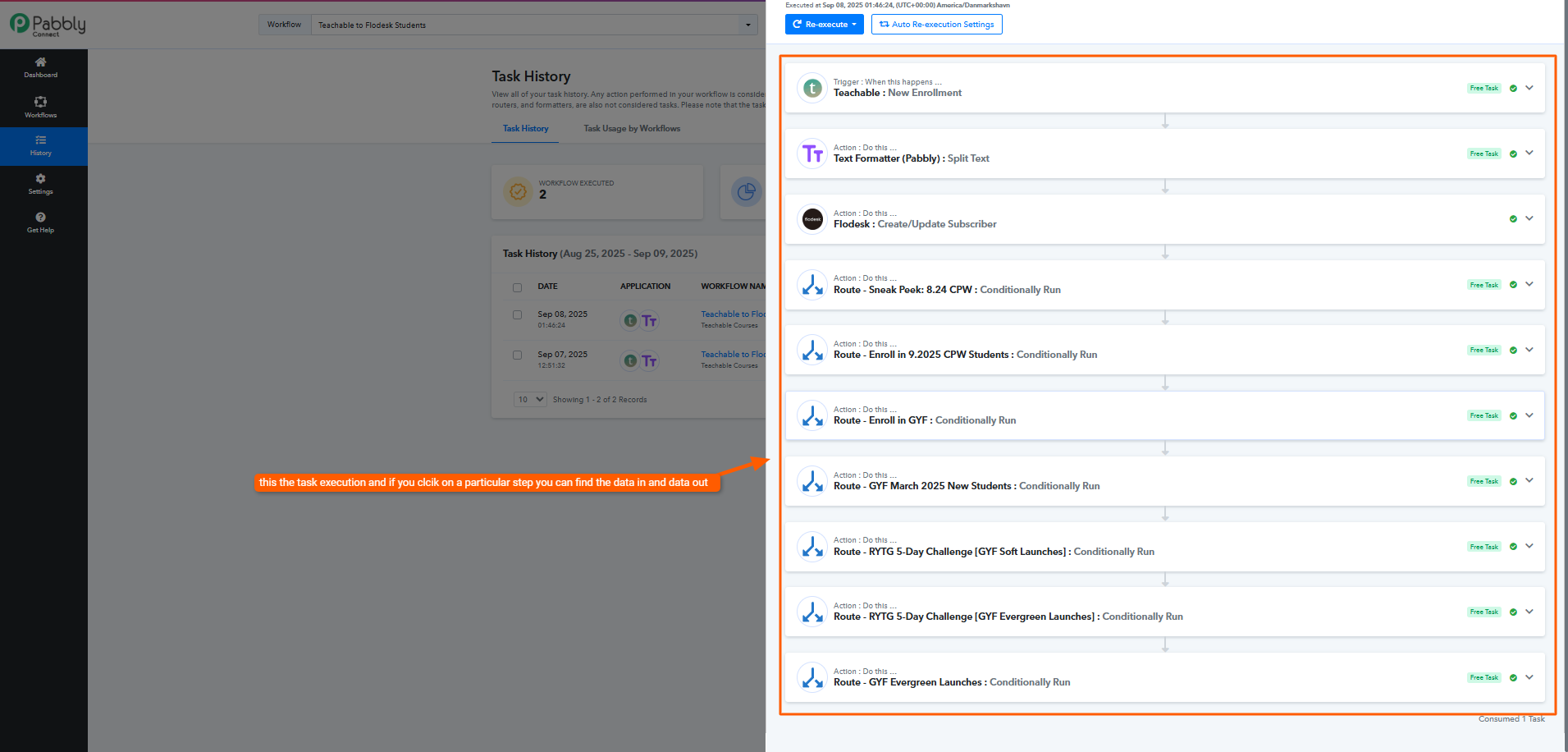
It's the route: Enroll in 9.2025 CPW Students.
I ran a test purchase, but it shows an error and is not going into Flodesk.
Any help you can provide would be very appreciated.
Hi @tammylr,
https://connect.pabbly.com/workflow/mapping/IjU3NjUwNTY0MDYzMDA0MzY1MjZhNTUzZDUxM2Ei_pc
It seems that the subscriber you are attempting to add to a segment doesn’t exist in your Flodesk account. That is why you are encountering the error.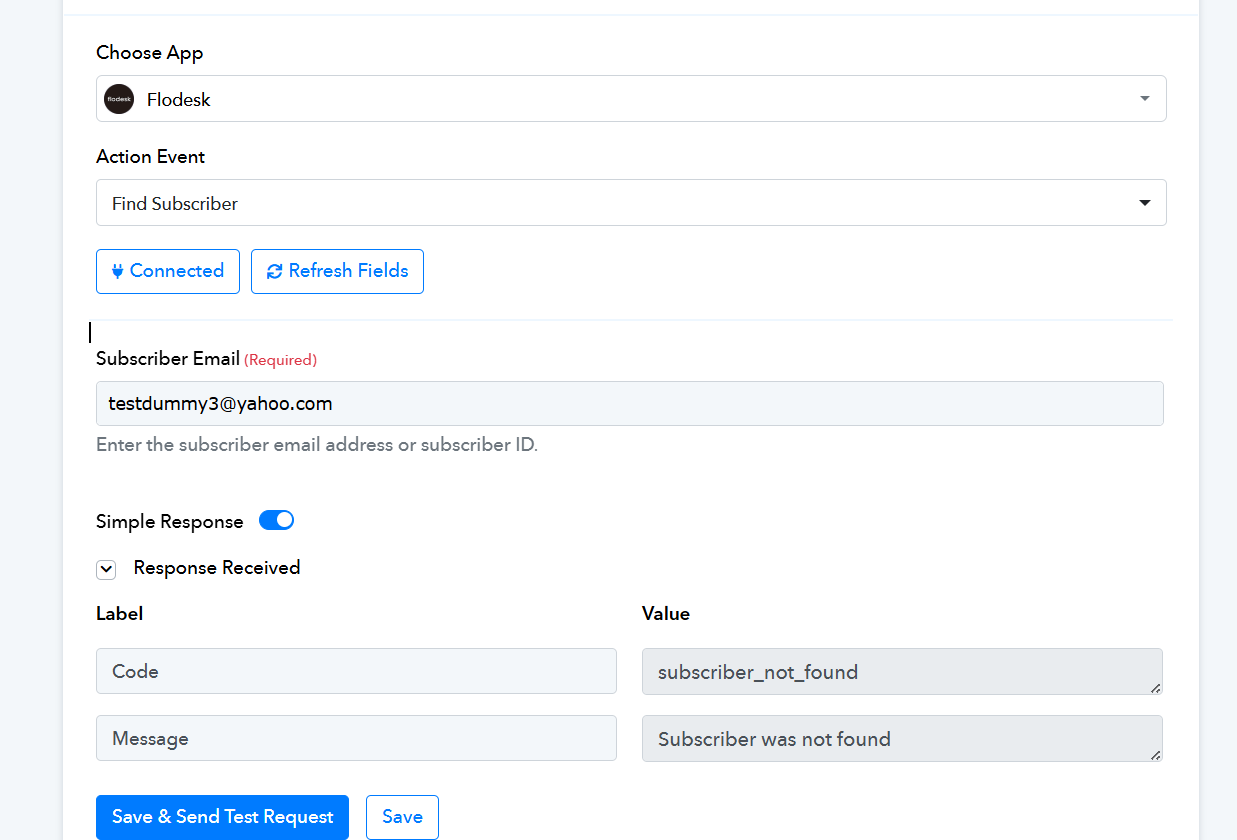
Thank you so much for your quick response. So I'm a little confused. When I add a new router (a new course to Teachable), do I have to start at the very beginning with the trigger? I was thinking that all I did was go into the Router and add the new connection.
Hello @Tammy,
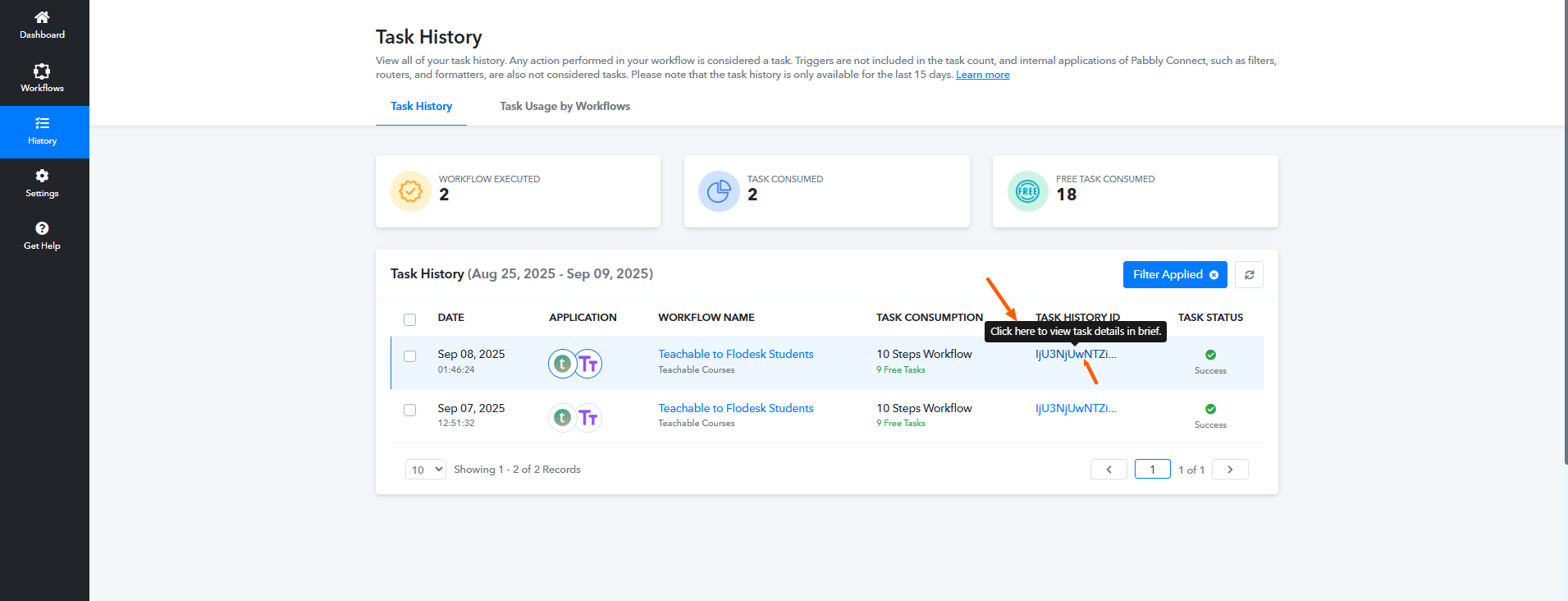
No, you don’t need to make any changes to the existing workflow. If it is already set up, you can simply create a new enrollment in Teachable to test whether it is working correctly. Once triggered, you should be able to see the execution reflected in the task history.
Okay. So I create the new enrollment under the Router, correct? Again, thank you so much for your quick response. I truly appreciate it.
Hello @Tammy,
No, you don’t need to create the new enrollment under the Router. You just have to create a new enrollment in Teachable so the workflow can trigger and you can check if it works fine.
Currently, in all routes you already have the Add Existing Subscriber to Segment action in place, so there’s no need to make any changes in the builder. Simply perform the trigger and then review the results in the task history.