Infinity and Google Sheet
Status: Open · Asked by superproxy on · 0 views
Hi Infinity Team! I have 2 different goals to achieve here.
Goal 1. When values are updated in infinity the values that is equal to google sheets should be also updated.
Problem:
1. I was able to capture the exact value that was updated in the infinity list however I cannot find any criteria or primary key that I can used to point the exact row and column to be updated. 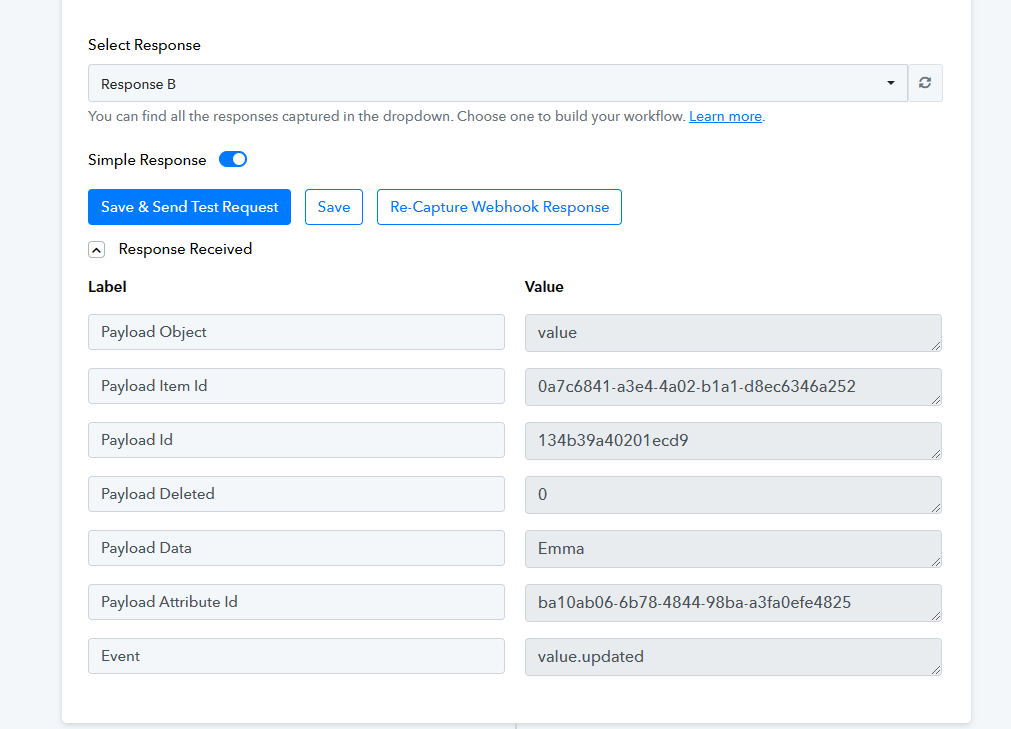
Goal 2. Vice Versa of goal 1. I want to update infinity list when a specific column on my google sheet is updated.
Problem:
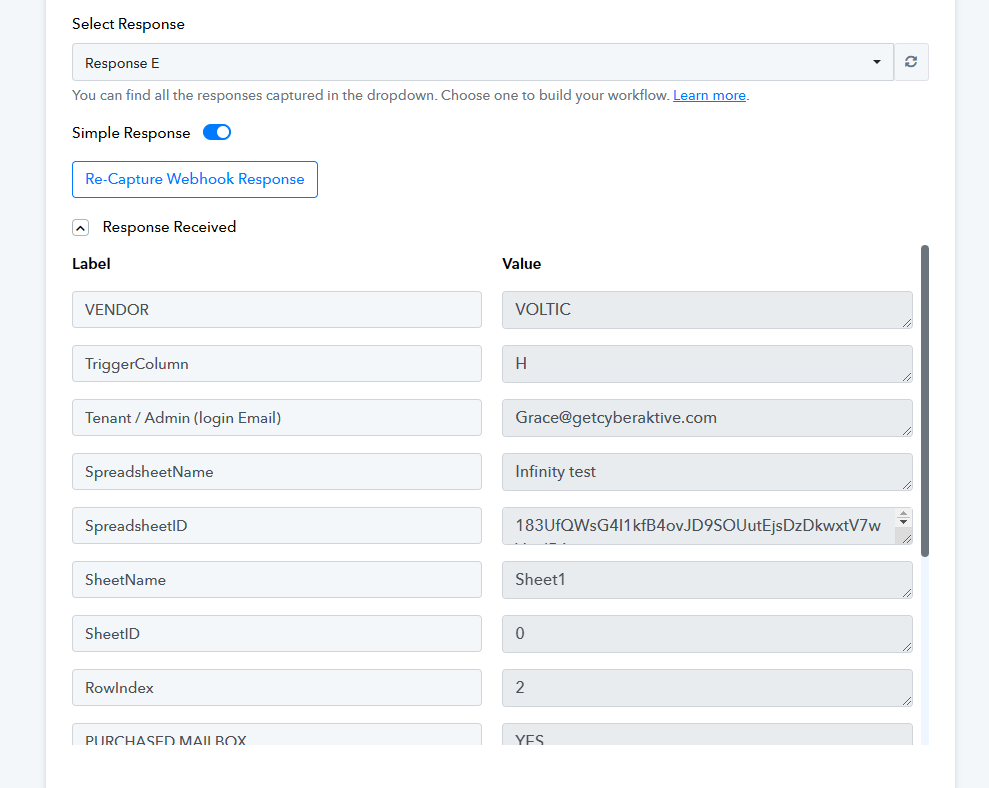
1. I was just able to catch few columns from my google sheet using pabbly connect webhook. I am trying to capture all the data from my column for me to be able to map the fields on my infinity workflow. There are atleast column A-Z that I need to capture here.
Hey @superproxy
We already have a video related to this use case on our YouTube Channel. You will have to use Lookup Table module in your workflow changing updating the values in Infinity.
youtube.com/watch?v=hwmjyecVWW0
As this video is for your Goal 2, you can do the opposite for updating rows in Google Sheets when value is updated in Infinity list.
Let us know if this works for you.
Thanks @Luv! I have further question. How can I get the item ID. Does it refer to the column names that is set in my infinity list? 
Hello @superproxy
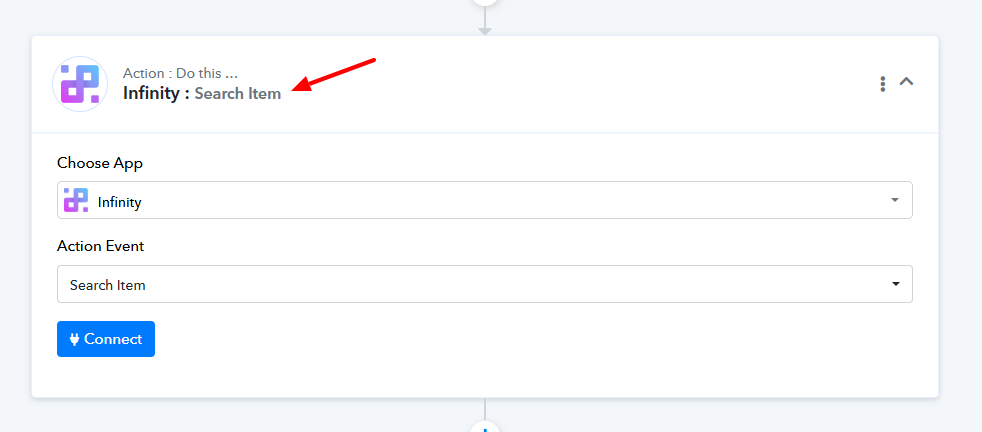
No, Item ID isn't referred to as a column name. Every Item has its unique ID, which you can get using the Search Item action(as mentioned in the help text).

Thanks Preeti!