Instagram Business to LinkedIn Business
Status: Open · Asked by computer_kid on · 0 views
Hi Guys, I want to create a simple automation but running into issues.
I want to take an IG Business Post, and then post in on LinkedIn Business page. I want it to look native, as in no links for the image, but for the image to be a part of the post like so:
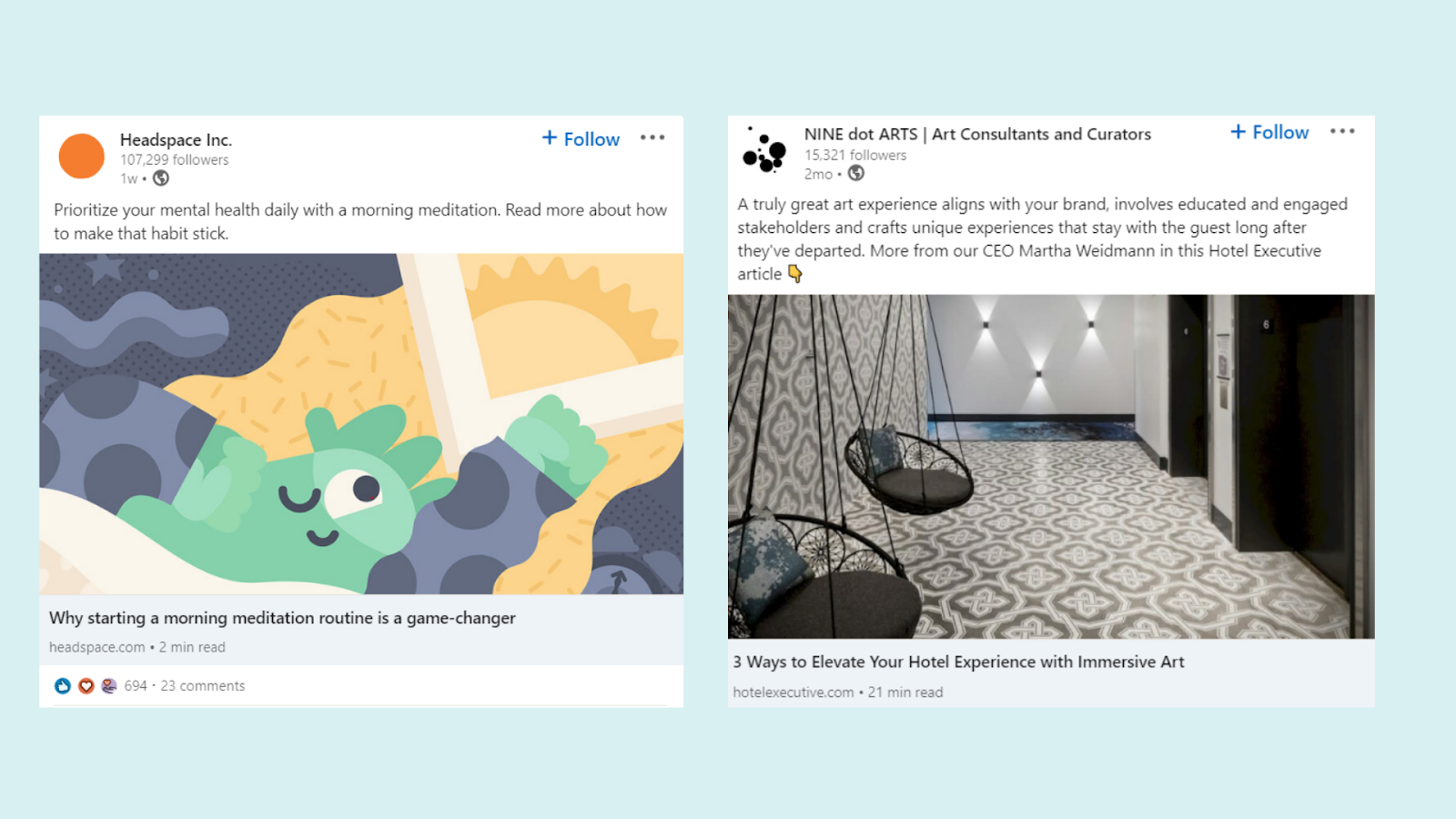
So far, I've only been able to achieve this with a personal LinkedIn, and not a business one. I've tried various LinkedIn Actions, and the ones that do allow for a business page, give errors. For example, in this example, I get: Failed to upload file, name too long: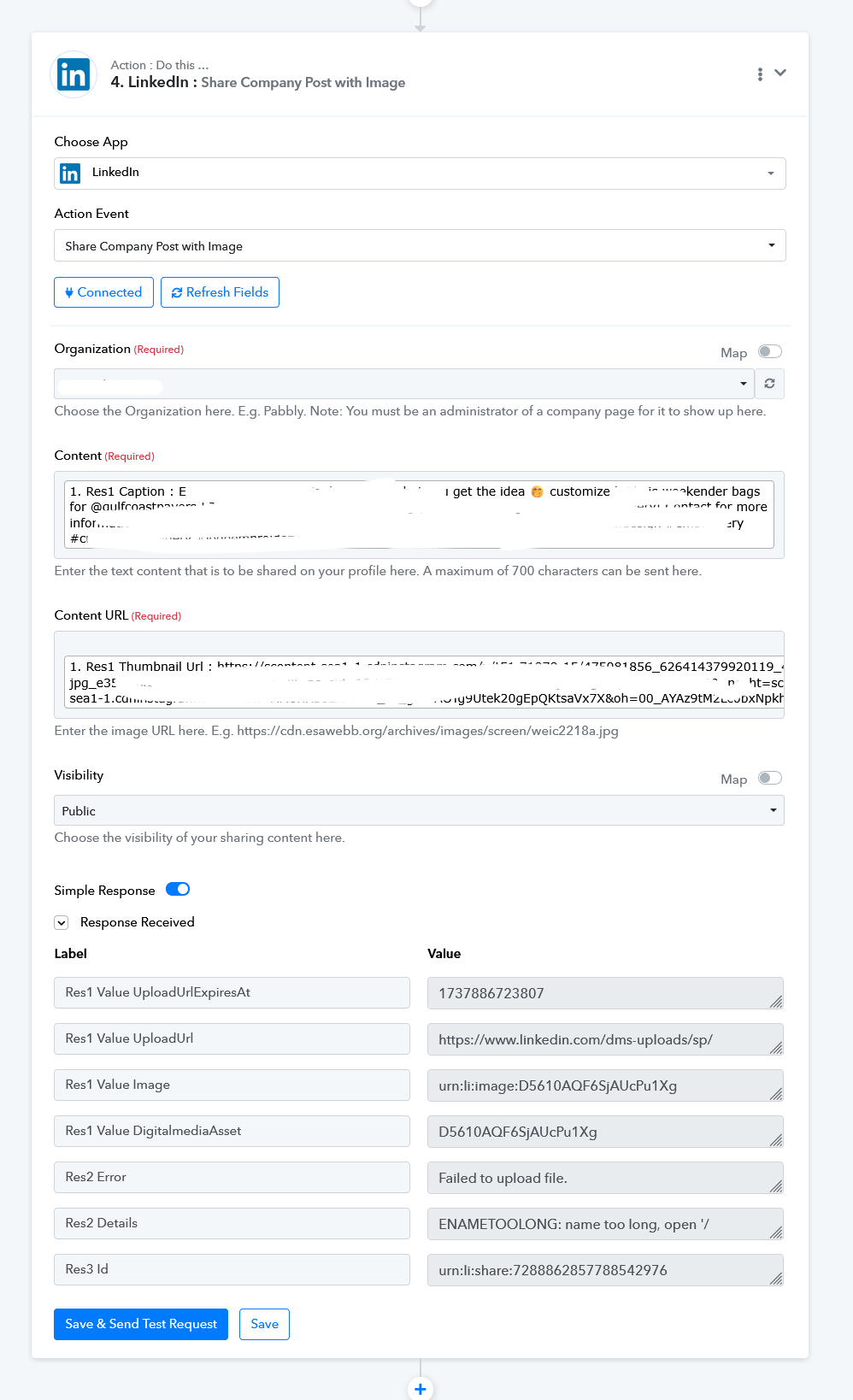
Am I missing something? I just want a post with an image in the post (not link). Thanks in advance
Hello @computer_kid,
Could you please try performing the action with a shorter content name and let us know if it works for you?
If the issue persists, it would be helpful if you could share a short screen recording showing the steps you’ve taken. This will allow us to better understand the situation and assist you more effectively.
I tried adding a short content name, which works fine. The content name is not the problem, its the IG image URL, however, this is something I have no control over. I added a task ID in my original post.
Please try uploading the file to Imgur, which will provide you with a shorter URL. Then, pass this shortened URL to the LinkedIn action step and see if that resolves your issue.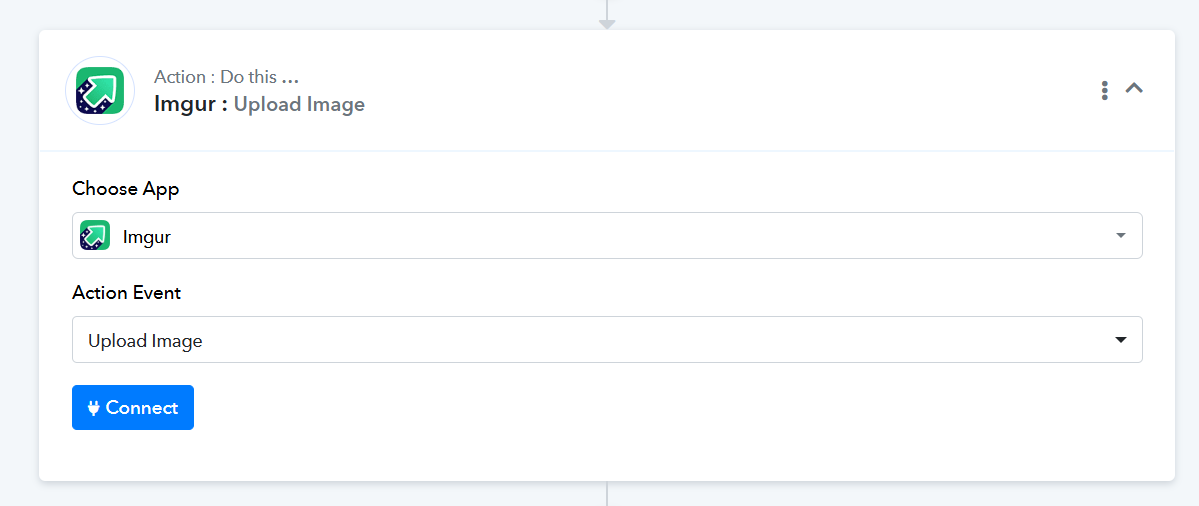
Hi, thank you for the reply. I connected a new Imgur account, and get the following, can you please advice?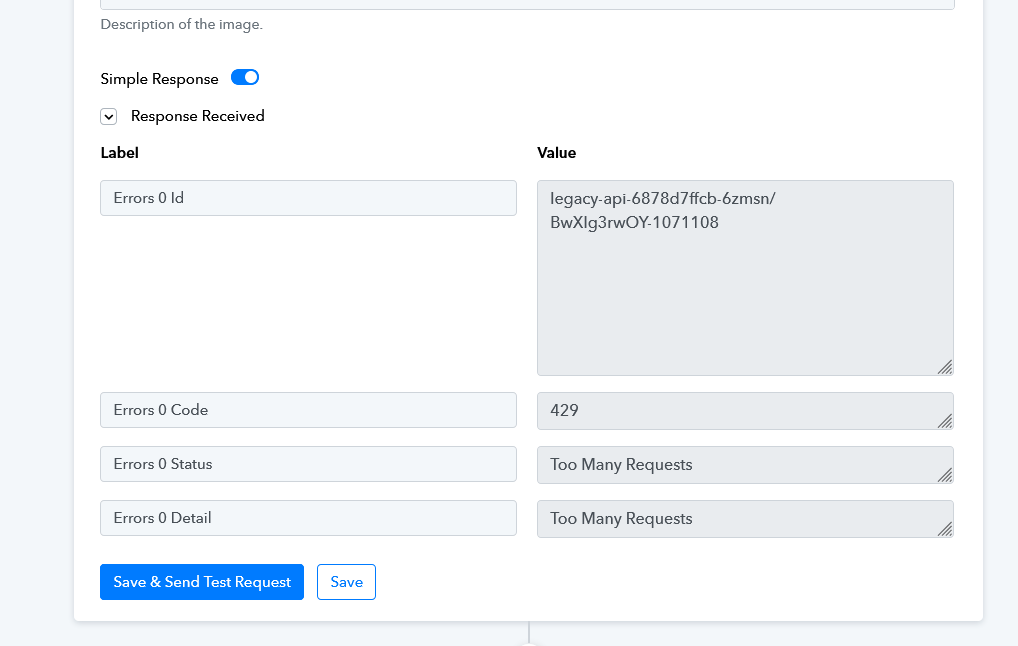
Hello @computer_kid,
Could you please try uploading the file to Google Drive and then pass the URL to the LinkedIn step as shown in the screenshot below? Let us know if this works for you.
https://drive.google.com/uc?export=download&id={map the file id here}

I discarded Imgur, and added in Google Drive. I tried:
https://drive.google.com/uc?export=download&id={map the file id here} in the LinkedIn Step
But that did not work.
I got rid of "&"
https://drive.google.com/uc?export=download&id= {map the file id here}
and it kind of works. I am able to see thumbnail for the link.
But what I want for it is to look like a native post, similar to this video:
youtube.com/watch?v=f-BJe7Hohzo
I want a full image like if it was added through a new LinkedIn post, and for a business page.
I think I got it! Here are my settings:
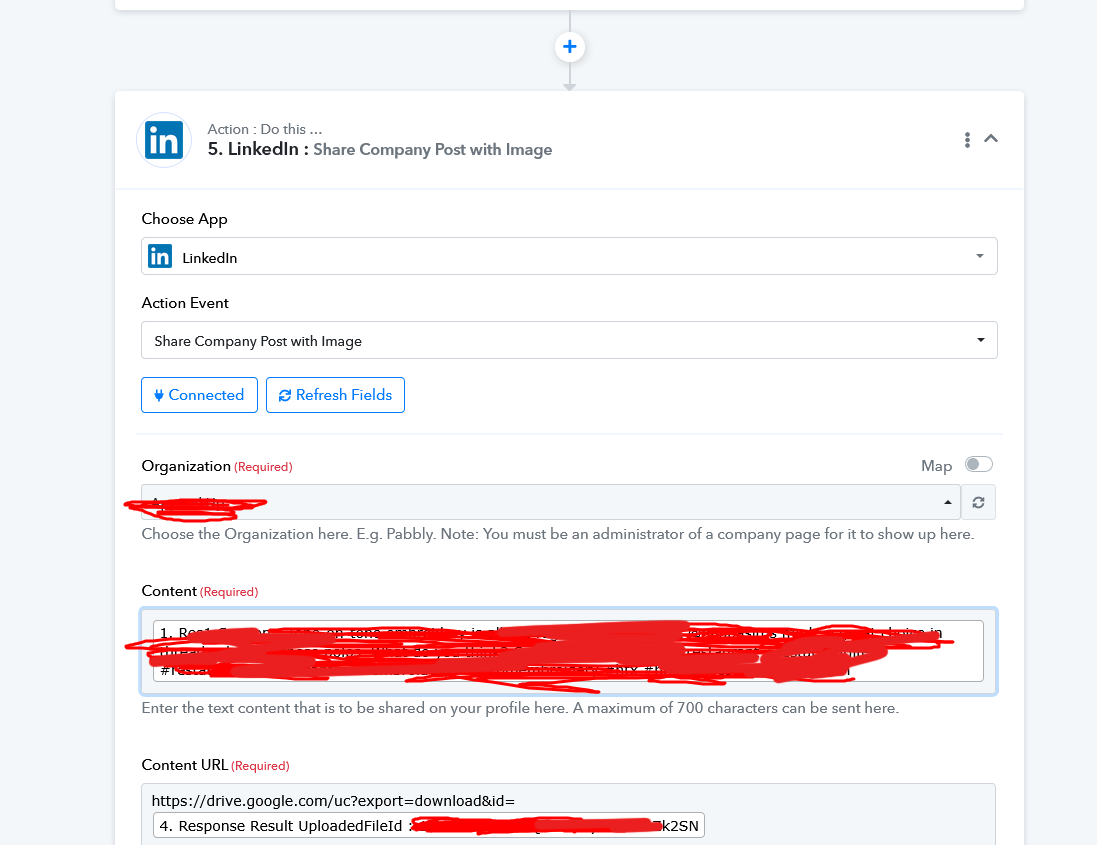 Thanks for the help!
Hello @computer_kid,
It seems that you have configured it correctly.
Thanks for the update!
Hi @computer_kid,
Hi! To post Instagram Business posts natively to your LinkedIn Business page (with image showing, not as a link), you’ll need to use a tool like Make (Integromat) or Zapier.