Instagram new Media Trigger Doesnt start Start the Workflow
Status: Open · Asked by Digital Marketing Agency Singapore on · 0 views
Instagram new Media Trigger Doesnt start Start the Workflow
If I click test I see the new posted media, but the worfklow never starts to get executed.
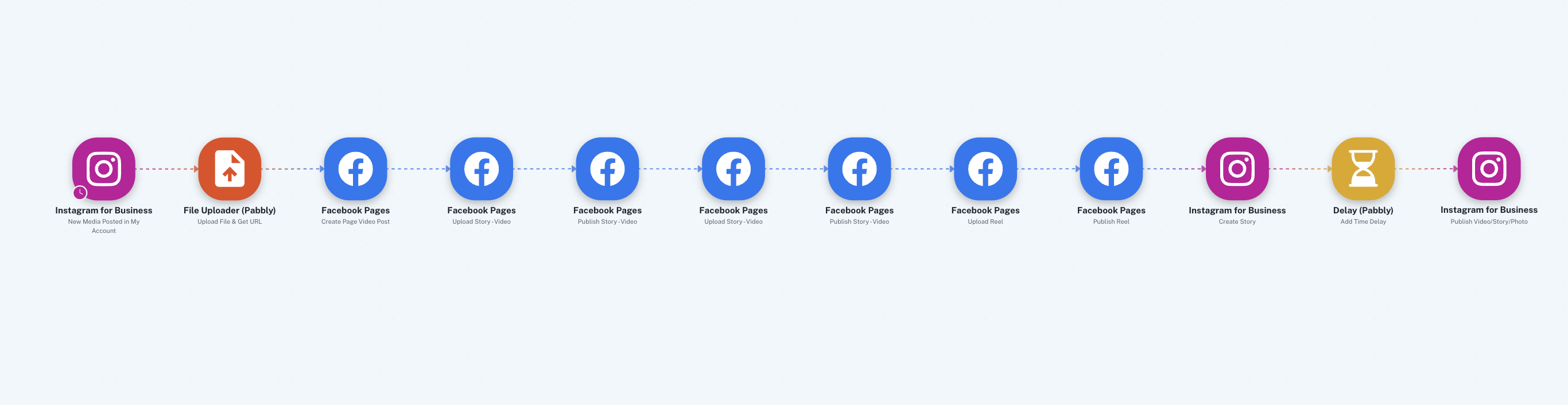
Hi @marketingagencysingapore,
The Instagram for Business trigger step has a trigger interval of 10 minutes. Please make a post, then wait for 10 minutes and check if it triggers your workflow.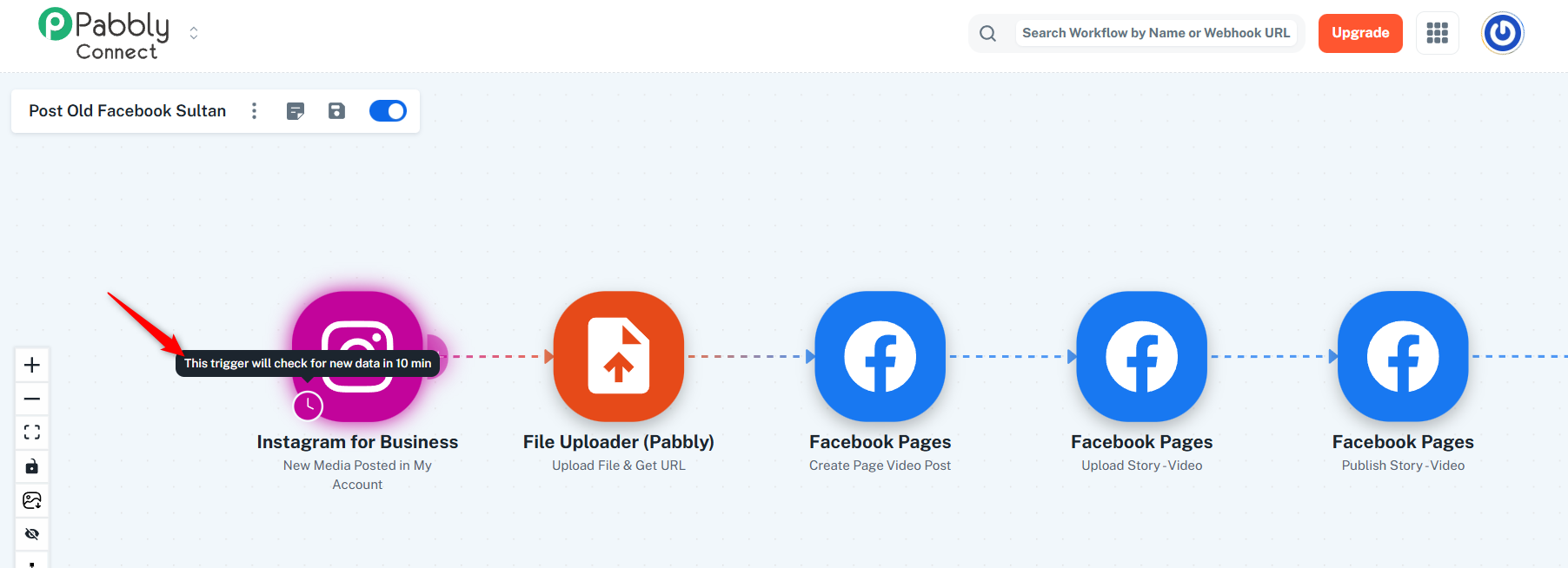
Thanks & Regards,
Arshil Ahmad
Customer Support Associate
? Pabbly.com
?Rate your support
Hi Arshil.. I am aware of that.. the posting have been posted since 2 days.. the last one 1 hour ago.. still the trigger doesnt fire
Could you please confirm whether this is your latest post on Instagram?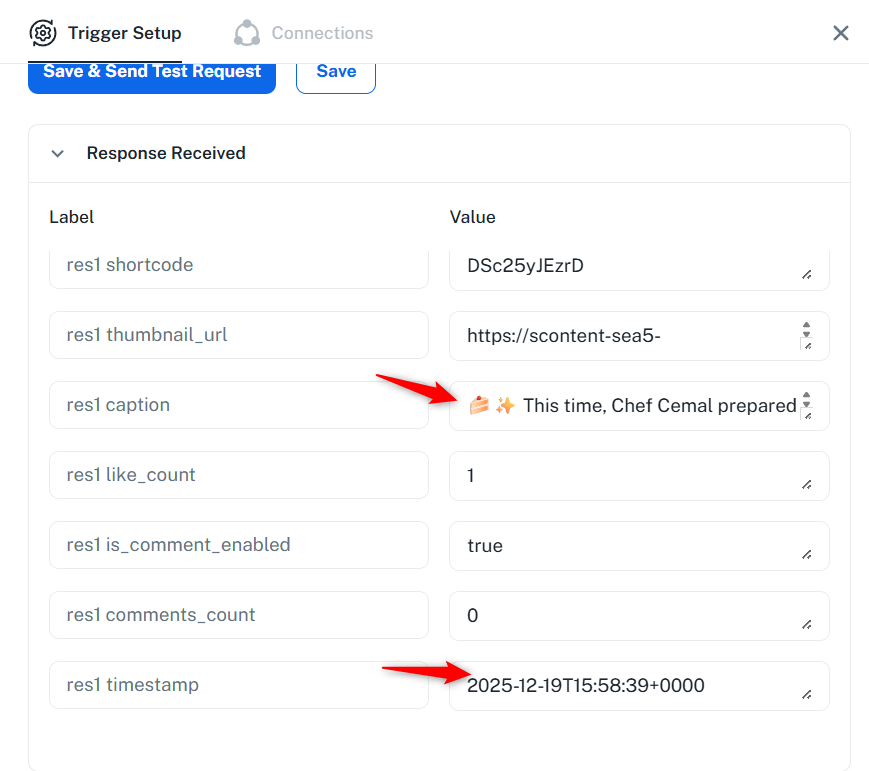
Thanks & Regards,
Arshil Ahmad
Customer Support Associate
? Pabbly.com
?Rate your support
Yes it is.. but it didnt fired you see?
Thank you for the confirmation. Please create a new Instagram post (do not capture it in the trigger step) and let us know once it’s done. This will allow us to test the issue.
Thanks & Regards,
Arshil Ahmad
Customer Support Associate
? Pabbly.com
?Rate your support
OK just posted a new Video/Reel
Hello @marketingagencysingapore,
Thank you for testing the workflow. Upon checking the history, it appears the trigger was activated once. However, the response received from the trigger team shows that it failed due to a permission error.
Please refer to that error and let us know how you have set up the connection, or if you have made any changes. Alternatively, you can try setting up a new connection and then add a new post/reel to see if the workflow gets triggered successfully.
(#10) This endpoint requires the 'pages_read_engagement' permission or the 'Page Public Content Access' feature or the 'Page Public Metadata Access' feature. Refer to https://developers.facebook.com/docs/apps/review/login-permissions#manage-pages, https://developers.facebook.com/docs/apps/review/feature#reference-PAGES_ACCESS and https://developers.facebook.com/docs/apps/review/feature#page-public-metadata-access for details.