INSTAGRAM STORY POST PROBLEM
Status: Open · Asked by Bananajuice2002 on · 0 views
I just wanted to ask if any of you know how to create an image using OpenAI (DALL·E 2 or DALL·E 3) in a specific dimension that works for Instagram Stories. I don’t have any issues running the workflow, but the problem is with the format of the generated image.
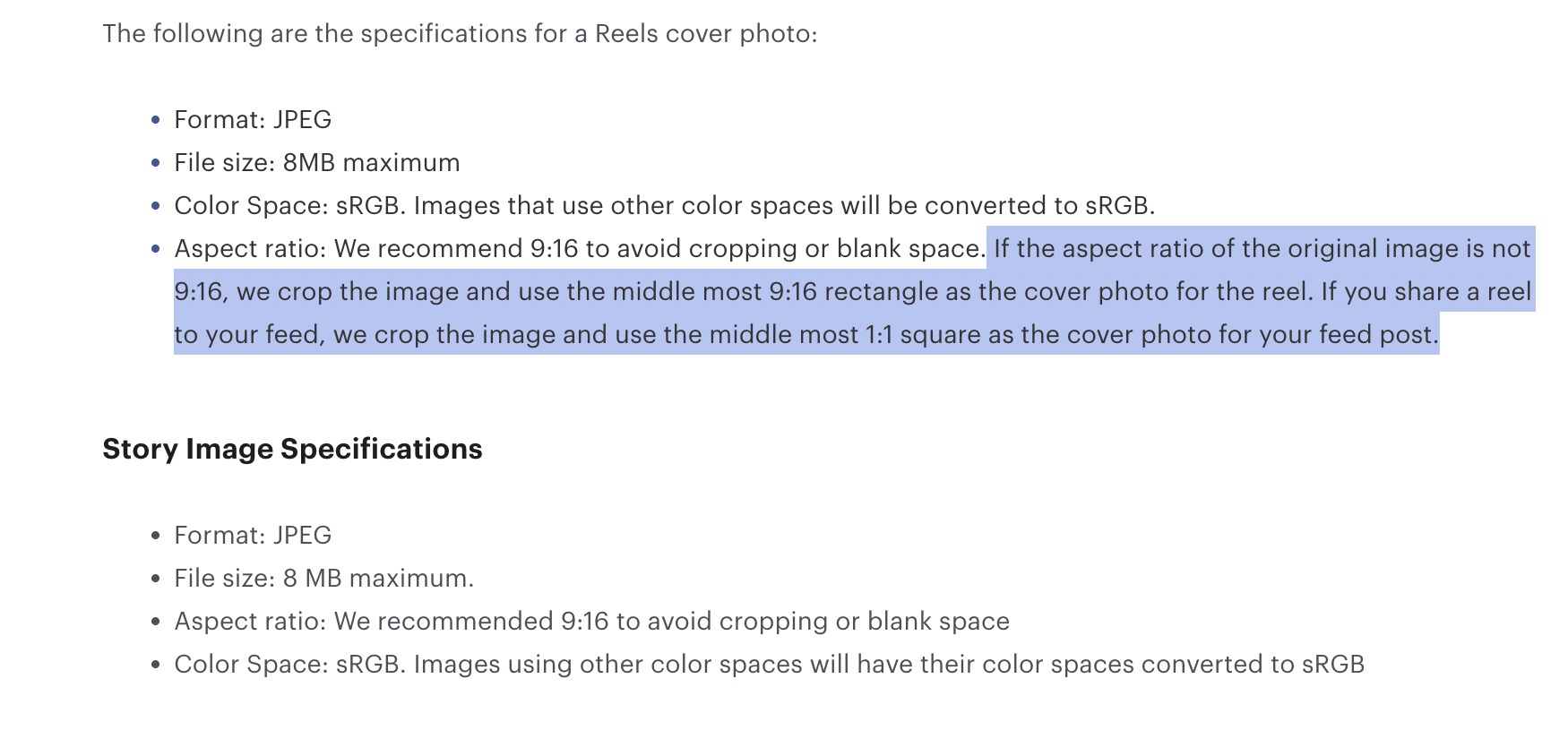
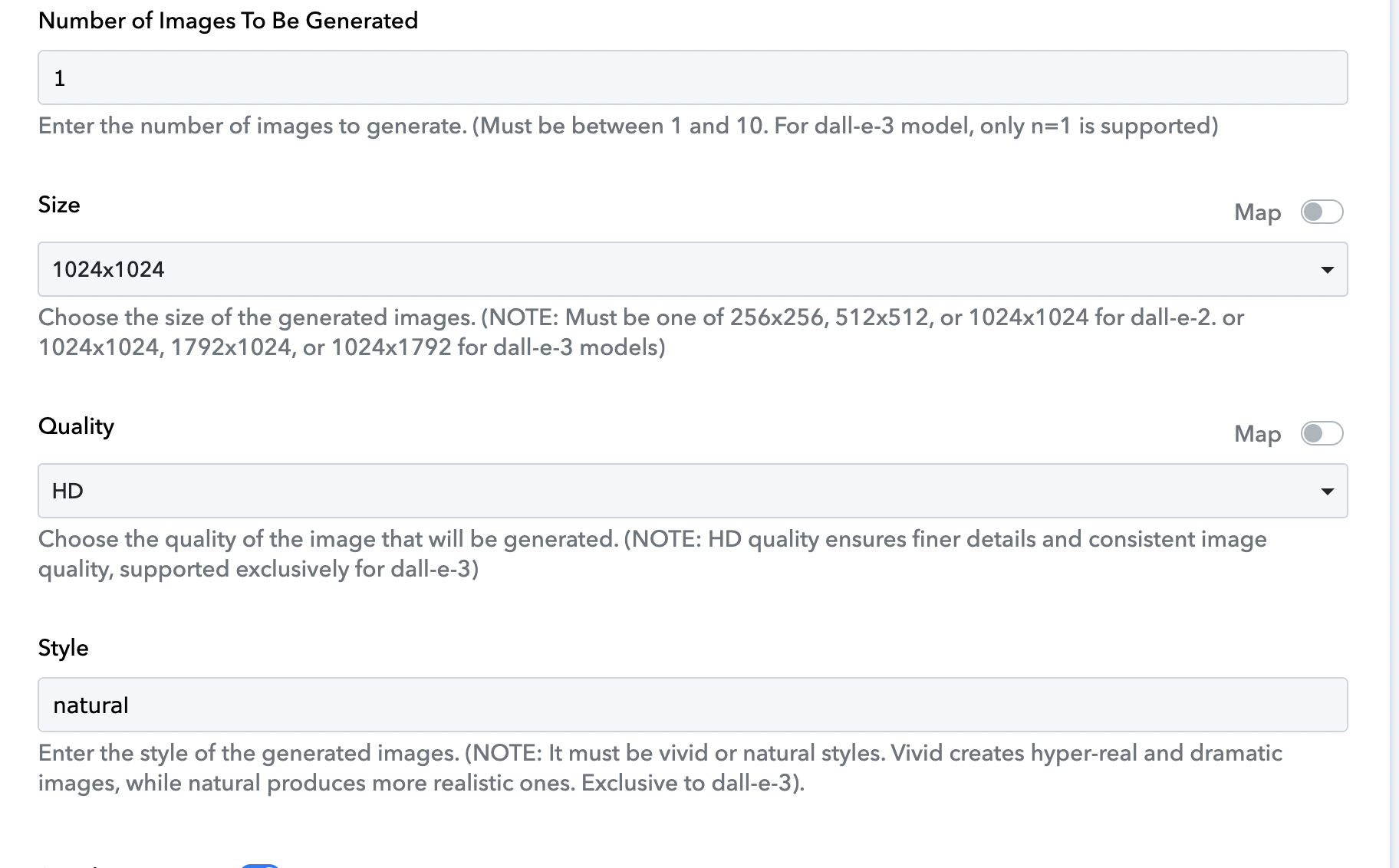
Instagram requires a 9:16 ratio for Stories, but DALL·E typically outputs images in fixed formats like 256×256, 512×512, or 1024×1024. When I try to use these in a Story, Instagram crops the image badly—cutting off important parts and making it look awful.
To my understanding, the proper size I need is something like 1024×1920 or close to that 9:16 ratio.
Do you know if there’s a way to force DALL·E to generate image in the right ratio/or add another application to change ratio for the right one? Or a best practice for resizing or prepping them properly for Stories without losing visual quality?
Thanks in advance for any advice! ?
URL: https://connect.pabbly.com/workflow/mapping/IjU3NjYwNTZjMDYzMzA0MzI1MjZmNTUzZDUxMzUi_pc
Hello @Bananajuice2002,
We have made a few changes to your action step and it seems to have generated a publicly accessible image URL in the required ratio. Please check and let us know if it works fine for you.
it has worked, thanks
Hello @Bananajuice2002,
You can find experts through our Pabbly Connect Experts and Consultants forum and in our Facebook group.