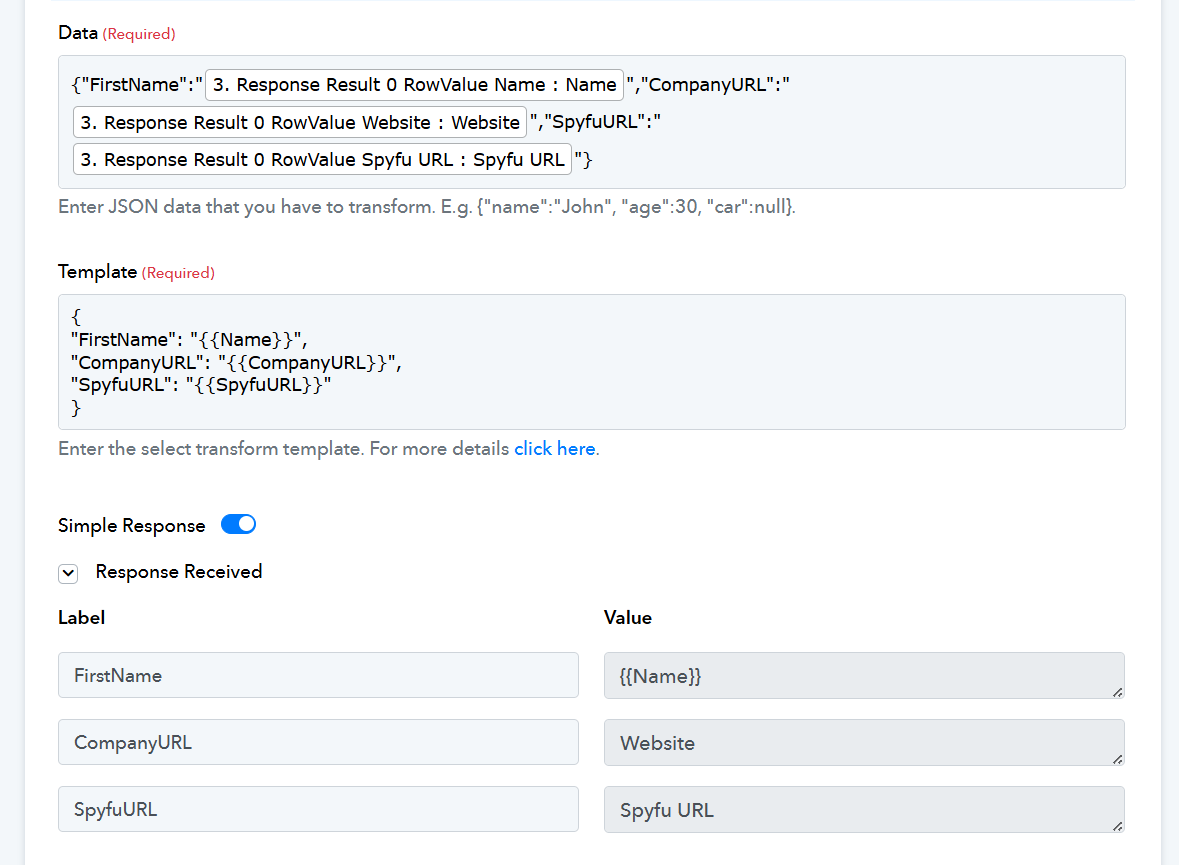
Issue Exporting Automation Results to Prosp via Webhook (JSON Formatting Error)
Status: Open · Asked by James-t-surf on · 0 views
Hi everyone,
We’re running into an issue with one of our automations — specifically, exporting the final output to Prosp using a webhook. The export keeps failing, and when we try using a JSON export, it throws a formatting error.
Interestingly, when we set up the exact same workflow in Integrately, it works perfectly.
Has anyone encountered something similar or found a workaround for webhook/JSON export compatibility with Prosp? Any guidance would be appreciated.
Thanks in advance!
Hi @James-t-surf,
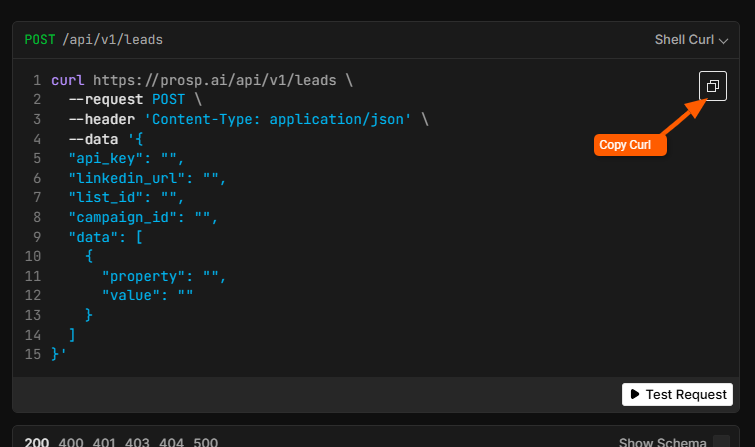
Please share the cURL command and the API documentation of the endpoint you are attempting to execute.
Please see below
Hi @James-t-surf,
It seems that the API request isn't configured correctly. Please try configuring it as per the instructions under the attached image and let us know how it goes.
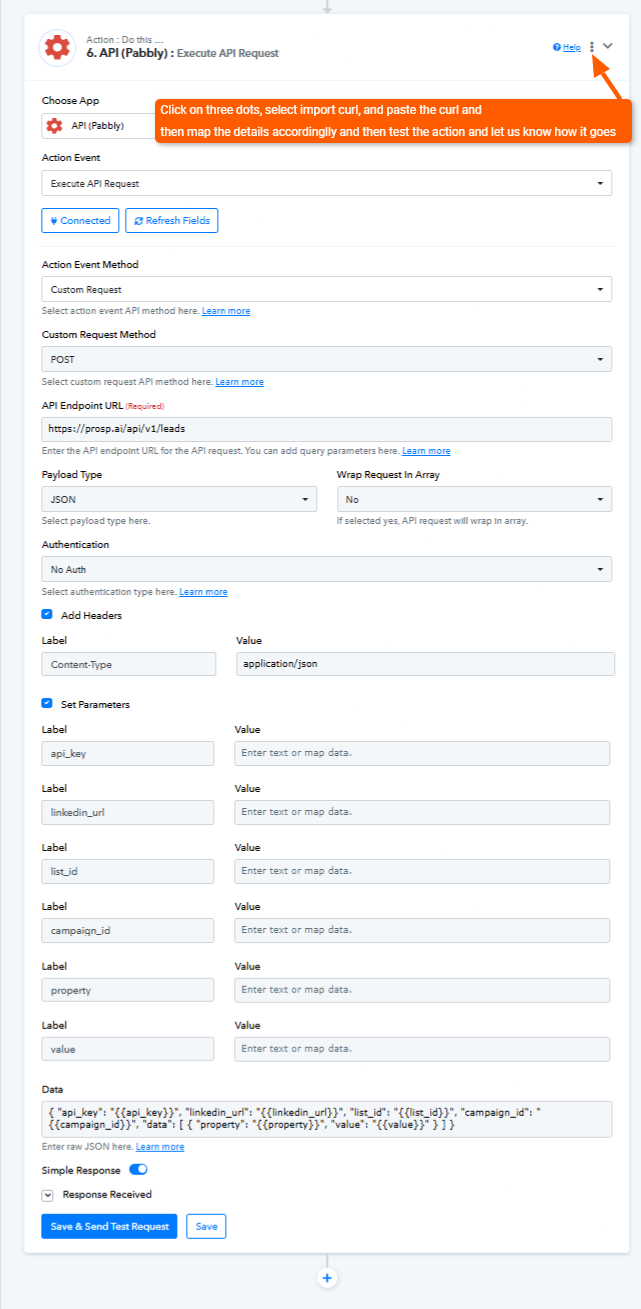
I believe that has solved the API export, but I'm getting the following error from the JSON field
Hi @James-t-surf,
Please add the data under the data field in JSON format to avoid facing the error.
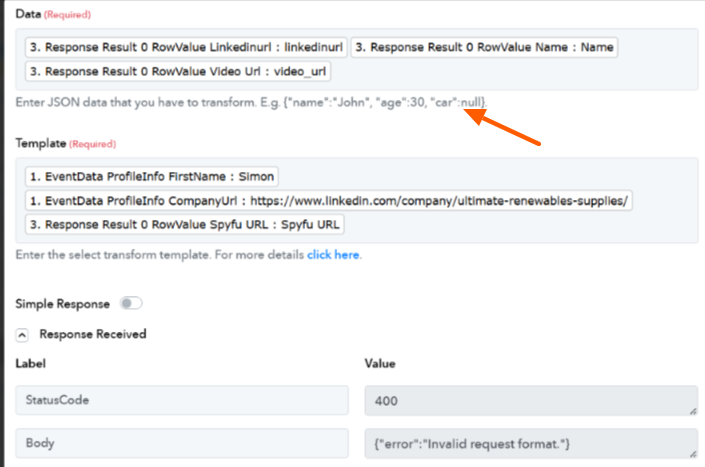
I've tried modifying that to be in Json Format but it either presents the previous error, or:
Could not parse request body into json: Could not parse payload into json: Illegal unquoted character ((CTRL-CHAR, code 10)): has to be escaped using backslash to be included in string value at [Source: REDACTED (StreamReadFeature.INCLUDE_SOURCE_IN_LOCATION disabled); line: 1, column: 47]
I don't know if it's because I need a 'Get Row' Google Sheets Function - as this JSON needs to pull data from specific row/s on a Google Sheet doc?
We have set up the JSON Transformation action step on your behalf. It appears to have fixed your issue.