Issue Integrating Pabbly with LeadConnector V2 API ("Enable SaaS Mode" Endpoint) – 401 Bad Request
Status: Closed · Asked by andretoffee on · 0 views
Hi everyone,
I'm currently facing an issue while trying to integrate Pabbly with the Pabbly API, specifically with the endpoint https://services.leadconnectorhq.com/saas-api/public-api/enable-saas/ to enable SaaS mode.
I've set up the API request following the documentation , including the required headers (Authorization: Bearer [API Key]), but every time I test the request, I get the following response:
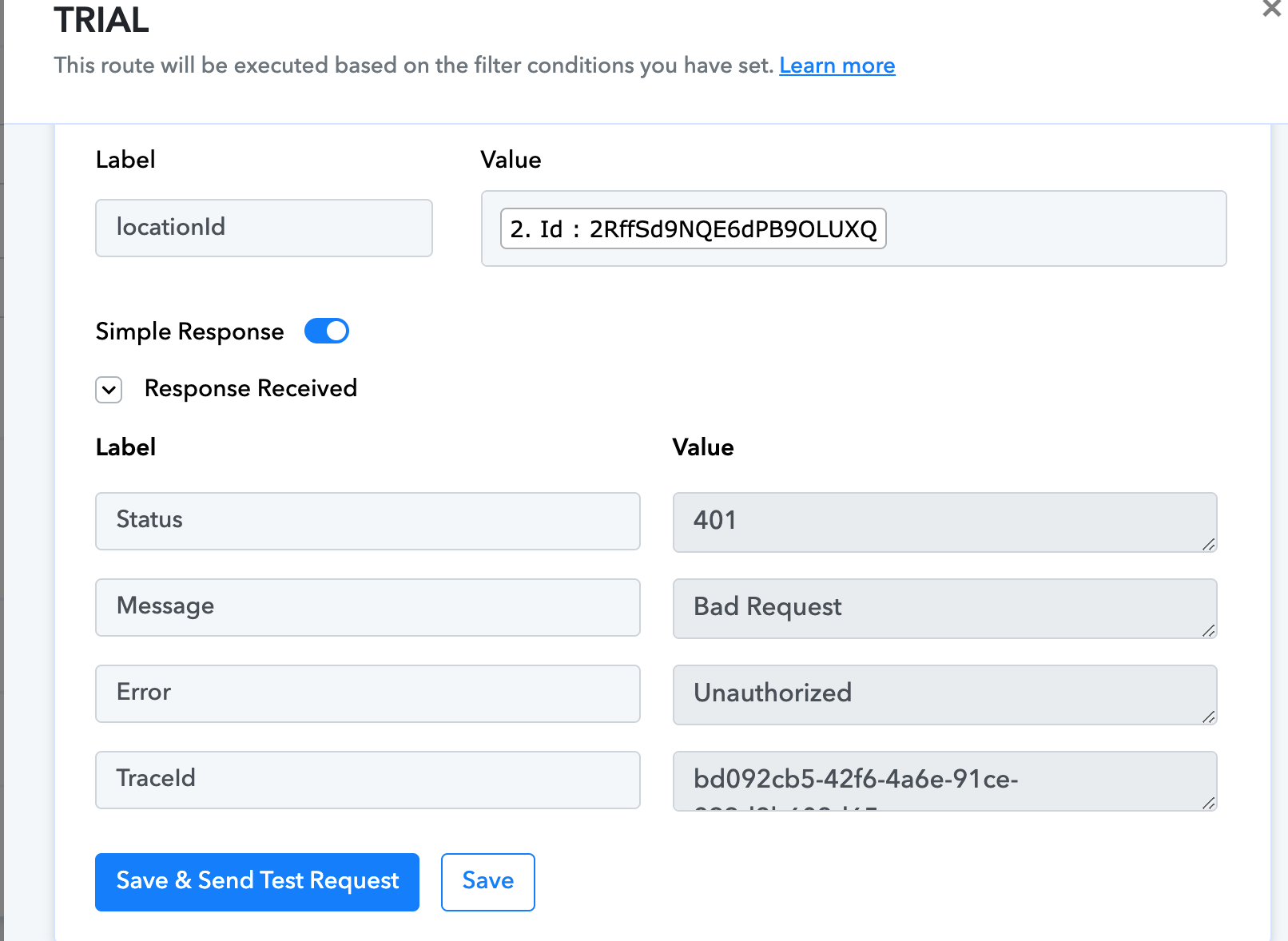
I’ve double-checked the API key and permissions, and it seems correct. Has anyone successfully integrated this endpoint using Pabbly or encountered this same issue?
Here my workflow: https://connect.pabbly.com/workflow/mapping/IjU3NjYwNTY4MDYzNDA0M2M1MjZmNTUzMzUxMzAi_pc (Route: Trial > Step number 5)
Any help or guidance would be greatly appreciated!
Thanks in advance.
Hello,
Greetings!
Kindly try executing the same endpoint in Postman. If you receive a successful response:
- Click on Code () in Postman.
- Copy the cURL snippet.
- Go to Pabbly Connect, use the API by Pabbly module, and import the cURL there.
This should help you replicate the API request successfully within your workflow.
Let us know if you need further assistance.