Issue regarding Mapping Dropdown in "New (Beta)" Builder - Need Assistance
Status: Open · Asked by 松本昭彦 on · 0 views
Hello Pabbly Team,
I hope you are doing well.
I am writing to ask for your assistance regarding an issue I am facing with the "New (Beta)" Workflow Builder.
The Issue: When I try to map data from previous steps, the dropdown menu (variable list) does not appear in the input fields.
Details:
- I checked the same step in the "Classic" builder, and the dropdown appears correctly there.
- The issue seems to be specific to the New (Beta) Builder on my end.
- I have tried clearing my cache and reloading, but the menu is still missing.
Since I have built my workflow using the Router/Filter features in the New Builder, I am currently unable to proceed with my work.
Could you please check if this is a known behavior or if there is anything I can do to fix it?
Thank you for your support.
Hi @tokyo2025,
Could you please share a screenshot showing the step in which you are encountering this issue?
Also, please check this out:
https://www.facebook.com/groups/pabbly.connect/permalink/2035536507225961/
Thanks & Regards,
Arshil Ahmad
Customer Support Associate
? Pabbly.com
?Rate your support
Please try using Slash (/) for mapping the data.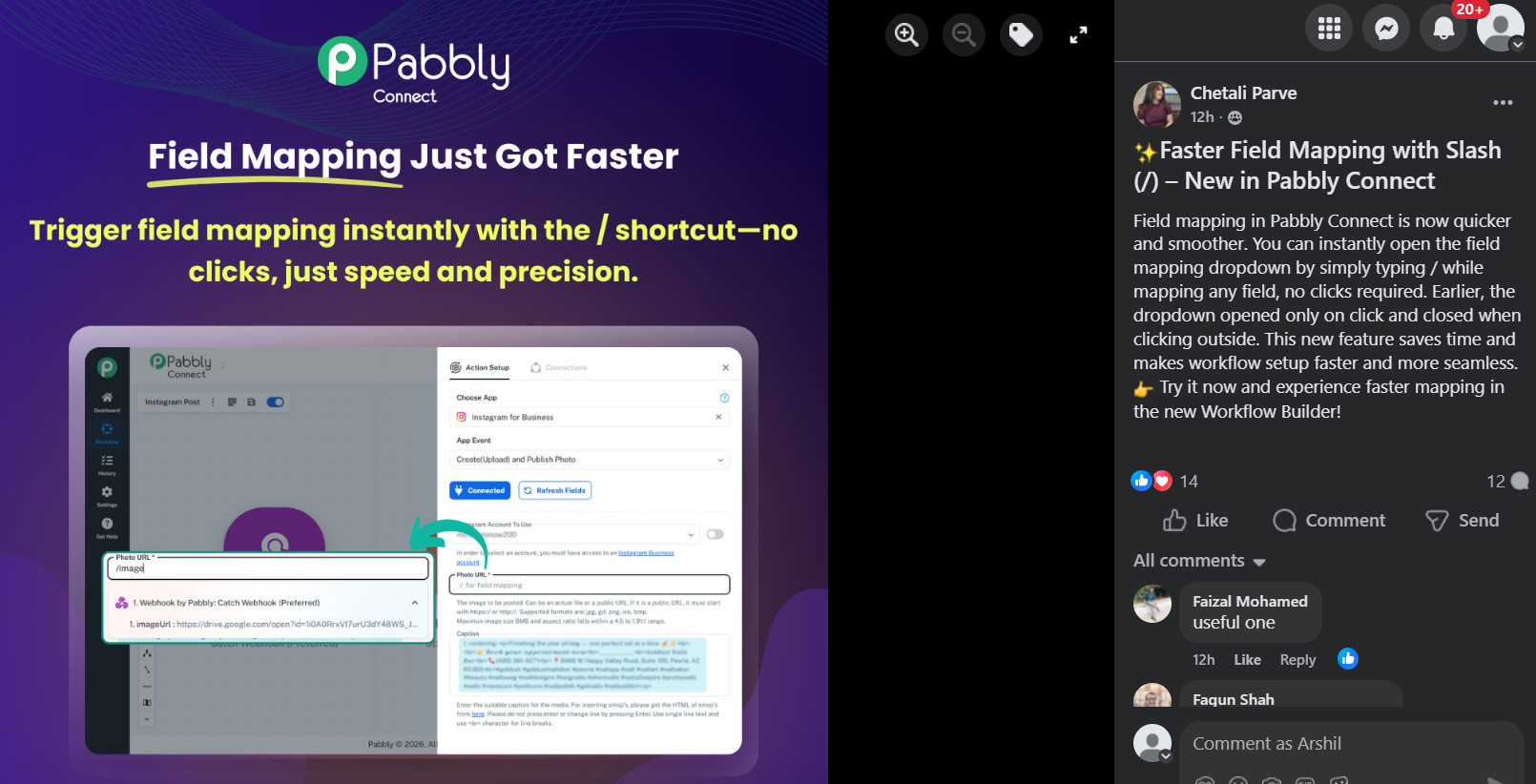
Thanks & Regards,
Arshil Ahmad
Customer Support Associate
? Pabbly.com
?Rate your support
Solved!
I found the cause.
When mapping data in Pabbly Connect, simply typing / inside the field instantly opens the mapping options.
This works without clicking the dropdown and makes the setup much faster.
Thanks to everyone who helped!
We're glad we were able to help. As your issue has been resolved, we’d appreciate it if you could share quick feedback on the support you received:
https://forms.gle/GAjS4wdPYKuhnEYV9
Thank you for your time.
Thanks & Regards,
Arshil Ahmad
Customer Support Associate
? Pabbly.com
?Rate your support