issue while connecting with zoho crm for lead create from google sheet
Status: Open · Asked by Christy4344 on · 0 views
While trying to create a lead in Zoho CRM through Pabbly using Google Sheets, I’m encountering an error: “Last_Name – required field not found.”
I’ve confirmed that the Last_Name column exists in the sheet, but it might not be getting picked up properly in the Pabbly mapping. I’ll review the field mappings again to ensure all mandatory fields like Last_Name, Phone, and Email are correctly set.
Let me know if there’s anything specific I should check or updat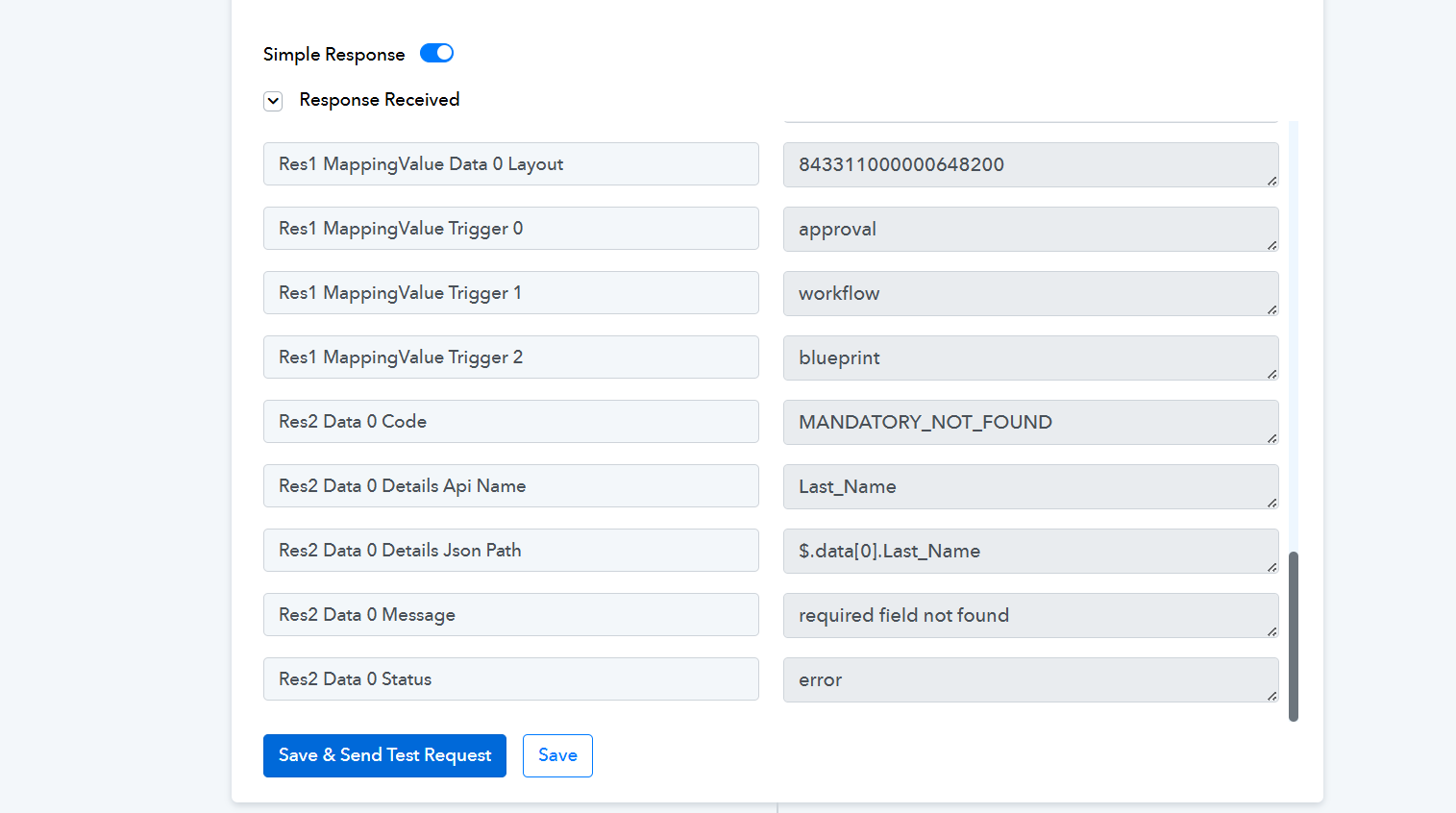
HI @Christy4344,
Could you please share the Workflow URL where you have encountered this issue?
HI @Christy4344,Could you please share the Workflow URL where you have encountered this issue?
I’m not sure how to find the Workflow URL. I’m not aware of where to locate it within Pabbly. Could you please guide me on how to get the Workflow URL?
This is the Workflow URL.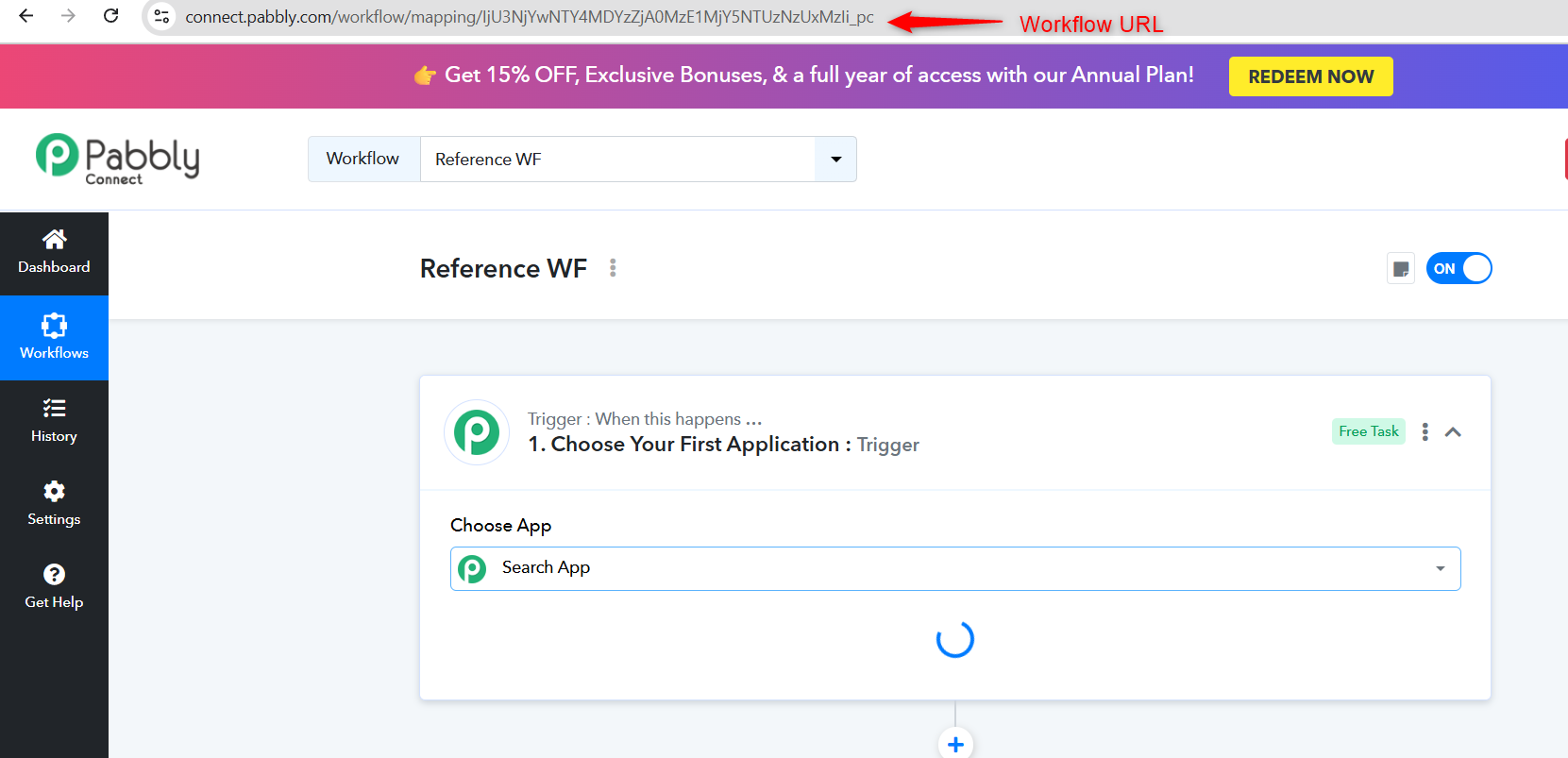
This is the Workflow URL.
Thanks You!!
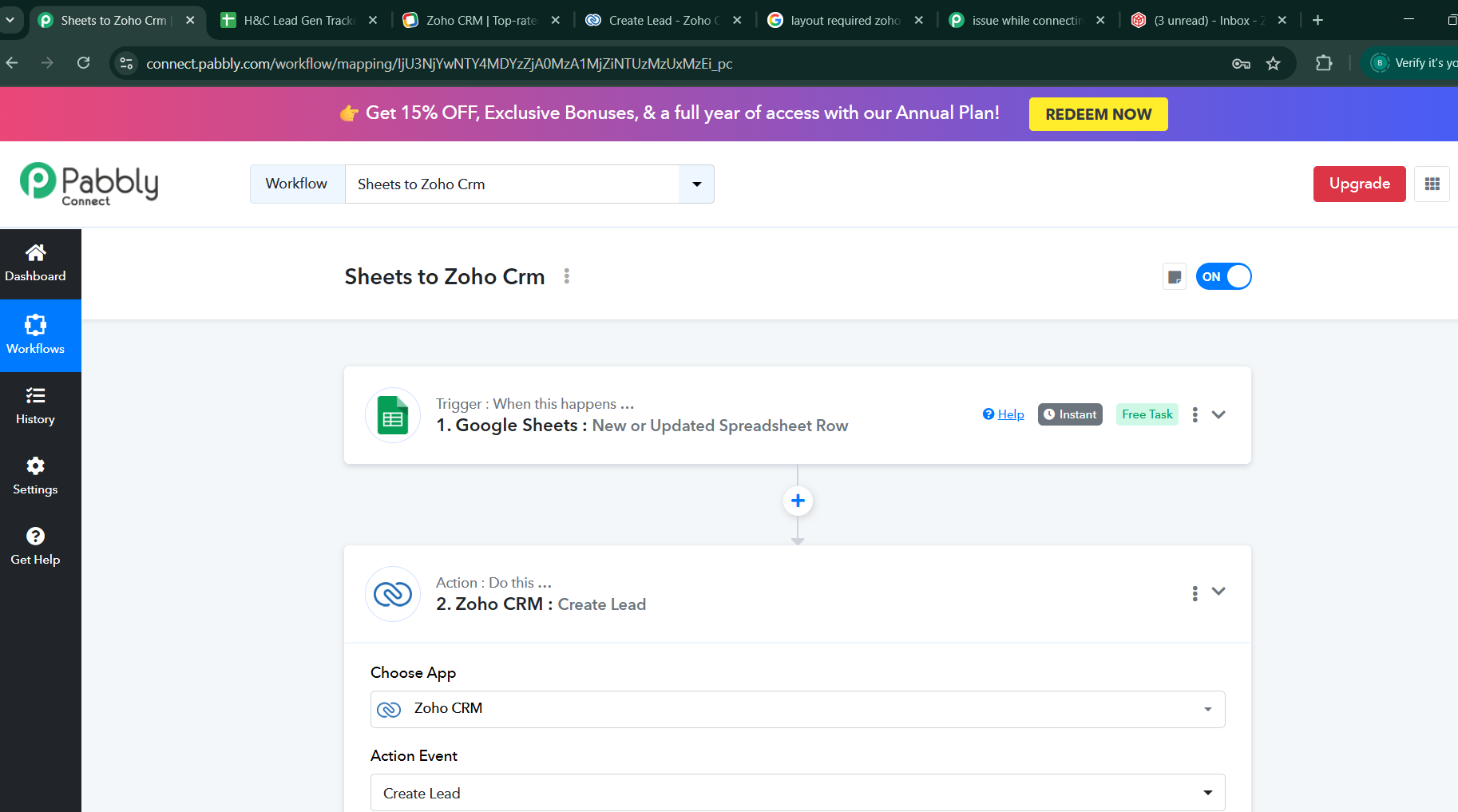
https://connect.pabbly.com/workflow/mapping/IjU3NjYwNTY4MDYzZjA0MzA1MjZiNTUzMzUxMzEi_pc
Hello @Christy4344,
Please try using the action named Insert or Update record following the attached tutorial, and let us know if it works fine for you.