Kit (v4) integration confirmation not working
Status: Open · Asked by Megan55 on · 0 views
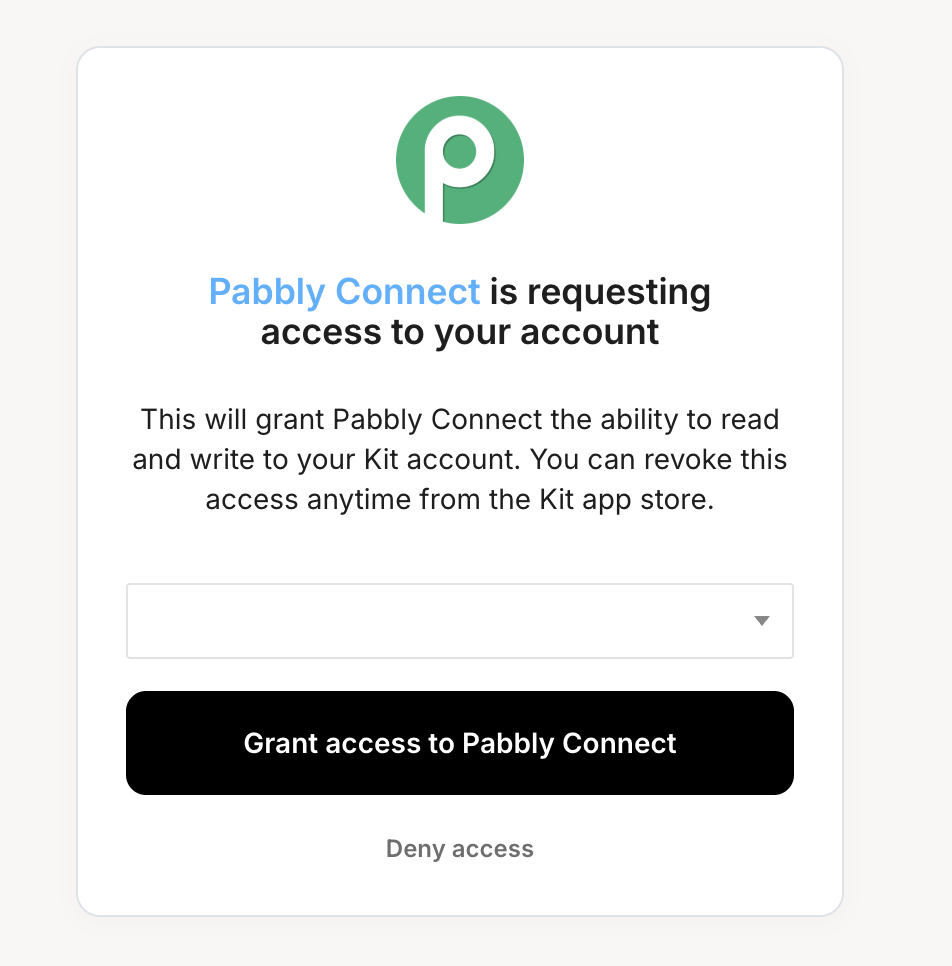
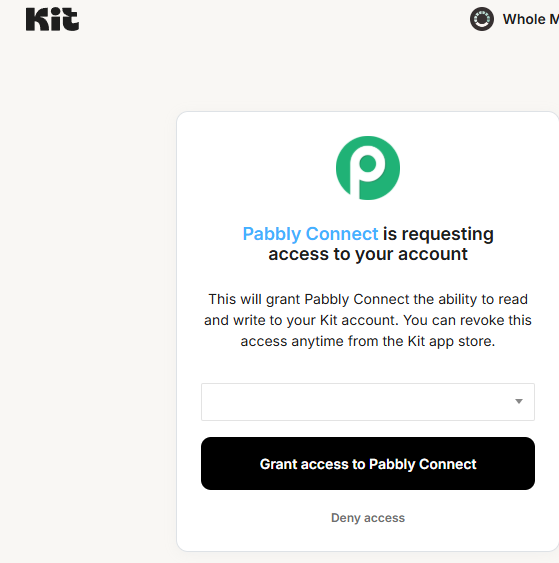
I cannot connect with Kit (v4). Every time i hit the connect button i am presented with the following popup.
The dropdown is completely unclickable and i cannot grant access without selecting something in the dropdown. this is incredible frustrating. I've clearned my cache and turned off my ad blocker etc, to no avail. Any help would be appreciated!
Hi @Megan55,
Thank you for reaching out.
We tested the Kit (v4) connection on our end and were able to successfully establish the connection. The dropdown was clickable and functioning as expected during our testing.
To better understand what might be happening in your case, could you please share a short screencast of the complete connection process? Kindly ensure the recording includes:
- The step where you click on “Connect”
- The popup window where the dropdown appears
- Your Kit account dashboard (to confirm whether a specific account/organization has been created and is available to select)
This will help us verify whether the issue is related to account-level configuration or something specific to the authorization flow in your case.
Once we receive the screencast, we will be able to guide you further.
Hi Preeti,
I cannot seem to upload a screen recording (I've compressed it twice) as i'm getting alert that the file is too big.
What do you suggest?
Thanks,
Megan
You can upload the file to Google Drive and then share the file link in this thread.
Thanks & Regards,
Arshil Ahmad
Customer Support Associate
? Pabbly.com
?Rate your support
I've solved the problem by connecting the older version of kit, which will do for the moment. Video here: https://drive.google.com/file/d/1W5DPYQeXoQup_ssOjUpueH-75d3gnRk8/view?usp=sharing
Thank you for the video. We’re glad you were able to find a workaround using the legacy Kit action step. For the issue related to Kit v4, please log in to your Kit and Pabbly Connect accounts in an Incognito tab and then try establishing the connection again.
Thanks & Regards,
Arshil Ahmad
Customer Support Associate
? Pabbly.com
?Rate your support
I'm having the exact same problem. There is no options to select in the dropdown menu...
I tried in the incognito windows, not luck as well.
Any other suggestions?
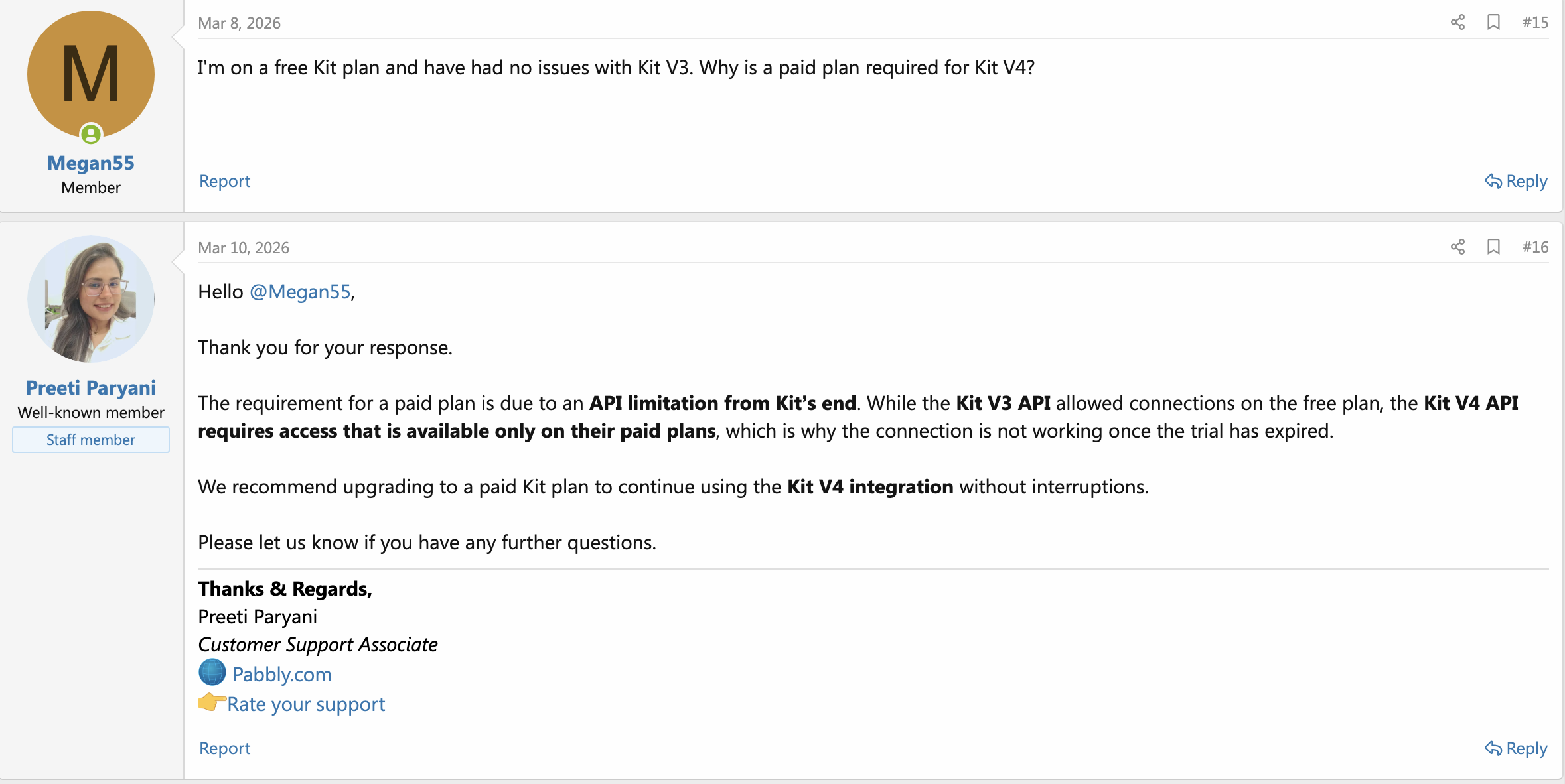
I was told by Pabbly that Kit V4 connection only works with a paid Kit plan.
Mine was free (and I don't want to pay) so i'll be leaving both Pabbly and Kit because of this.
Frustrating because Kit V3 connections are working perfectly fine!
If that's true, I'll probably do the same. Can anyone from Pabbly confirm?
Hey,
I just found out this is not true. V4 API works fine if you make a custom API call via Pabbly API.
You should try it. It's working for me.
More painful? Yes.
Still free? Yes.
I guess something is wrong with Pabbly's information.
wow okay brutal.
I'll give it a try cause piecing together free plans is painful regardless!
Cheers!
Hello @Fabio_CO and @Megan55 ,
Thank you for your patience, and we truly understand how frustrating this has been.
We would like to clarify that the Kit (v4) connection requires an active paid plan on the Kit platform. It does not work with free plans or extended trial accounts, which is why the dropdown appears empty or unresponsive during the connection process.
This behavior occurs because there is no eligible account/workspace available under the current plan to authorize and select, preventing the connection from being completed.
We apologize for any confusion caused earlier. To proceed with Kit (v4), you will need to upgrade to a paid plan on the Kit platform.