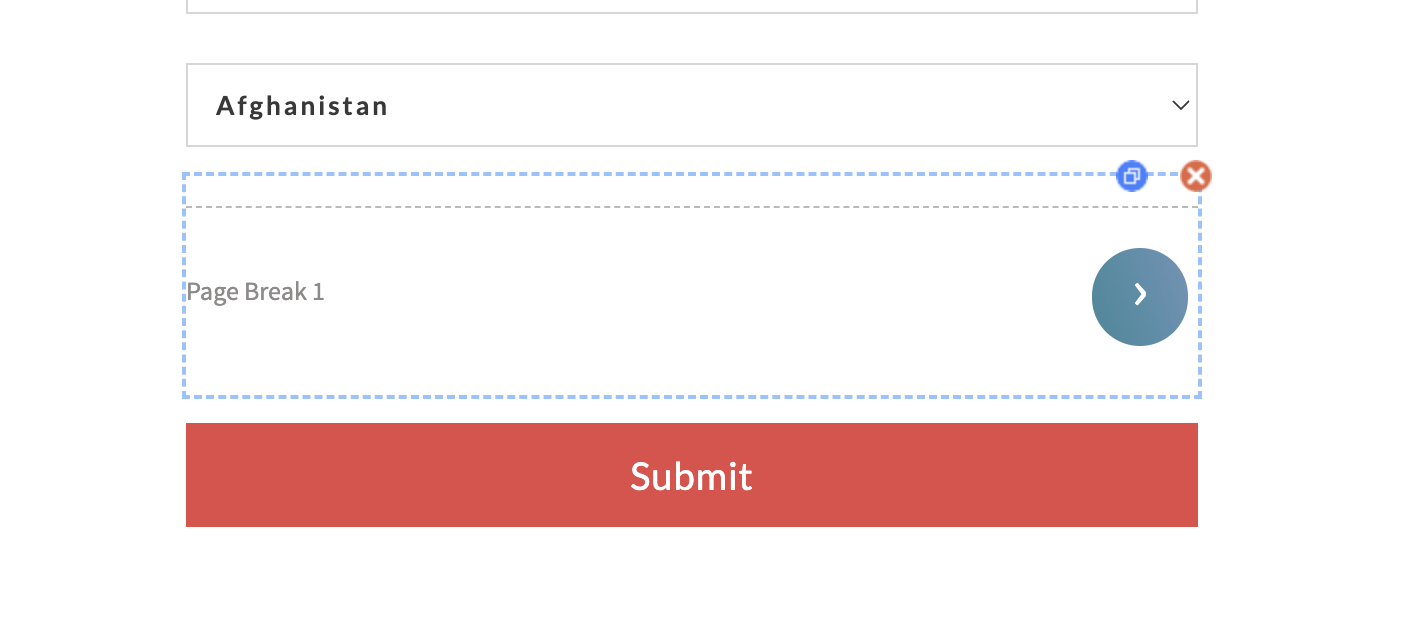
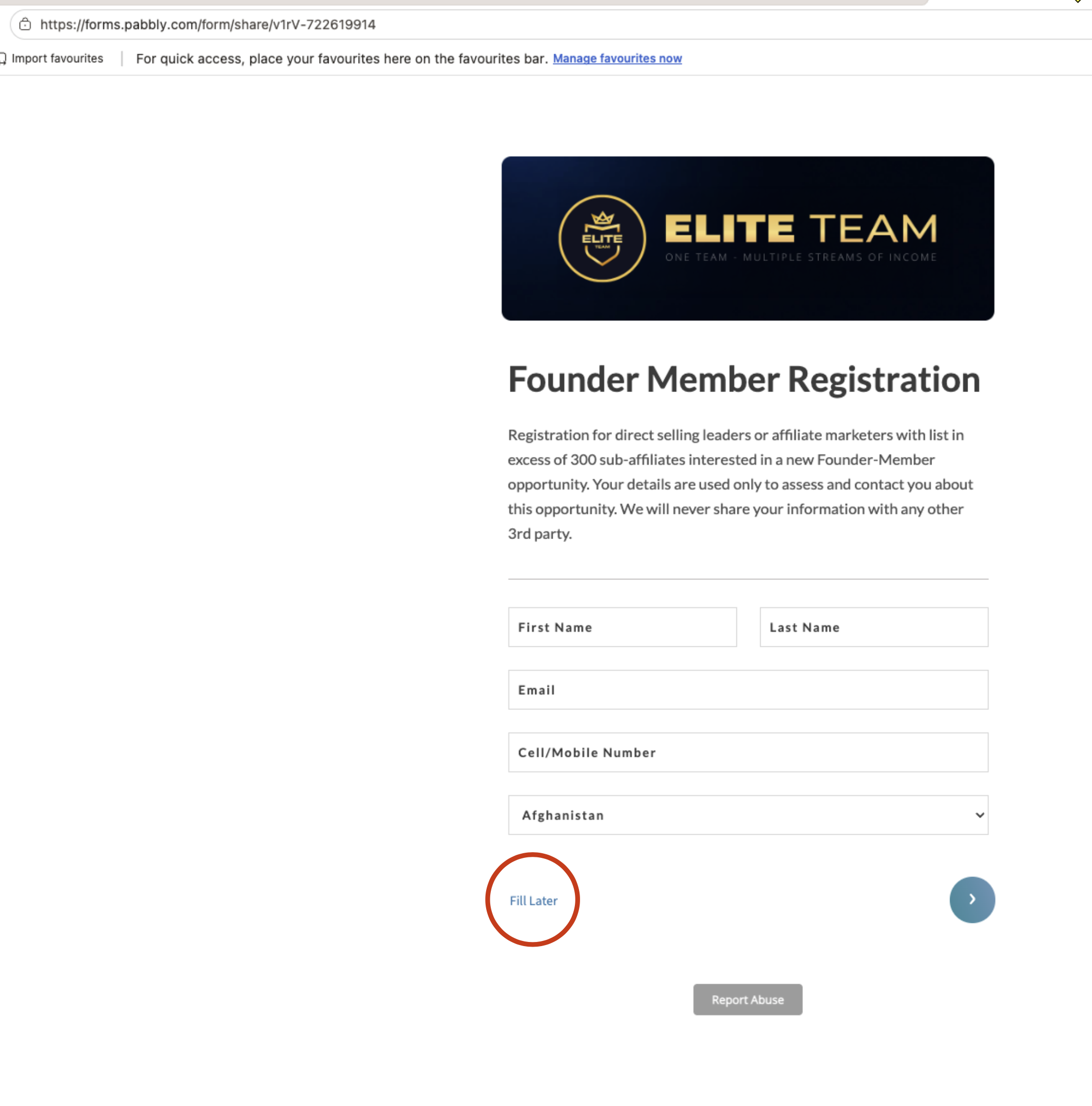
Label on Page BReak Field
Status: Open · Asked by Raymond St Clair on · 0 views
Hello,
We have reviewed the screenshots you shared. Could you please elaborate a little more on the issue you're facing with the Page Break field?
Specifically, please let us know:
What label are you expecting to see instead of "Page Break 1"?
Where are you changing or setting this label in the form editor?
How does the label appear differently when you open the form in another browser?
If possible, please also share a short screen recording showing the issue from the form editor to the published form. This will help us understand the exact behavior and assist you accordingly.
Thanks & Regards,Anushka Sahu
Customer Support Associate
🌐 Pabbly.com
Hello,
We hope you're doing well.
We're just following up on our previous email to check if you had a chance to review the information we shared.
If you have any questions or need any further assistance, please feel free to reply to this email. We'll be happy to help.
We look forward to hearing from you.
Thanks & Regards,Anushka Sahu
Customer Support Associate
🌐 Pabbly.com