leadconnector create signature docusign
Status: Open · Asked by Ian Vernon on · 0 views
Hello,
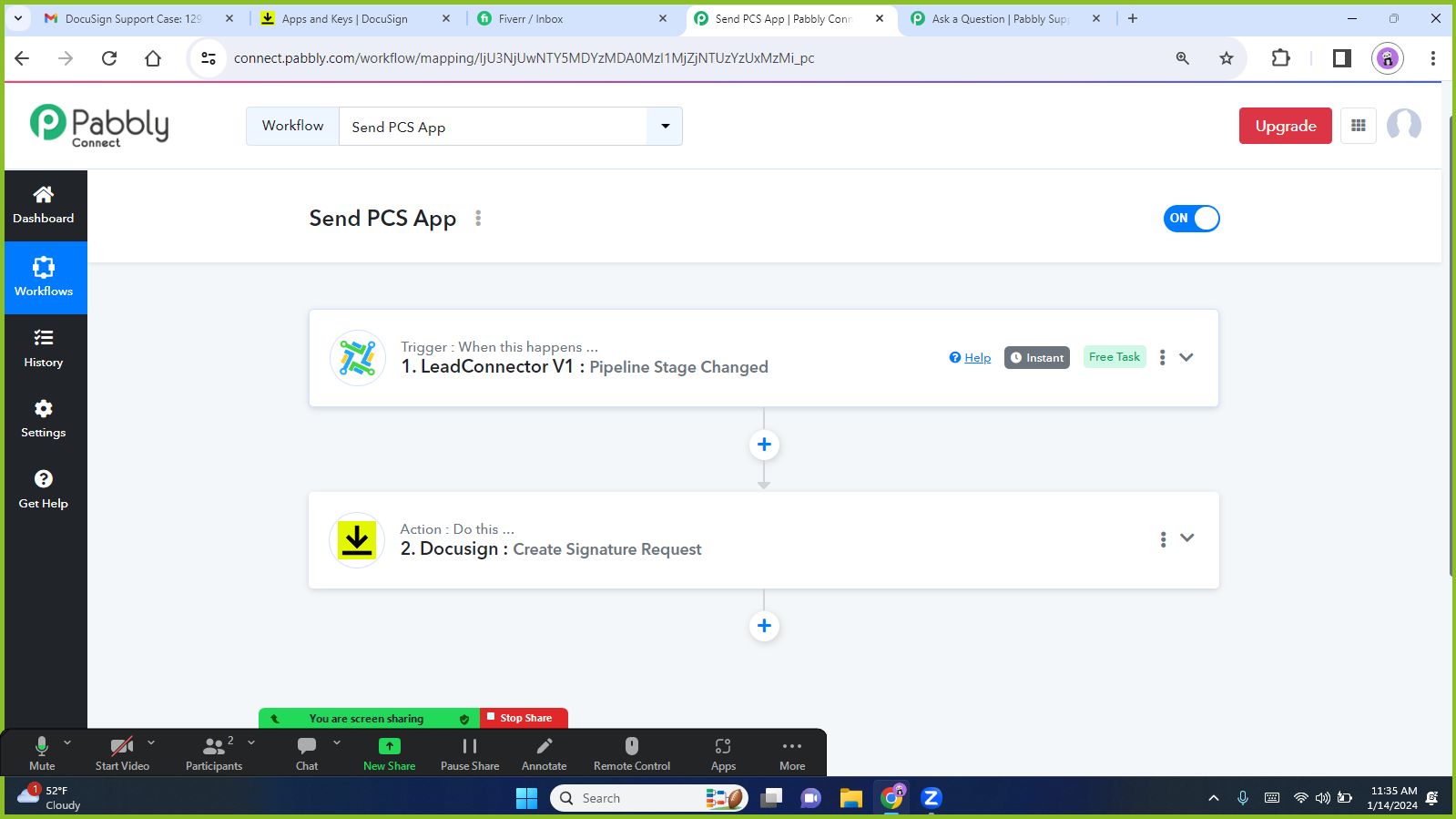
I am trying to map the custom fields from Gohighlevel to my template in docusign using the signature request. However, even though the fields display on pabbly and im able to map in pabbly when i test and creat either a draft or send the document is not filling in with the mapped custom fields in docusign. please help with how i can get this to work.
Attachments
Hi @Ivernon,
Could you please record a short screen recording, elaborating a bit more on your exact concern? Based on your Workflow setup and Task History, I can see that the fields into which you've mapped the data from the trigger step are being populated. I noticed several fields in your DocuSign action step where no data has been mapped. Please note that those unmapped fields will not populate in the automation process as well.
https://drive.google.com/file/d/1FQnjP_8tb2eNLNiMhXr4vfw5xniBK9-3/view?usp=sharing
@ArshilAhmad I have the same issue.
I've created a workflow that retrieves data from LeadConnector and pushes it to mapped fields in my DocuSign Template. However, when I got o drafts in DocuSign to review the created envelope, it does not contain the data we had pushed to the mapped fields. The template is blank.
Any ideas what I might be doing wrong?
@ArshilAhmad I have the same issue.
I've created a workflow that retrieves data from LeadConnector and pushes it to mapped fields in my DocuSign Template. However, when I got o drafts in DocuSign to review the created envelope, it does not contain the data we had pushed to the mapped fields. The template is blank.
Any ideas what I might be doing wrong?
Your concern will be addressed in this thread:
https://forum.pabbly.com/threads/docusign-not-populating-any-fields-despite-mapping.25037/