LeadConnector V2 Custom API 401 Scope Error
Status: Open · Asked by Kri8itDigital on · 0 views
Hi,
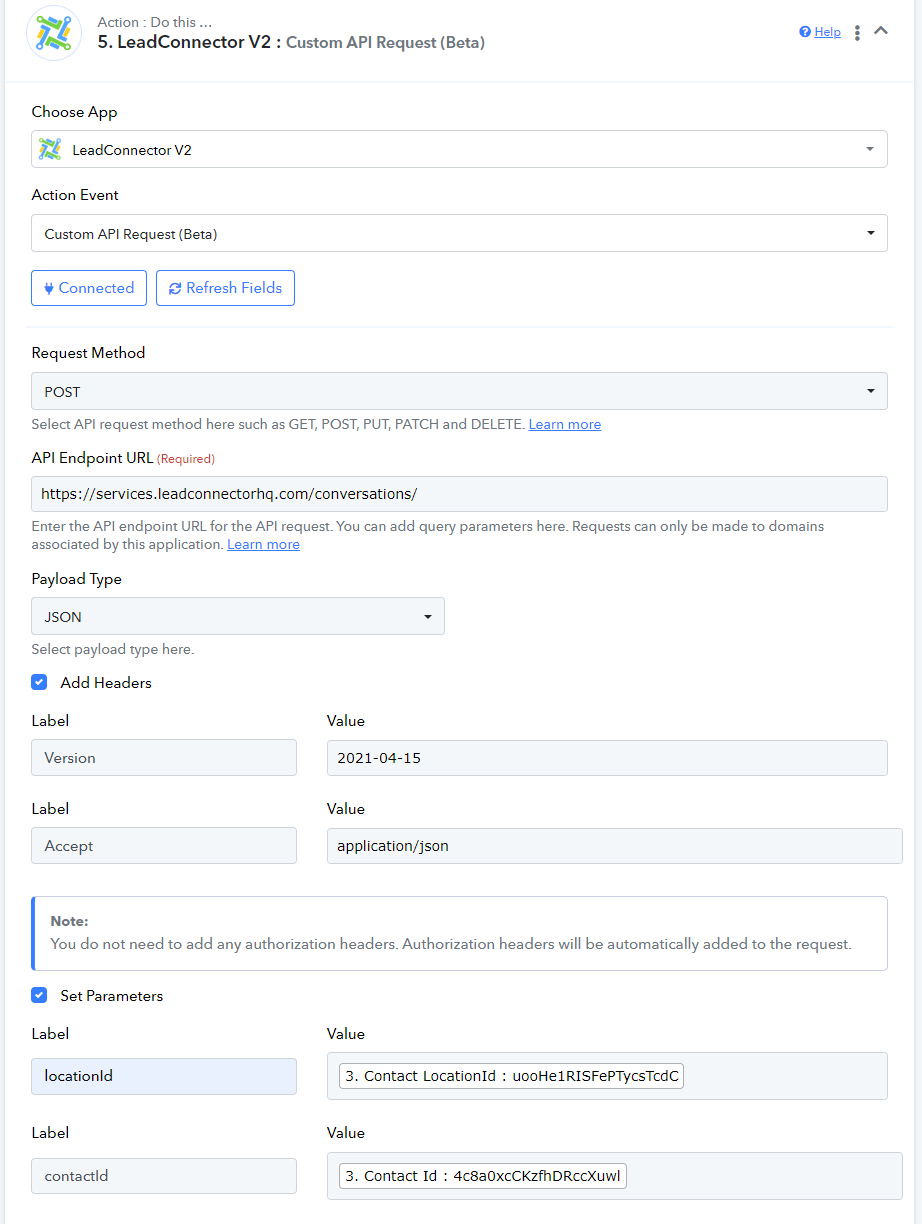
I am trying to use the Custom API action with the LeadConnecter V2.
I am trying to create a conversation via the API as per the documentation here - https://highlevel.stoplight.io/docs/integrations/8d0b19e09176e-create-conversation
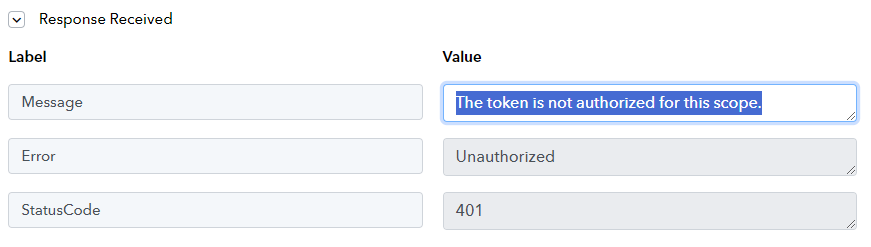
Error Received: 401 Error The token is not authorized for this scope.
Do we have the conversations.write scope enabled/passed in the auth request?
Hi @Kri8itDigital,
Please try setting up the endpoint in this manner and see if that fixes your issue. 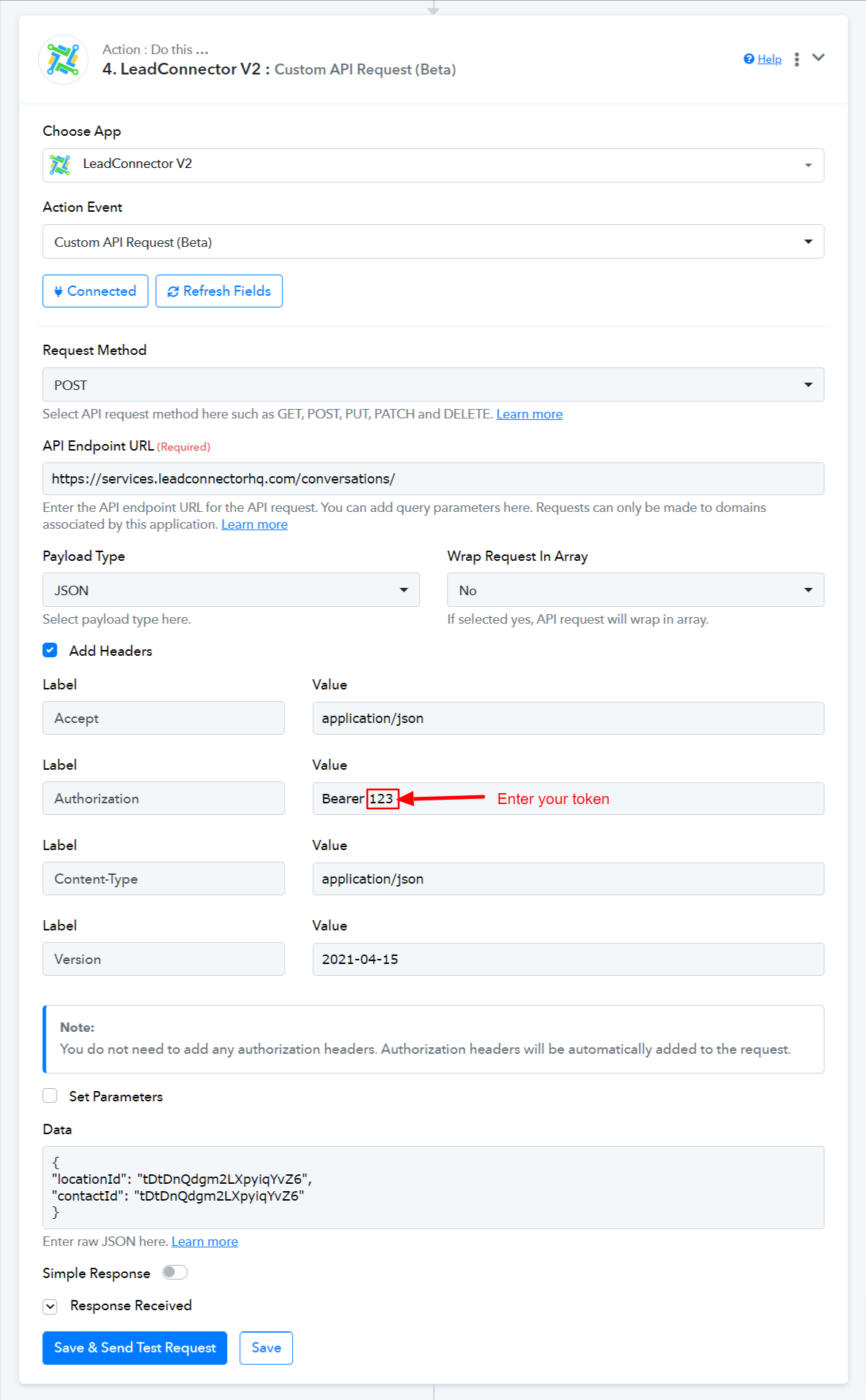
Hi @Kri8itDigital,Please try setting up the endpoint in this manner and see if that fixes your issue.
The token is created by the LeadConnector V2 connection from Pabbly. How can we access this token?
Can you please share the workflow URL once in which you have tried the same so that we can look into it?
Also please refer to the following short recorded video on how you can get the API token from your GHL(LeadConnector) account.
Can you please share the workflow URL once in which you have tried the same so that we can look into it?Also please refer to the following short recorded video on how you can get the API token from your GHL(LeadConnector) account.
Thank you for your response.
The workflow link is below:
https://connect.pabbly.com/workflow/share/XRVZa1IFCWpXHQVvVQZUcw4aBQFTCQkwV04IGlZZUSlbFQRBBkddNwxAWXtTAAZnVh8JY1YJDGgNGQoOCF5TIFdNVnoBAlAqVxoEf1EcDT5dA1lxUjM#
With regards to the API key - I don't know if that will work as the API has updated to work with the OAuth flow when connecting the action listed under Connections.
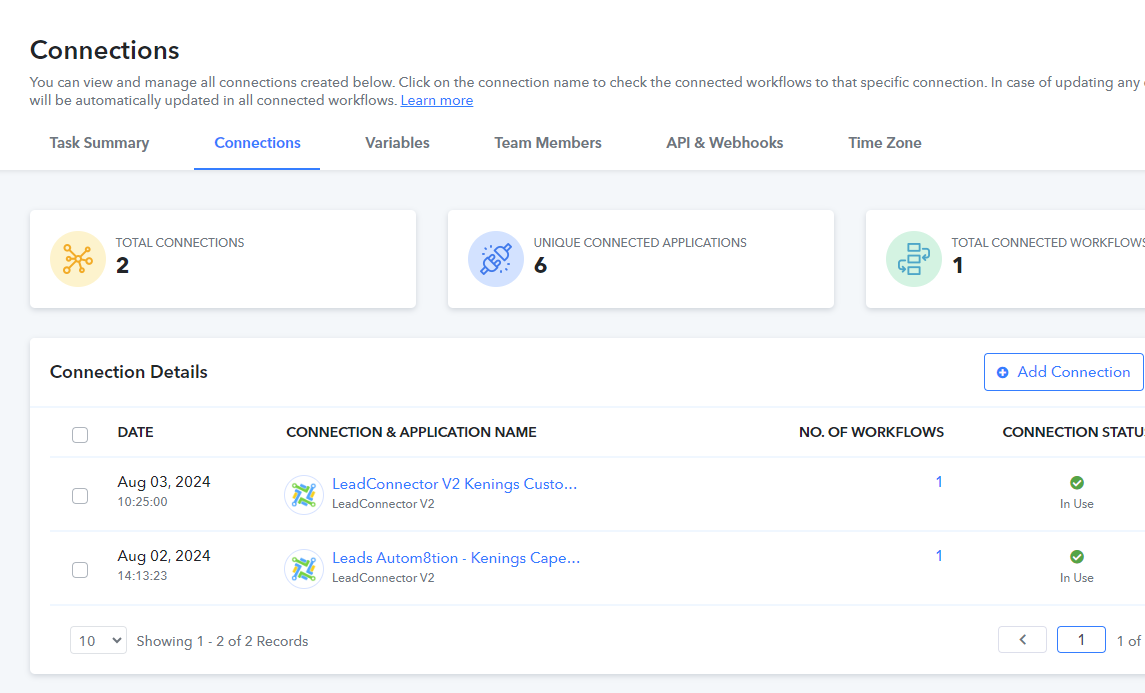
The token required would be from that connection and not the standard API key on the account.
When creating the OAuth connection to LeadConnector the URL generated to grant the access contains the scopes that will be enabled. So the url has a parameter called "&scope=" with a space separated list of scopes as below.

The current list of scopes in the Pabbly integration are:
&scope=conversations/message.readonly%20conversations/message.write%20campaigns.readonly%20locations/customFields.readonly%20locations/customFields.write%20contacts.readonly%20contacts.write%20opportunities.readonly%20opportunities.write%20users.readonly%20users.write%20locations.readonly%20locations.write%20locations/tasks.readonly%20workflows.readonly%20businesses.write%20businesses.readonly%20calendars.readonly%20calendars/events.write%20locations/templates.readonly%20locations/customValues.readonly%20locations/customValues.write%20funnels/redirect.write
We are missing "conversations.write%20conversations.readonly%20"
Thanks!
We recommend you run that API request correctly on Postman first and then try the same CURL on API using the Pabbly action step.
Did this reach a resolution? The current list of scopes should also contain 'calendar/events.read' but it's missing.
Overriding the authorised scopes list when configuring the connection allows the token scope to change but the 'Custom API Request' is sending erroneous properties.
My guess is these scopes are intentionally left out by Pabbly as their integration is yet to support them. 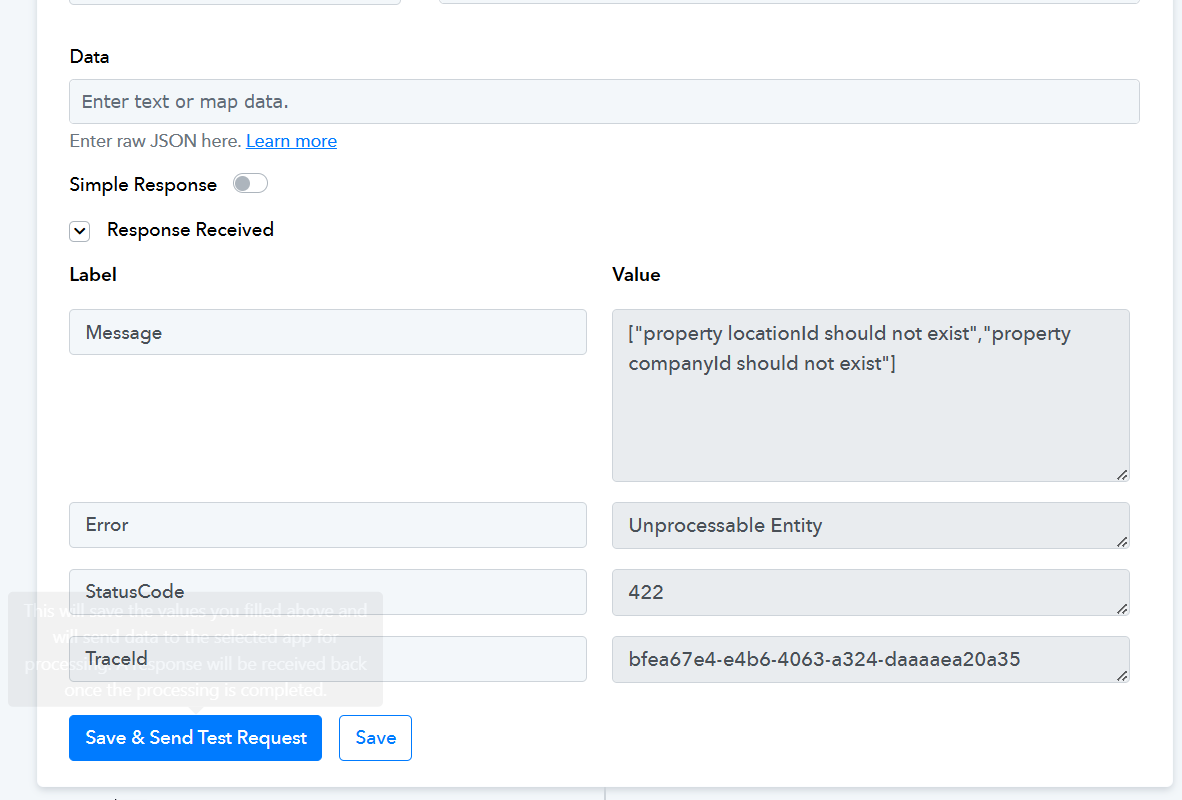
Hello @KLP
Can you please provide us with the use case you are trying to achieve so we can better assist?
Also, if there are any changes required from our end we will surely figure it out.
Hi @Preeti Paryani. I'm looking for a workflow action to be added to the Leadconnector V2 App that gets appointment details by appointment ID. Here's the GHL API doc for it. https://highlevel.stoplight.io/docs/integrations/bc4114ff64e38-get-appointment
Will have to add the following scope to the app connection.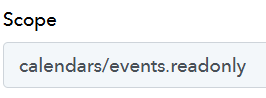
@Preeti Paryani, I've created this functionality in a new Pabbly action as part of a new Pabbly private App integration into the LeadConnector V2 API. Pabbly is free to add this action to the vanilla LeadConnector V2 App
If you'd like this action event added to the LeadConnector V2 action application, you can submit your request on our dedicated platform:
https://pabbly.featureos.app/b/Update-Existing-Application
Our integrations team will review your request and, if feasible, add the desired action event to Pabbly Connect.
Thanks @ArshilAhmad. I've already added the action to my private Pabbly application for LeadConnector V2 so won't need to request, vote and wait.
Thanks @ArshilAhmad. I've already added the action to my private Pabbly application for LeadConnector V2 so won't need to request, vote and wait.
Did you have to create a custom ghl app in their marketplace also? Or just a pabbly app. I am trying to use custom API request for objects API and it's not working for me ( also have suspicion that it's not in the scope of their GHl marketplace app). So I'm going to have to resort to a private pabbly app. Just wondering if you had to do a ghl app also to get client id and secret? If you did, how do you handle the endpoint URL, it seems like you need custom ones?
Thanks for the help!