LeadConnector V2 > Google Sheets
Status: Open · Asked by AngeloP on · 0 views
Hi, I used
>>1. LeadConnector V2 : Appointment Status<<. automation
In 1st step (LeadConnector - Appontment Status) I collect all appointment information.
in 2nd step (LeadConnector - Get Appointments for Contact) I collect all action event.
The problem is that in this appointment there's a Primary Contact and one guest.
I need to collect guest's information, how I can collect Guest information?
Thanks!
Hello @AngeloP,
Please try using the Get Contact by Contact ID action and let us know if this works fine for you.
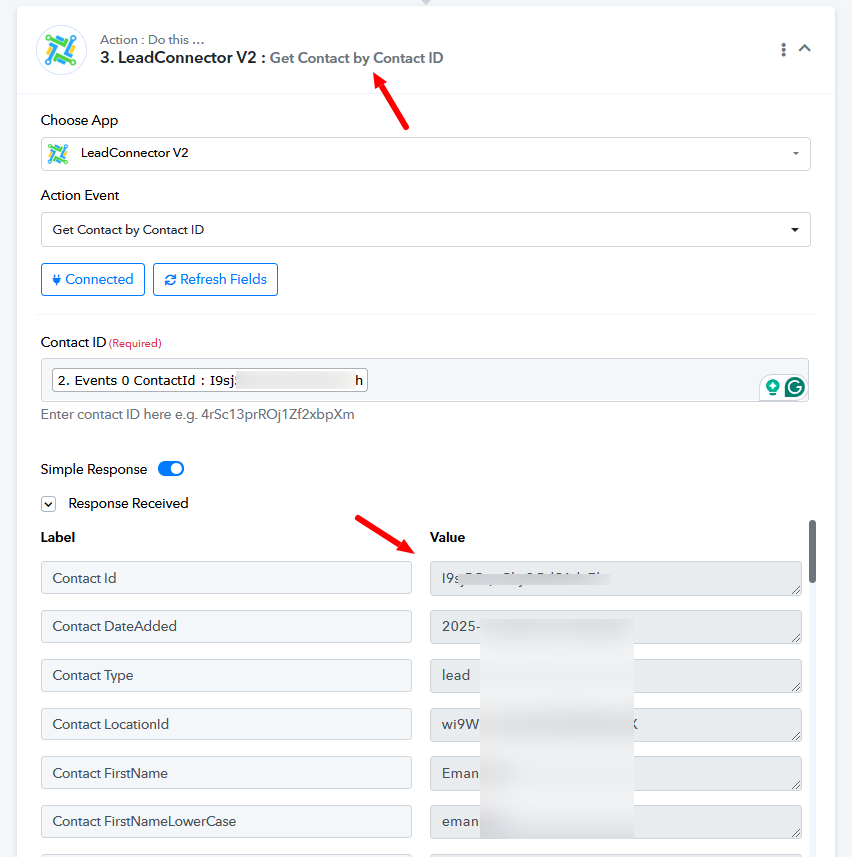
Hi, I tried to use Get Contact by Contact ID, but there aren't information about guest (see the attachements)
I found information just about Primary contact.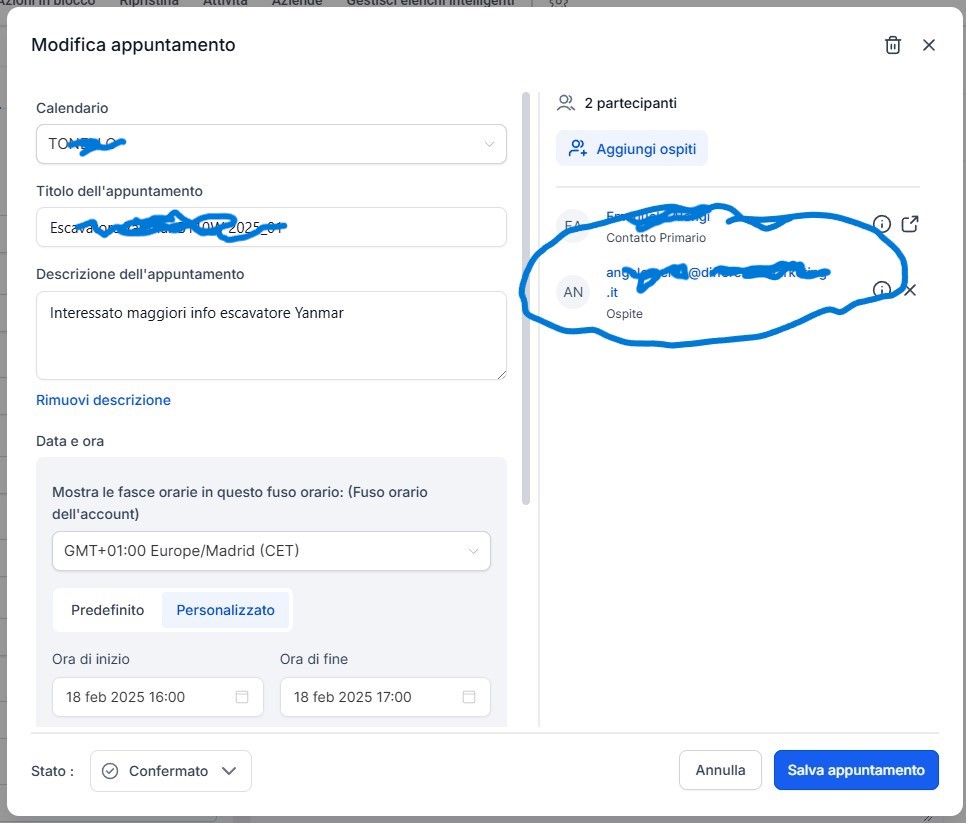
Hello @AngeloP,
You are using the "Get Appointment by Contact ID" action, which also returns fields for users or participants of a specific appointment. Using the User ID from this response, you can search for the user using the "Search User" action.
However, in your case, the key doesn’t seem to be getting captured, and the action configuration appears correct on our end. We recommend reaching out to the GHL team for further assistance with this issue.
For more info refer to the API docs - https://highlevel.stoplight.io/docs/integrations/6015cf49a7ae8-get-appointments-for-contact.