Line break in Google Sheets
Status: Open · Asked by mbdrs on · 0 views
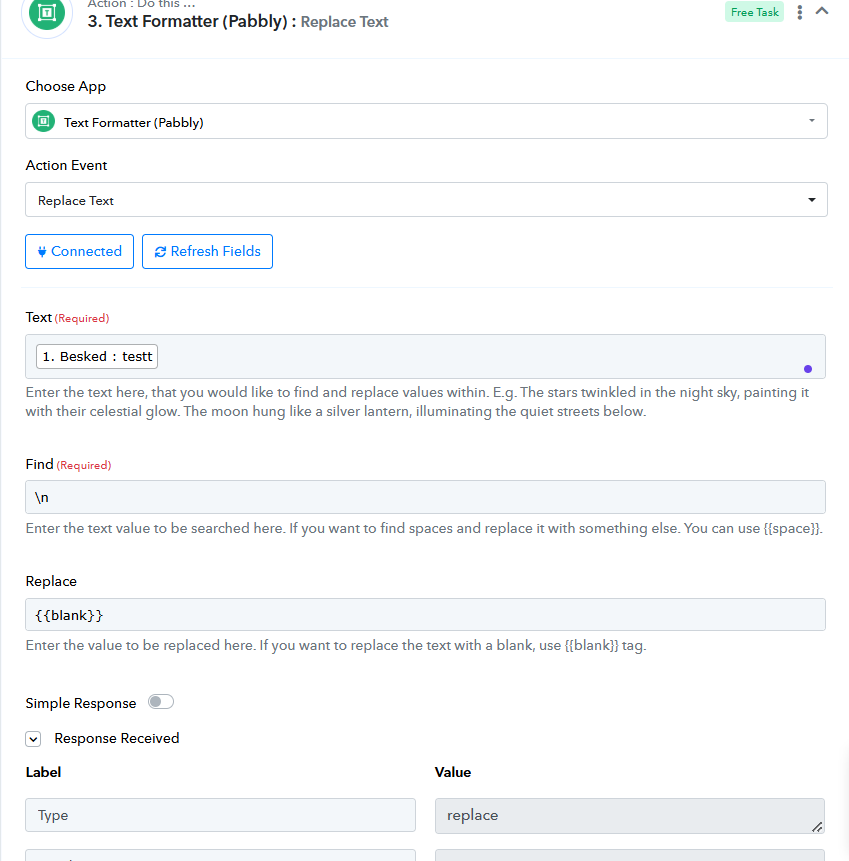
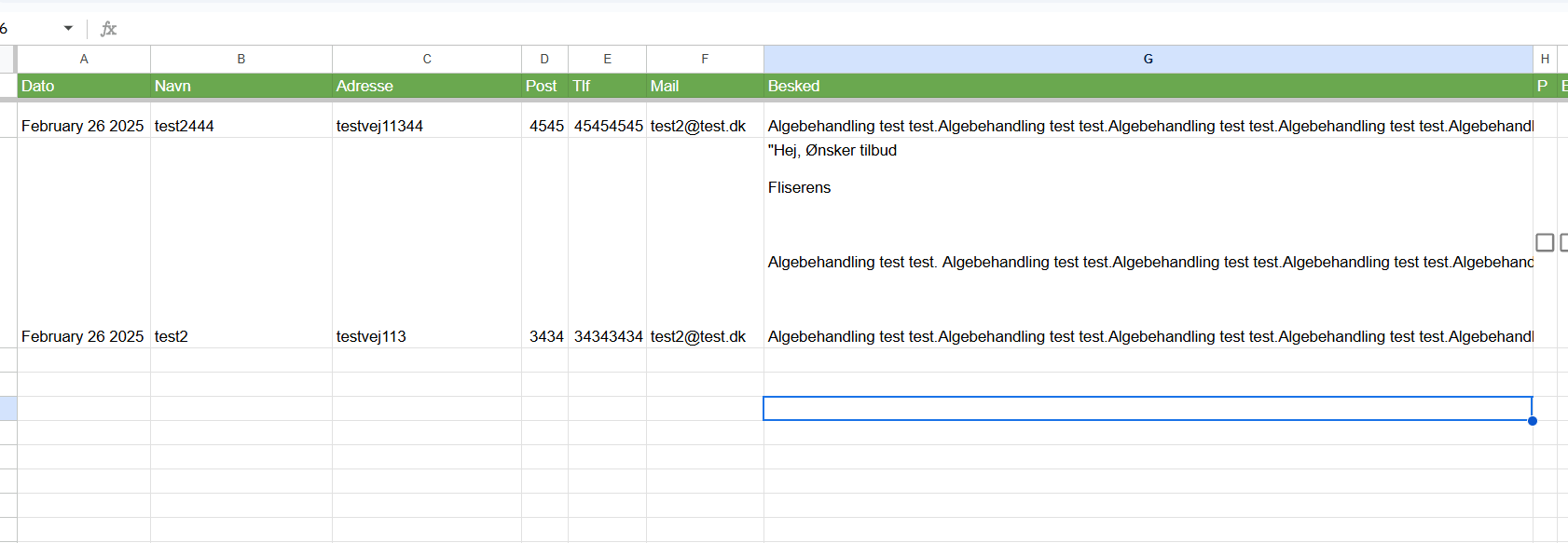
I need to remove line breaks but it does not appear to be working. Here are the settings - as you can see the line breaks are not removed in Google Sheets (from Wordpress, Contact form7 form). I also tried
instead of \n
Hello @mbdrs,
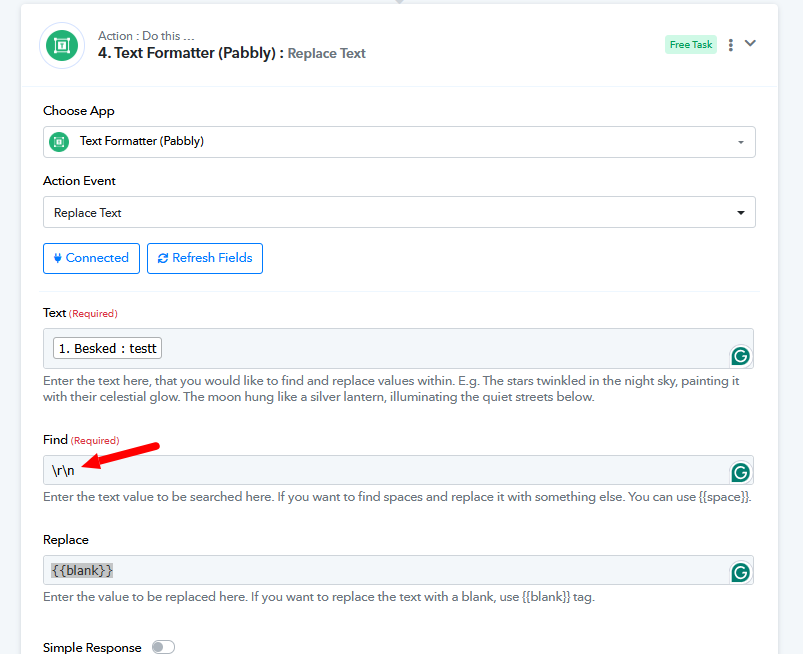
Please try replacing \r\n with blank and let us know if it works fine for you, refer to the attached image for more info.
Thanks, but I already tried and it's still the same issue. I know it's possible because it worked with WPautomator.
Hello @mbdrs,
The suggested workaround should work as we have tested it with the text received from the webhook, and it functioned as expected. Please try implementing it on your end, and if it does not work, kindly provide us with the Task History ID so we can analyze the issue further and offer the appropriate solution.
I tested again now and now it does appear to have made a difference, see screenhot- Top row in screenshot is before and bottom row is after. B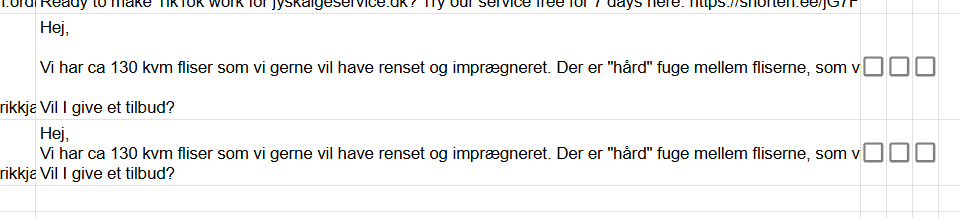 ut I need the final result to appear on a single line instead of stacking them.
Hello @mbdrs,
Please try adding an additional \r after \n in the find field and check if it works as expected. Let us know if you need further assistance.