Linkedin Image/video steps not working anymore
Status: Open · Asked by Fabeeo Breen on · 0 views
Hello!
Since a couple of days my workflows using linkedin steps are failing.
More specific the "Share company post with image" and "create company/user video post".
Both workflows was working great untill 2/3 days ago.
Errors screenshoots attached.
In short:
"Share company post with image":
The step fails for (Bad Request, Missing required fields.)
Even if the image url is given.
"create company/user video post":
The step fails for (Upgrade Required - Requested version 20240401 is not active)
Thank you for your help!
Hi @FabeeoBreen,
Could you please share the Workflow URL where you have this concern?
We removed the pill emoji from the content you were attempting to post, and it seems to have resolved the issue.
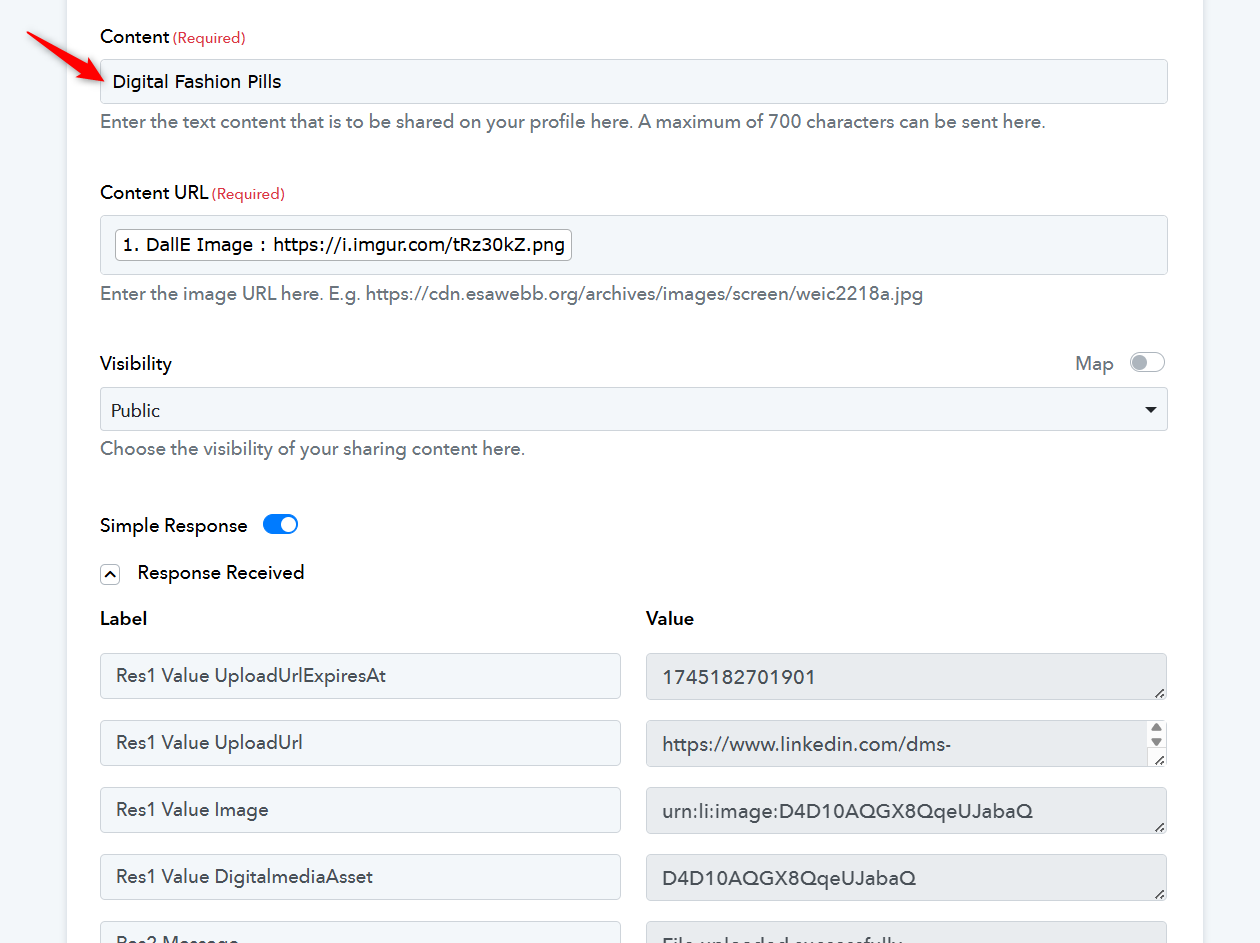
Also, the image URL captured in your trigger step appears to be invalid. Please make sure to use a valid image URL for the upload.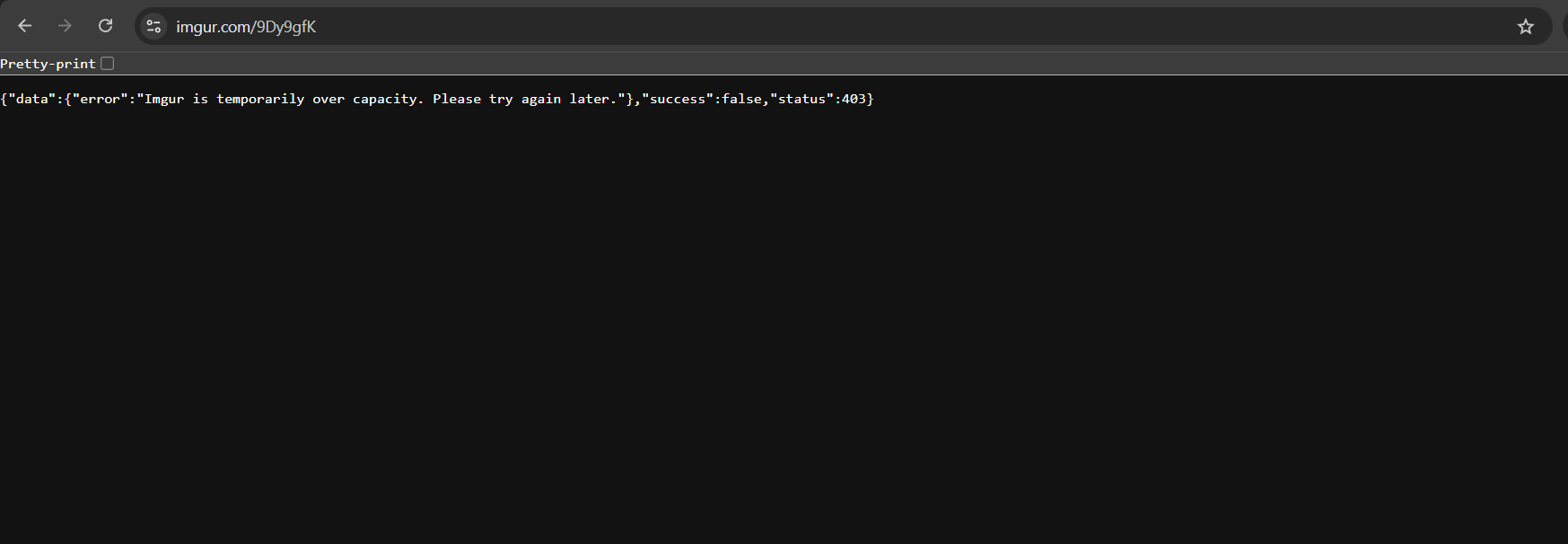
========================================================================
https://connect.pabbly.com/workflow/mapping/IjU3NjYwNTY5MDYzMDA0MzA1MjY0NTUzNDUxMzIi_pc
As for this, please allow us some time to look into the issue. We’ll get back to you with an update shortly.
Please establish a new connection with your LinkedIn account. This should resolve the 'Upgrade Required - Requested version 20240401 is not active' issue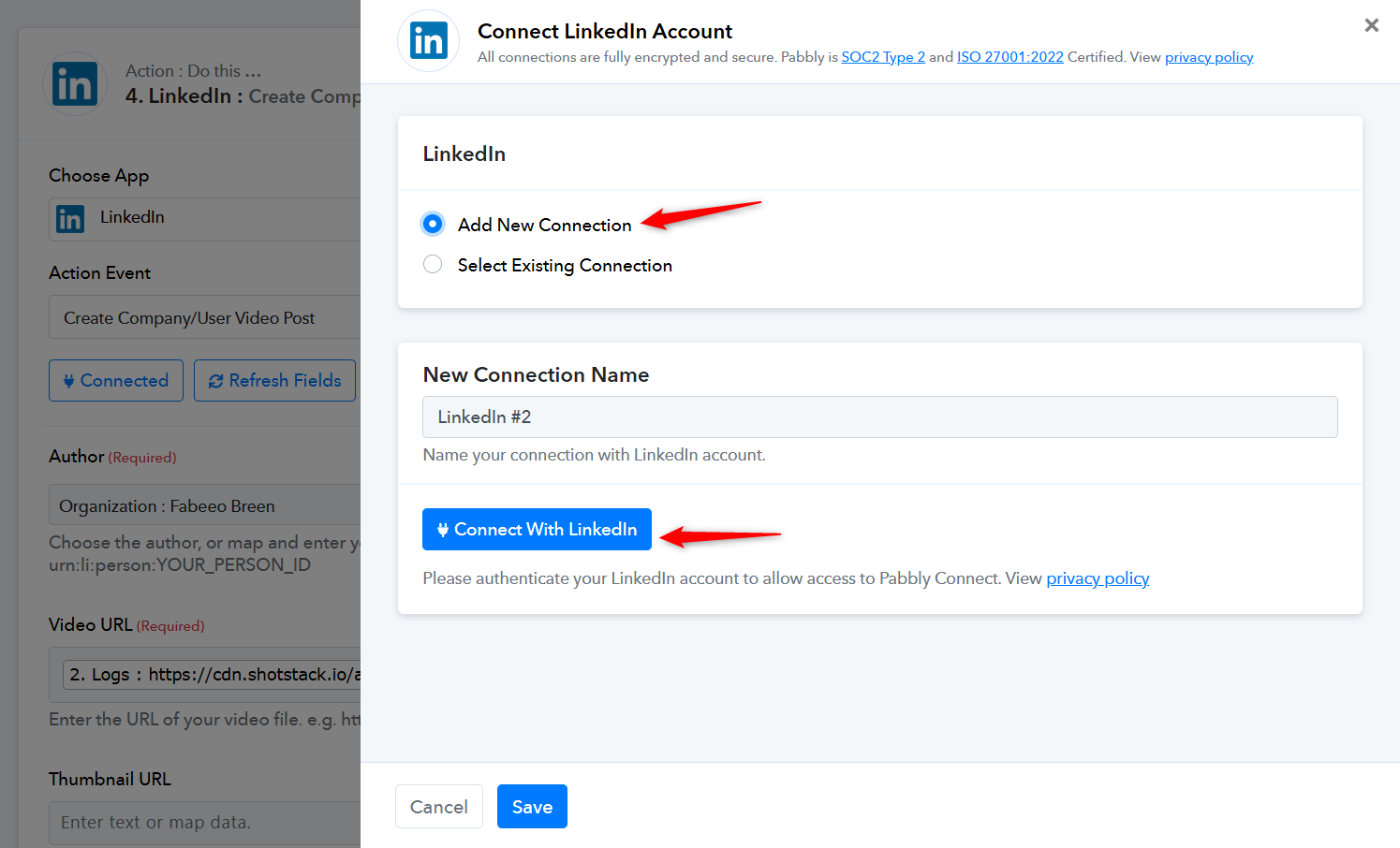
Thank you! @ArshilAhmad