LinkedIn Lead gen Forms
Status: Open · Asked by Adarsh N P on · 0 views
Hi, i am trying to connect LinkedIn lead gen Forms to Lead square i mapped in all the fields but i can see i am getting new leads but those new responses is not getting passed why is that so
This is the workflow
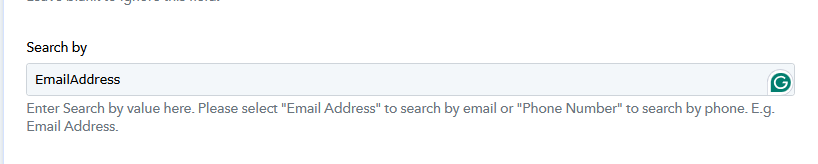
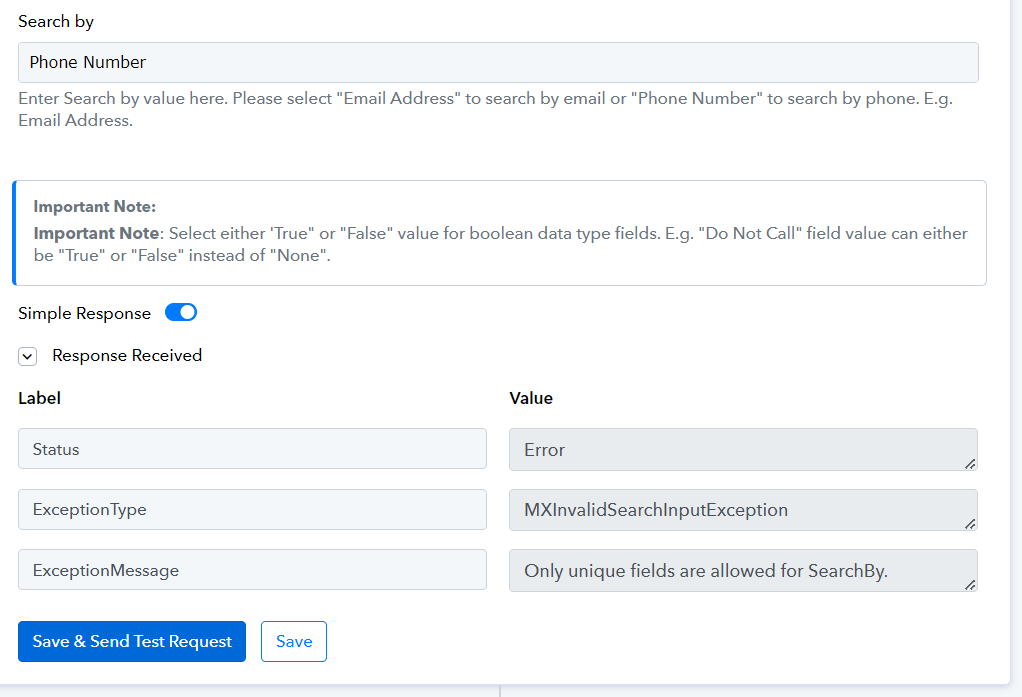
also i wanted to create or update a new lead with custom fields in lead square but i am facing an error where it says (Only unique fields are allowed for SearchBy.)
please let me know what the issue is
Attachments
Hello @Adarsh NP
As we have checked it seem that the number mapped in the search by field is incorrect. Kindly enter a unique email or phone number in the search By field.
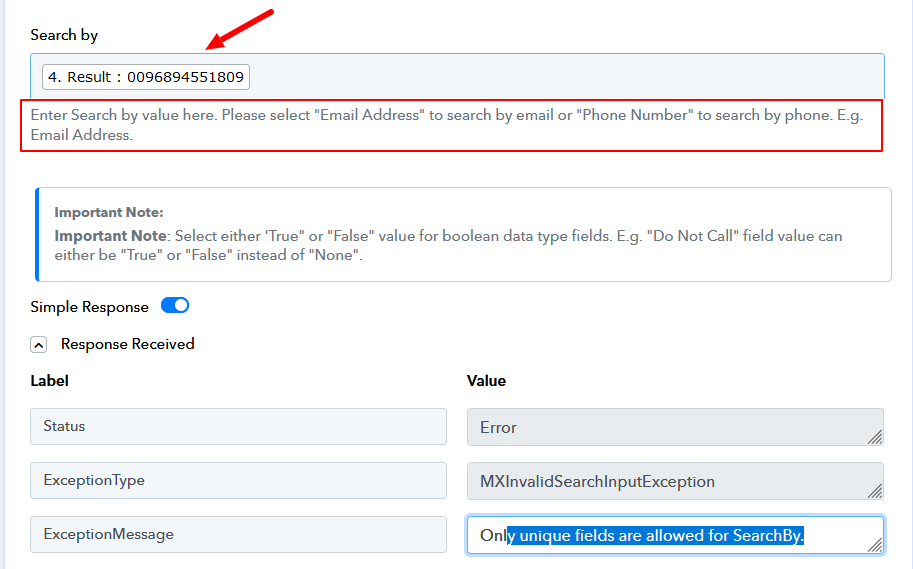
If you further face any issues please let us know.
Hello @Adarsh NPAs we have checked it seem that the number mapped in the search by field is incorrect. Kindly enter a unique email or phone number in the search By field.
If you further face any issues please let us know.
Hello @Adarsh NPAs we have checked it seem that the number mapped in the search by field is incorrect. Kindly enter a unique email or phone number in the search By field.
If you further face any issues please let us know.
I removed it and still have the same issue. is there any other solution to this
Hello @Adarsh NP
Kindly add the string "Email Address" or "Phone Number" in the Search by field instead of mapping the phone number.
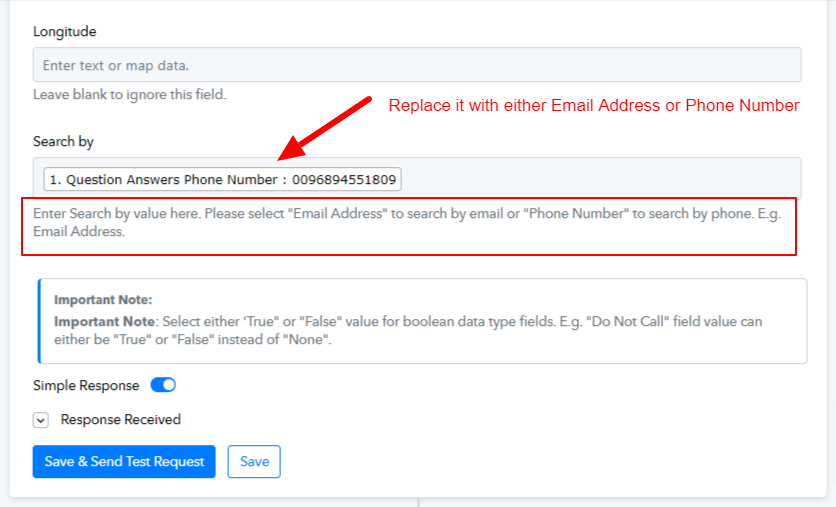
Fill the Search by as shown in the below screenshot.