Lost all configurations of workflow steps
Status: Open · Asked by Fanny Opti-Biz on · 0 views
Hello,
I received an email notification indicating that my webhook could not be processed "Fetch duration exceeded timeout.".
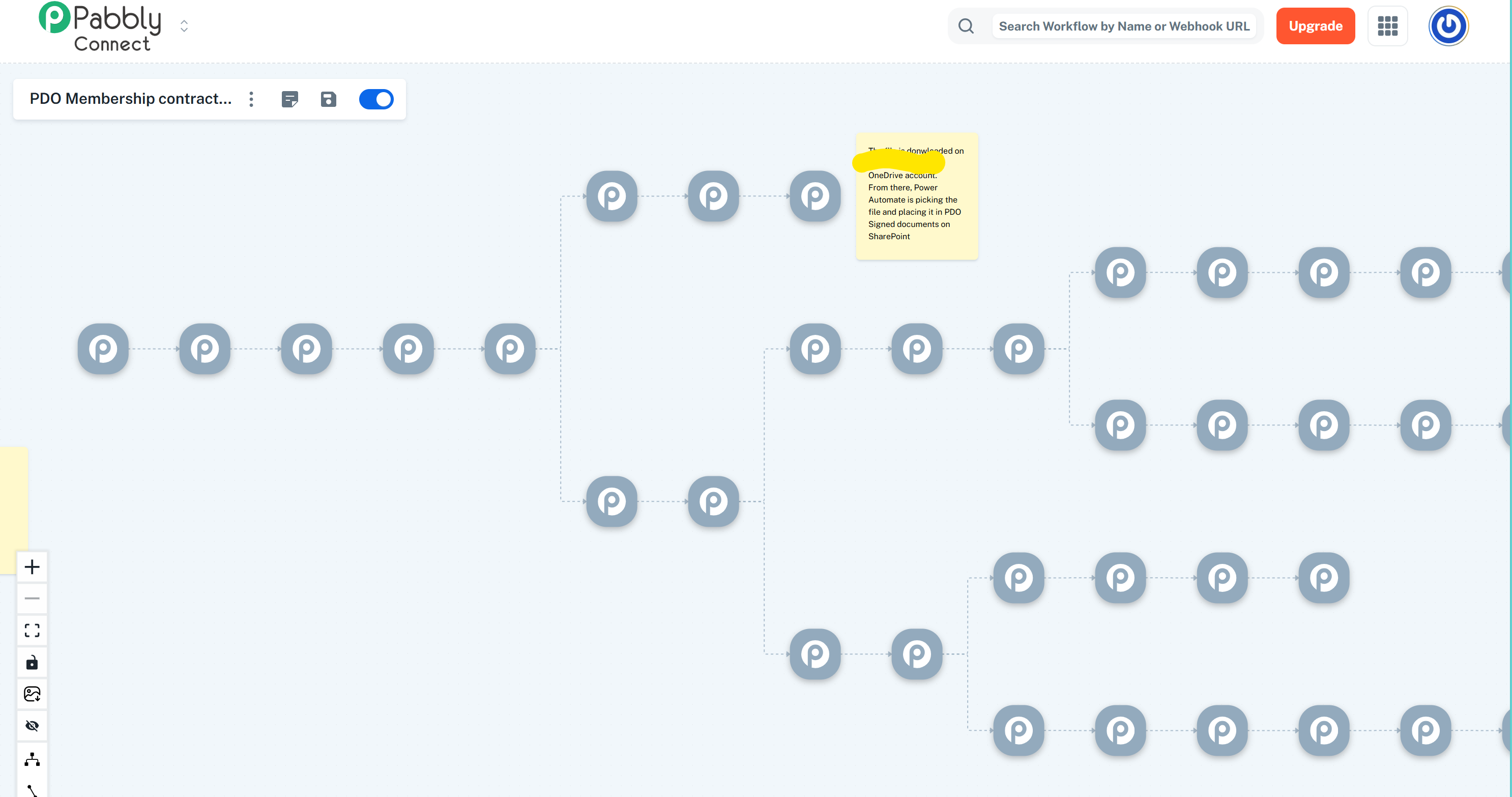
When I am looking into Pabbly Connect, all my steps appear as grey, and no detail is available. What's happening ?
Here is the workflow reference: https://connect.pabbly.com/v2/app/workflow/mapping/IjU3NjYwNTZhMDYzMjA0MzI1MjZkNTUzMjUxMzci_pc
Hi @opti-biz,
Our technical team is looking into this concern. We will get back to you as soon as we have any updates.
Thanks & Regards,
Arshil Ahmad
Customer Support Associate
? Pabbly.com
?Rate your support
Hi @opti-biz,
Thank you for your patience.
As per the update from our team, some changes were recently made in the New UI to resolve an existing issue. However, these updates have unintentionally impacted the router logic, which has caused certain workflows that were saved earlier to appear as undefined nodes.
We sincerely apologize for the inconvenience caused.
To assist you further, we have two possible approaches:
- Our team can convert the affected workflows to the Classic UI. Once converted, you would need to review the workflows and reposition the actions under their correct paths.
- Alternatively, you may choose to recreate the workflows from scratch in the New UI.
Please let us know which option works best for you. If you prefer the first option, we will proceed with converting the workflows to the Classic UI from our end.
Looking forward to your confirmation.
That's a shame. This represents hours of work, and the automation was used live, and it stopped working completely.
Both options you are proposing are not satisfactory, as I understand that with #1 I will anyway need to rework (and you can see this is a complex workflow to manage with classic UI), and with #2, I have to redo everything and try to remember each step config.
I was sincerely hoping that you could restore a previous version at least, especially since you knew you would make changes in the new UI.
Lessons learned on my side: don't trust tool reliability.
For sure I can document each step details outside Pabbly Connect, but still in case of failure, rebuilding / testing takes a lot of time.
I also notice that all related execution history has gone, so I can't even check history steps to rebuild...
Are you planning / having a way to somehow export workflow content as script or anything ? How can we get some sort of backup ?
For now, please convert this workflow to classic UI so I can at leat hopefully recuperate the overall scheme and the content of custom built API steps...
Also on my to-do list going forward: document each step of all my automation workflows outside Pabbly Connect; this will keep me busy for a while...
I guess this ticket is somehow related to my other ticket...
https://forum.pabbly.com/threads/renaming-steps-in-new-layout-lost-and-not-visible-in-history.31677/
Hi @opti-biz,
Thank you for your understanding. We acknowledge that this situation can be a hassle and truly appreciate your patience.
This issue is related to your earlier ticket regarding workflow renaming. Upon investigation, it was identified that the concern was not with the renaming itself, but rather that the router was saved under an incorrect parent route. To address such inconsistencies, backend changes were implemented, which is why the workflow structure was temporarily not visible as expected.
Our team has already initiated the process to convert the affected workflow to the Classic UI. Once this is completed, we will inform you so you can review it accordingly.
Regarding the export of the workflow script, this is not currently planned. However, if such a feature is introduced in the future, we will be sure to keep you informed.
Please feel free to reach out if you need any further clarification.
Hi @opti-biz,
The affected workflow has now been converted to the classic builder. You can now review and made the required adjustments.
Hello,
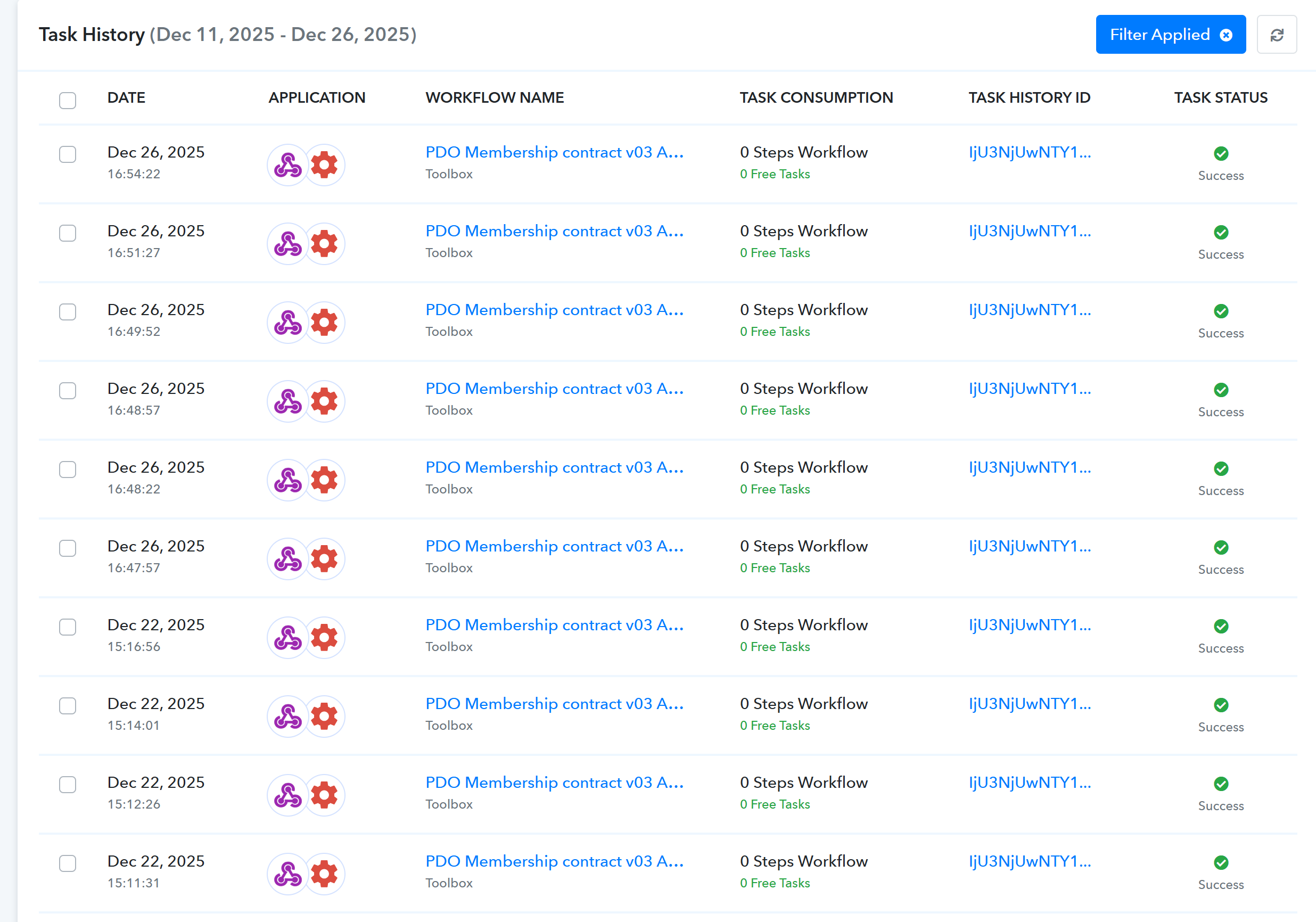
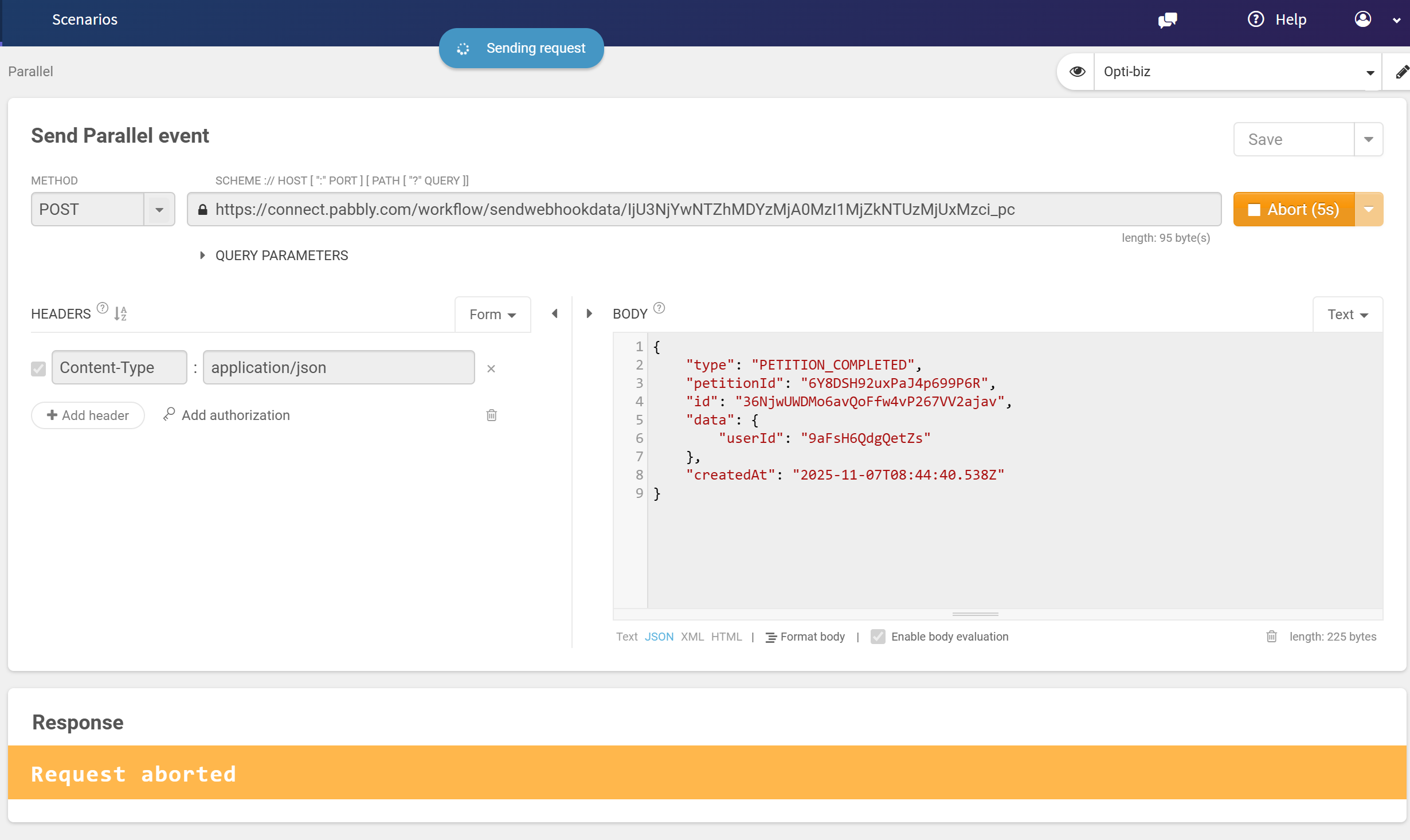
It seems that I can't send data into the workflow, the webhook is not receiving anything, even if I try to recapture webhook response, the data is not accepted by the workflow
Hi @opti-biz,
We have escalated the concern to our team for review. Please allow us a while and we will get back to you with an update as soon as we have some.
Hi @opti-biz,
Please try re-capturing a response under the same workflow under the workflow builder and let us know if you're able to capture the same.
Hello,
I confirm capturing data now works. Thank you.
Hi @opti-biz,
Could you please share the workflow URL associated with your confirmation?
Hello,I confirm capturing data now works. Thank you.
Hi,
same as in ticket reference: https://connect.pabbly.com/workflow/mapping/IjU3NjYwNTZhMDYzMjA0MzI1MjZkNTUzMjUxMzci_pc
But I have now deactivated it since I have completely rebuilt my workflows...
Hello @opti-biz,
Thanks for the information.