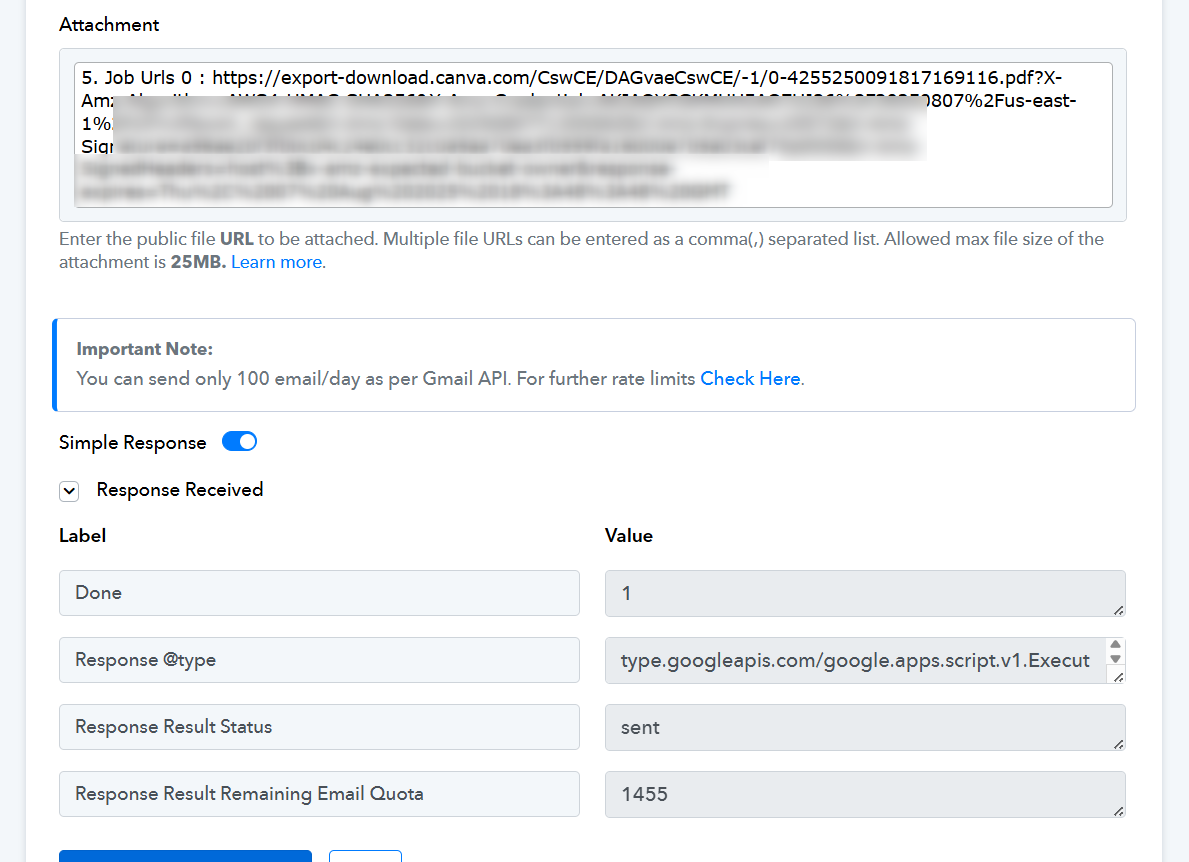
Mail Automation showing exception and mail not able to send
Status: Open · Asked by Aariembroideryn Designers on · 0 views
Hello so while automating to create a certificate and send it to the customer through the mail option , it is showing this exception and the mail is not being sent , the certificate is successfully created in Canva and is ready to be sent but the mail is not being sent. What to do?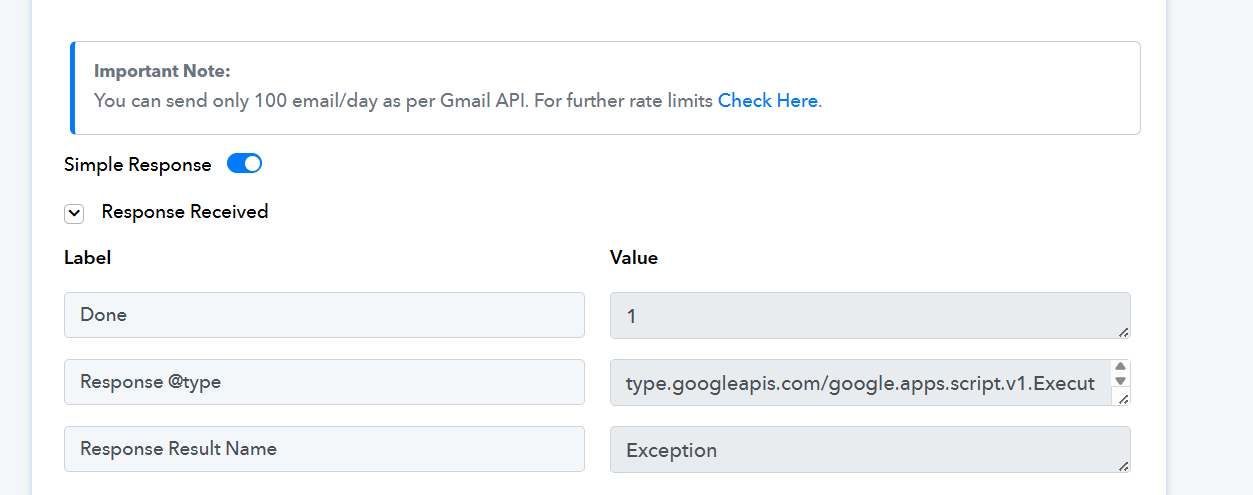
Hi @Aariembroideryn Designers,
Could you please share the Workflow URL where you have this concern?
Hi @Aariembroideryn Designers,
Please try using the action named Send Email (V2) and let us know if it works fine for you.
i did that too and it shows the same error
Please log in to your Gmail and Pabbly Connect accounts in an Incognito Tab, establish a new connection with your Gmail account, and see if that fixes your issue.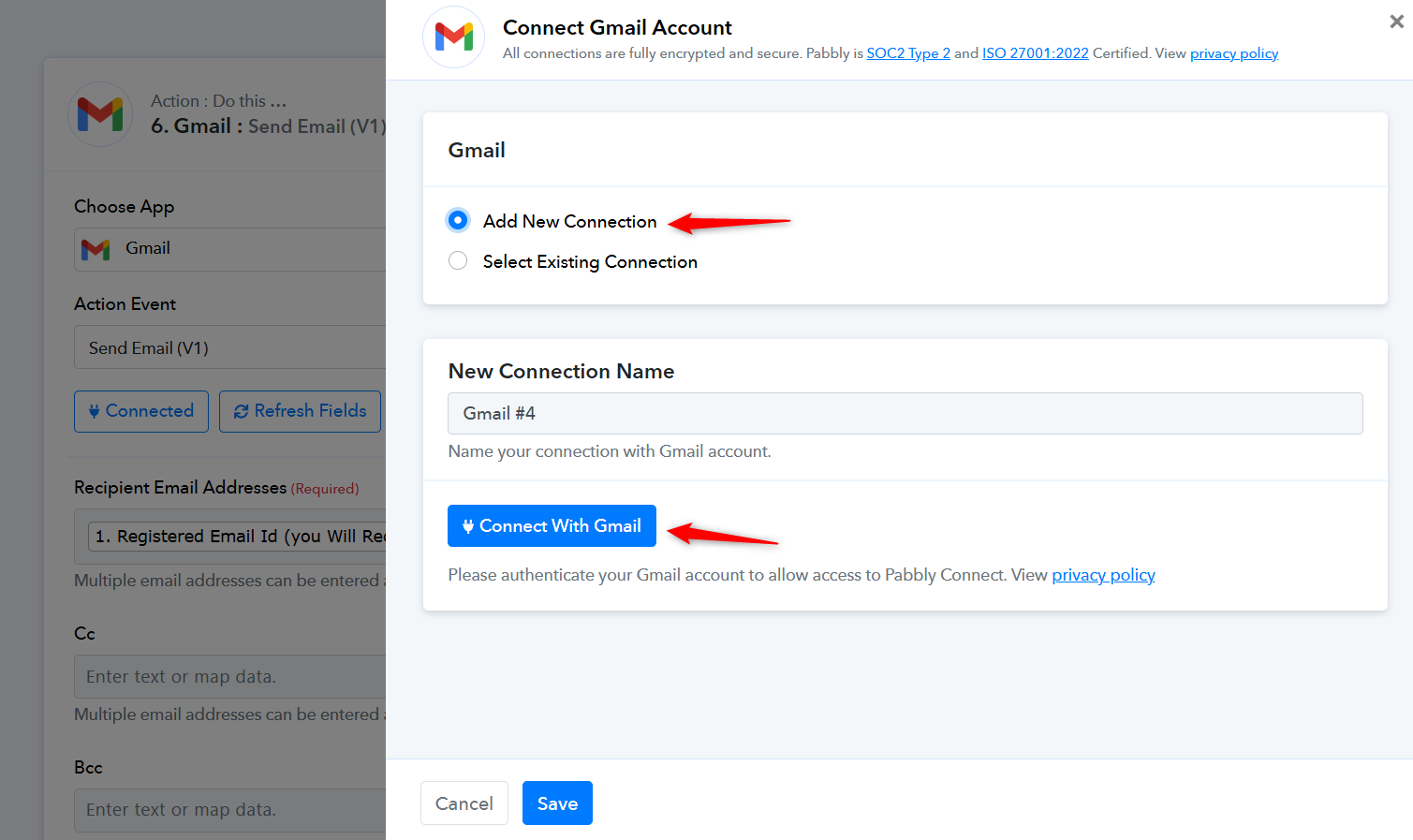
Did the same in the incognito tab too , still the same error occurs 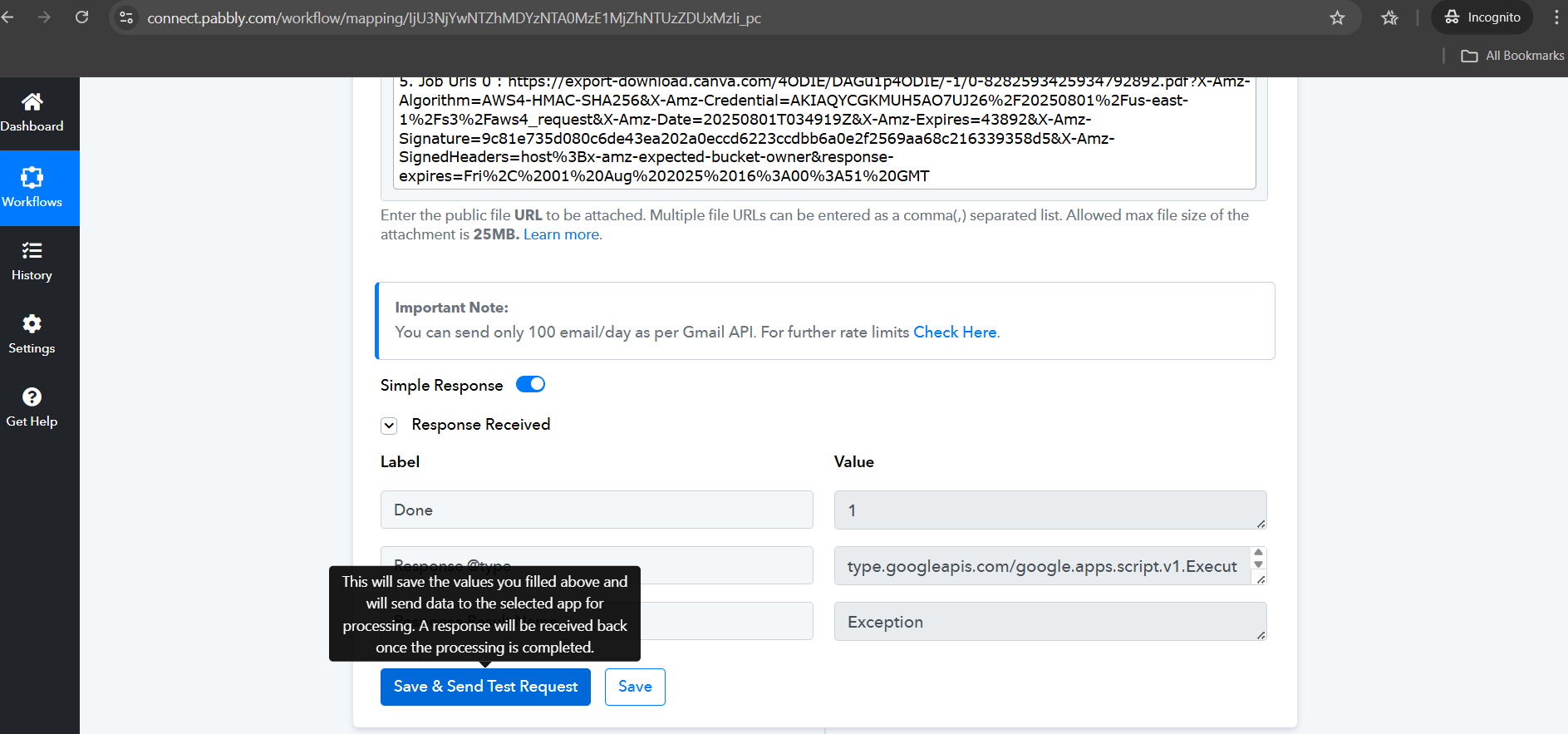
The issue appears to be related to the link you are attempting to use as an attachment in the Gmail action step. We removed that URL and were able to send an email.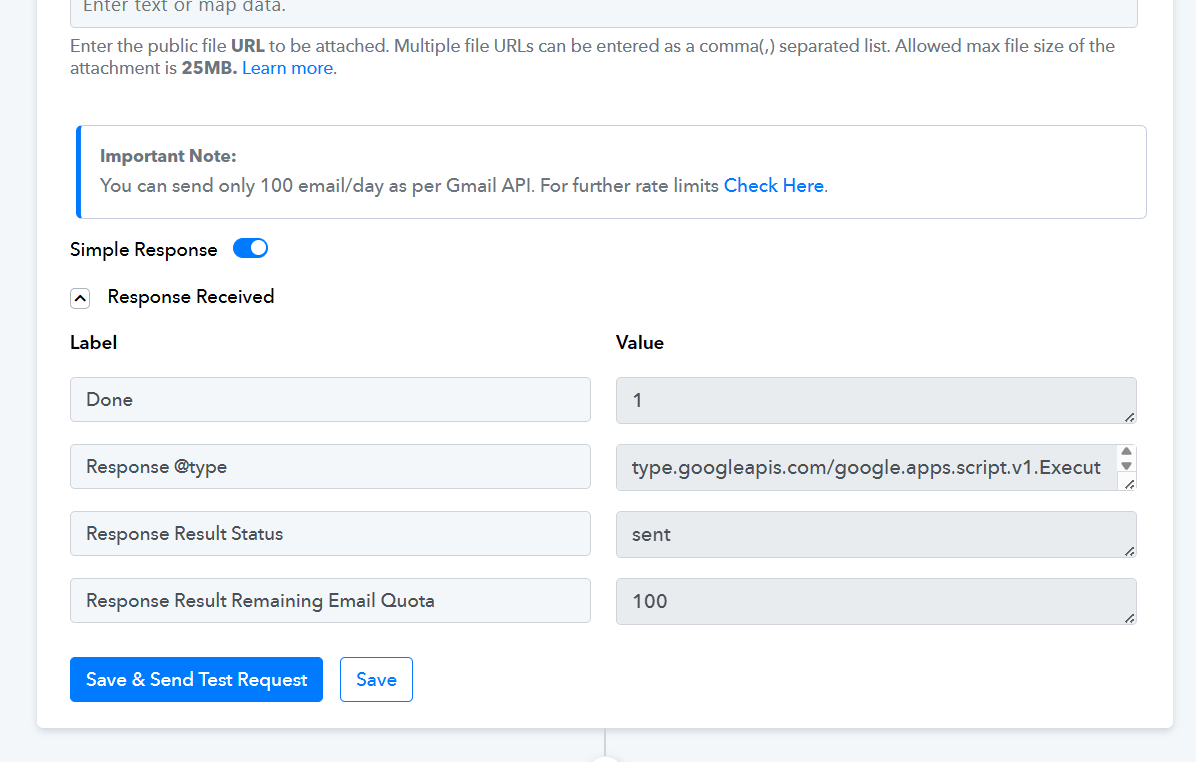
We suggest you first upload the file you get from Canva to Google Drive, then use the downloadable link from Google Drive in the Gmail step and see if that fixes your issue.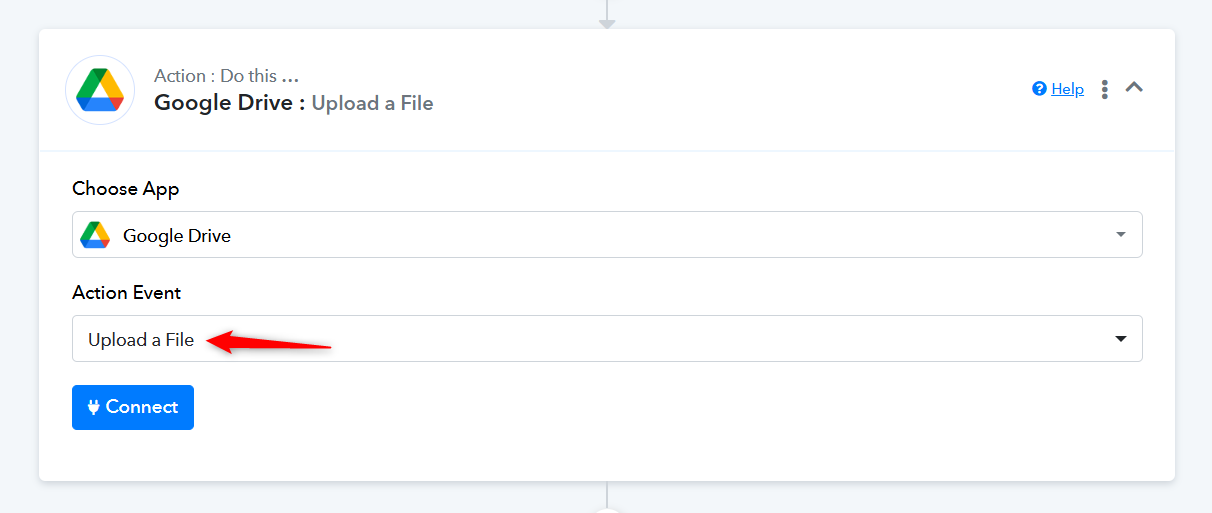
Can you guide me on how to do it , as i cannot find videos related to it
Hello @Aariembroideryn Designers,
Please try using the File Uploader (Pabbly) to generate a downloadable URL from your Canva export link. Once you get the downloadable URL, you can map this URL in the “Send Email” action step.
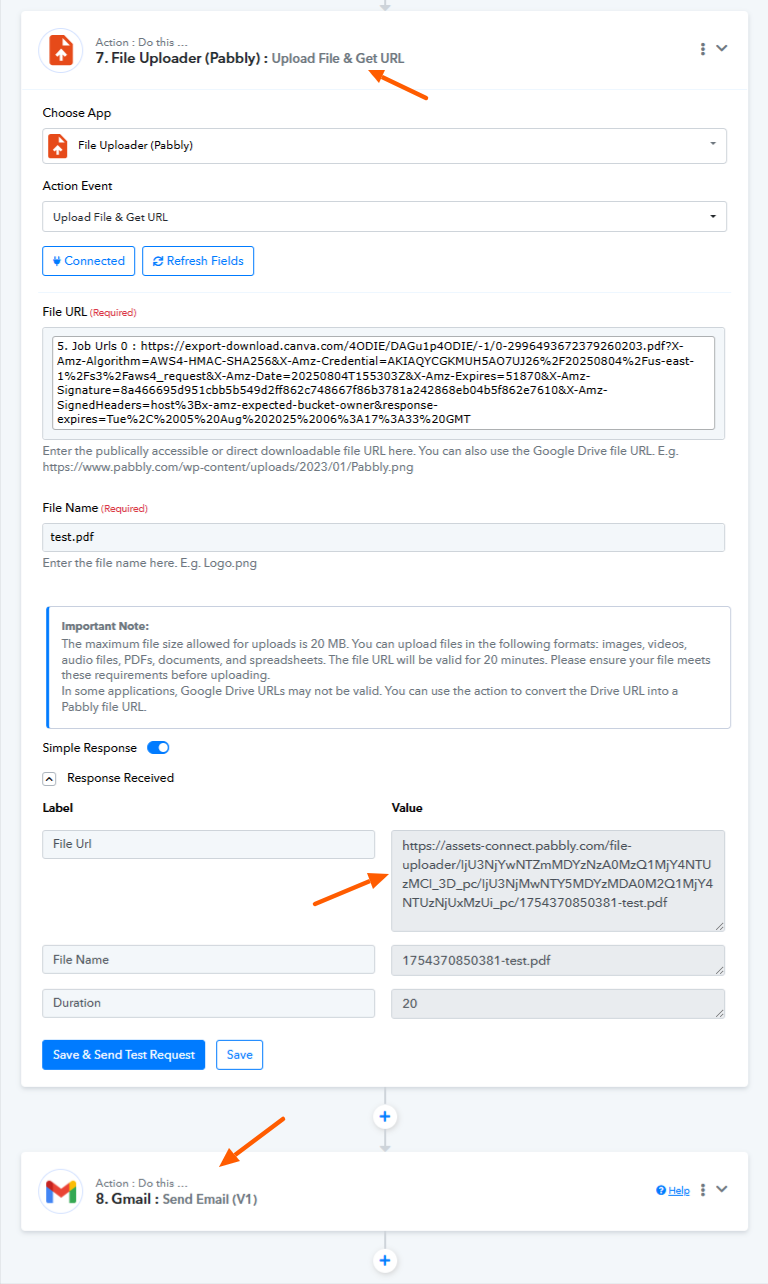
This should work as expected. Kindly give it a try and let us know how it goes.
Same error even after doing it. 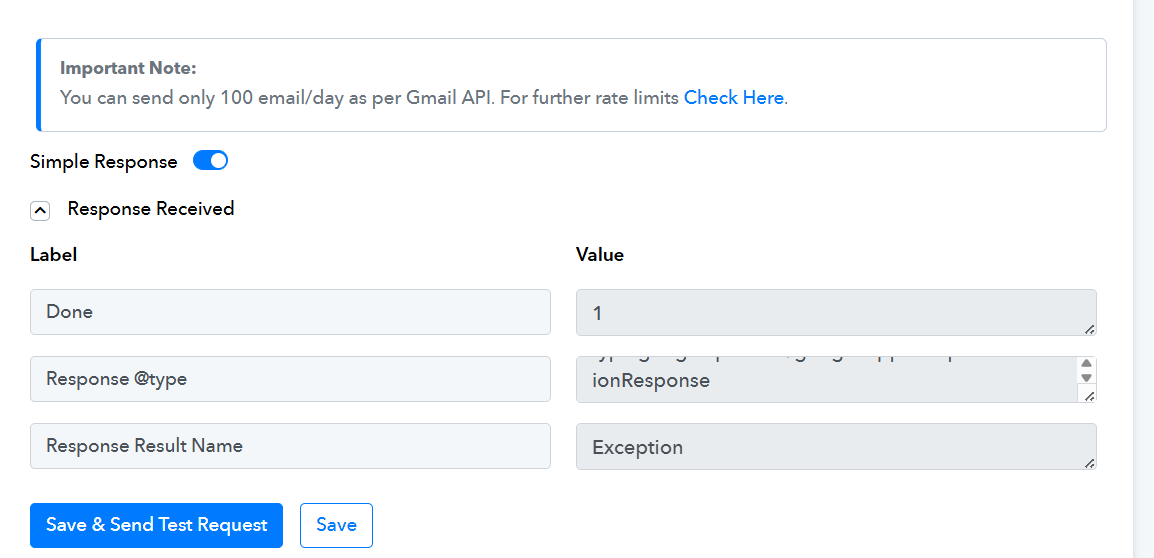
There appears to be an issue with your Gmail account that is preventing you from sending attachments. We tested the same attachment using our Gmail account and did not encounter any issues. We suggest contacting Gmail support to understand why you're experiencing this problem.