Missing required fields Linkedin
Status: Open · Asked by Dinarway Dinarway on · 0 views
Hi!
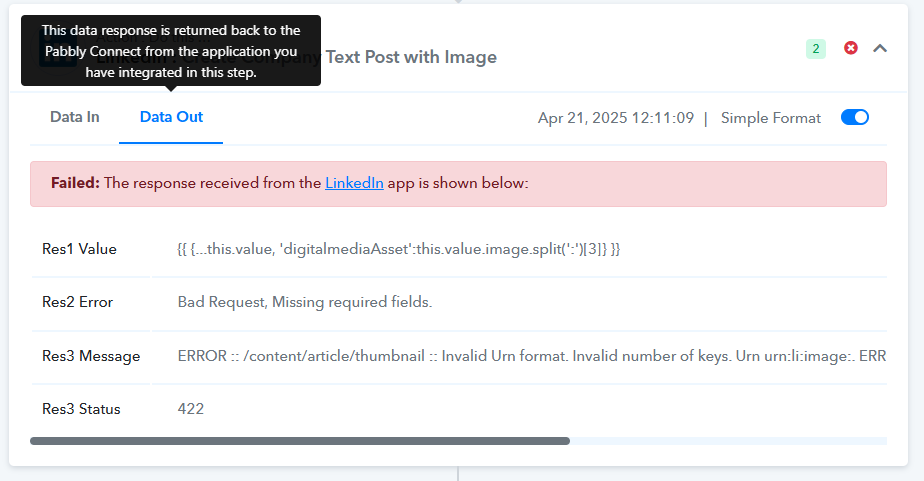
The action "LinkedIn : Create Company Text Post with Image" on this workflow is not working and we don't know which cause it based on the given error details. But it's working fine with the previous schedule. Already tried to change the format image and still not working. This problem occurs on our two workflows with different linkedin account.
Coud you please help solve it?
Workflow url: https://connect.pabbly.com/workflow/mapping/IjU3NjYwNTY5MDYzMzA0MzU1MjZhNTUzNTUxMzMi_pc
Hello @Dinarway Dinarway,
Could you please try setting up a new connection with LinkedIn and see if that helps resolve the issue?
I tried that initially when I was troubleshooting the issue and it didn't solve it. Just to clarify, the LI connection is not the issue. In the same workflow I have two LI posts. One with image to publish to company and one without image to post to personal profile. The one without the image posts with no problem.
Hello @expatpat,
Please allow us some time to look into the issue, and we will get back to you soon.
Hi, any update?
Hello @Dinarway Dinarway,Could you please try setting up a new connection with LinkedIn and see if that helps resolve the issue?
Yupp, already tried to add new connection to the same linkedin account and the problem still occurs
Hello @expatpat and @Dinarway Dinarway,
We have escalated the concern to our technical team for review. Please allow us some time to look into the issue, and we will get back to you as soon as we have some updates on it.
Hello @expatpat and @Dinarway Dinarway,
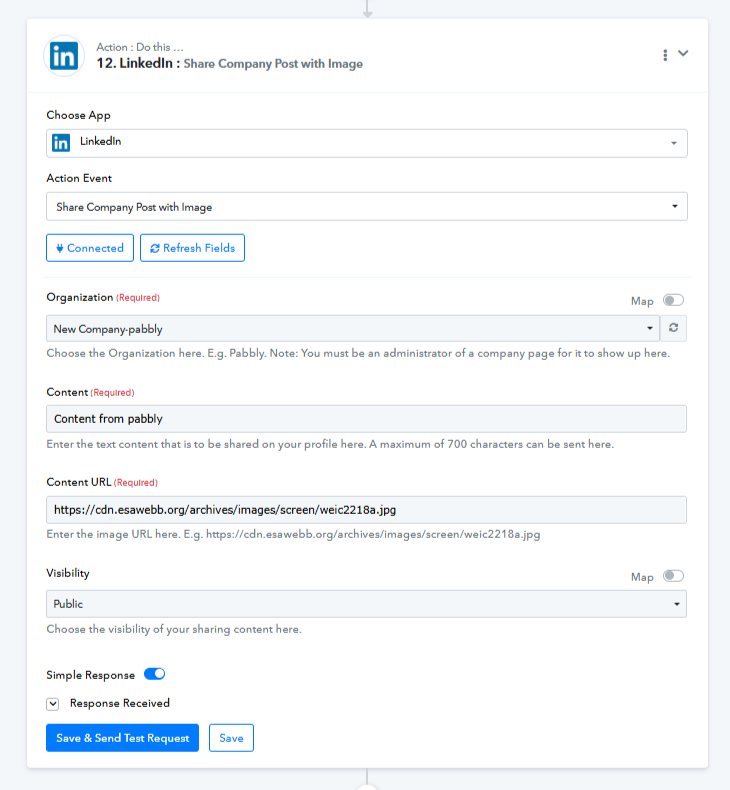
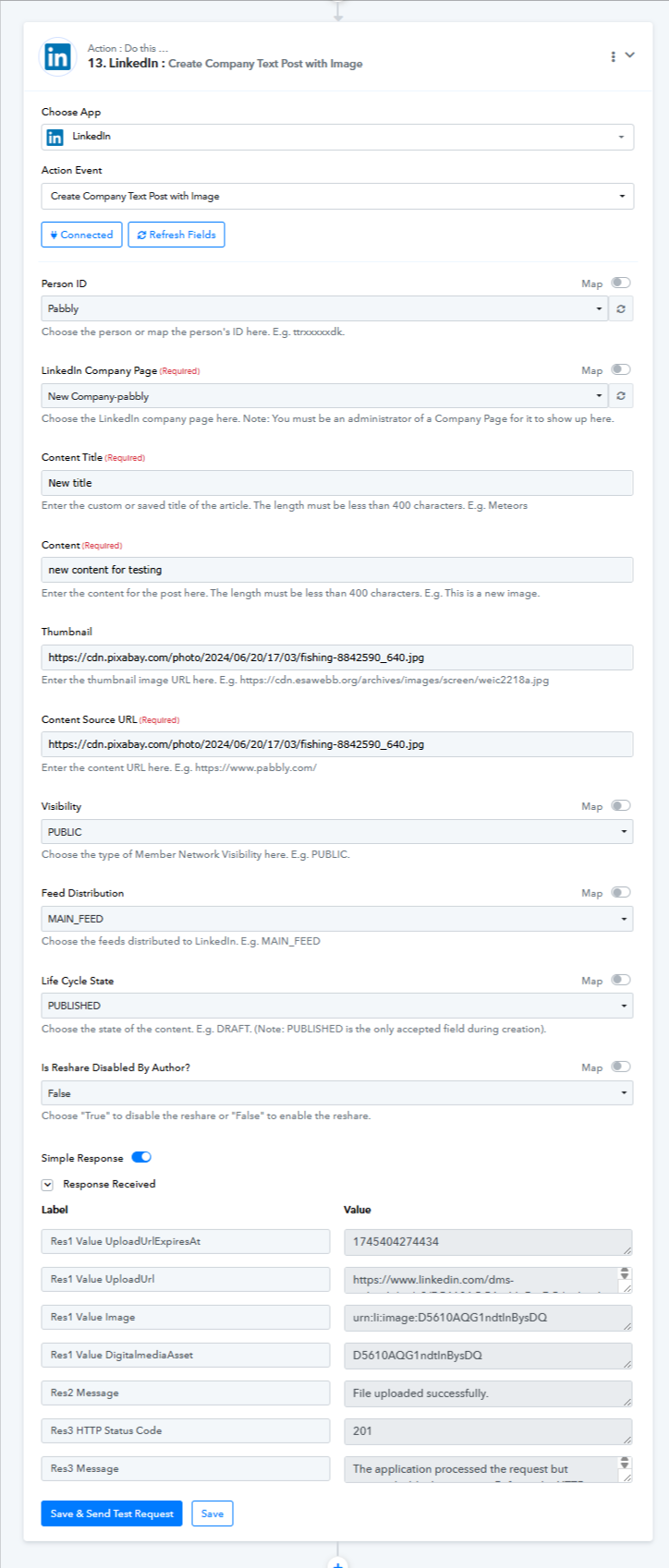
Upon testing, the action seems to be working fine on our end. You can refer to the actions mentioned in the attached images for further guidance.
As suggested earlier, we recommend that you re-authenticate or create a new connection, and then run the action again. This should resolve the issue.
Please let us know how it goes or if you need further assistance.
Hi Preeti, I've done some more trouble shooting, and the error could be to do with the previous step which is the Pabbly file uploader. Here is the error message I get in the LinkedIn step: ERROR :: /specificContent/com.linkedin.ugc.ShareContent/media/0/media :: Urns with empty entityKey are not allowed. Urn: urn:li:digitalmediaAsset:: urn:li:digitalmediaAsset:
Here is a screenshot of my workflow (this workflow was working until Monday):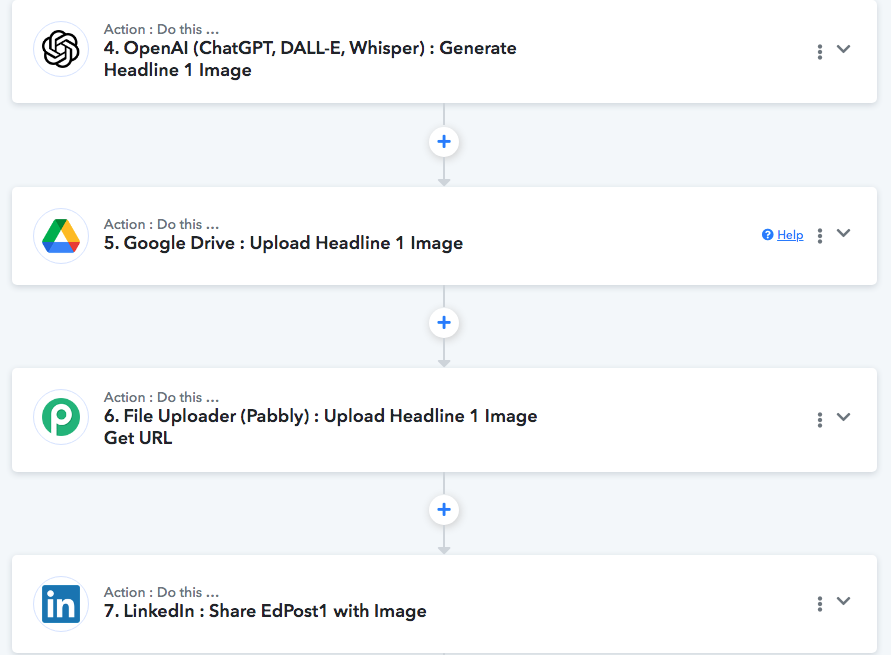
Step 4, 5, and 6 work, but the output from step 6 is where the error is. I've tried putting the url generated by the file uploader in step 6 in a web browser and it comes back with an error
Let me know if you need more info. This is the message I get in the Res 1 Value field: {{ {...this.value, 'digitalmediaAsset':this.value.image.split(':')[3]} }}
Ok, so after re authenticating, I created a new connection and that one seems to be working. Is there a better fix for this, because it's impractical for users to change all their linkedin connections on a regular basis. Especially if they have dozens of workflows with multiple LinkedIn connections. Also, why does it work when posting to LinkedIn without an image, but not when you add an image? It seems to me there is a bigger back end problem here. Let me know what you think.
Thanks
Pat
Hello,
You can go to setting> connection> and update LinkedIn connections, this will automatically update the connection in all your workflows.
Hello,You can go to setting> connection> and update LinkedIn connections, this will automatically update the connection in all your workflows.
Ok Thanks