My airtable connection Request isn't working (Response 0)
Status: Open · Asked by Andrew Ashley on · 0 views
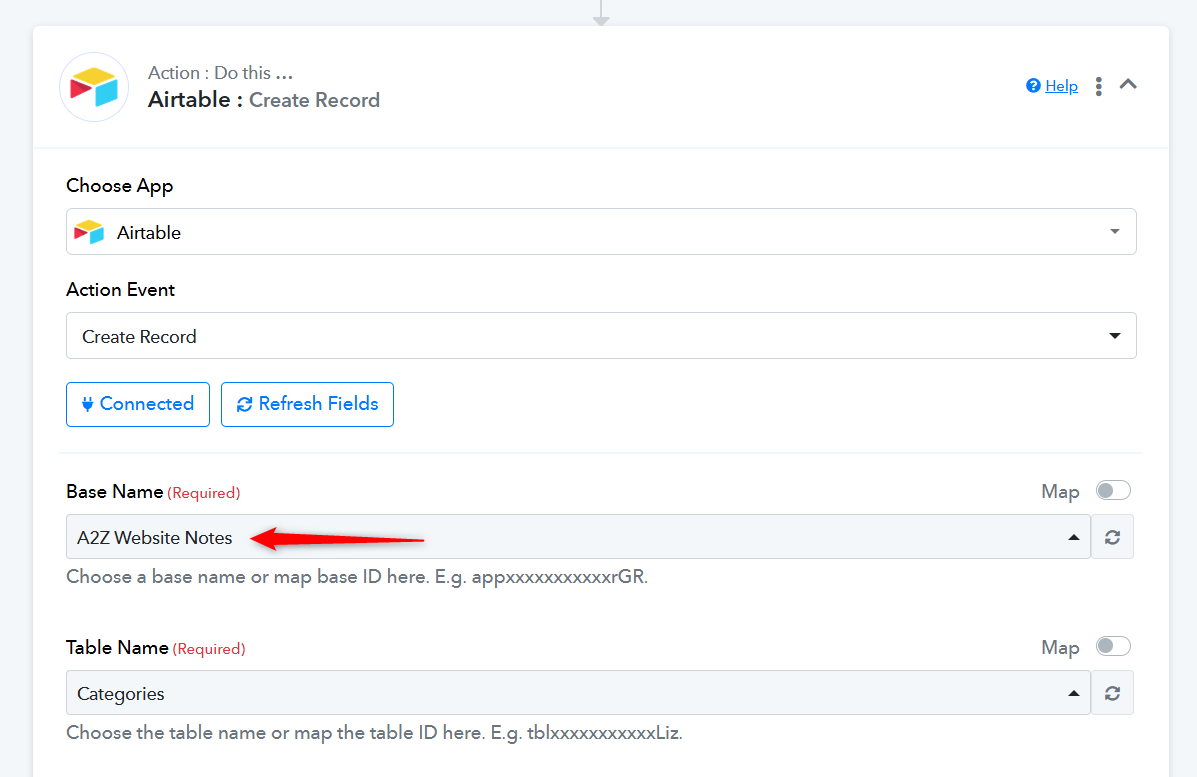
I setup my pabbly connect with my airtable and it was working all week. But suddenly, yesterday, it stopped working for all of my workflows. I changed nothing, and all 8 of my workflows just randomly stoped working. When I send a request to airtable it comes back as response 0, even though there is plenty of data there. Like I said, it was working all week, and suddenly all of the workflows won't get data from airtable. Please help! I've attached my setup below:
Hi @andrewashley,
Please login to your Airtable and Pabbly Connect account in an Incognito Table, establish a new connection with your Airtable account and see if that fixes the issue for you.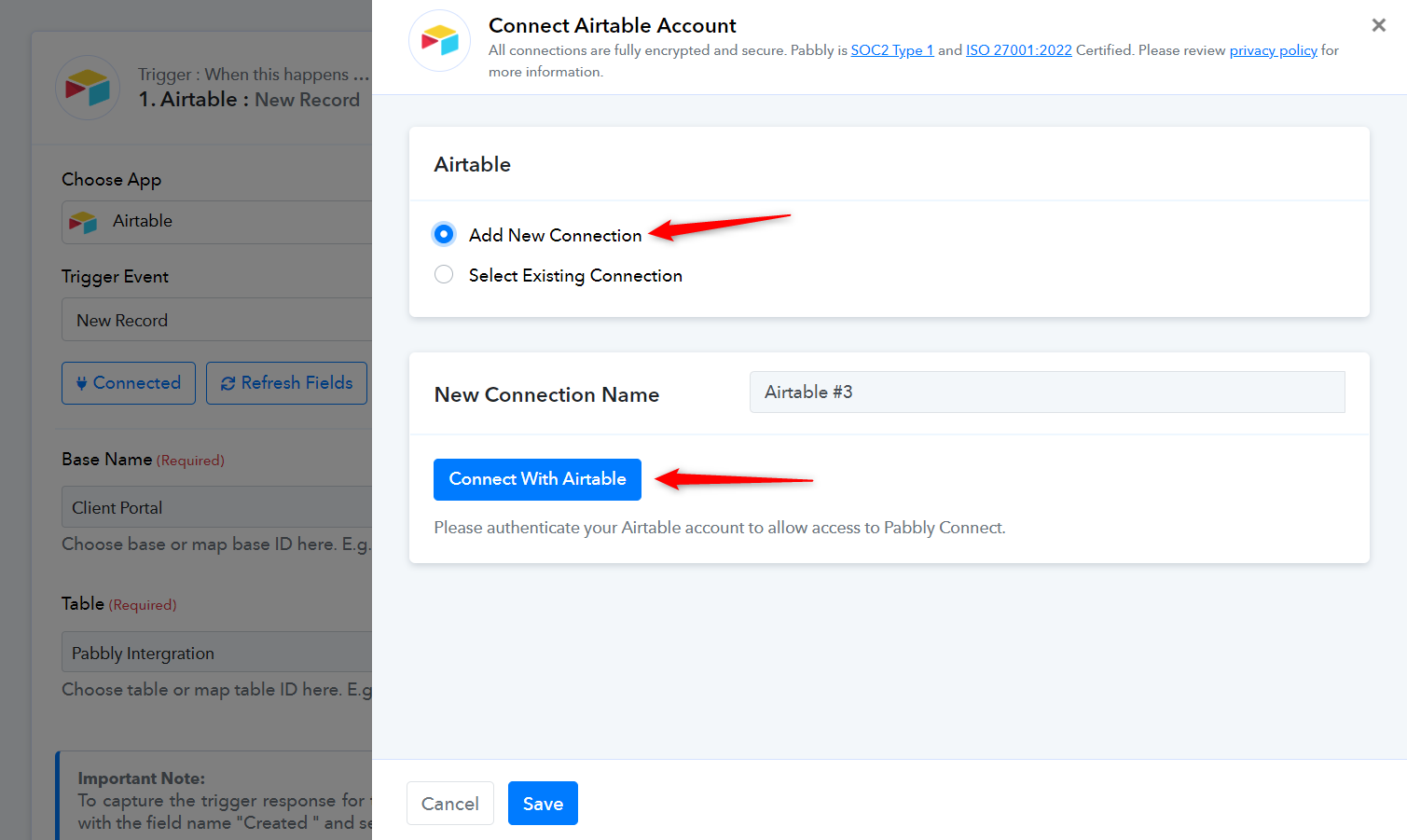
Make sure that your table includes a field named 'Created' with its field type set to 'Created Time'.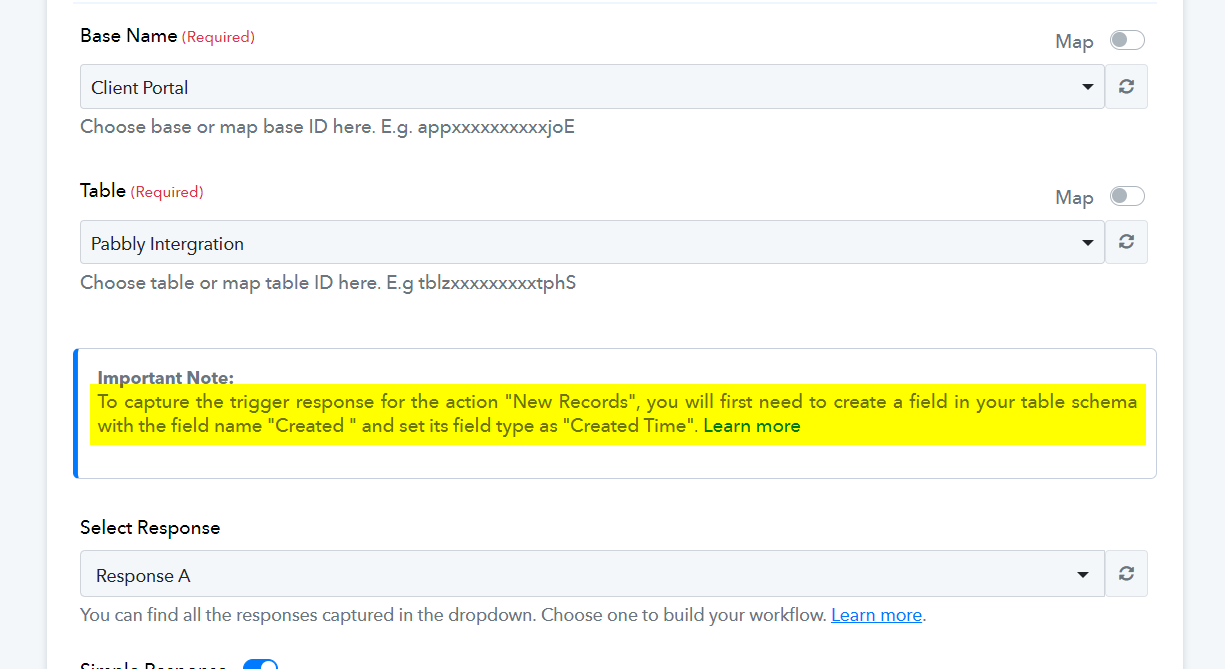
Hi @ArshilAhmad so I tried that and it worked for the workflows that it happened to. But then just today, it happened again, and I tried this same thing and it didn't work. My concern is that it seems to be breaking randomly and unreliable. Do you know why this happens and how to avoid it? I've only use this platform for a week and already it has happened twice.
Could you please confirm if you have a 'Created' field with its field type set to 'Created Time' in your Airtable? Kindly share a screenshot showing the same.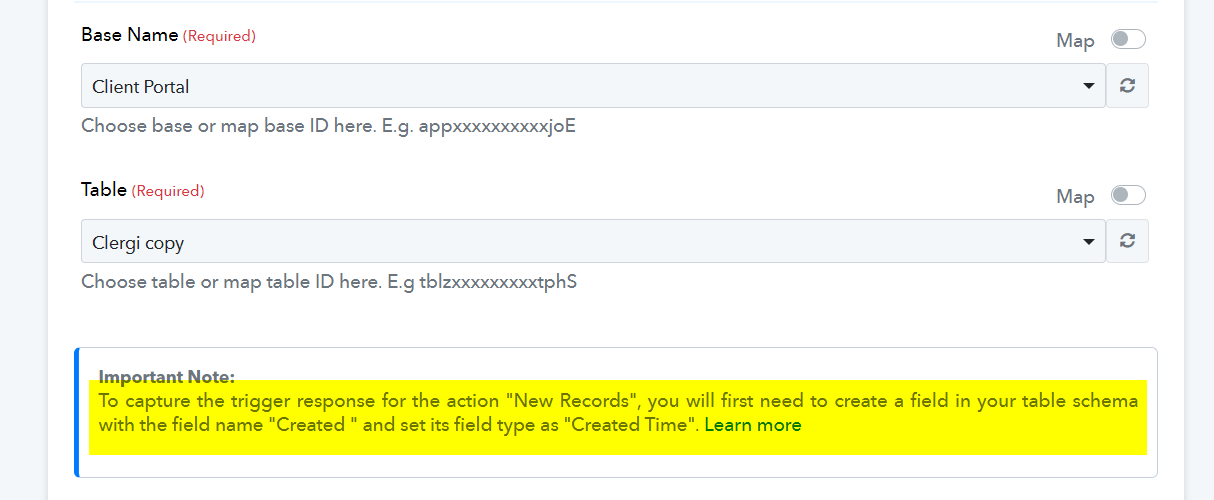
Sorry, just now seeing your response. Yes, I have. Here is a screenshot attached below. Also, I keep getting emails from pabbly that my "error, invalid authentication token". Please help.
Please try establishing a new connection with your Airtable now, and if the issue persists, please let us know. Also, monitor your workflow for some time, and if the 'Invalid Authentication error' occurs again, please inform us.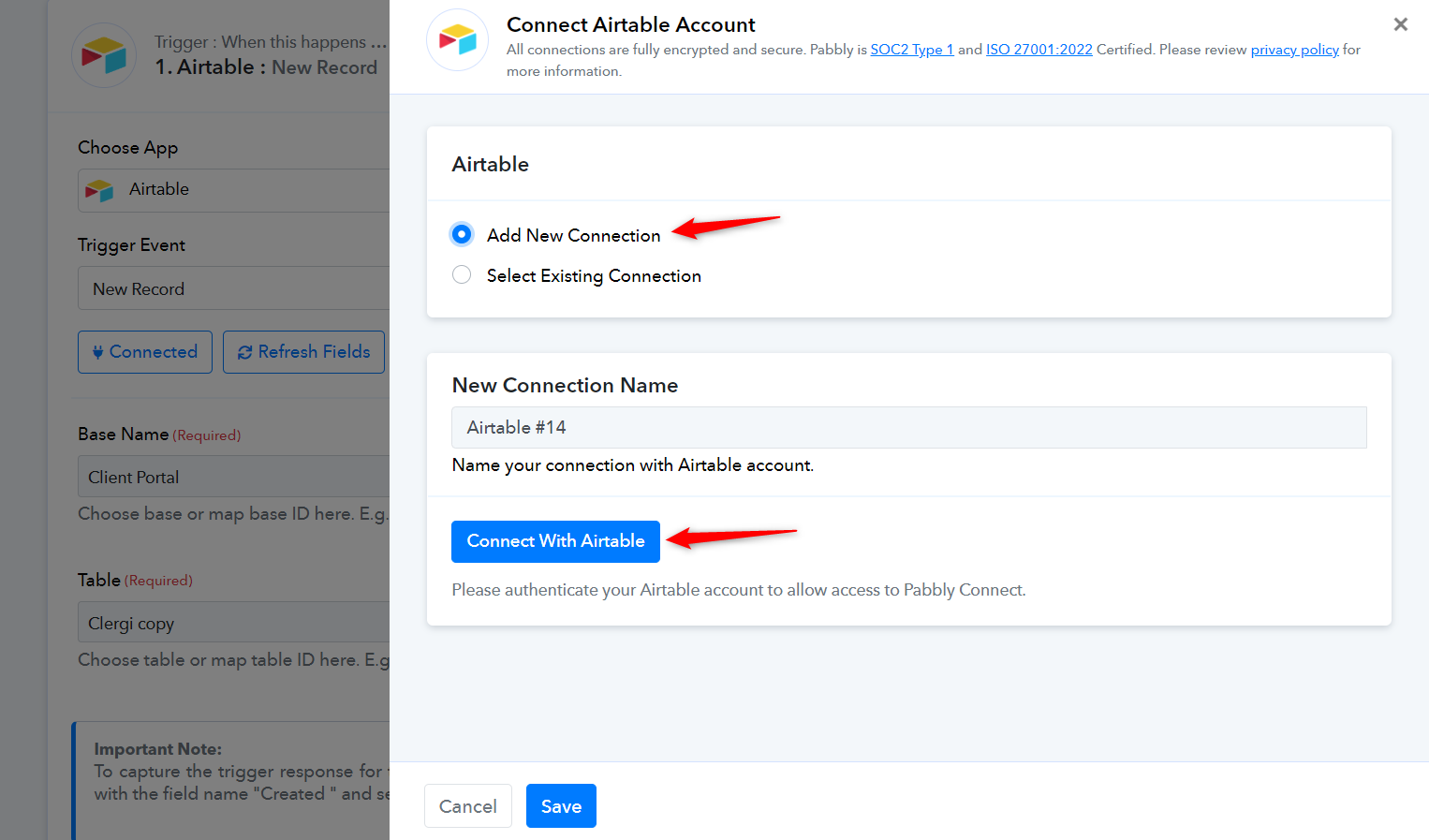
Same problem - just randomly stopped. Have set up the Created column now but I didn't notice for a week so I have a lot to resubmit! Have set up new Airtable connection and it's working OK.
Pabbly was recording a valid input but the error was this 'error' with 'Empty Data 123'. - which the Airtable support team said was not one of their response codes.
If I hadn't noticed this for a few more weeks this would have been disastrous for us.
Hey @hone
Please use the latest connection for your Airtable action step and then check again. If the issue persists, let us know.
I am having the same problem as the OP here.
Even creating a new Airtable connection (with multiple accounts that both have access) - when it goes to select 'table name' it is giving me no options for the table...
Any ideas?
I am having the same problem as the OP here.Even creating a new Airtable connection (with multiple accounts that both have access) - when it goes to select 'table name' it is giving me no options for the table...
Any ideas?
Could you please state the Base Name for which the Table Name is not visible? We can see that the table is visible for the selected base.
Also, share the Workflow URL where you have this concern.