my flow's element can't show out
Status: Open · Asked by rocky666 on · 0 views
my flow's element can't show out, even clone it and just can see part of element, what can i do?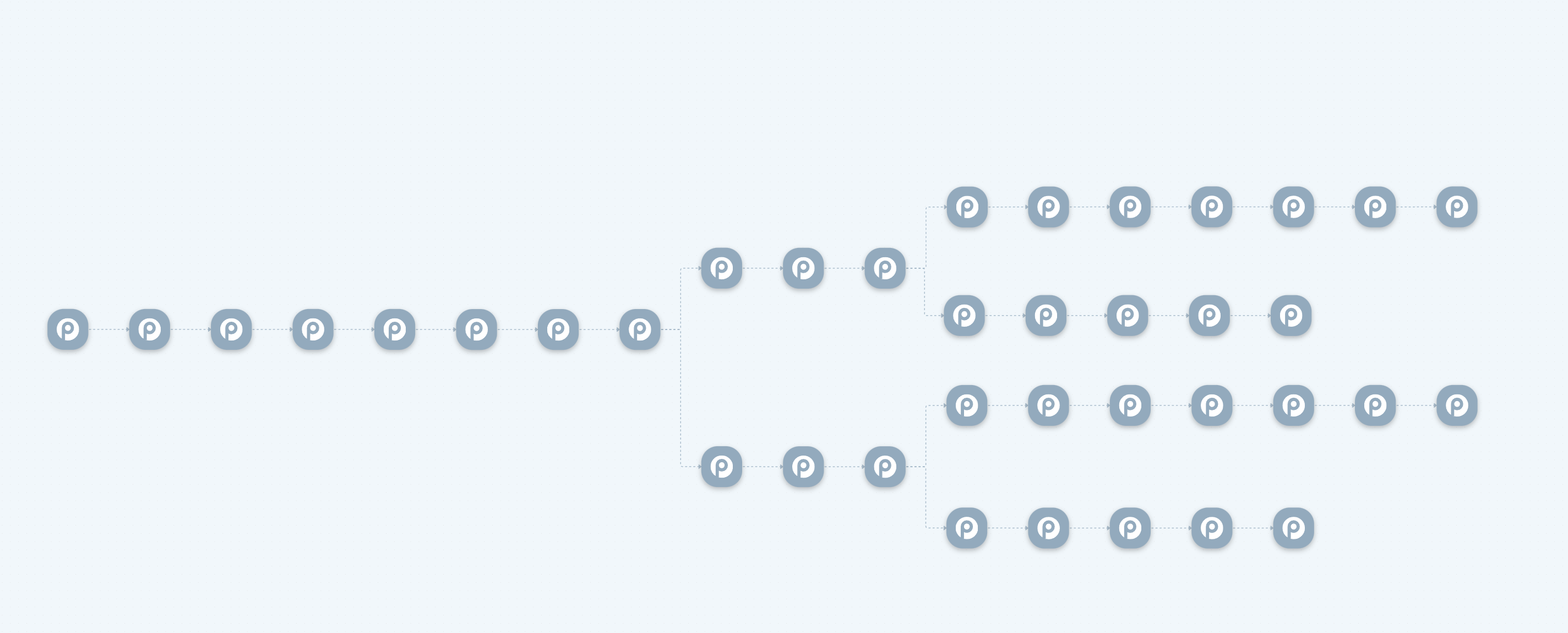
clone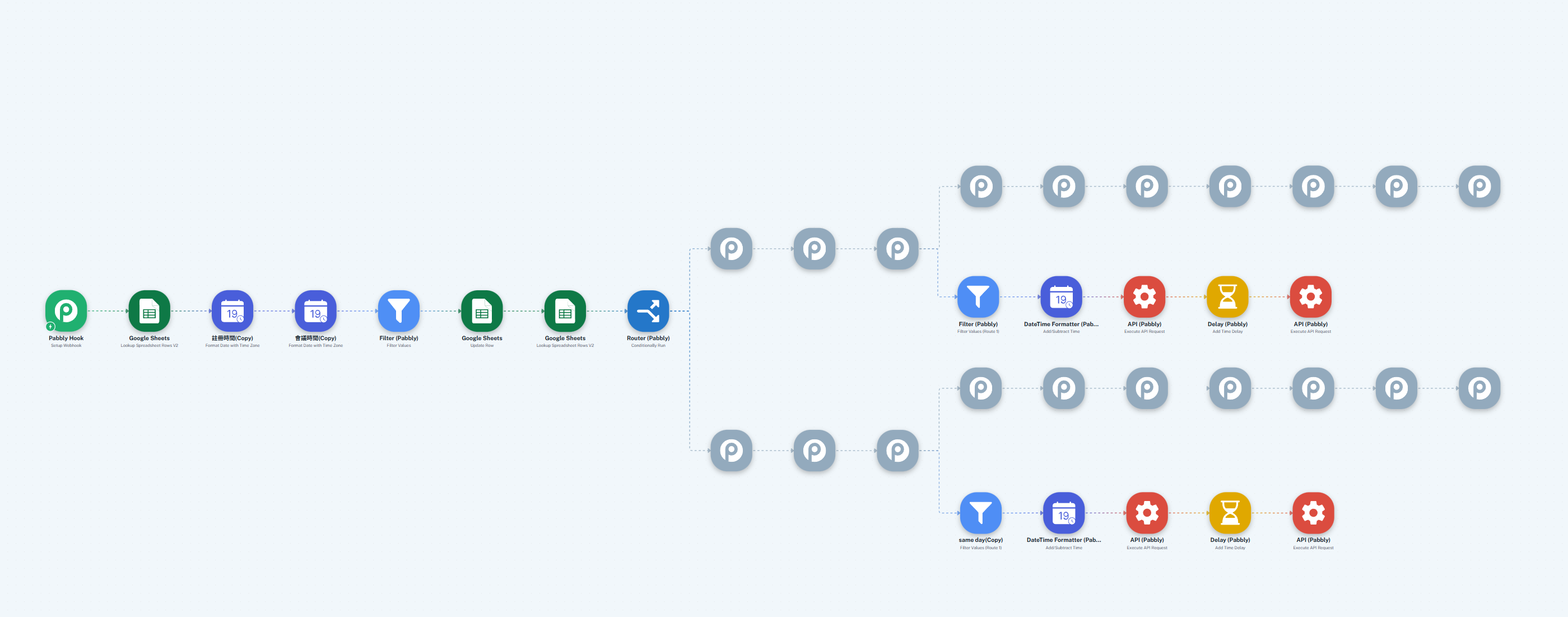
that is high risk if i create flow and it will no show out sometimes.
Hi @rocky666,
Please allow us some time to look into this concern. We will get back to you with an update soon.
Thanks & Regards,
Arshil Ahmad
Customer Support Associate
? Pabbly.com
?Rate your support
I am having the same problem today and yesterday where none of my workflow's elements are appearing.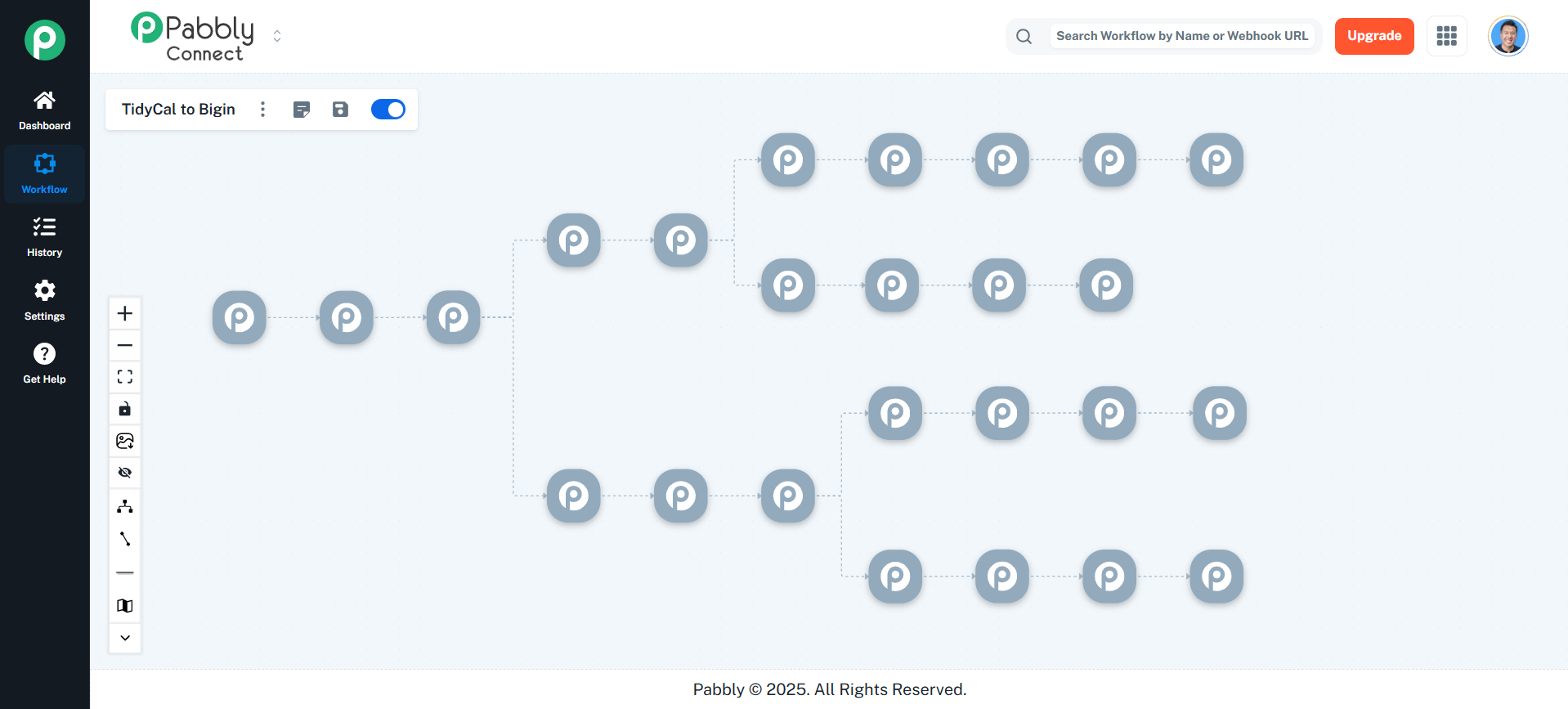
Hey @Ken Patrick,
Could you please share the workflow URL where you are facing this issue? so we can accordingly escalate it.
Hey @Ken Patrick,
Thanks for sharing the details.
We have escalated the concern to our team for further review.
Hey @Ken Patrick,
Thank you for your patience.
As per the update from our team, some changes were recently made in the New UI to resolve some existing issues. However, these updates have unintentionally impacted the router logic, which has caused certain workflows that were saved(wrongly) earlier to appear as undefined nodes.
We sincerely apologize for the inconvenience caused.
To assist you further, we have two possible approaches:
- Our team can convert the affected workflows to the Classic UI. Once converted, you would need to review the workflows and reposition the actions under their correct paths.
- Alternatively, you may choose to recreate the workflows from scratch.
Please let us know which option works best for you. If you prefer the first option, we will proceed with converting the workflows to the Classic UI from our end.
Looking forward to your confirmation.
Hi @rocky666 and @Ken Patrick,
Thank you for your patience.
As per the update from our team, some changes were recently made in the New UI to resolve an existing issue. However, these updates have unintentionally impacted the router logic, which has caused certain workflows that were saved earlier to appear as undefined nodes.
We sincerely apologize for the inconvenience caused.
To assist you further, we have two possible approaches:
- Our team can convert the affected workflows to the Classic UI. Once converted, you would need to review the workflows and reposition the actions under their correct paths.
- Alternatively, you may choose to recreate the workflows from scratch in the New UI.
Please let us know which option works best for you. If you prefer the first option, we will proceed with converting the workflows to the Classic UI from our end.
Looking forward to your confirmation.
Understood. We will remake the workflow. Also, can the team convert the workflow to the Classic UI for my reference. Thank you.
Hey @Ken Patrick,
Thanks for the confirmation.
We have asked our team to convert the workflows. Once done we will let you know.
Hey @Ken Patrick,
Thanks for patience.
Our team has converted both the workflows into the classic builder.
Hey @rocky666,
Thank you for your patience.
As per the update from our team, some changes were recently made in the New UI to resolve some existing issues. However, these updates have unintentionally impacted the router logic, which has caused certain workflows that were saved(wrongly) earlier to appear as undefined nodes.
We sincerely apologize for the inconvenience caused.
To assist you further, we have two possible approaches:
- Our team can convert the affected workflows to the Classic UI. Once converted, you would need to review the workflows and reposition the actions under their correct paths.
- Alternatively, you may choose to recreate the workflows from scratch.
Please let us know which option works best for you. If you prefer the first option, we will proceed with converting the workflows to the Classic UI from our end.
Looking forward to your confirmation.