Need help with custom app creation of BuildXact
Status: Closed · Asked by Himesh Soni on · 0 views
Hello Team,
I'm creating a custom app for BuiildXact plateform but I'm little bit confused how I can proceed further with the auth So any help will be greatful.
Here is Video Url like what I want to Do: https://drive.google.com/file/d/1n7tcEgO1gHcigBjkH_4xalDpcgldFFT1/view?usp=sharing
And here is their offcial api doc: https://developer.buildxact.com/authorization#EhvSN
Feel free to ask if any other input needed from me.
Hey @Himesh
If you are trying to integrate the application into the platform, we recommend that you consult the accompanying developer guide first.
https://forum.pabbly.com/forums/pabbly-connect-app-integration-guide/
Hello @Arshita,
Already done with the reading above document. Still unable to figure out how I can do above scenario.
I've forwarded your request to the integration team, and they are currently reviewing it. We will reach out to you with updates soon.
Thankyou @Arshita
Hey @Himesh,
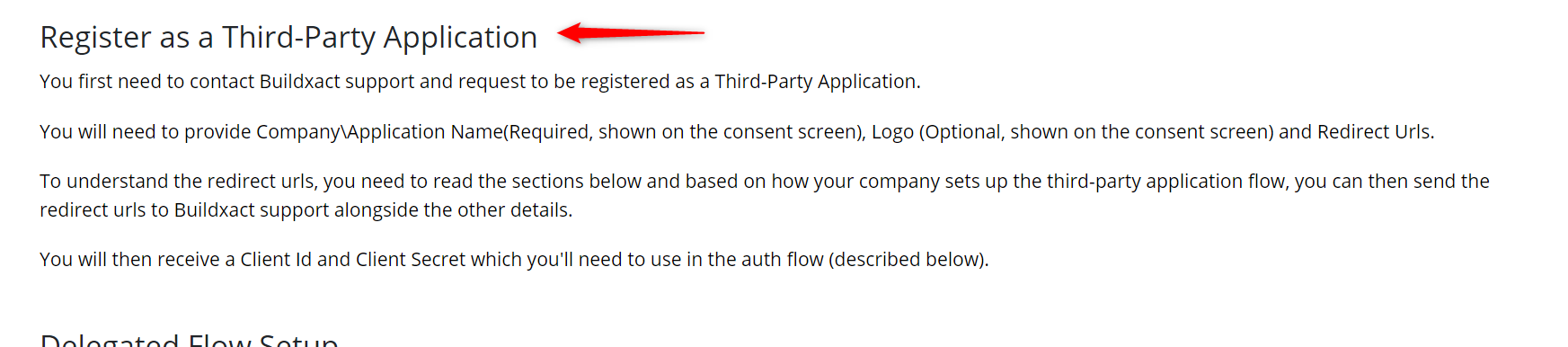
- Firstly, Just wanted to know if have you Registered for the Third-Party Application with the BuildXact application. If yes then this is documentation that needs your attention.
Doc link: https://auth0.com/docs/get-started/applications/confidential-and-public-applications/user-consent-and-third-party-applications
- If you have set the request as per the documentation do update the Auth URL within Pabbly Connect as I have seen you are sending the wrong URL request for auth which includes all the details client ID and Client Secret this is not to be mentioned. Within the screenshot, this is the correct way to pass the auth URL.

Please ensure that the necessary updates are made. We strongly recommend reviewing our developer guide, accessible above, prior to testing the functionality using "Postman."
Best Regards,
Nivesh
Hi Himesh,
To assist you with the authentication process for your custom app on the BuildXact platform, here’s a general approach you can follow:
1. Understand the Authentication Flow:
- From the API documentation you shared, BuildXact uses OAuth 2.0 for authentication. This typically involves obtaining an access token using a client ID, client secret, and redirect URI.
- The access token is then used to authenticate your API requests.
2. Setting Up OAuth 2.0:
- Register Your App: Ensure your app is registered with BuildXact, and you have the necessary credentials (client ID, client secret).
- Redirect URI: Define a redirect URI where BuildXact will send the authorization code after the user grants permission.
- Authorization Request: Direct the user to the authorization URL provided by BuildXact, where they will log in and grant your app the necessary permissions.
- Exchange Authorization Code: Once you receive the authorization code via the redirect URI, exchange it for an access token by making a POST request to the token endpoint provided in the API documentation.
3. Making Authenticated Requests:
- Use the access token in the Authorization header of your API requests (typically as Authorization: Bearer ).
4. Handle Token Expiration:
- Implement logic to handle token expiration by refreshing the token when necessary. This ensures continuous access without requiring the user to log in again.
5. Testing:
- Test the authentication flow thoroughly to ensure everything works as expected.
if you need expert assistance or further development support, Skad IT Solutions is a leading technology partner based in Dubai, specializing in web and mobile app development, including custom integrations and complex authentication setups. Our team can help streamline your development process and ensure robust security for your app. Feel free to contact us for professional guidance.
Hi there! To integrate authentication for your BuildXact custom app, follow their API OAuth 2.0 flow for secure access. Our AI app development services team can help streamline the process, ensuring seamless integration, token management, and enhanced app performance.