Need help with filtering to add or update record in Airtable from ThriveCart transactions
Status: Open · Asked by Delilah Orpi on · 0 views
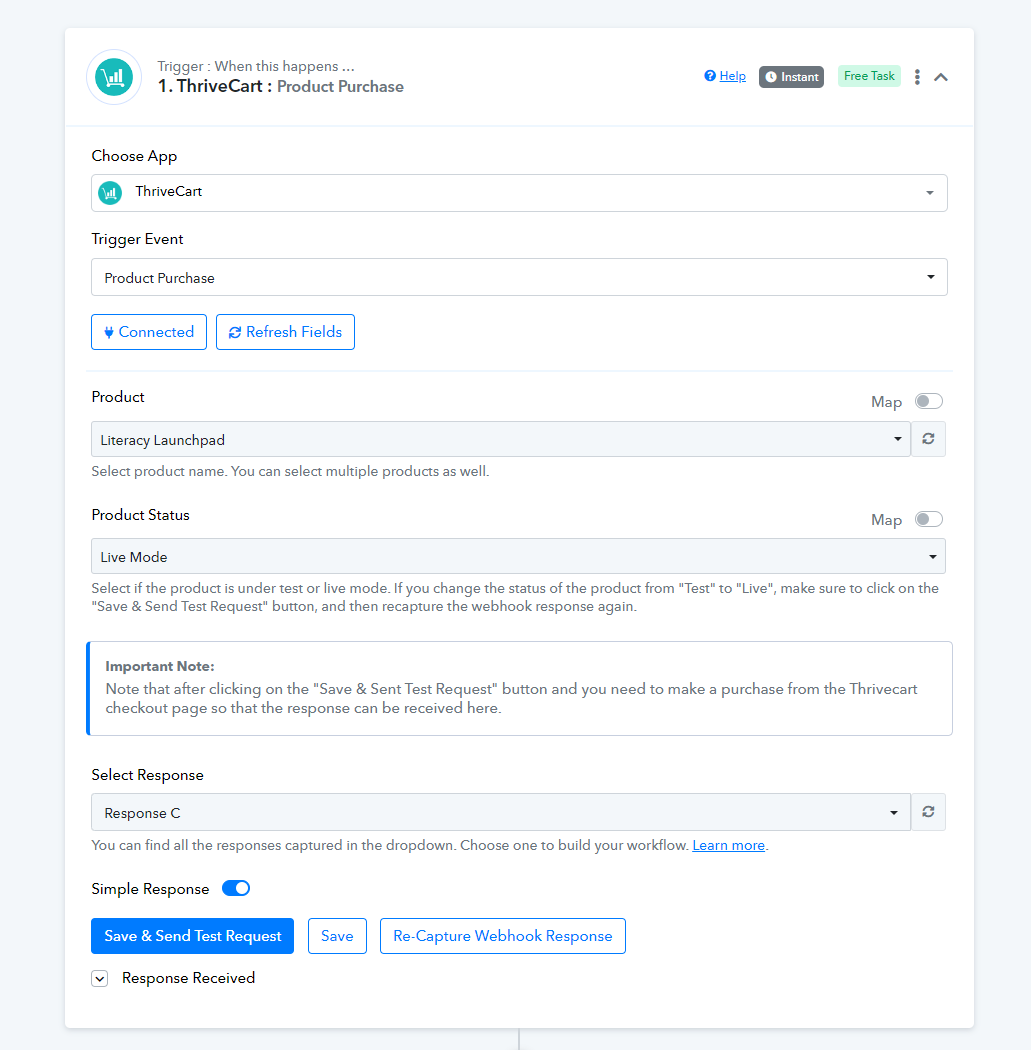
I set up a workflow that adds a new record or updates an existing record in Airtable whenever a transaction is processed in ThriveCart for a monthly membership. It seems to be working but it's adding multiple records, 3 blank and 1 filled in with the transaction details, for each new member. I'm not sure where I went wrong.
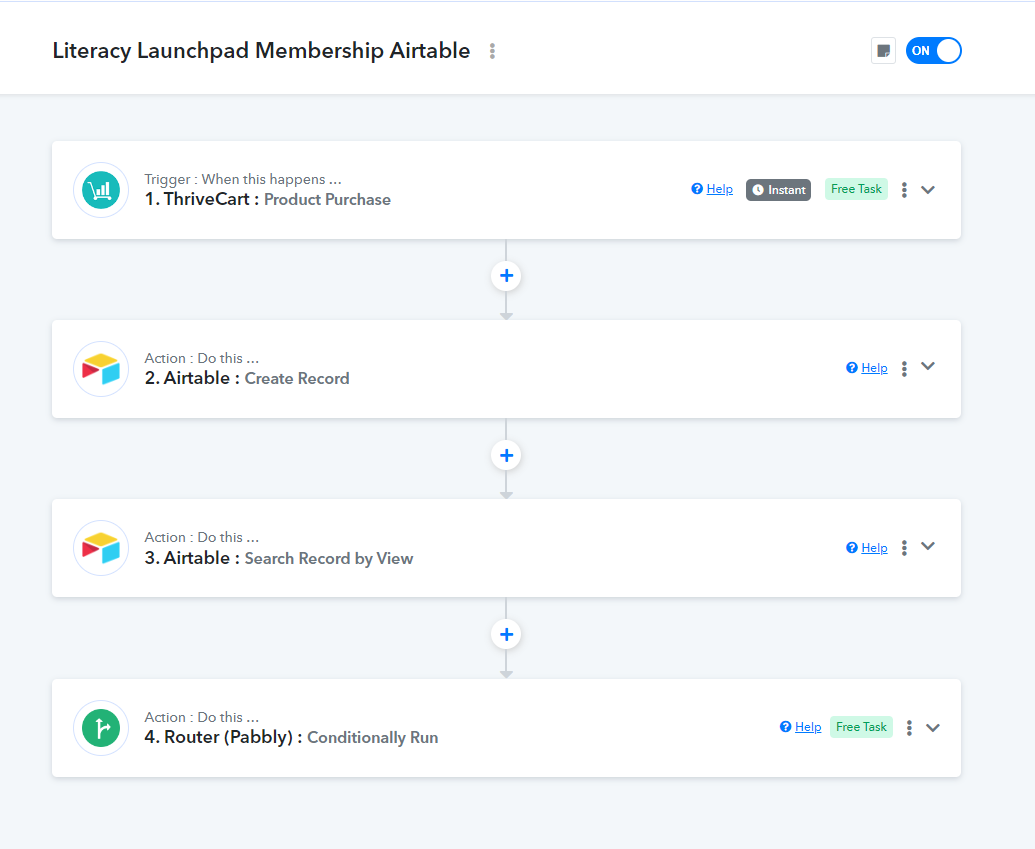
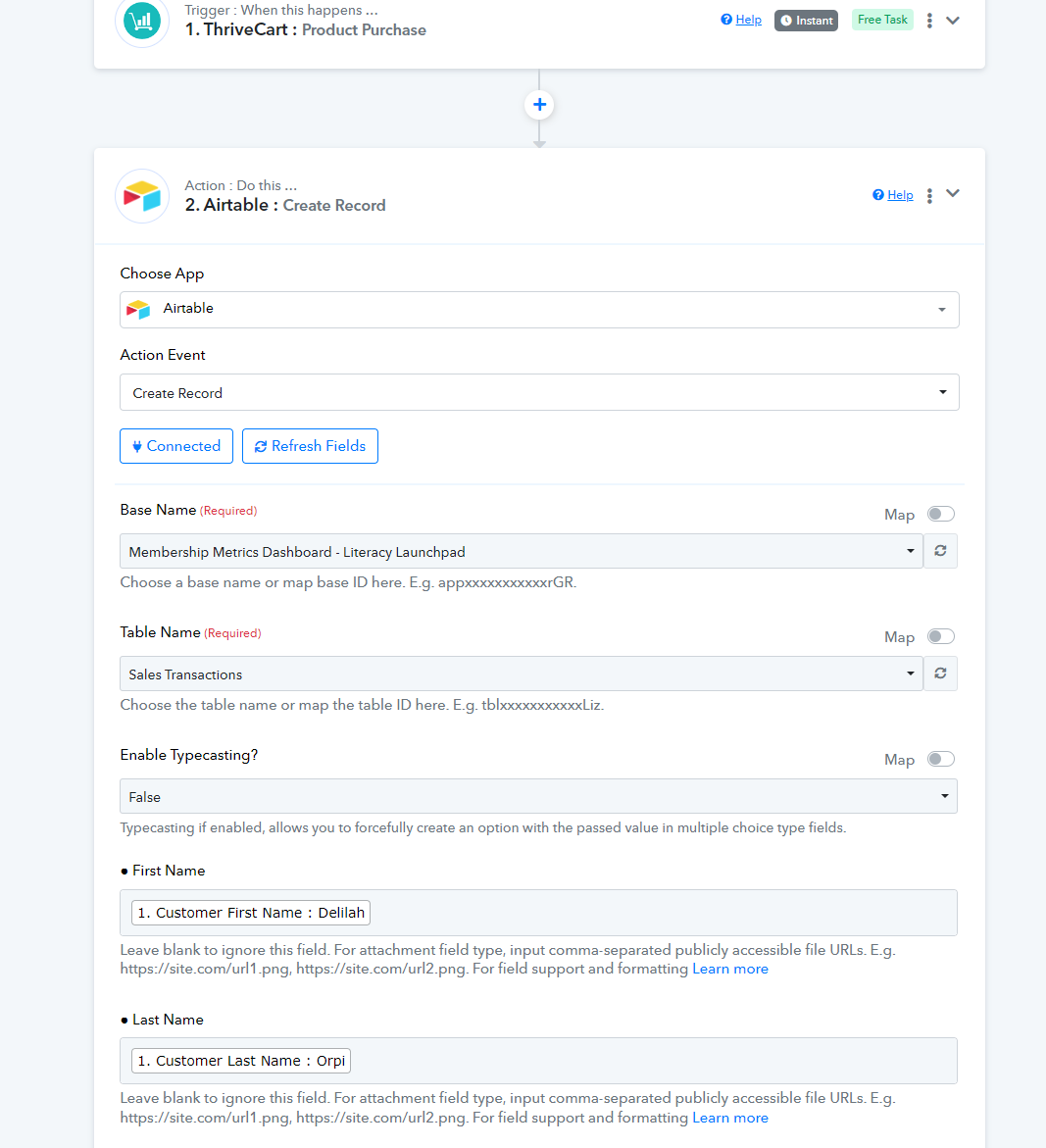
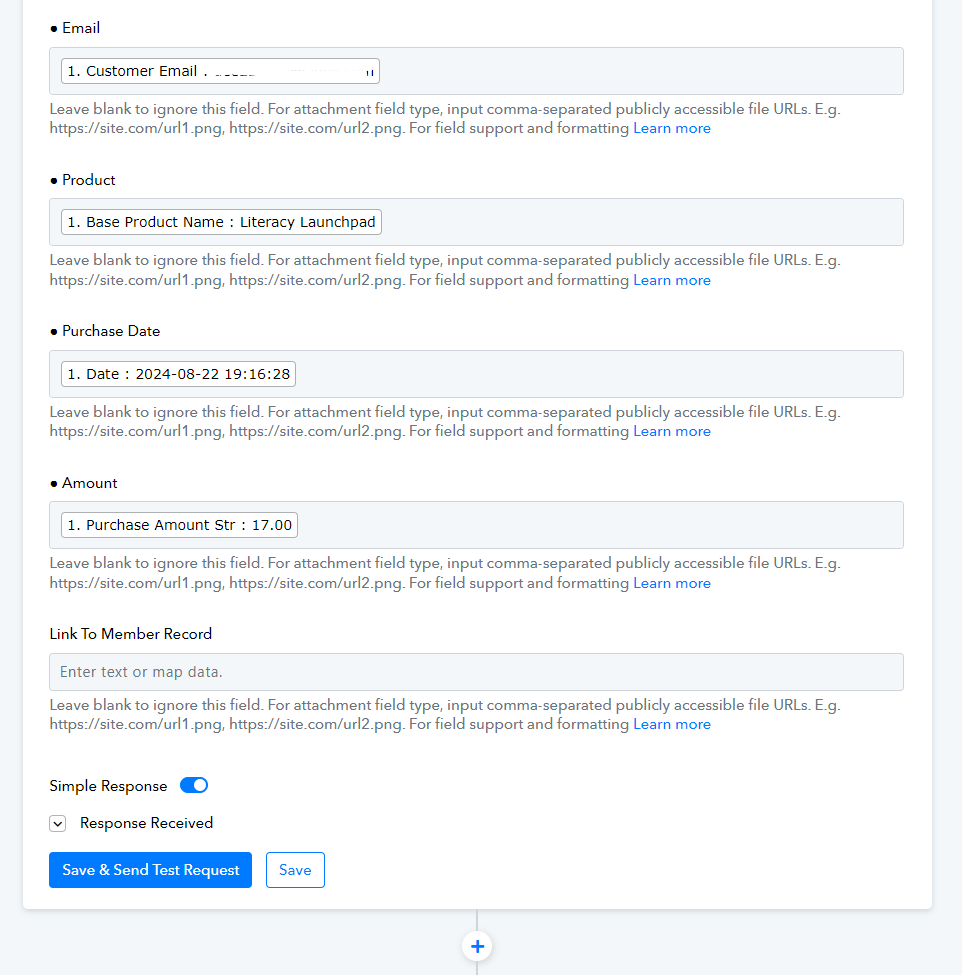
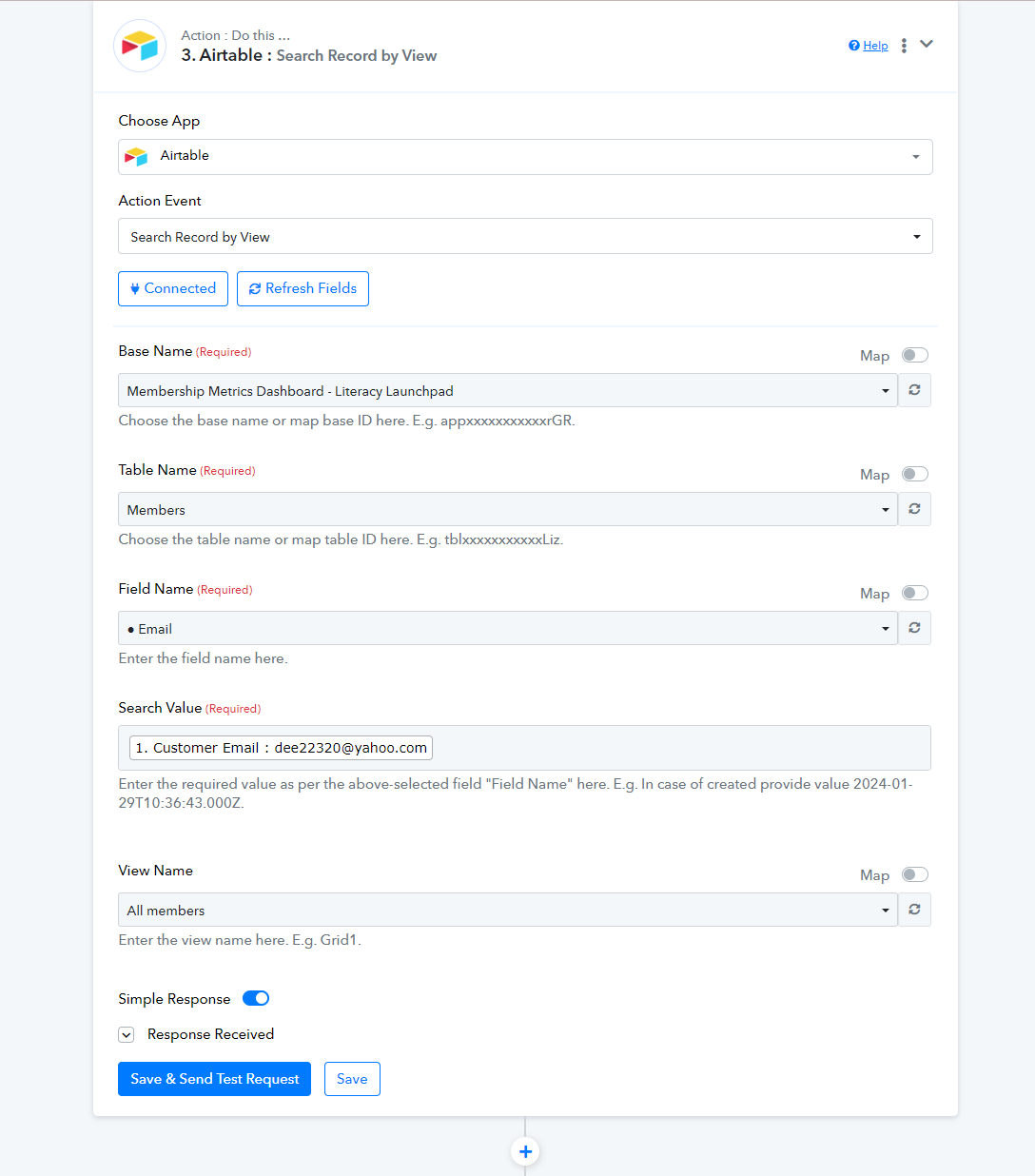
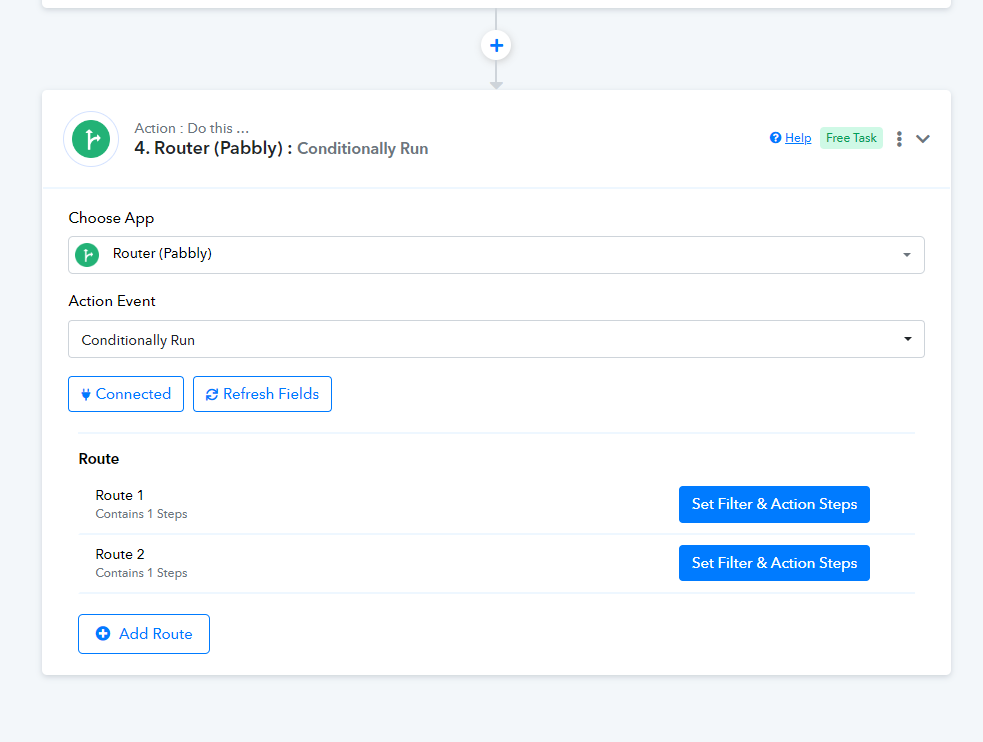
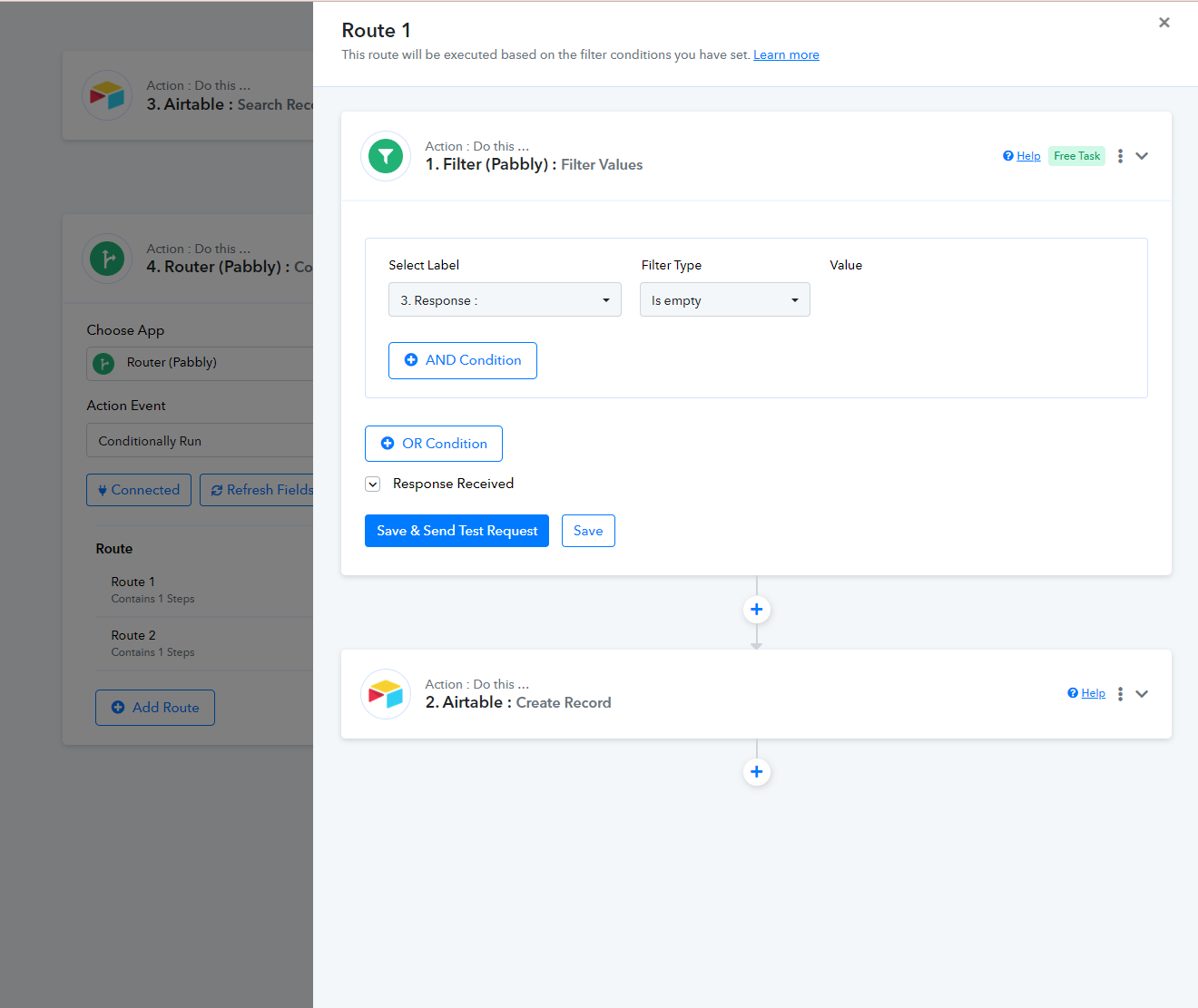
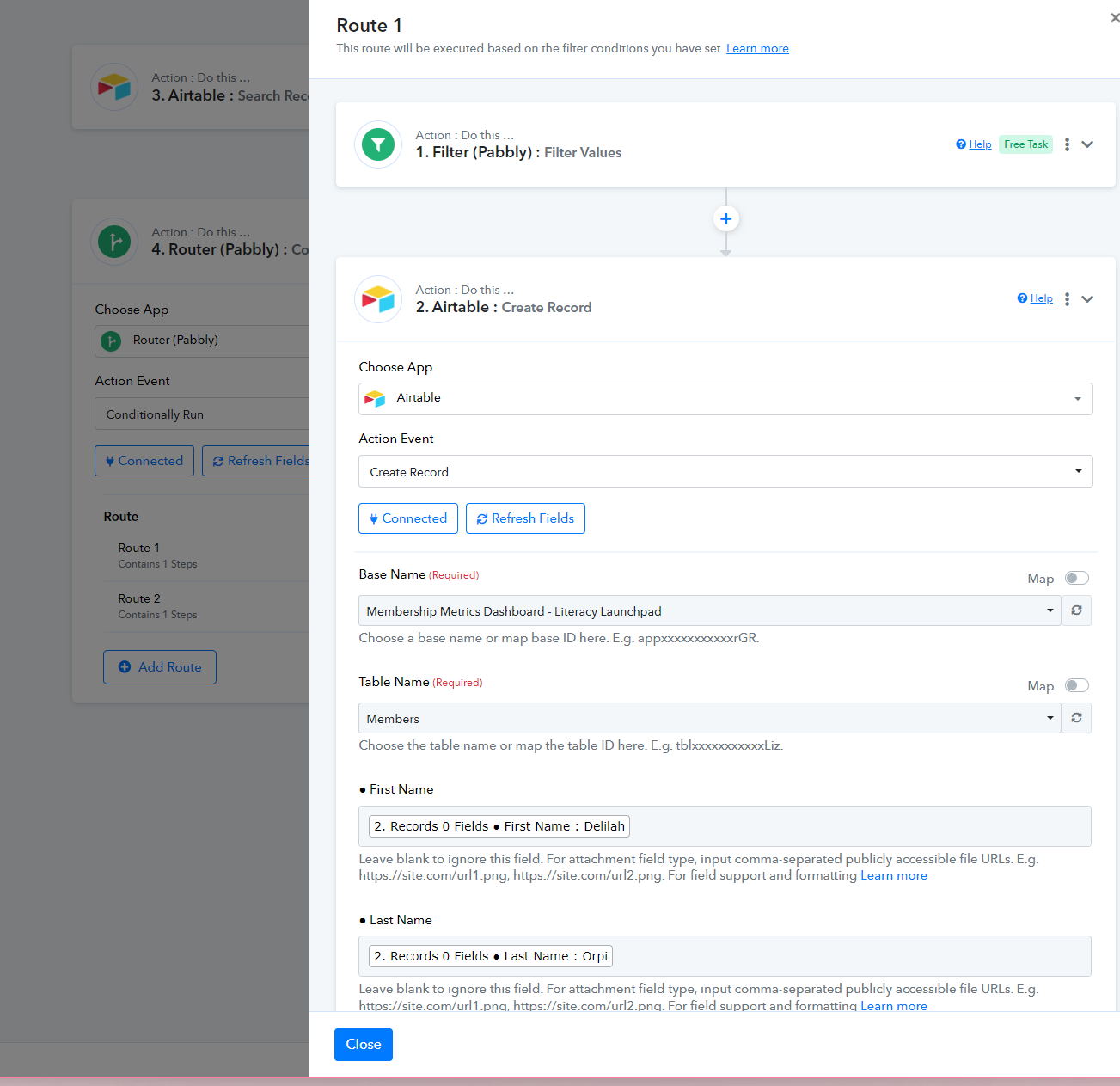
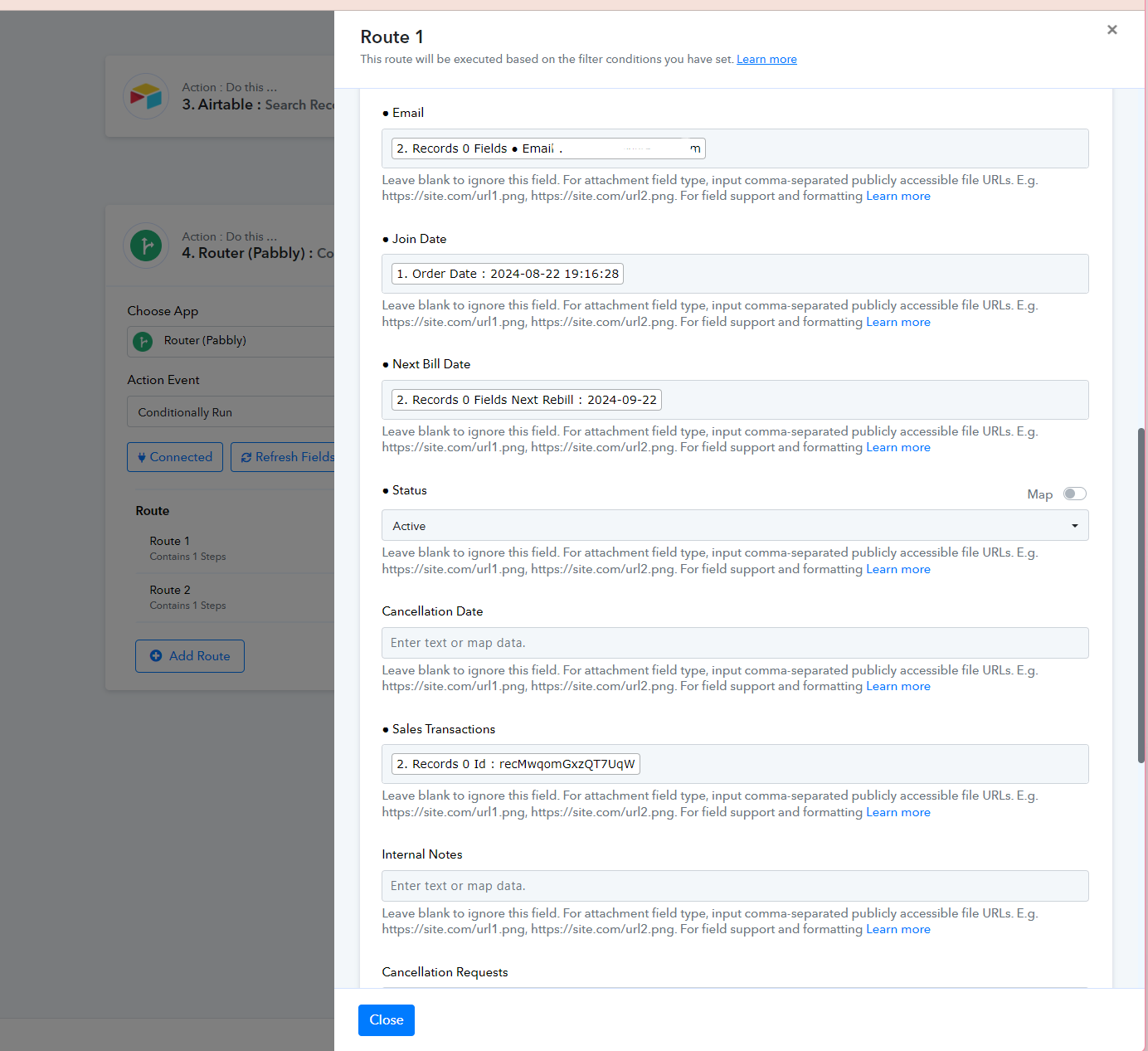
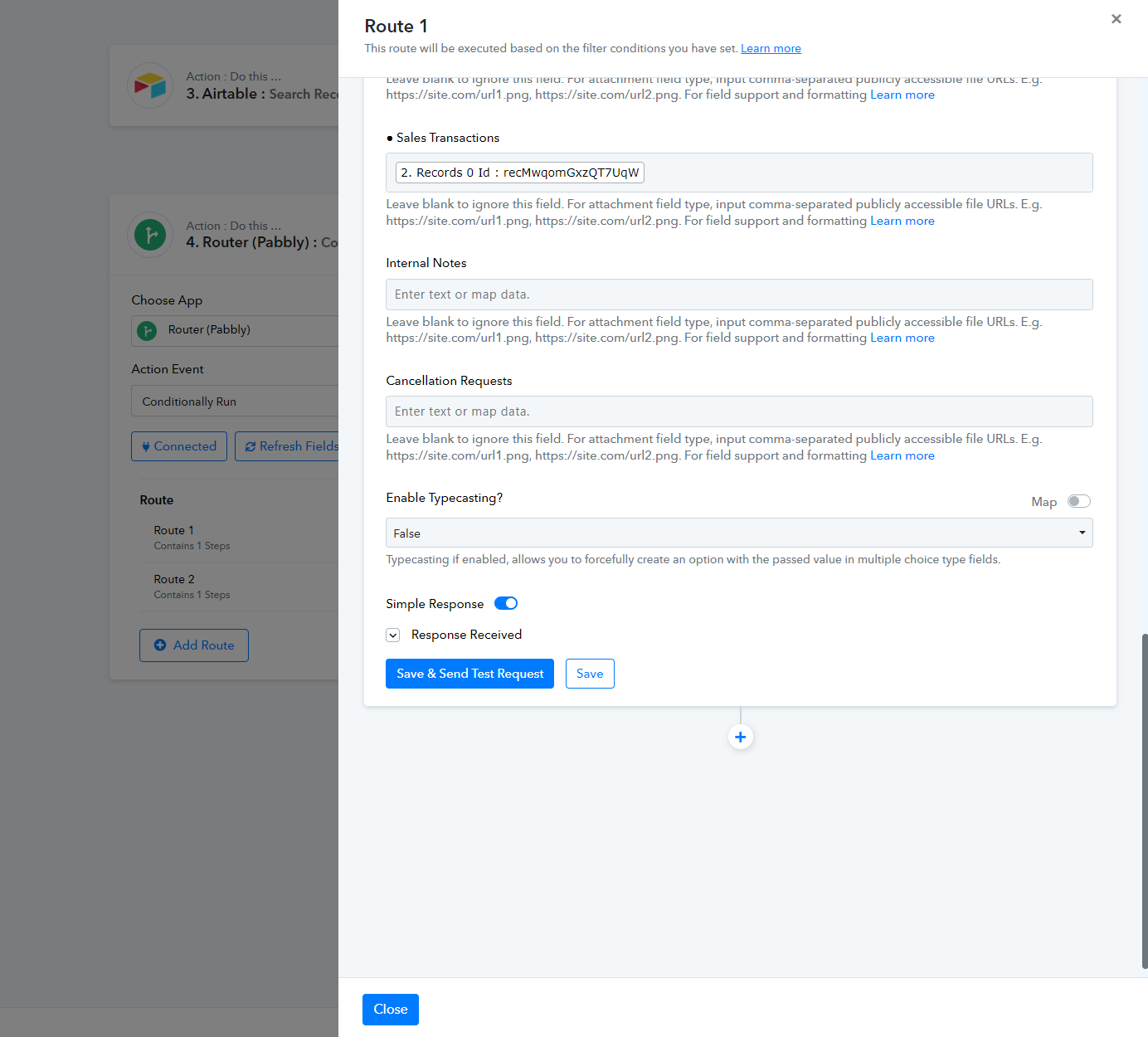
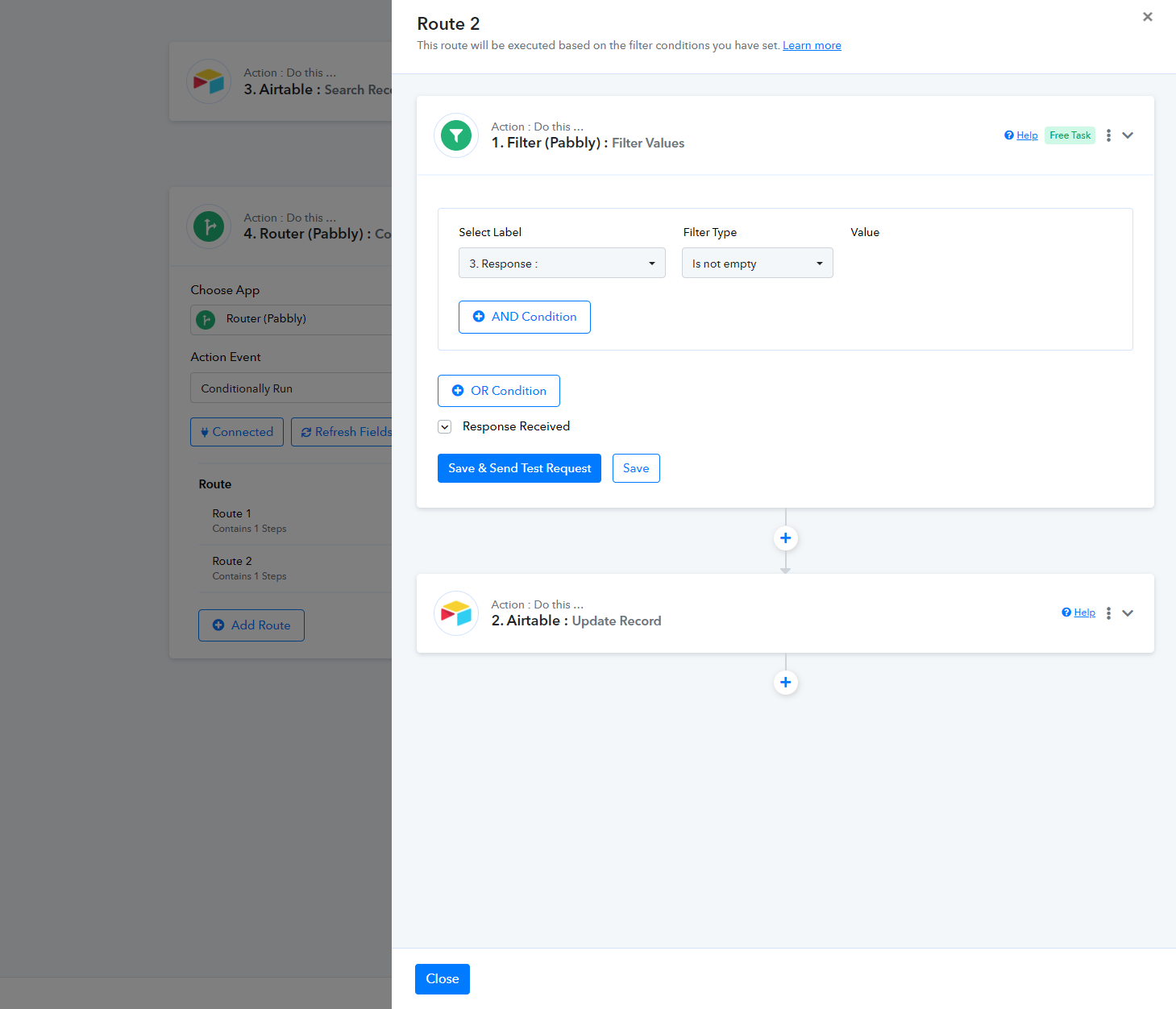
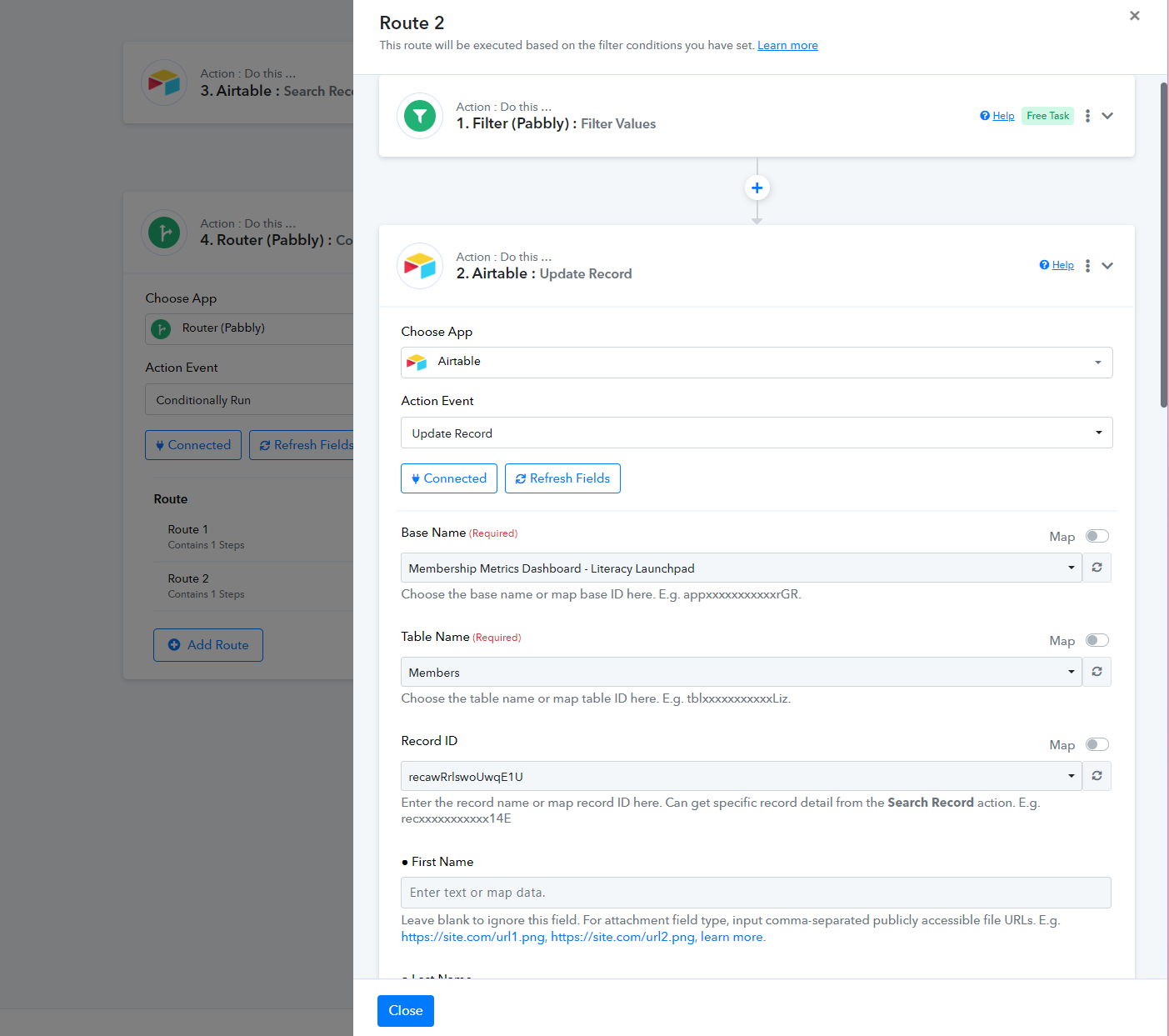
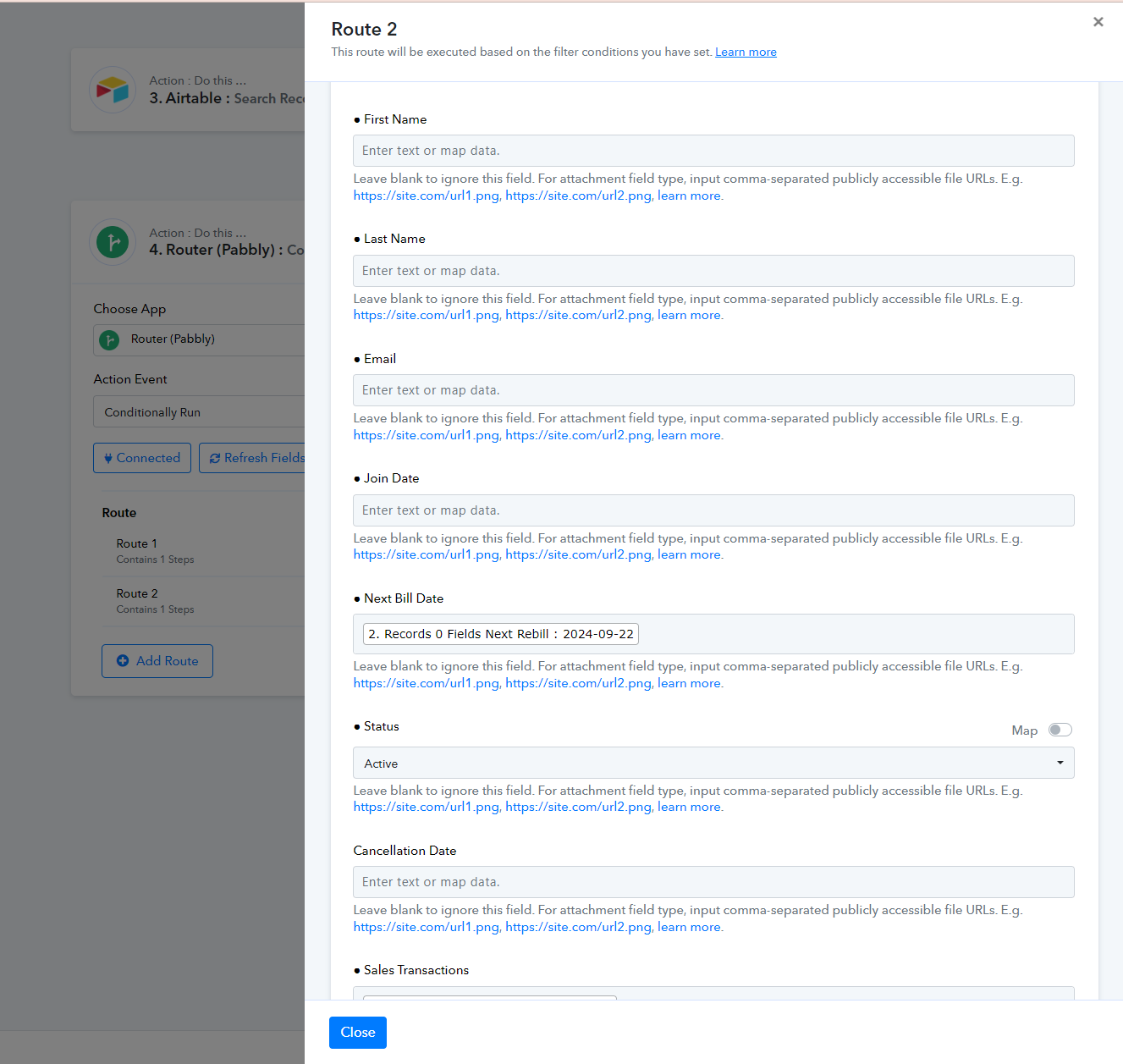
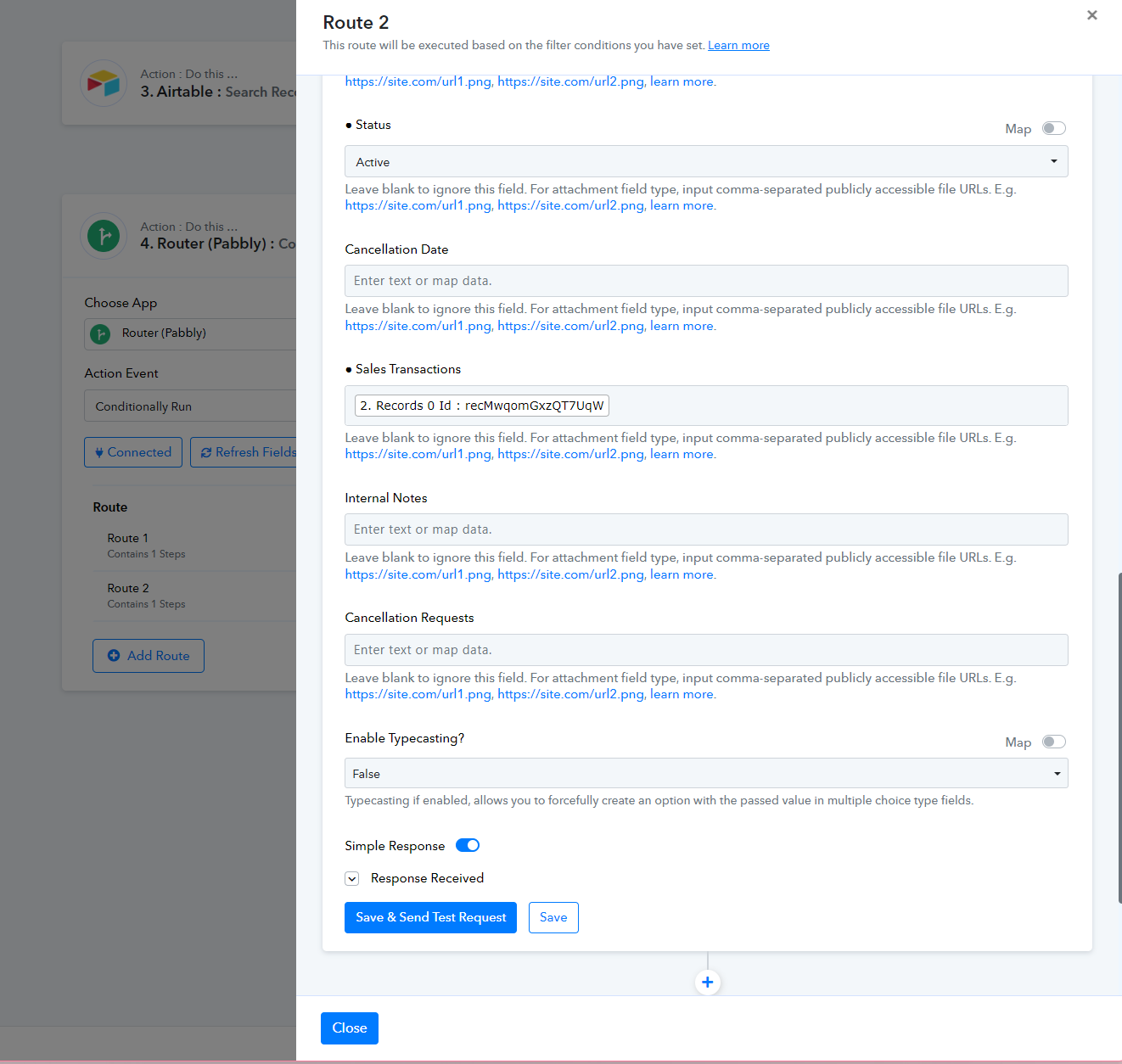
This is the zap I was trying to replicate: https://zapier.com/shared/thriving-memberships-thrivecart-to-airtable-base-shared/d14a7da45259461f7694063c5f6ec76dab79c4fd
Hi @Delilah,
The issue you are describing occurs when a user clicks on 'Save & Send Test Request' multiple times, which, in turn, creates multiple webhooks in the application, causing the workflow to execute that many times.
To fix this, disable the workflow in which you are facing the issue and set up a new workflow from scratch (without cloning).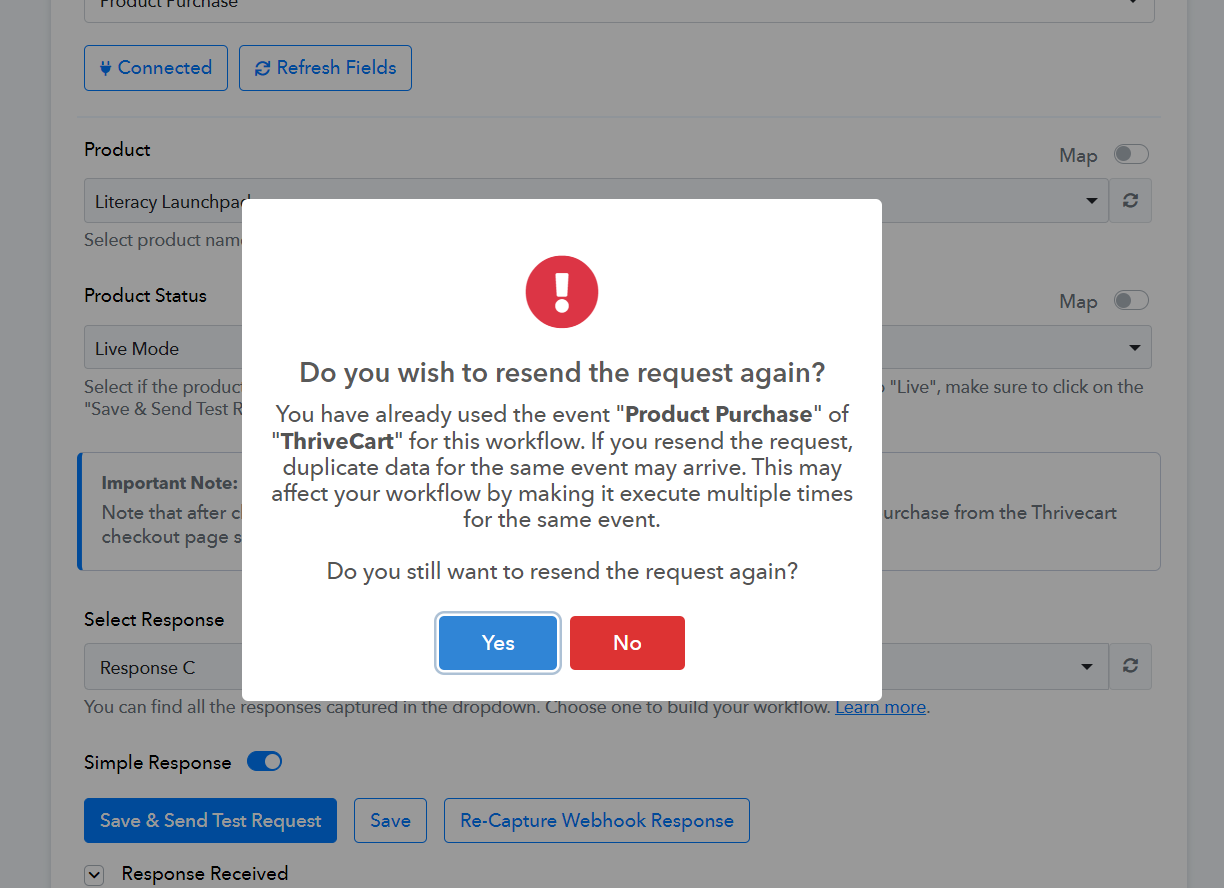
https://connect.pabbly.com/workflow/mapping/IjU3NjUwNTZiMDYzZTA0M2Q1MjY0NTUzNjUxMzci_pc
We have also made some changes to this workflow on your behalf, which will help you achieve your desired result. Make sure to set up your new workflow exactly in this manner.
I have had this running since making these changes and it is working correctly to capture new purchases (thanks!), but it is not updating the Airtable on rebills.
Hello @Delilah
We have added a minute delay to your workflow please refer to the attached image for more info. Please make a few tests and let us know if it works for you.
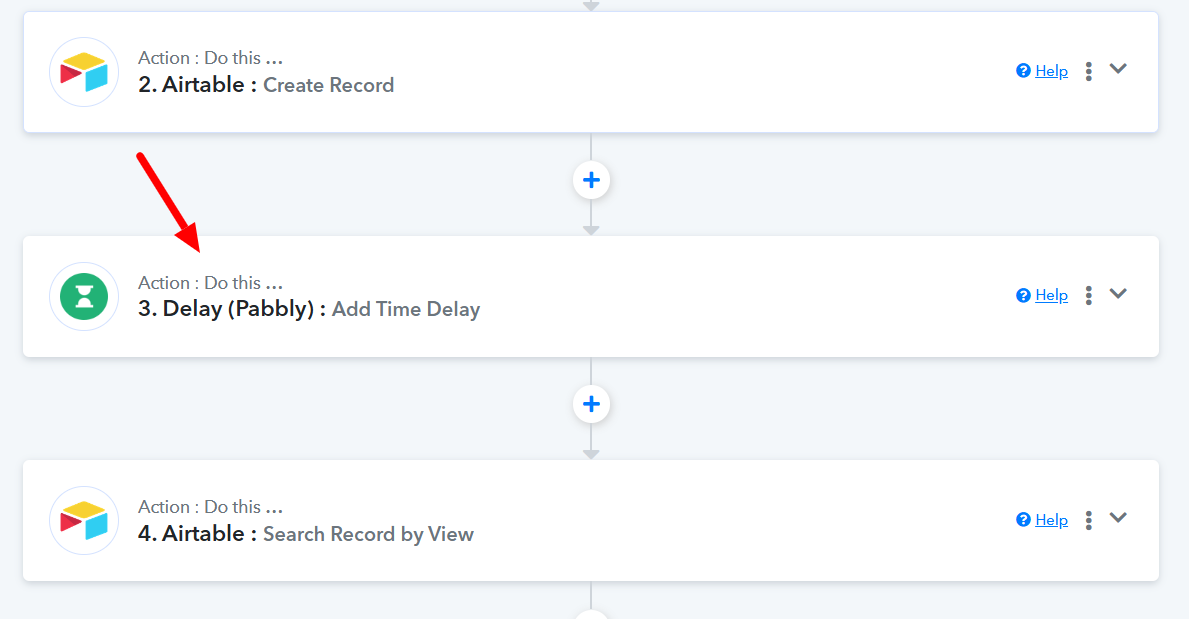
Also, please elaborate on the use case you are trying to acheive so we can better assist you.
The goal is to track all subscription sales on Airtable. I want to capture the initial charge, then update the record with the recurring charge each month. It's tracking the initial charge but not updating recurring charges in Airtable.
Hello @Delilah
In that case, it seems the workflow is not configured correctly. Please refer to the attached.
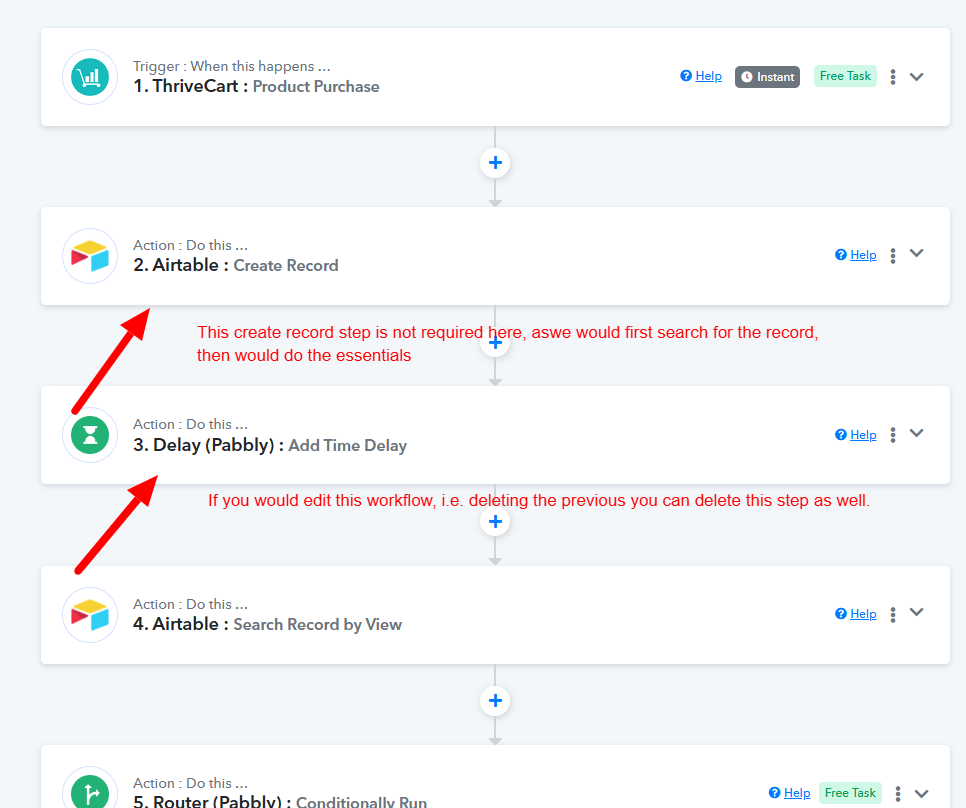
As per my perception, the flow should be like:
- Trigger: Product Purchase
- Action: Search record by view(To check if the record with the email exists)
- Action: Router
- Route 1: Action: Create Record: If the user doesn't exist.
- Route 2: Action: Update Record: if the user exists.
If the above-mentioned flow fulfills your requirement, kindly set up the workflow in that manner and mapp the details accordingly. If after a new setup, the issue persists please let us know.